

Backyard AI
Faraday Dev · Chatbot
Backyard AI is an AI chat platform from Faraday Dev for roleplay, storytelling, and character conversations. It runs in your browser and on iOS, with community characters and optional cloud models.
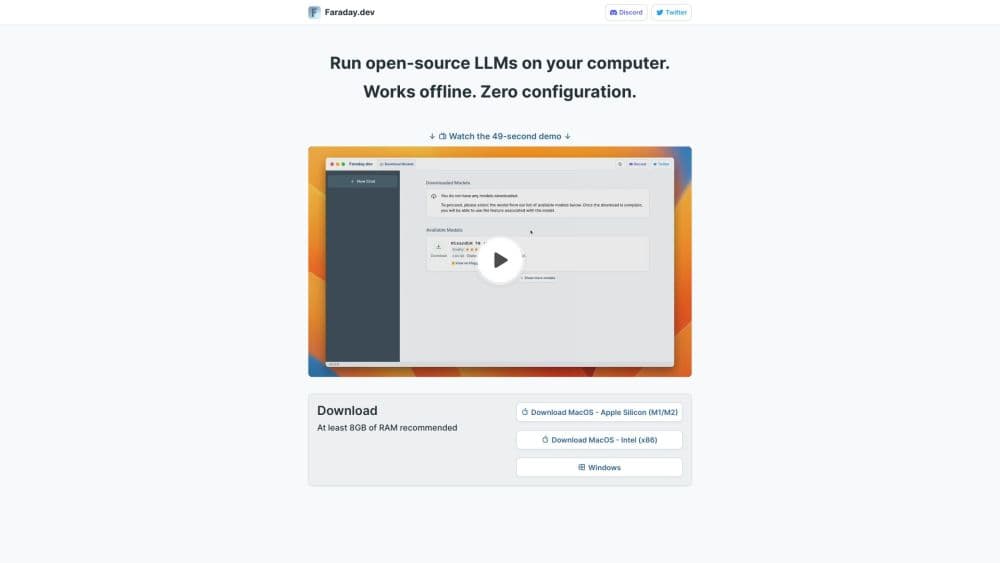
About Backyard AI
What Is Backyard AI
Backyard AI is a chat platform built for text adventures, interactive stories, and roleplay sessions powered by AI language models. You pick or create a character, then hold a long conversation that keeps its personality and backstory across the whole session.
It sits between a general chatbot and a full writing tool. The pitch is immersion: characters that remember their lore, voice their lines out loud, and stay in character instead of slipping back into assistant mode.
The biggest limit is hardware and price. Free local use depends on your own machine, and richer cloud models sit behind a subscription. The Android app still isn't out, so mobile users are pointed to iOS or the mobile web page for now.
Getting Started
- Open the Backyard AI web app or download the iOS app, then sign in.
- Browse the Character Hub and pick a public character, or start a blank one and write its personality.
- Add optional tools such as a Lorebook or an Author's Note to set the world and tone.
- Pick a model, tune sampling and context length, then start chatting or narrating.
- Enable Dynamic Voices if you want the character to read its replies aloud.
Product Information
A quick look at Backyard AI's pricing, supported platforms, and performance.
Best for
The users, tasks, and scenarios where this tool fits best.
Users
- Roleplay and interactive fiction fans
- Writers sketching dialogue
- Privacy-minded users
Tasks
- Long character conversations
- Voice-driven storytelling
- Custom character design
Scenarios
- Ongoing story serials
- Tabletop prep
- Language practice through play
Key features
Character Hub
The Hub is a community library of AI characters, each with a personality and lore. You can chat with public ones right away, or clone and edit them to fit your own story. It removes the blank page problem for new users.
Lorebooks
Lorebooks feed the model background facts about your world, history, and side characters. They keep a long story from drifting when you mention a place or person it hasn't seen in a while. Writers use them to hold setting details steady across sessions.
Dynamic Voices & Audio
Characters can speak their replies with voice and audio cues instead of plain text. This turns a chat log into something closer to a scene you listen to. It's the feature that makes narration and audio roleplay feel less flat.
Author's Note
The Author's Note is a standing instruction that sets scene, mood, and story direction. You can pin details like genre, location, or time of day so the model keeps them in mind. It's a fast way to steer tone without rewriting the character card.
Grammars
Grammars let you enforce a reply structure, such as a fixed format for choices or scene descriptions. If you want every turn to follow the same shape, a grammar keeps it consistent. It's aimed at users who want controlled, repeatable output rather than free-form prose.
Model Parameters
For fine control, Backyard AI exposes advanced token samplers, custom context length, and prompt templates. You can tune how creative or how focused replies feel, and how much history the model sees. This is where tinkerers separate their setup from the default experience.
Pros and cons
Pros
- Built specifically for roleplay and storytelling, not bolted onto a general assistant.
- Free tier plus local models let privacy-focused users keep chats on their own hardware.
- Lorebooks and Author's Note give practical control over consistency in long stories.
- Voice and audio support adds immersion that text-only chatbots miss.
- Works in the browser and on iOS, so switching devices is simple.
Cons
- Best cloud models sit behind a subscription, so the free path isn't the full experience.
- No Android app yet, which leaves Android users on the mobile web page.
- Local model quality depends on your hardware, so weaker machines get weaker replies.
- Parameter and grammar controls add power but also a learning curve for newcomers.
Frequently asked questions
It's used for AI roleplay, interactive storytelling, and character chats. You talk with a character that keeps a set personality, rather than a generic assistant.
Related content
Explore related tools, skills, and articles for Backyard AI.
Backyard AI Alternatives

Knocket
Knocket (Tencent RTC team) · Productivity · Business · ChatbotKnocket is a free live chat and contact page tool that lets visitors message you from your website, app, or a shareable link, with every reply handled from Telegram or one inbox.
Agibot
Agibot · Productivity · AI Assistant · ChatbotAgibot is a personal AI agent for Mac that keeps running after you close the window, runs routines on a schedule, and works from Telegram or Slack with your own API keys.

Melete
Melete · Productivity · AI Assistant · ChatbotMelete is an AI workspace for teams where agents research, draft, and act in Slack, Notion, Linear, and GitHub. Shared memory and approval gates keep people in control.