

FashionStyle.ai
FashionStyle.ai · Image
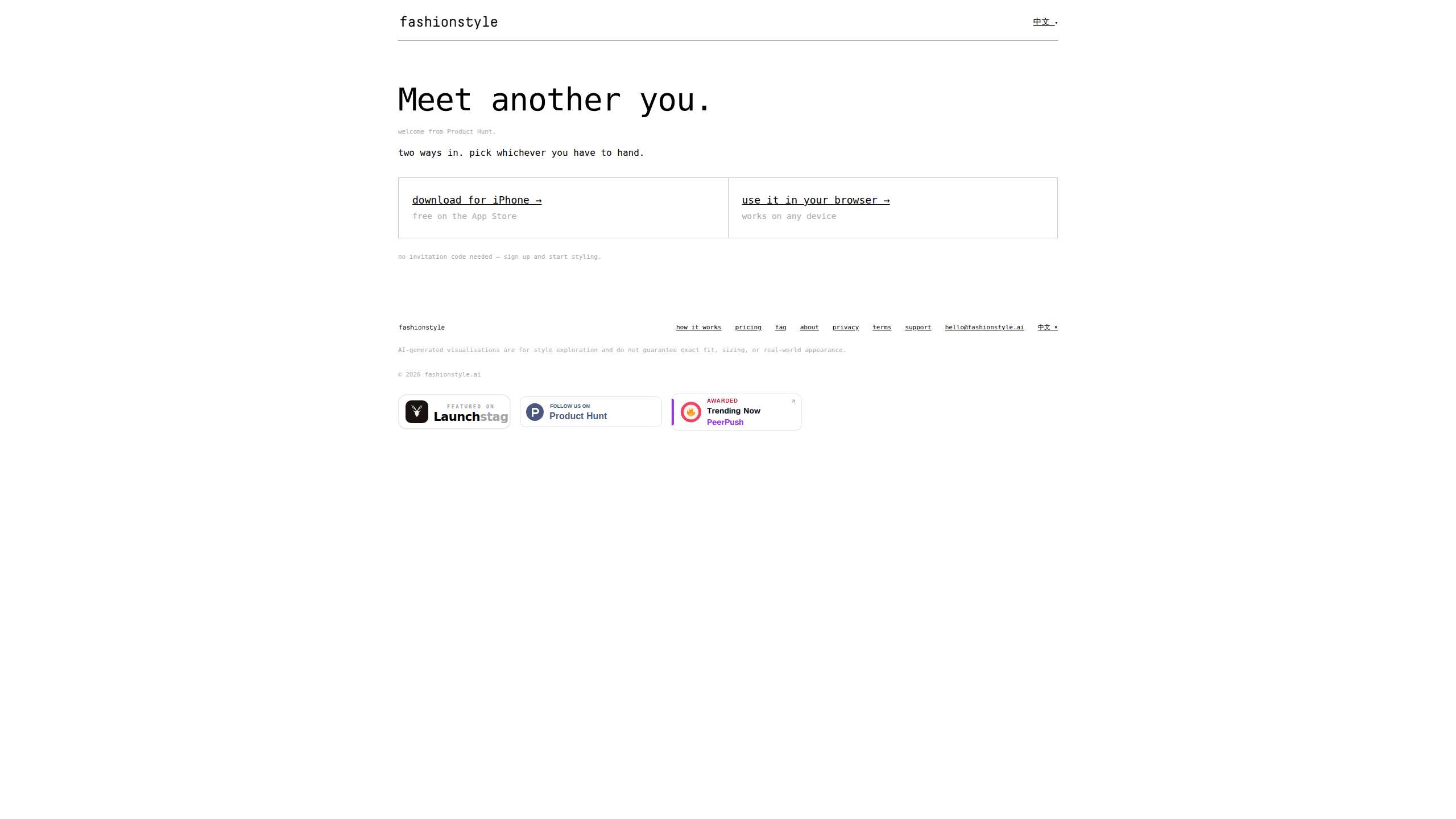
FashionStyle.ai is an AI fashion stylist that takes a single photo of you and generates restyled versions of the same person, so you can see new looks on your own body before buying anything. Think of it as an AI outfit generator tied to your actual face, not a generic model's. It runs on the web and on iPhone, needs only one photo instead of a full training set, and pairs every suggestion with a short explanation of why the outfit suits you. The app is invite-only during its current beta, and credits drive each generated look or virtual try-on.
About FashionStyle.ai
What Is FashionStyle.ai
FashionStyle.ai sits somewhere between a style quiz, a virtual fitting room, and a chatbot stylist. You upload one clear photo of yourself, and the tool produces new outfits rendered onto that photo. The person in the result is still recognizably you. That's the whole point. Most styling advice online gets aimed at models and thin bodies, and it doesn't translate to your frame or coloring.
The tool frames itself around discovery rather than shopping. To restyle your photo, you don't pick from a catalog first. The pitch is that your style has more than one answer, so it shows you directions you'd never have picked and lets you keep the ones that feel like you. An AI stylist chat lets you ask follow-up questions, and a virtual try-on feature accepts a real garment, either as a photo or a product URL, so you can wear it before you commit to a purchase.
The biggest limitation right now is access. FashionStyle.ai runs an invite-only beta, so you need an invitation code to sign in. You can join a waitlist or email the team to get one. The free daily credits are also described as a promotional offer for a limited period. So the cost of heavy use may change over time. Plan for that.
Getting Started
- Join the waitlist on the official site, or email the team at [email protected] to request an invitation code.
- Download the iPhone app from the App Store, or open the web app at app.fashionstyle.ai in a browser.
- Sign in with your invitation code and upload one clear photo of yourself.
- Ask the AI stylist chat for a direction, or let it suggest looks on its own, then save the ones you like to your collection.
- Bring a garment you're considering, by photo or product URL, and run a virtual try-on before you buy.
Product Information
A quick look at FashionStyle.ai's pricing, supported platforms, and performance.
Best for
The users, tasks, and scenarios where this tool fits best.
Users
- Anyone tired of buying clothes that look wrong once they arrive
- People who feel style advice ignores their body
- Shoppers who over-order and return most of it
- Casual users curious about new directions
Tasks
- Trying a statement piece before you commit
- Diagnosing why an outfit works
- Building a saved wardrobe of ideas
- Breaking out of a four-outfit rotation
Scenarios
- Deciding on a purchase in a store or online
- Planning outfits for an event
- Morning dressing with a full closet and nothing to wear
- Learning your own coloring and proportions
Key features
One-Photo Restyling
The setup is a single clear photo. There's no eight-shot upload and no waiting hours for a model to train on your face. Results come back in seconds. That low barrier matters if you've bounced off other styling tools that ask for a small photo shoot before showing anything useful. The person in each generated look stays recognizably you, which is what separates this from generic AI image generation.
AI Stylist Chat
The chat is where you push back. Ask for a direction, refine it, or question a suggestion, and the advice renders straight onto your photo rather than staying as text. Ask for a longline coat over a knit and you get the reasoning with it. The vertical line lengthens the frame, the open collar lifts the neckline, and a warmer tone reads as intentional. That explanation layer is the part most AI personal stylist tools skip.
Virtual Try-On
This is the feature that reaches beyond the fun stuff. You bring a real garment, either as a photo or a product URL, and see yourself wearing it before you buy. For anyone who has ordered clothes, tried them on, and shipped most of it back, this is the practical payoff. It turns the app from a novelty into a decision tool. Just make sure you can find a clean image of the item.
Your Collection
Every look you save lives in one place and stays yours. Think of it as a mood board that updates as you discover new directions, and one you can revisit before a shopping trip. Saved looks never expire, and only generation spends a credit. So the collection becomes the durable part of the account.
Personality Lenses
You can restyle through your zodiac sign or MBTI type. It's built for fun as much as for direction, and it's an easy way to break out of your usual choices when you don't know what you want. Treat it as a starting point rather than a system, and lean on the stylist chat when you want a real recommendation.
Bilingual Interface
The app is fully bilingual in English and Chinese from the first screen. That's a small detail until you're the person switching between them. Then having it baked in rather than bolted on saves a lot of menu hunting.
Pros and cons
Pros
- Only needs one photo, so there's no training wait or multi-shot upload before you see results.
- Renders looks on your own photo, which makes fit and proportion easier to judge than advice aimed at models.
- The stylist chat explains why a look works, so you learn the reasoning instead of just collecting images.
- Virtual try-on accepts a real garment by photo or product URL. That turns it into a shopping decision tool.
- Saved looks never expire, and free credits reset daily. Casual use can stay cheap.
- Runs on both the web and iPhone, so you can use it without installing anything.
Cons
- It's invite-only right now, so you need an invitation code before you can sign in at all.
- Free daily credits are a limited-time promotion. The free tier could shrink or disappear.
- You have to upload a photo of yourself, and the app doesn't spell out exactly how that image is stored.
- Paid plans cover a fixed number of credits rather than unlimited use, so heavy try-on sessions run through them quickly.
- No Android app yet, which rules it out for anyone on a non-iPhone device without a browser.
Frequently asked questions
It takes one photo of you and generates restyled versions of the same person, so you can see new outfits on your own body. An AI stylist chat explains each suggestion, and a virtual try-on lets you preview a real garment before buying it. Wondering how long it takes? Seconds, not hours.
Related content
Explore related tools, skills, and articles for FashionStyle.ai.
FashionStyle.ai Alternatives

X Ray Interpreter
X-ray Interpreter · ImageX Ray Interpreter is a web-based AI radiology tool that turns X-rays, CT scans, MRI, ultrasound, and PET images into plain-language reports. You upload a scan, get a preliminary X-ray interpretation in moments, then ask follow-up questions if something needs explaining. It works as a second opinion and a learning aid, not as a medical diagnosis.

Aieasypic
AIEasyPic · ImageAIEasyPic is an AI image generator that turns plain text prompts into finished artwork in seconds. You can also train custom models on your own photos, swap faces in existing images, and create short video clips from text, all from a browser. It suits casual creators who want quick visuals and hobbyists who want to build a personal model without touching any code.

Chargen
Chargen · ImageChargen is an AI character generator and worldbuilding toolkit built for Dungeons & Dragons and other tabletop RPGs. It turns a one-line idea into a painted character portrait, spins up NPCs, monsters, maps and encounters from the same session, and keeps every creature's details close at hand. The tabletop RPG art side runs on a credit system called Gold, while the text generators stay free for everyone.