
FastLogo AI
FastLogo AI · Image
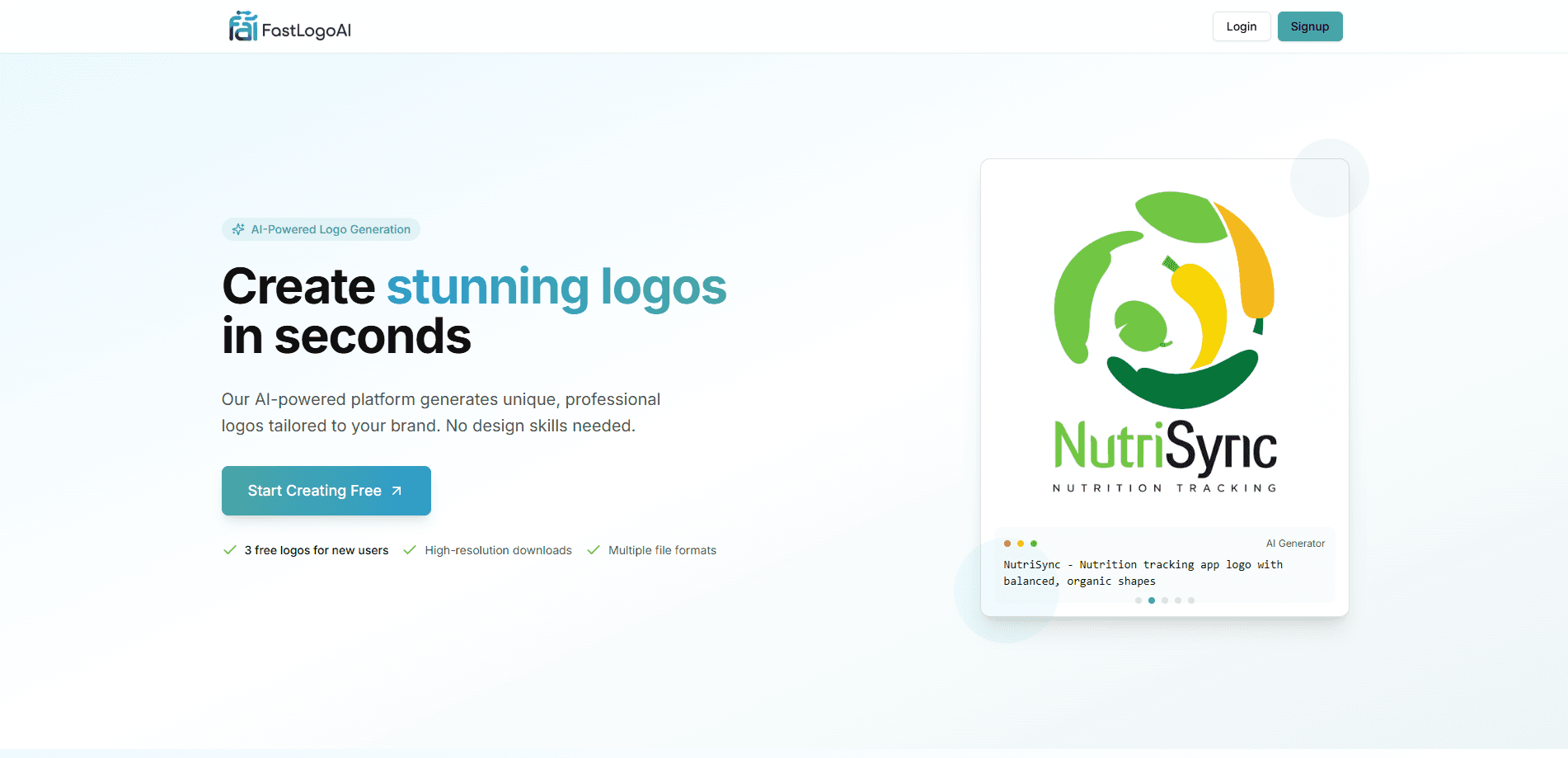
FastLogo AI turns a brand name into logo concepts in seconds. It adds customization tools and PNG, SVG, and JPG exports, so small teams can build an identity without a designer.
About FastLogo AI
What Is FastLogo AI
FastLogo AI is an AI logo generator that works from a short brand description. You type in a company name, pick a direction, and the service returns several design options you can adjust. It targets founders and solo operators who need a usable mark fast and don't want to open a full vector editor.
The tool leans on two conveniences. The first is speed: it drafts logos in seconds, so you can compare directions before committing. The second is delivery: the same design can leave as a flat image or as a scalable vector, which matters when you move from a screen to a print run or merch.
There's a catch worth stating plainly. The original website at fastlogoai.com is no longer serving the product. The domain now points to a parked for-sale page, so the online generator and its custom editor aren't reachable as they once were. Everything below describes what the tool offered when it was live, drawn from its product listings.
Getting Started
- Open the FastLogo AI site and enter a brand or business name to seed the generator.
- Pick a style and an industry category so the suggestions match the kind of business.
- Generate logo concepts, then compare the options side by side.
- Adjust typography, colors, icons, and layout in the editor until the mark fits.
- Export the final logo as a high-resolution PNG, a scalable SVG, or a print-ready JPG.
Product Information
A quick look at FastLogo AI's pricing, supported platforms, and performance.
Best for
The users, tasks, and scenarios where this tool fits best.
Users
- Solo founders and small business owners
- Content creators and side project builders
- Early-stage marketers testing a direction
Tasks
- Drafting a first logo from a brand name
- Building a quick visual identity
- Producing exports for different channels
- Refreshing an existing mark
Scenarios
- A freelancer launching a service site needs a logo before the first client call.
- A small shop opening an online store wants a mark that works on packaging and social posts.
- A creator setting up a new channel needs an icon that reads clearly at small sizes.
Key features
Text-to-Logo Generation
FastLogo AI starts from plain text. You describe the brand and the kind of look you want, and the model returns finished concepts instead of blank canvases. The value is in the first draft: you get something concrete to react to, which is faster than building a mark by hand.
Customization Tools
Generated logos aren't locked. Typography, color, icon, and layout can all be changed in the editor. This matters because the first output is a starting point, not a final asset, and most users want to nudge the spacing or swap a font before they ship it.
Style and Industry Templates
The tool organizes its starting points by style and by industry, so a restaurant and a software startup don't get the same set of options. That framing helps non-designers narrow the field without knowing the vocabulary for what they want.
Color Palette Support
Coloring is handled as a guided choice rather than a free-for-all. The tool suggests palettes that fit the chosen style, which keeps a beginner from landing on combinations that look off in context. A consistent palette also makes the mark easier to reuse later.
Multi-Format Export
FastLogo AI offers output in high-resolution PNG for screens, SVG for scalable vector use, and print-ready JPG. That spread covers a website header, a social avatar, and a printed sign from one design. Format options like these are usually what separate a toy generator from a tool you can actually ship.
Instant Generation
The generation step is fast enough to use as a comparison loop. You can produce several concepts, discard the weak ones, and iterate on the strong ones in one sitting. Speed here is the feature, because most people abandon logo tools when the first batch is slow and generic.
Pros and cons
Pros
- Generates multiple logo concepts from a short text prompt, so you get options instead of one fixed result.
- Exports in PNG, SVG, and JPG, covering both screen and print use without extra conversion.
- Customization covers typography, color, icons, and layout, which keeps you out of a separate editor for basic changes.
- Style and industry templates give non-designers a starting structure when they don't know the right terms.
- A free entry point and paid tiers starting at one dollar keep the cost low for testing a direction.
Cons
- The original website is no longer live, so the generator and editor can't be used as before. Anyone arriving today finds a parked domain rather than the tool.
- There's no API, so the generator can't be wired into an automated pipeline or another product.
- Output quality still depends on the prompt, and generic inputs tend to produce generic marks that need editing.
- A generated logo isn't a full brand system; teams that need guidelines, multiple lockups, and print files still need design work beyond the tool.
Frequently asked questions
It's used to generate logo concepts for a brand from a short text description, then customize and export the result. People reach for it when they need a usable mark quickly and don't have design skills or a designer on hand.
Related content
Explore related tools, skills, and articles for FastLogo AI.
FastLogo AI Alternatives

Tractionwave
TractionWave · Image · MarketingTractionWave is an AI attention heatmap tool for static ads. Upload a PNG or JPG and it returns predicted attention, ranked hotspots, and fixes before you spend budget.

Imejis.io
Imejis.io · Image · MarketingImejis.io is an AI design studio for agents and marketing teams. Describe an image in plain words, and it writes the copy, builds the layout, reflows it to every size, then exports a finished file.

Layoutr
Van Dijk Ontwikkeling · Image · China AILayoutr is a browser floor plan tool that scales your own plan, places furniture at true size, shows the room in 3D and renders it with AI.