

Feetgen AI Feet Generator
Feetgen · Image · Marketing
Feetgen AI Feet Generator is a web tool that turns short text prompts into feet images, either photorealistic or anime-styled, within seconds. It's aimed at content creators, site owners, and studio teams who need a steady supply of original foot imagery for websites, social feeds, and paid content without booking a photoshoot. The platform leans on batch processing, prompt-driven customization, and commercial licensing to fit that workflow.
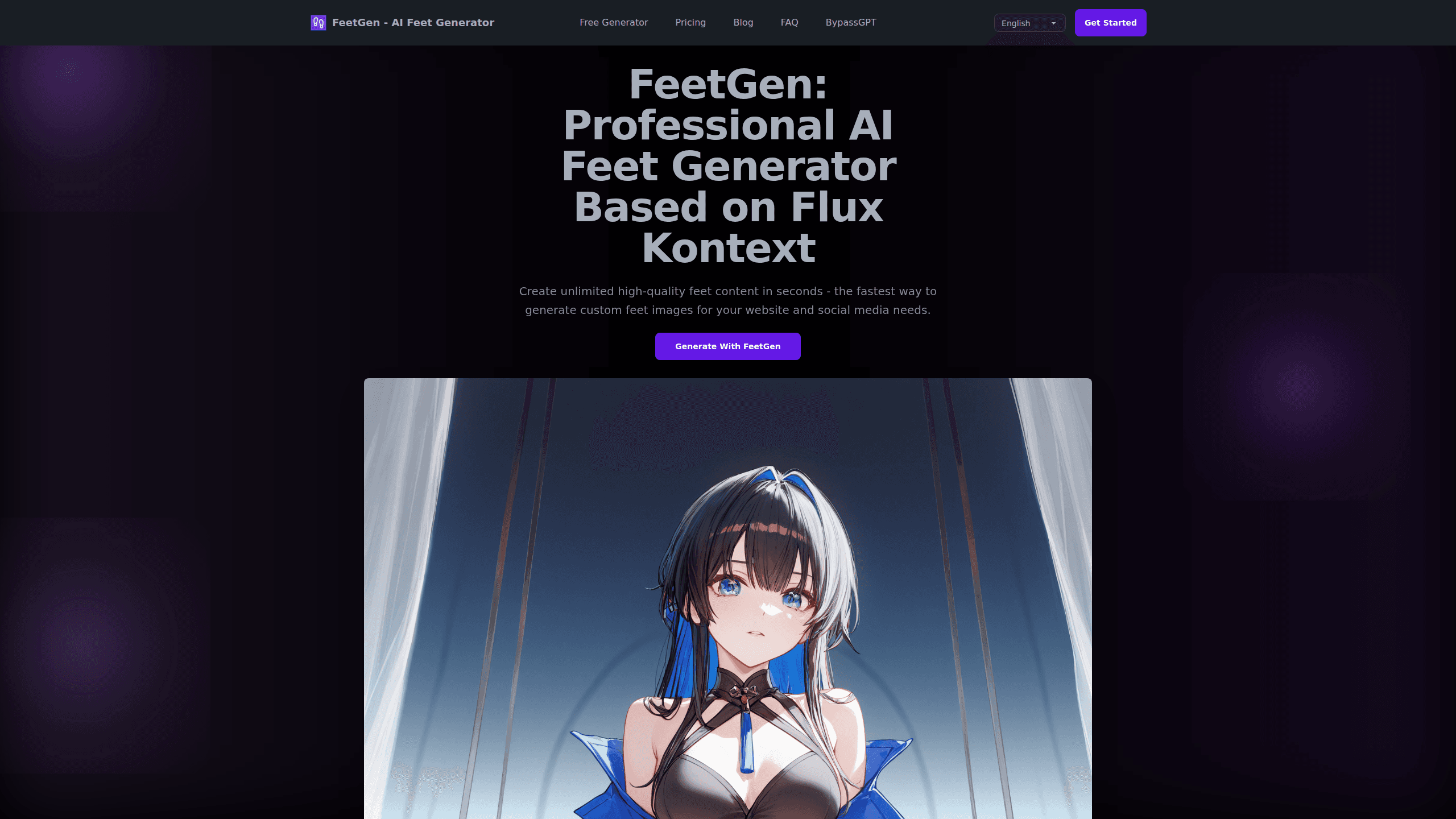
About Feetgen AI Feet Generator
What Is Feetgen AI Feet Generator
Feetgen AI Feet Generator is an online image tool built around one narrow job: producing feet images from text. You describe what you want, the generator renders it, and you download the result. Realistic renders and stylized anime feet both sit inside the same interface, so you don't juggle separate apps for each look.
The pitch is volume and consistency. According to the developer, this feet AI generator is trained on millions of reference images. It watches positioning, lighting, and texture so repeated generations stay usable. It's a niche tool, and that's the point. General image models can render feet. They just drift. Weird toes. Inconsistent style. If feet are the whole product, that breaks the workflow fast.
The limits are worth knowing up front. Feetgen AI Feet Generator runs in the browser, so there's no mobile app or desktop install. Pricing isn't published on the homepage, and the site routes you through a sign-up before you generate. If you need an offline tool or a fixed public price list, that gap will bug you.
Getting Started
- Go to feet-gen.com and create an account so the generator can save your credits and history.
- Open the generator and write a text prompt describing the feet image you want, including pose, angle, and style.
- Pick a rendering style such as realistic feet generation or anime feet content.
- Adjust options like watermarks or pose selection, then run the generation.
- Download the finished image, or push it through batch processing if you need several at once.
Product Information
A quick look at Feetgen AI Feet Generator's pricing, supported platforms, and performance.
Best for
The users, tasks, and scenarios where this tool fits best.
Users
- Content creators who publish feet-focused images
- Website owners running a foot-image niche site
- Digital artists exploring stylized work
Tasks
- Generating realistic feet images from a text prompt
- Producing anime-style feet content
- Batch-generating multiple feet images
Scenarios
- Stocking a content calendar for a social account
- Filling a niche website with original visuals
- Testing prompt ideas before committing to a full set
Key features
Prompt-to-Image Feet Generation
You type a description. The AI feet generator turns it into a finished image. The system reads your prompt for pose, angle, and mood, then renders it in seconds. For anyone used to briefing a photographer, the shift is drastic.
Realistic and Anime Style Options
Feetgen AI Feet Generator handles two very different looks: photorealistic renders and stylized anime feet. Switching between them happens in the same interface, so a single project can mix both without exporting between tools. The realistic mode leans into texture and lighting detail; the anime mode pushes toward cleaner, flatter lines.
Batch Processing
The tool supports generating many images in one go, and that's the feature most creators end up relying on, because running prompts one at a time gets old within an hour. Instead of working through them by hand, you queue a whole set and let the generator chew through it while you do something else. One creator testimonial on the site claims batch processing doubled their output, which sounds plausible for repetitive work, but treat it as a user claim rather than a measured benchmark.
Pose and Angle Control
You can specify how the feet are positioned and framed. That control matters. A reused angle starts to look repetitive fast. A feed full of identical compositions reads as low effort. Varying pose and angle is the cheapest way to keep a catalog from feeling recycled.
Custom Watermarking
You can apply watermarks to generated images. If you preview content, run a sample gallery, or send proofs to a client, a watermark keeps the unpaid version from floating around clean. It's a small feature that saves an extra editing step.
Commercial Usage License
Feetgen states that generated content comes with original content rights and commercial usage licenses. In plain terms, you should be able to use the images in paid projects rather than just personal ones, which is the difference between a toy and a tool you can build a business on. Check the current terms on the site before you build anything commercial around it, since licensing language is the kind of thing that quietly shifts over time.
Encryption and Content Security
The platform says content is secured with strong encryption during generation. Why does that matter for a niche generator? If you're handling client work or anything you'd rather not have exposed, a basic encryption promise is a reasonable floor to stand on. As always with niche tools, read the privacy terms yourself before uploading anything sensitive, because "strong encryption" can mean several different things once you look at the fine print.
Pros and cons
Pros
- Dedicated to feet imagery, so it avoids the awkward anatomy that general AI models often produce.
- Covers both realistic feet generation and anime feet content in one place.
- Batch processing makes it practical to produce content at a real publishing pace.
- Commercial licensing and original content rights are stated, which suits paid work.
- Prompt-based workflow means no design skills needed to get started.
Cons
- Web only, so there's no mobile app or offline option for on-the-go work.
- Pricing isn't shown on the homepage; you have to sign up to see what generation costs.
- No public API documentation, so teams wanting Feetgen in their own pipeline can't confirm it's available.
Frequently asked questions
It generates feet images from text prompts. Creators use it to produce realistic or anime-style foot visuals for websites, social media, and paid content without booking a photoshoot or licensing stock.
Related content
Explore related tools, skills, and articles for Feetgen AI Feet Generator.
Feetgen AI Feet Generator Alternatives

X Ray Interpreter
X-ray Interpreter · ImageX Ray Interpreter is a web-based AI radiology tool that turns X-rays, CT scans, MRI, ultrasound, and PET images into plain-language reports. You upload a scan, get a preliminary X-ray interpretation in moments, then ask follow-up questions if something needs explaining. It works as a second opinion and a learning aid, not as a medical diagnosis.

Aieasypic
AIEasyPic · ImageAIEasyPic is an AI image generator that turns plain text prompts into finished artwork in seconds. You can also train custom models on your own photos, swap faces in existing images, and create short video clips from text, all from a browser. It suits casual creators who want quick visuals and hobbyists who want to build a personal model without touching any code.

Chargen
Chargen · ImageChargen is an AI character generator and worldbuilding toolkit built for Dungeons & Dragons and other tabletop RPGs. It turns a one-line idea into a painted character portrait, spins up NPCs, monsters, maps and encounters from the same session, and keeps every creature's details close at hand. The tabletop RPG art side runs on a credit system called Gold, while the text generators stay free for everyone.