

FireCut AI
FireCut · Video
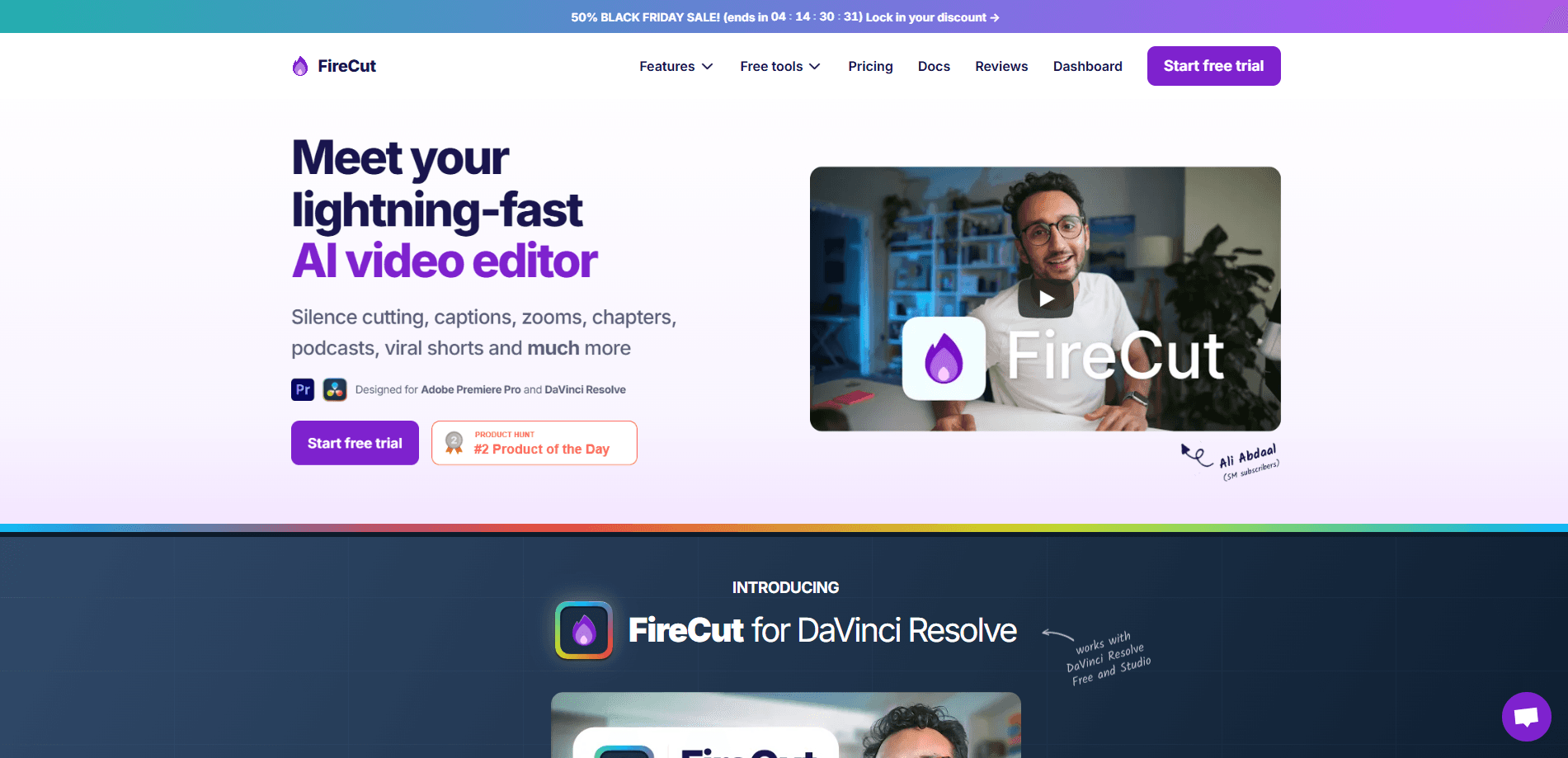
FireCut AI is an AI video editing plugin that runs inside Adobe Premiere Pro and DaVinci Resolve. It handles the boring parts of editing: cutting silences, adding auto captions in 50+ languages, placing zoom cuts, detecting chapters, and pulling in stock B-roll. It's built as a video editor for creators who want to move from raw footage to a finished cut faster.
About FireCut AI
What Is FireCut AI
FireCut AI is a plugin, not a standalone app. You install it into Premiere Pro or DaVinci Resolve, and it adds a panel of AI tools right where you're already editing. The pitch is simple: skip the repetitive cleanup and spend your time on the creative parts. That's the whole idea.
The main problems it solves are time and tedium. Cutting dead air out of a two-hour podcast by hand can eat an entire afternoon. FireCut does the first pass in one click, and you adjust from there. Captions, filler-word removal, and B-roll hunting work the same way.
The biggest limit is that you still need Premiere Pro or DaVinci Resolve. There's no web editor and no mobile version, so if you don't pay for Adobe or use Resolve, FireCut isn't for you. Filler-word removal is also English-only right now, which matters if you cut in other languages.
Getting Started
- Sign up on the FireCut site and start the 7-day free trial.
- Install the plugin into Premiere Pro or DaVinci Resolve and sign in through the panel.
- Import your footage and open the FireCut panel next to your timeline.
- Pick a tool (cut silences, captions, zooms) and let it process the clip.
- Review the result on the timeline and fine-tune before you export.
Product Information
A quick look at FireCut AI's pricing, supported platforms, and performance.
Best for
The users, tasks, and scenarios where this tool fits best.
Users
- YouTubers
- Podcasters
- Freelance editors
Tasks
- Cutting dead air
- Adding captions
- Cutting longform into shorts
Scenarios
- Editing a weekly podcast episode
- Repurposing a webinar into social clips
- Cleaning up a gaming or commentary stream
Key features
One-click silence cutting
FireCut scans a clip and removes dead space automatically, so a 90-minute recording can lose several minutes of nothing without you scrubbing for it. The advanced mode lets you set how aggressive the cuts are, which is useful when you want to keep short pauses for breathing room. It works on single clips and multi-track podcast sessions. Fast, and mostly right the first time.
Multilingual captions
The plugin transcribes your audio and drops in word-by-word animated captions, with options for emoji and different caption templates. It covers 50+ languages, so creators working outside English get the same speed. The full set of caption templates comes with the higher tiers.
Zoom cuts and titles
FireCut finds the moments worth calling out and adds animated zoom-ins on its own. It also places animated text titles for key spoken phrases. If you've ever zoomed into a timeline frame by frame, you know how much time this saves.
Automatic chapter detection
For YouTube uploads, the plugin finds topic changes and generates chapter markers you can paste into your description, which helps with search and lets viewers jump around your video. It works even on messy, unscripted footage, which is the hard part. Chapter detection on a random gameplay stream shouldn't work as well as it does. It does.
B-roll and music with Storyblocks
FireCut includes premium stock footage through a Storyblocks partnership, so you can drop context-matched B-roll, images, and GIFs into your edit. It can also match background music to the vibe of a clip. The higher tier adds 4K B-roll assets. No separate storyblocks bill.
Script-based and magic cuts
The Max plan adds script guidance, which is text-based editing that follows your written script, and Magic Cut, a one-click assembly of talking-head footage with no script needed, aimed at creators who want a rough draft cut before they polish. Does it replace an editor? No. It just gets you to a first draft faster.
Pros and cons
Pros
- Runs inside Premiere Pro and DaVinci Resolve, so there's no new editor to learn.
- Silence cutting and caption generation are genuinely one-click and fast on long footage.
- Bundled Storyblocks B-roll and music save a separate subscription.
- Covers 50+ caption languages, useful for non-English creators.
Cons
- Requires an existing Premiere Pro or DaVinci Resolve license, which adds cost on top of the subscription.
- Filler-word removal is English-only, so it won't catch "um" and "uh" in other languages.
- The useful tools (zoom cuts, chapters, B-roll) sit on the Pro tier and up, not the cheapest plan.
Frequently asked questions
It automates repetitive video editing tasks like cutting silences, adding captions, placing zoom cuts, detecting chapters, and finding B-roll. It runs as a plugin inside Premiere Pro and DaVinci Resolve.
Related content
Explore related tools, skills, and articles for FireCut AI.
FireCut AI Alternatives

Vadu AI
Vadu AI · Image · VideoVadu AI is a web-based AI video generator that turns written prompts or still images into short clips, and it can also generate images on its own. You type what you want, pick a model and style, and the platform renders the result in minutes. A free plan covers light testing, while paid tiers run from $9 to $77.40 per month based on how many credits you burn.

Mykaraoke Video
MyKaraoke Video · VideoMykaraoke Video is an online karaoke video maker and lyric video maker that turns any song into a finished, lyrics-synced video right in your browser. It handles the slow part for you. The AI pulls vocals out of the mix and locks the lyrics to the beat, then lets you customize background, fonts, and colors before exporting in 1080p MP4. If you make lyric videos for social media, party nights, or music promotion, it skips the software installs and manual timing work entirely. Want a karaoke video generator that doesn't eat your whole evening? That's the pitch here.

Finalframe
Finalframe · VideoFinalframe is a set of free, browser-based tools for grabbing exact frames out of a video clip. Its best-known feature, the Final Frame Extractor, lets you extract the last frame of any video so you can use it as the starting image for AI video tools like Luma Dream Machine, Runway, or Kling. Want to keep a clip going? That last frame is your starting point. The tool runs locally in your browser, needs no sign-up, and costs nothing. A separate paid AI video-generation app from the same team is currently offline while it's rebuilt.