
FlexClip
PearlMountain · Video
FlexClip is a browser-based video maker and editor with 6000+ templates and built-in AI tools for text to video, auto subtitles, and voice cloning. A free video editor for beginners making social clips
About FlexClip
What Is FlexClip
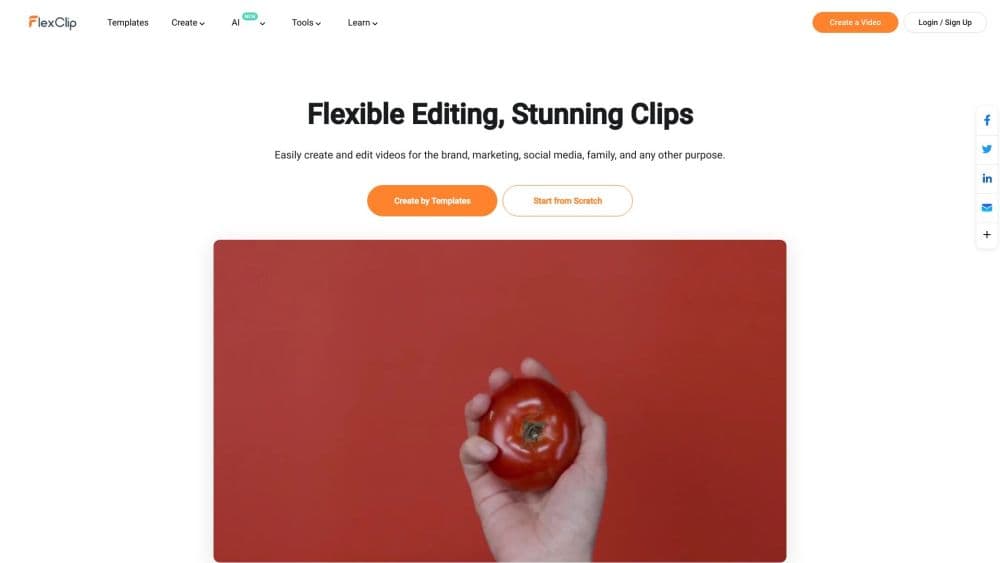
FlexClip is an online video editor that runs in a browser tab. Instead of installing software, you drag clips onto a timeline, swap stock footage and music into a template, and export a finished video. The templates cover the usual short-video jobs, from product promos and YouTube intros to wedding slideshows and memorial videos.
The reason people pick it over a desktop editor comes down to start time. If you've never touched a timeline, you don't stare at a blank project wondering where to begin. You pick a template that already matches your goal, then replace the text, images, and footage with your own. A set of AI tools handles the parts that usually slow people down, such as generating a clip from a text prompt, writing subtitles, or turning a long recording into short vertical cuts.
Two limits matter before you commit. FlexClip is built for short and medium-length videos, not long-form film projects, and you won't find the deep keyframing or multi-track compositing that professional editors rely on. It's also web-only, so heavy exports depend on your connection and your browser. For anyone making marketing clips, explainers, or social media content on a deadline, that trade is usually worth it.
Getting Started
- Sign up at flexclip.com with an email or a Google account. The free plan works straight away, and every new project starts in the browser.
- Start from a template or from scratch. Pick a category that matches your goal, then drop in your own video, photos, and music to replace the placeholder media.
- Edit on the timeline. Trim, split, and reorder clips, then add text, subtitles, transitions, and effects from the panel above the preview.
- Reach for an AI tool when you get stuck. Generate a clip from a prompt, auto-write subtitles, remove a background, or clone a voice for narration.
- Export and share. Download in 720p on the free plan or up to 1080p and 4K on paid plans, or publish a short link straight to TikTok, YouTube, or Instagram.
Product Information
A quick look at FlexClip's pricing, supported platforms, and performance.
Best for
The users, tasks, and scenarios where this tool fits best.
Users
- Beginners making their first videos
- Social media creators
- Small business owners and marketers
- Educators and trainers
Tasks
- Making a product promo from a template
- Adding subtitles to a talking-head video
- Repurposing a long recording into shorts
- Removing a background from a clip or photo
Scenarios
- Posting a daily social clip
- Launching a small ad campaign
- Building a lesson or explainer video
Key features
Template Library and Stock Media
FlexClip ships with 6000+ templates and a media library of millions of videos, photos, music tracks, and sound effects. You start from a structure that already fits your goal, then replace the placeholder media with your own. That matters most for people who freeze at a blank timeline. The library keeps a commercial-use angle, so business projects don't stall on licensing questions.
AI Video and Image Tools
A cluster of AI tools sits on top of the editor. AI Video Generator builds a clip from a text prompt, an article, or a URL. AI Text to Video, image to image, and text to image cover the visual side, while an image upscaler and object remover clean up assets. The value is that these tools sit inside the same project as your manual edits, so you don't bounce between apps.
Auto Subtitles and Long to Shorts
The auto subtitle tool transcribes speech and lays captions onto the timeline in one pass, and it supports translation into other languages. The long-to-shorts tool scans a longer recording and pulls out the highlights, then reformats them to a vertical aspect ratio. Both target the captioned short-form video that most social platforms reward, and both cut the busywork of typing out lines or cutting clips by hand.
Audio Tools and Voice Cloning
On the audio side, FlexClip includes an AI music generator, sound effect tools, text to speech, and voice cloning. You can generate background music for a promo, produce a narration when you don't want to record, or clone a voice for consistent voiceovers across a series. It's not a professional audio workstation, but it covers the voiceover and music needs most marketing and social videos have.
Recording and Collaboration
A built-in screen recorder captures your screen alongside your webcam, which suits tutorials and demos. Because the whole editor is cloud-based, you can create a team and share projects so several people work on the same video. Exports go out as downloads, short links, or direct posts to social platforms, and cloud storage keeps the files reachable across devices.
Text, Effects, and Transitions
The manual editing layer covers the fundamentals well. You get text presets, 700+ effects and filters, and 200+ transitions, plus a chroma key tool, speed curves, and freeze frames. There's also a GIF maker, meme generator, and a stack of image tools like the meme and thumbnail makers. It won't match a dedicated NLE for control, but it handles the everyday edits most short videos need.
Pros and cons
Pros
- The browser-based setup means you start editing in minutes with no installation, on any machine with a connection.
- The combination of a large template library and built-in AI tools covers the common short-video jobs in one place.
- Auto subtitles, long to shorts, and voice cloning speed up the social media workflow that most creators run daily.
- The free plan is genuinely usable for testing, and paid Plan upgrades unlock 1080p and 4K exports without a watermark.
- Team seats and cloud storage make it workable for small crews that share projects.
Cons
- The free plan exports at 720p with a watermark, so anything you publish for real needs a paid plan.
- There's no multi-track timeline or deep keyframing, which rules out complex or cinematic projects.
- AI credits are metered, and heavy use of the generation tools runs them down faster than expected.
- There's no public API, so you can't automate video creation or plug FlexClip into your own product.
Frequently asked questions
FlexClip is used to make and edit videos in a browser. You build marketing clips, social media posts, explainers, slideshows, and promo videos from templates or from scratch, and the AI tools handle subtitles, voiceovers, and clip generation. It's aimed at short and medium-length video, not feature-length projects.
Related content
Explore related tools, skills, and articles for FlexClip.
FlexClip Alternatives

ngram 2.0
ngram · Video · Marketingngram 2.0 is an AI video generator for teams. It turns a prompt, a screen recording, or a product URL into a narrated explainer, product demo, or AI avatar video, and every scene stays editable.

OpenScreen 2
OpenScreen (open-source project) · Video · ProductivityOpenScreen 2 is a free, open-source screen recorder and demo video editor for Windows, macOS, and Linux, with automatic zooms, styled frames, local captions, and agent edits.

Skreno
Skreno · Video · ProductivitySkreno is a browser screen recorder that captures a tab, a window or your whole display, then attaches AI transcripts, summaries and console logs to one share link.