

FlickNote - AI Voice Assistant
FlickNote · Productivity
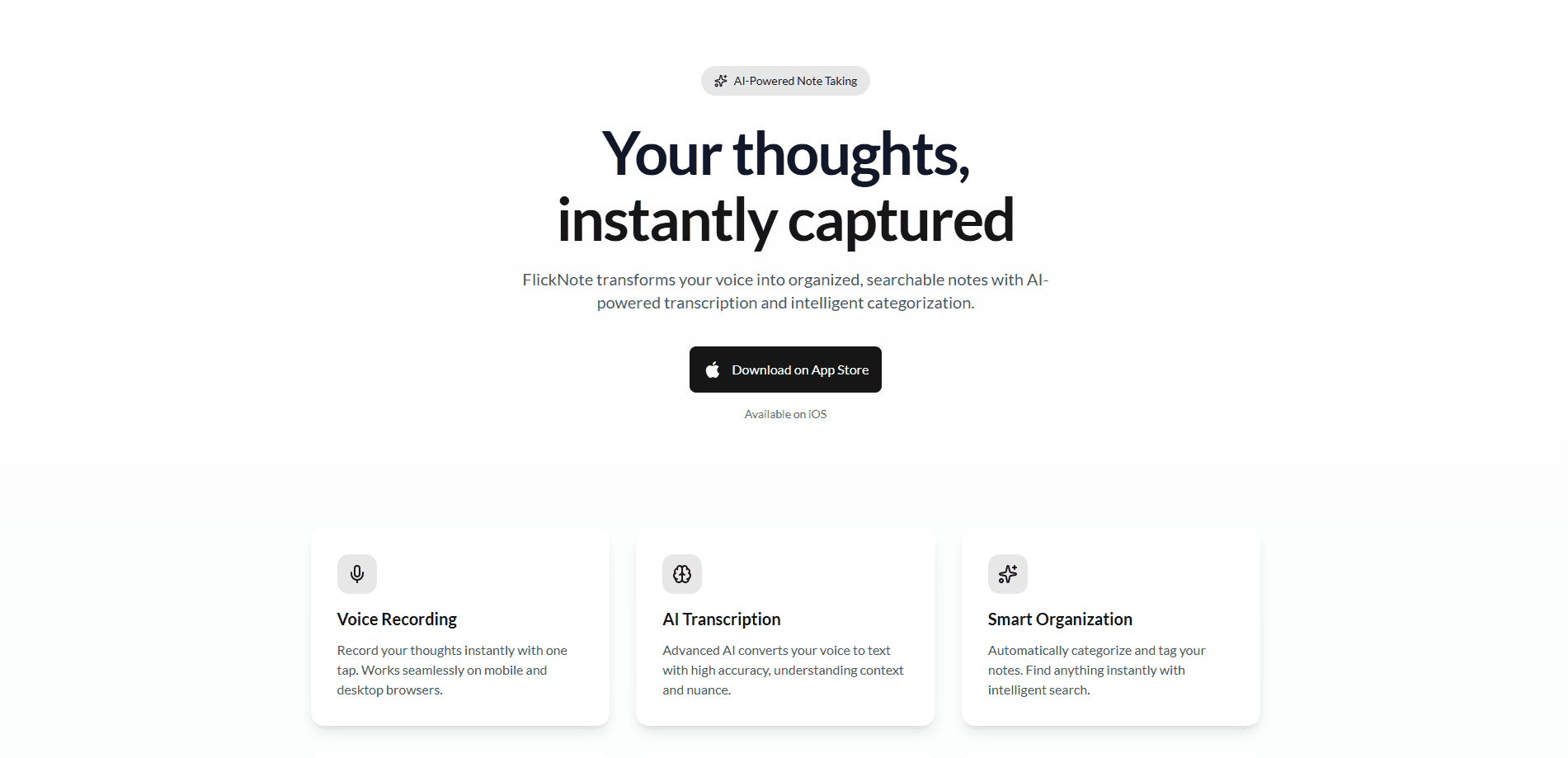
FlickNote - AI Voice Assistant is a capture-first note app that turns rough voice recordings, forwarded links, and quick messages into organized voice-to-text notes you can search, share, and trace back to their source. It's built for people who think out loud, sit through meetings, or collect ideas on the move and don't want to lose the context behind them. An AI layer handles transcription, summarization, and action extraction, so a messy five-minute ramble comes back as clean speech to notes with follow-up tasks attached.
About FlickNote - AI Voice Assistant
What Is FlickNote - AI Voice Assistant
FlickNote is a voice-first notes app from a small independent team. Think of it as an AI note taking app that listens before it organizes. The idea is simple. Capture first, organize later. You record a thought or forward a link the moment it matters, and the app handles the tidying. Each note keeps the original audio, a transcript, a summary, and the source link, so nothing floats free of where it came from.
That traceability is the part that stands out. Most note apps treat a recording as a blob of text once it's transcribed. FlickNote keeps the timestamped audio and the source of a shared link attached, which matters when you're reviewing a client call or trying to remember why you saved something.
The catch is the AI limits. Transcription, summaries, and extra storage all run on "Neurons," the app's credit system. The free plan gives you 20 Neurons and 100 MB, which is enough to test the workflow but not to run it as your daily driver. Heavy users will need a paid tier or top-up packs.
There's also a CLI built for coding agents. FlickNote CLI is local-first, so tools like Claude Code or Codex can read and edit your notes without bouncing every request through an MCP server.
Getting Started
- Create an account on the FlickNote website or install the iOS app from the App Store.
- Record a voice note, or forward a link or message into the app to test capture.
- Let the AI layer transcribe and summarize the note, then check the generated actions.
- Review the note's timeline to confirm the transcript, timestamps, and source link stayed attached.
- Upgrade to Plus or Pro if you run past the free plan's 20 Neurons, or connect the CLI if you want an agent working on your notes.
Product Information
A quick look at FlickNote - AI Voice Assistant's pricing, supported platforms, and performance.
Best for
The users, tasks, and scenarios where this tool fits best.
Users
- People who think out loud
- Meeting-heavy workers
- Developers running coding agents
Tasks
- Turning a rambling voice memo into a shareable summary
- Collecting links and messages from chat apps
- Building a searchable second brain
Scenarios
- Right after a client call, when you want the recap and next steps before the details fade.
- During a commute or walk, when typing isn't an option but speaking is.
- In the middle of a project, when a stray link or idea needs a home you can find again months later.
Key features
Voice capture without pre-shaping
FlickNote's whole pitch is that you don't have to organize a thought before recording it. Hit record. Talk. The app takes it from there. It's the difference between a journal and a scratchpad, and for people who freeze when a blank note asks them to be tidy, it removes the friction that usually kills note-taking habits.
Transcription with timestamps
Every recording comes back as a transcript tied to its timeline, so you can jump to the part that mattered instead of replaying the whole clip. That's what makes the traceability claim real. When a colleague asks what was said about the launch, you can point to the exact moment. No scrubbing required.
AI summaries and action extraction
The AI layer turns a long recording into a short summary and pulls out the action items buried in it. A team meeting that ran forty minutes comes back as a few sentences plus a to-do list. Accuracy depends on audio quality, and in our experience you should still skim the output before sending it to anyone.
Source-linked collection
Links and messages forwarded into FlickNote keep their origin attached. Save a link from a chat and the note remembers where it came from. So why did you bookmark it? FlickNote usually has the answer, which solves the problem that plagues most read-later apps. Sharing a note shares the context too, not just a bare snippet.
Local-first CLI for agents
FlickNote CLI is designed for coding agents from the ground up. Because it's local-first, an agent can search, edit, and organize your knowledge base close to the data, skipping the HTTP round trips and token overhead that MCP setups add. It's a niche feature, but for developers it's the reason to pick FlickNote over a generic notes app.
Neurons credit system
AI processing and extra storage run on Neurons, the app's credit unit. Free users get 20, Plus gets 400 a month, and Pro gets 1,200. Run out? You can buy more separately. It's a metered model, so heavy transcription months cost more than quiet ones.
Pros and cons
Pros
- Capture-first design means you record before you organize, which suits people who think in speech.
- Notes stay traceable, with audio, timestamps, and source links attached to every entry.
- Summary and action extraction turn long recordings into something you can act on quickly.
- The local-first CLI is a genuine edge for developers who want an agent working on their notes.
- A free tier with 20 Neurons lets you test the workflow before paying anything.
Cons
- The free plan's 100 MB storage and 20 Neurons run out fast, so daily users will pay.
- The Neuron system makes costs hard to predict, since heavy AI use burns credits faster than you'd expect.
- The iOS app is the main capture surface right now, so Android users are left out.
Frequently asked questions
It turns voice recordings, links, and quick messages into organized notes with transcripts, summaries, and action items attached. The point is to capture fast and let the AI clean up afterward, while keeping each note tied to its source.
Related content
Explore related tools, skills, and articles for FlickNote - AI Voice Assistant.
FlickNote - AI Voice Assistant Alternatives

Swms
Swms AI · Writing · Productivity · BusinessSwms is an AI safety compliance tool that turns a plain description of a job into ready-to-use safety documents. Describe your project, trade, and known hazards, and it writes a safe work method statement, job hazard analysis, safe work procedure, RAMS, or safety data sheet in seconds. It also ships with Oscar, a chat assistant that answers workplace safety questions in any language. Teams in construction, mining, transport, and warehousing use it to cut the paperwork that usually eats into a workday.

Wordly AI Translation
Wordly · Voice & Language · ProductivityWordly AI Translation is a real-time AI translation and captioning platform built for meetings, conferences, and events. It delivers live translation, captions, transcripts, and summaries in more than 60 languages, and attendees join by scanning a QR code or opening a link instead of using dedicated headsets. The platform works with Zoom, Microsoft Teams, Google Meet, and Webex, and it's designed for organizations that want multilingual access without hiring human interpreters for every session. Simple as that.

Rows
Rows (Superhuman) · Productivity · BusinessRows is an AI spreadsheet and data analysis tool that imports live data from more than 50 sources, then lets you work with it using plain language instead of SQL queries or nested formulas. You can pull numbers out of PDFs, connect ad platforms, databases, and bank accounts, and ask the AI to build reports, merge datasets, or set up models that recalculate themselves. It runs in the browser, works like a spreadsheet, and now sits under the Superhuman umbrella.