

Flint
Flint · Coding
Flint is an AI landing page platform built for performance marketing and go-to-market teams that need pages shipped fast and at scale. Think of it as an AI landing page builder that ships rather than drafts. It generates on-brand pages programmatically from the tools a team already uses, with native API and MCP integrations that plug into Claude, Clay, and other GTM tools. Instead of hand-building one page at a time, you describe what you want and Flint builds, publishes, and keeps the analytics, forms, and tag manager running.
About Flint
What Is Flint
Flint is a web platform for marketing and GTM teams that treat landing pages as a growth lever, not a design project. The core promise is speed: the platform turns a campaign, ad group, or keyword into a matching page without waiting on an engineering queue. Flint's second product, a Google Ads agent, watches ad accounts for wasted spend and misdirected ad groups, then pushes approved changes back into Google Ads.
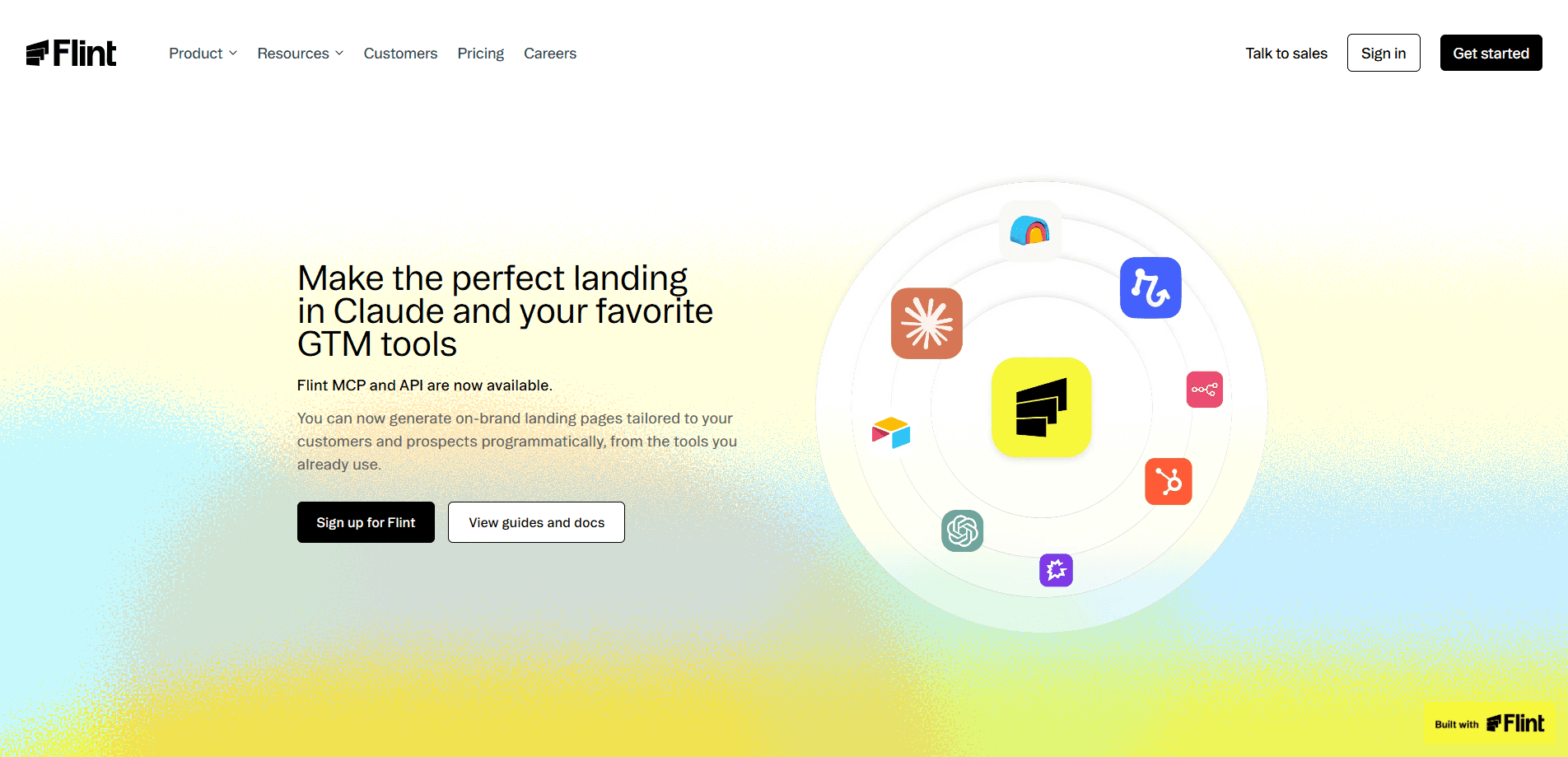
The API and MCP layer is what makes Flint interesting for teams that live inside other tools. MCP, or Model Context Protocol, is a standard that lets AI assistants like Claude call external services, and it's the same protocol that a growing number of marketing and sales tools now speak. Through Flint's MCP server, you can generate a tailored page from a prompt inside Claude, then publish it on your own domain. That's the whole pitch in one flow. The same work happens through the Flint API when you'd rather script it from your own stack.
The tradeoff is that Flint is a paid, B2B product aimed at teams running real ad spend and not at individuals or side projects. The basic tier starts around $500 per month for brands spending under $10K a month on ads. Enterprise pricing is custom. There's no free plan, so it's hard to kick the tires without booking a demo. That's a real gate. Small teams rarely clear it.
Getting Started
- Book a demo through the Flint site and scope a pilot against your own campaigns and domains.
- Connect your design system, which Flint captures automatically from your existing site so generated pages match your brand.
- Set your Business Context in the platform so pages and recommendations reflect your account goals.
- Add the Flint MCP server or API key to the tool you work in, whether that's Claude or your own marketing stack.
- Describe a page, review the result, refine it in chat, approve it, and let Flint publish it to your domain.
Product Information
A quick look at Flint's pricing, supported platforms, and performance.
Best for
The users, tasks, and scenarios where this tool fits best.
Users
- Performance marketers
- GTM and demand-gen teams
- Agencies managing many client domains
Tasks
- Building an Account Based Marketing page for every prospect, generated programmatically rather than by hand.
- Creating a follow-up page after each sales call or CRM stage change, so outreach and page content stay in sync.
- Spinning up ad-matched landing pages for new campaigns at the speed of the campaign, not the speed of a design sprint.
Scenarios
- A brand scaling ad spend that doesn't want customer acquisition cost to climb with it.
- A growth team that wants one closed loop between what the ads say and where the clicks land.
- A marketing org without spare engineering time to maintain a custom internal page builder.
Key features
Programmatic Page Generation
Flint builds landing pages from a description, not a drag-and-drop canvas. You describe the page and the platform produces an on-brand version matched to the campaign, ad group, or keyword behind the click. No design queue. No build ticket. The point is throughput: pages that would normally sit in a queue get built when you need them.
Native API and MCP Integrations
The API and MCP server let other tools call Flint directly. Through MCP, you can generate a landing page from inside Claude or another MCP-compatible assistant using the GTM tools you already have open. Same result, zero tab switching. The API handles the same job when you'd rather wire it into your own automation.
Design System Capture
Flint reads your design system so generated pages look like your brand, and on the enterprise tier it can sync continuously from Figma files. That's the difference between a template with your logo dropped in and a page that fits the rest of your site. Brand drift kills trust. It also captures your brand automatically from your existing site on the basic tier.
Google Ads Agent
The Google Ads agent surfaces wasted spend, negative keywords worth adding, ad groups pointed at the wrong page, and pages worth swapping. It's the kind of upkeep most accounts never get to because nobody has the hours to comb through search terms and landing page destinations every week. You review the recommendation and approve it, and Flint pushes the change into your Google Ads account. Approval is required on every action. That keeps a human in the loop, and it's the part that matters.
One Shared Context
Pages and the ads agent both read from what you've already defined, including your design system and Business Context. Because they share that context, running both products closes the loop: the agent improves the traffic and the pages convert it. Run one and you've solved half. Running only one leaves the other half of the problem unaddressed.
Safe Publish Without Ripping Out Your Site
Flint pages live on a subdomain, which means they run alongside Webflow, Framer, Next.js, WordPress, or whatever else your team already relies on to host and manage the main site. Nothing gets ripped out. You don't rebuild your site to test Flint, and the pages ship to your own domain rather than a hosted Flint URL.
Learning From Approvals
Every recommendation you approve or reject feeds each product's memory, so future suggestions are grounded in what's already been tried. A tool you build yourself doesn't learn from that feedback unless you teach it to. Build it, own it. That's the hidden cost.
Pros and cons
Pros
- Generates landing pages from a prompt through API and MCP, so pages can be created inside Claude or your own stack.
- Approval gates on every ad change keep a person in control before anything ships.
- Pages publish to your domain without replacing your existing site or CMS.
- The ads agent and page builder share context, which is what makes the closed loop possible.
- Enterprise tier syncs design directly from Figma, keeping generated pages on-brand.
Cons
- No free plan and a basic tier around $500 a month, so there's no low-cost way to test it before committing.
- Built for teams running paid ads at scale; a small site with modest spend won't get much from it.
- Getting value from the API and MCP requires some technical setup, which undercuts the "no engineering required" pitch for non-technical marketers.
- The closed-loop benefit only shows up if you run both products, so starting with one limits the payoff.
Frequently asked questions
Flint generates and publishes on-brand landing pages for marketing campaigns and manages Google Ads upkeep through an agent. Teams use it to match pages to the ads driving clicks and to keep ad accounts tuned without manual busywork.
Related content
Explore related tools, skills, and articles for Flint.
Flint Alternatives
Forefront
Forefront · CodingForefront is a web platform for building with open-source AI. It lets you fine-tune leading open-source language models on your own data, evaluate how they perform, and run them through an API or export them to host yourself. Developers who want the convenience of a closed-source platform but insist on owning their models and data are the target audience here.

Startkit
StartKit.AI · CodingStartkit is a boilerplate for building AI SaaS and AI wrapper products. Think of it as an AI startup boilerplate with the boring parts already wired up: authentication, Stripe and Lemon Squeezy payments, usage limits, transactional email, and an AI API starter that talks to OpenAI, Anthropic, Groq, or Llama. You clone the repo, set your price, and start on the part of your product that people actually pay for. It's Next.js under React and Tailwind, so most of the boilerplate code already feels familiar.
Testim
Tricentis · CodingTestim is an AI-powered test automation platform for building and running end-to-end tests across web, mobile, and Salesforce applications. It leans on machine learning to keep tests stable when an interface changes, so teams spend less time fixing broken selectors. Not bad for an automated testing tool you can start using today. You create tests by recording actions in a browser, then optionally add JavaScript when you need more control. It's a solid pick for busy QA teams.