

Flixier
Flixier · Video
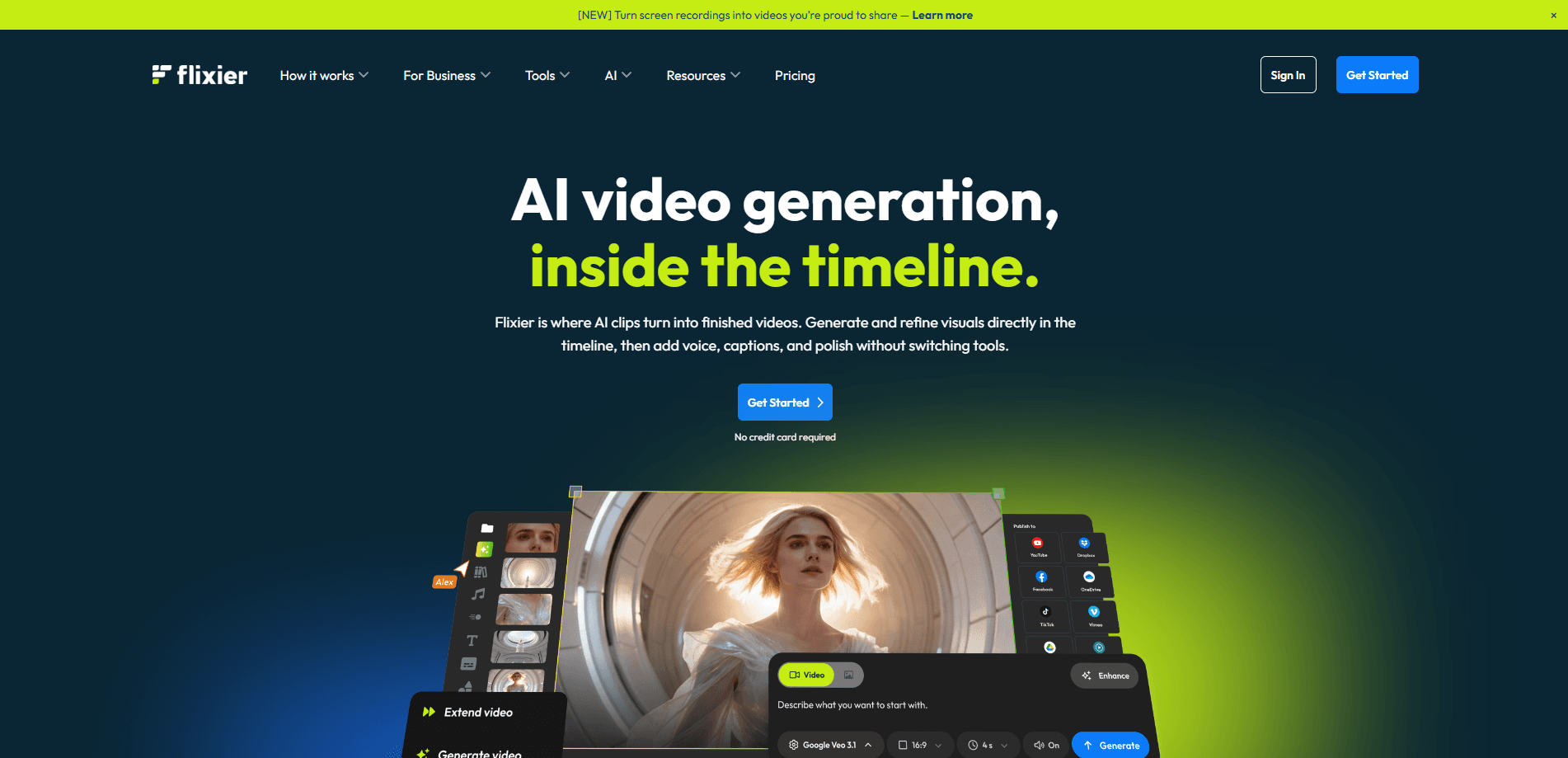
Flixier is an AI-powered online video editor that runs entirely in a browser tab, so you don't install anything and you don't need a powerful laptop. You cut clips on a multi-track timeline, clean up audio, add captions, and export finished video that renders on Flixier's servers instead of your machine. In short, browser video editing without the hardware tax. Its built-in assistant, Eva, handles repetitive editing steps and can generate a ready-to-post video when you have no footage at all.
About Flixier
What Is Flixier
Flixier is a cloud video editor built around one idea: finishing a video shouldn't depend on hardware. Editing and cloud video rendering both happen on the company's servers, so a full-length 4K export wraps up in minutes even on a cheap machine. No local render step. The editor covers the usual basics (cutting, text, music, logos) and layers AI on top for the steps people hate, like transcription, captions, and audio cleanup.
The product targets two groups that usually need different tools. Solo creators get a fast path from raw clips to a published MP4. Teams get shared brand kits, timeline comments, and unlimited collaborators so feedback stops living across a dozen email threads. According to Flixier, more than a million creators have used the editor. That number says a lot about how wide the appeal runs.
The tradeoffs are worth knowing up front. Everything depends on a stable internet connection, so offline editing isn't possible. The free plan caps exports at 10 minutes per month and stamps a watermark on your video. And the AI features run on a credit system, which means heavy AI video generation can push you toward a paid tier faster than timeline editing would.
Getting Started
- Create a free account at flixier.com. No credit card is required to start.
- Upload footage from your device or pull in stock clips, images, and music from the built-in library.
- Drop everything onto the timeline, then trim, layer, and arrange clips across multiple video and audio tracks.
- Use Eva or the AI tools to add automatic captions, clean up audio, or generate visuals you didn't shoot.
- Export to MP4, pick a resolution and platform preset, or publish straight to YouTube, TikTok, or Drive.
Product Information
A quick look at Flixier's pricing, supported platforms, and performance.
Best for
The users, tasks, and scenarios where this tool fits best.
Users
- Solo creators
- Marketing and social media teams
- Students and teachers
- Non-editors who need one video
Tasks
- Cutting short social videos
- Subtitling and captioning
- Generating footage from text
- Cleaning up audio
Scenarios
- Editing on a low-end laptop while traveling
- Producing weekly content on a small team
- Turning a webinar or demo into clips
Key features
Browser-Based Editing With Cloud Rendering
You open a tab and start editing. There's no download, no install, and no local render step, which matters most when your laptop is underpowered or you're working from a borrowed machine. You can edit video in browser tabs on nearly any device you already own. Because rendering runs on Flixier's servers, a long export finishes in minutes rather than tying up your computer for an hour.
Eva, the In-Timeline AI Assistant
Eva handles the repetitive parts of editing and can also generate a video draft from a prompt when you have nothing recorded. It works inside the timeline rather than in a separate tool, so the clips it makes land exactly where you're building the project. That kills a lot of busywork. It keeps you from exporting to another app and rebuilding the sequence.
AI Video Generation
Flixier supports a wide set of third-party generation models, including Kling, Veo, Seedance, and Wan, plus image-to-video modes. Generated clips drop straight onto the timeline for trimming and mixing with your own footage. Generation draws on AI credits, and cost varies by model and clip length, so the faster models burn through credits quicker than you might expect.
Automatic Captions and Subtitles
Flixier transcribes speech and turns it into timed captions without manual typing, and it covers a large number of subtitle languages. You can also edit video by transcript, cutting words from the text to remove the matching section of footage. It's the fastest way to caption a long interview or webinar.
One-Click Audio Cleanup
Background noise is the most common quality problem in user footage, and Flixier reduces it in a single click. Voiceovers and interviews come out clearer without routing audio through a separate tool. For quick social edits, that's usually enough polish. Not perfect, but fast.
Multi-Track Timeline and Stock Library
The timeline supports several video and audio tracks at once, frame-by-frame trimming, and a stock library for anything you didn't shoot yourself. Frame accuracy where it counts. Every plan level sees some variation here, with the free tier limited to a smaller stock selection and paid tiers unlocking the full 4M+ asset catalogue.
Team Collaboration and Brand Kit
Comments land on the timeline at the exact second they refer to, so feedback stops spreading across email chains. No more five-thread debates. A shared brand kit keeps logos, fonts, and colors consistent across editors, and export presets cover the different places a team publishes. This is the part that separates Flixier from single-user editors.
Pros and cons
Pros
- Runs in a browser with cloud rendering, so weak hardware isn't a blocker and exports finish fast.
- Eva automates tedious work like captions and audio cleanup, and can generate a draft when you have no footage.
- AI video generation from several major models sits inside the timeline instead of a separate app.
- Team features (shared brand kit, timestamped comments, unlimited collaborators) are built in at the Creator tier.
- Free plan needs no credit card, which makes it easy to test before paying.
Cons
- No offline mode, so a dropped connection stops your work.
- The free plan caps exports at 10 minutes per month and applies a Flixier watermark, which rules out regular publishing.
- AI generation uses a credit system, and longer or more advanced model outputs drain credits quickly.
- Unlimited exports on paid tiers carry a caveat: very large or back-to-back exports may wait in a processing queue during peak times.
Frequently asked questions
Flixier is an online video editor used to cut, caption, and export videos without desktop software. It fits social clips, demos, tutorials, and team content, and adds AI tools for generating footage and cleaning up audio.
Related content
Explore related tools, skills, and articles for Flixier.
Flixier Alternatives

ngram 2.0
ngram · Video · Marketingngram 2.0 is an AI video generator for teams. It turns a prompt, a screen recording, or a product URL into a narrated explainer, product demo, or AI avatar video, and every scene stays editable.

OpenScreen 2
OpenScreen (open-source project) · Video · ProductivityOpenScreen 2 is a free, open-source screen recorder and demo video editor for Windows, macOS, and Linux, with automatic zooms, styled frames, local captions, and agent edits.

Skreno
Skreno · Video · ProductivitySkreno is a browser screen recorder that captures a tab, a window or your whole display, then attaches AI transcripts, summaries and console logs to one share link.