

Fliz AI
Fliz · Video
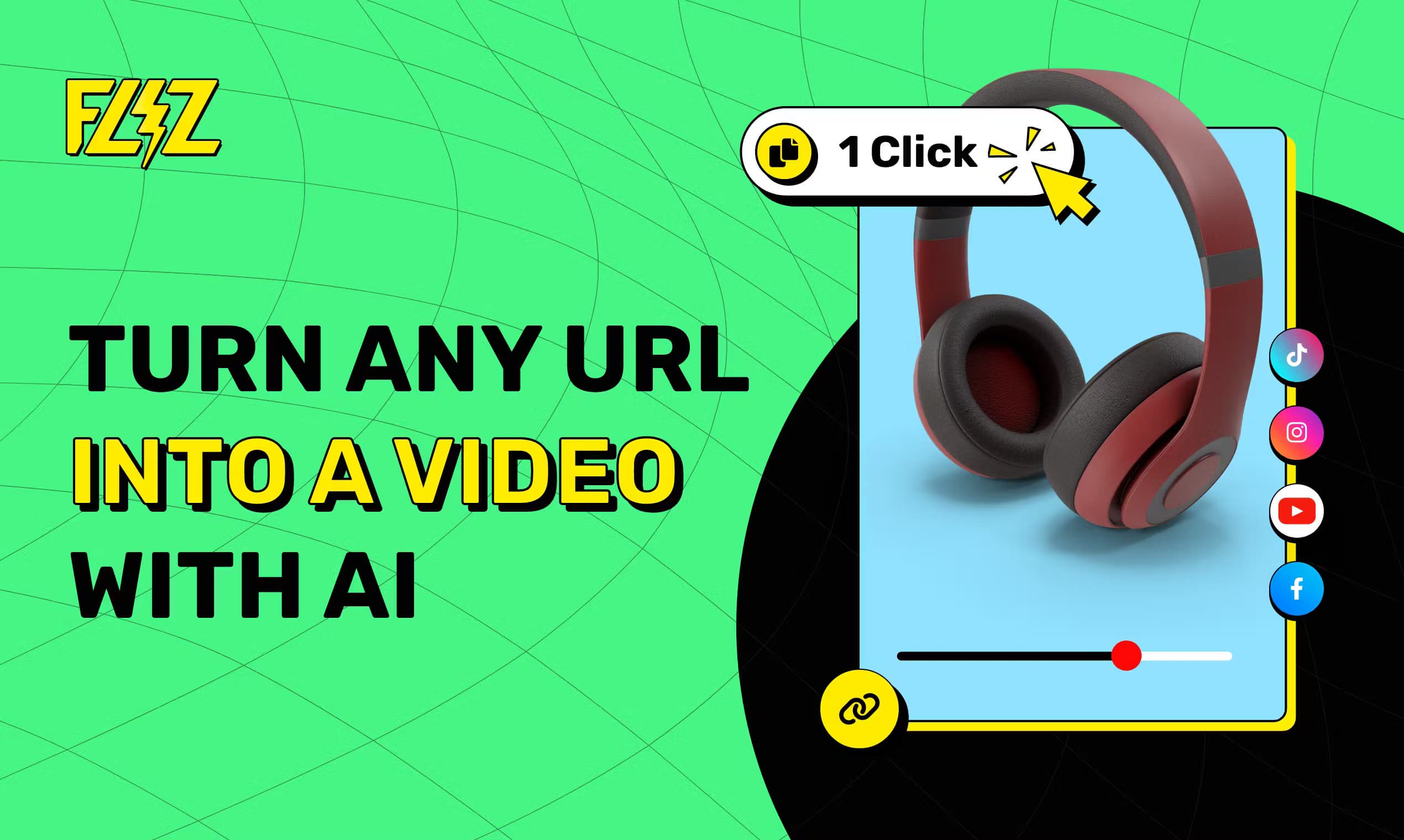
Fliz AI is an AI video agent that turns any URL, article, or short text into a ready-to-publish video with script, voiceover, and visuals in one click.
About Fliz AI
What Is Fliz AI
Fliz AI is a web-based AI video generator built around a single promise: you bring the content, and it handles the rest. Paste a news link, a blog post, or a plain text brief, and the AI agent writes the script, generates the images, records the voiceover, and edits everything into a finished MP4. The platform has produced more than 85,000 videos to date.
The tool targets people who need video but don't have the time or skills to edit. Social media managers, bloggers, and small marketing teams fit best. You don't touch a timeline, and you don't write prompts. The editing style adapts to the topic, so a horror story and a cooking recipe come out looking like different productions.
The limits matter here. A standard video consumes around 95 credits, so the Starter plan's 1,000 monthly credits work out to roughly 10 videos. Unused credits don't roll over, and every plan runs on a monthly or yearly subscription rather than a one-off purchase.
Getting Started
- Create an account and pick a plan on the Fliz AI site, or claim the welcome offer that gives you a first video.
- Paste a URL, drop in article text, or type a short brief describing what you want.
- Choose your format (9:16, 1:1, or 16:9) and a visual style, then let the AI agent write the script and build the assets.
- Review the generated MP4, adjust if needed, and download it for your channel.
- Optional: connect the REST API to n8n, Make, Zapier, or the WordPress plugin to run video creation automatically.
Product Information
A quick look at Fliz AI's pricing, supported platforms, and performance.
Best for
The users, tasks, and scenarios where this tool fits best.
Users
- Social media managers
- Bloggers and content marketers
- Small business owners
- Automation builders
Tasks
- Turning a blog post into a video
- Producing news recap clips
- Creating social ad creatives
- Narrating children's stories
Scenarios
- Running a high-volume social calendar
- Testing a content idea cheaply
- Keeping a WordPress site video-rich
Key features
One-Click URL to Video
Paste any web link and Fliz AI reads the page, writes a script with a hook and a call to action, then assembles the video. There's no prompt engineering and no timeline. It's the fastest path from a published article to a shareable clip.
Automatic Script, Voice, and Images
The AI agent handles the whole pipeline in one pass: it writes the narration, generates custom images, and records an ultra-realistic voiceover. You get a finished voice-tracked video instead of raw footage you still have to cut. Genuinely useful if you've ever stalled at the editing stage.
Three Aspect Ratios
Every video exports as 9:16 vertical, 1:1 square, or 16:9 horizontal. That covers TikTok, Instagram, YouTube, and LinkedIn without a separate reshoot. Pick the ratio when you start and the layout adjusts around it.
Context-Aware Visual Styles
Fliz AI adapts its editing and imagery to the subject. A news clip gets a TV-news look, a children's story gets clay animation, a horror brief gets dark cinematic treatment. The style library spans manga, pop art, vintage, and digital art, among others.
Full REST API on Every Plan
The API ships with all plans at no extra cost. It's a documented REST endpoint that accepts content, aspect ratio, image style, and language, then returns a video job you can poll. This is what makes the tool work inside a larger automation stack instead of only in the browser.
n8n, Make, Zapier, and WordPress Integrations
Beyond the raw API, Fliz AI plugs into n8n, Make, and Zapier, plus an official WordPress plugin. You can trigger video creation when a post goes live or when a spreadsheet row updates. For anyone running a content pipeline, that removes the manual step entirely.
1080p Export and Custom Watermark
Videos render at 1080p, and paid plans let you swap in a custom watermark instead of the default branding. Higher resolution and your own logo both matter once the clips go out as client work or ads.
Credit-Based Pricing
Each AI action draws from a shared credit pool, and a standard video uses about 95 credits. Plans range from 1,000 credits at $14.90 a month up to 10,000 at $119.90, so you can scale spend with output. Credits reset each period and don't carry over.
Pros and cons
Pros
- Cuts video production to a copy-paste step, cutting the editing time most people hate.
- Produces a complete video (script, voice, images, edit) rather than a partial asset.
- The REST API is included in every tier, which is rare at the entry price.
- Three aspect ratios and multiple visual styles cover most social platforms in one tool.
- Native n8n, Make, Zapier, and WordPress hooks make batch workflows practical.
Cons
- No free plan. The welcome offer covers a first video, but testing further costs a subscription.
- Credits don't roll over, so light months still burn a full billing period.
- Standard videos run about 95 credits, so the cheapest plan yields only around 10 clips a month.
- You get limited control over the final edit. If you want frame-level tweaks, this isn't the tool.
Frequently asked questions
It converts content into a finished video. You feed it a URL, article text, or a short brief, and the AI agent writes the script, generates images, adds a voiceover, and edits a downloadable MP4. No manual editing is required at any step.
Related content
Explore related tools, skills, and articles for Fliz AI.
Fliz AI Alternatives

Vadu AI
Vadu AI · Image · VideoVadu AI is a web-based AI video generator that turns written prompts or still images into short clips, and it can also generate images on its own. You type what you want, pick a model and style, and the platform renders the result in minutes. A free plan covers light testing, while paid tiers run from $9 to $77.40 per month based on how many credits you burn.

Mykaraoke Video
MyKaraoke Video · VideoMykaraoke Video is an online karaoke video maker and lyric video maker that turns any song into a finished, lyrics-synced video right in your browser. It handles the slow part for you. The AI pulls vocals out of the mix and locks the lyrics to the beat, then lets you customize background, fonts, and colors before exporting in 1080p MP4. If you make lyric videos for social media, party nights, or music promotion, it skips the software installs and manual timing work entirely. Want a karaoke video generator that doesn't eat your whole evening? That's the pitch here.

Finalframe
Finalframe · VideoFinalframe is a set of free, browser-based tools for grabbing exact frames out of a video clip. Its best-known feature, the Final Frame Extractor, lets you extract the last frame of any video so you can use it as the starting image for AI video tools like Luma Dream Machine, Runway, or Kling. Want to keep a clip going? That last frame is your starting point. The tool runs locally in your browser, needs no sign-up, and costs nothing. A separate paid AI video-generation app from the same team is currently offline while it's rebuilt.