

Floutwork
Floutwork · Productivity
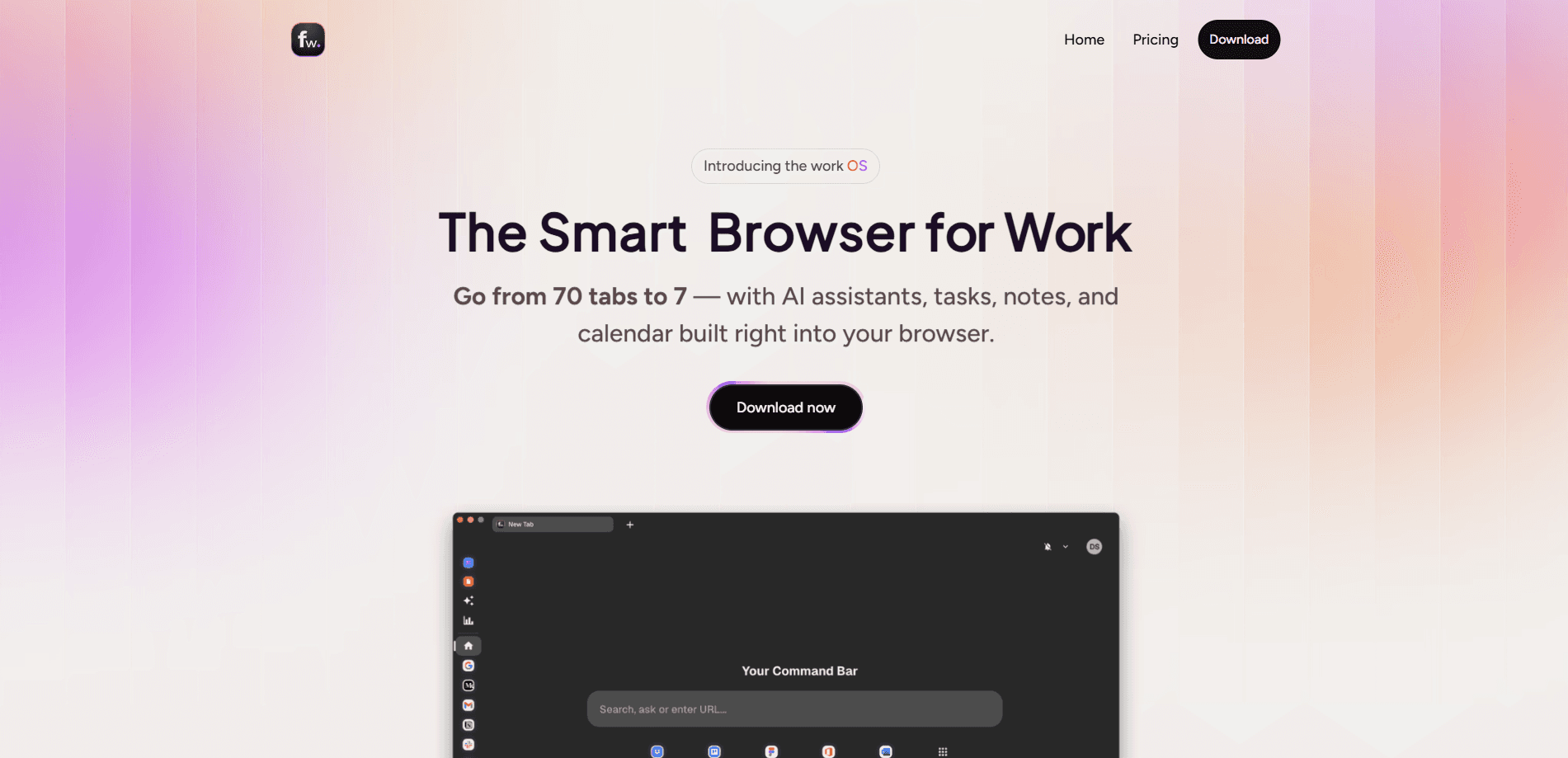
Floutwork is an AI work OS that turns a busy browser into a single, organized workspace. It bundles web apps, tabs, tasks, notes, a calendar, and AI assistants into one desktop app, so work stops living across a dozen separate windows. Teams use it to adopt AI, organize projects, and onboard new hires without switching between tools all day.
About Floutwork
What Is Floutwork
Floutwork is a desktop app that combines a productivity browser with an AI workspace. It's one app, not five. Instead of juggling a browser, a note app, a task manager, and several AI chat tabs, you get all of them in one place. Web apps open inside Floutwork, tabs stay grouped by task or app, and AI assistants work right alongside the page you're reading.
The product targets modern teams that already rely on lots of tools and want to bring AI into daily work without the chaos. Who manages all that? Admins do. That's a big deal. Administrators can manage which frontier models employees use, apply shared policies, and give each team its own workspace. That governance angle is a big part of the pitch. It's less about one clever AI trick and more about making AI adoption structured and repeatable across an organization.
No surprise there are limits. Floutwork is a desktop app, so it doesn't replace a phone browser. Mobile work runs in a separate world. The AI models and workspaces are aimed at teams, and pricing scales per user, which means small solo users should check whether they need the paid tiers at all. Talk to sales is also the only path for Enterprise, so larger rollouts take a conversation rather than a checkout button.
Getting Started
- Download the Floutwork desktop app and create an account.
- Start the free 7-day trial, which includes $5 in AI model credits and no credit card requirement.
- Set up a workspace for yourself or your team, then import or open the web apps you use most.
- Add tabs, tasks, and notes as you work, and let Floutwork group them by app or task.
- Bring in teammates, or connect SSO/SCIM/SAML if you're rolling it out across a company.
Product Information
A quick look at Floutwork's pricing, supported platforms, and performance.
Best for
The users, tasks, and scenarios where this tool fits best.
Users
- Team leads and founders
- Knowledge workers who live in the browser
- IT and operations admins
- Employees joining a company
Tasks
- Organizing a browser full of tabs
- Writing, research, and analysis
- Capturing work in the moment
- Managing a team's AI stack
Scenarios
- A small team consolidating several paid AI tools into one subscription to cut costs
- Onboarding a new hire who needs a working setup immediately, not a week of installs
- A browser-heavy day where you bounce between dashboards, docs, and chat without losing context
- Reviewing how your team spends time with productivity metrics before adjusting workflows
Key features
Built-in Productivity Browser
Floutwork ships with its own browser built for work. Think fewer tabs, not more. Web apps launch inside the app, and tabs stay grouped by task or app instead of piling up in one long strip. A launchpad gives you quick access to your most important tools, so you're not rebuilding your setup every morning.
AI Chat Across Everything
Built-in AI chat can talk to your tabs, pages, and content. It keeps your context. You can access multiple leading models, including GPT, Claude, and Gemini, from one window and switch between them without changing assistants or losing your workspace context. Ask a question, summarize a page, or draft copy without leaving where you're working.
AI Assistants and Productivity Metrics
Pre-built and custom AI assistants handle routine workflows, from writing and research to analysis and automation. You set them up once. Alongside them, productivity metrics show what you're doing, where time slips away, and where you can tighten up. It's a useful pairing if you want AI help plus some evidence of whether it's working.
Tasks and Notes Side by Side
You can create a task or take a note from any page you're viewing, so nothing gets lost to a scramble for a separate app. Keep it in place. Tasks and notes sit next to the content that sparked them, which keeps you in context and cuts the constant alt-tabbing that breaks focus.
Personal Memory Engine
At the center of Floutwork is a memory engine that learns from your work over time. It remembers notes, tasks, chats, and bookmarks, then brings the right context back when you need it. The pitch is that you stop re-explaining things and start getting help that already knows your projects. That's a real shift, but it takes time to kick in.
Shared and Individual Workspaces
Teams can create dedicated workspaces for a team, department, or project, each with its own tools, policies, and AI capabilities. When someone joins, their workspace comes pre-configured with tools, assistants, and workflows already in place. That setup is what makes onboarding fast rather than a checklist of installs.
AI Governance and Compliance Controls
Administrators get centralized controls for models, assistants, and usage policies, plus built-in compliance and governance features. This is the part that matters for companies that want employees using AI confidently without losing oversight of which tools are allowed and how they're used.
Focus Tools and a Cleaner Inbox
Floutwork includes a pomodoro timer, split views, full-screen mode, a command bar, and an inbox cleaner, with an ad blocker on by default. Small things, sure. Together they reduce the noise that eats into a working day and make the app feel like a deliberate workspace rather than another tab.
Pros and cons
Pros
- Consolidates a browser, AI chat, tasks, and notes into one desktop app, which cuts tool-switching
- Access to multiple frontier models from a single window, so you're not locked to one provider
- Team workspaces and onboarding make it easy to standardize how a group works
- Governance and compliance controls give admins real oversight of AI usage
- A 7-day free trial with $5 in model credits lets you test the full platform before paying
Cons
- Desktop only, so there's no mobile app for working on a phone or tablet
- Pricing scales per user at $29/user/month, which adds up for larger teams
- Enterprise needs a sales conversation, so there's no instant self-serve path for big rollouts
- The memory engine gets more useful the longer you use it, which means early value is limited
Frequently asked questions
Floutwork is an AI work OS that brings your browser, web apps, AI assistants, tasks, notes, and calendar into one desktop workspace. Teams use it to organize work, adopt AI in a managed way, and stop switching between tools all day.
Related content
Explore related tools, skills, and articles for Floutwork.
Floutwork Alternatives

Swms
Swms AI · Writing · Productivity · BusinessSwms is an AI safety compliance tool that turns a plain description of a job into ready-to-use safety documents. Describe your project, trade, and known hazards, and it writes a safe work method statement, job hazard analysis, safe work procedure, RAMS, or safety data sheet in seconds. It also ships with Oscar, a chat assistant that answers workplace safety questions in any language. Teams in construction, mining, transport, and warehousing use it to cut the paperwork that usually eats into a workday.

Wordly AI Translation
Wordly · Voice & Language · ProductivityWordly AI Translation is a real-time AI translation and captioning platform built for meetings, conferences, and events. It delivers live translation, captions, transcripts, and summaries in more than 60 languages, and attendees join by scanning a QR code or opening a link instead of using dedicated headsets. The platform works with Zoom, Microsoft Teams, Google Meet, and Webex, and it's designed for organizations that want multilingual access without hiring human interpreters for every session. Simple as that.

Rows
Rows (Superhuman) · Productivity · BusinessRows is an AI spreadsheet and data analysis tool that imports live data from more than 50 sources, then lets you work with it using plain language instead of SQL queries or nested formulas. You can pull numbers out of PDFs, connect ad platforms, databases, and bank accounts, and ask the AI to build reports, merge datasets, or set up models that recalculate themselves. It runs in the browser, works like a spreadsheet, and now sits under the Superhuman umbrella.