

Flow.ai
Flow.ai · Video
Flow.ai is a multi-solution AI platform that bundles a set of specialized tools under one roof: video creation, inventory management, fitness coaching, transcription, and everyday productivity helpers. Instead of subscribing to five separate services, teams get one place to run several AI workflows, with each module tuned to a specific industry need. It fits small operations that want AI support without stitching together a stack of unrelated apps. Is it the best at any single task? Probably not. But it might be the one you actually keep paying for.
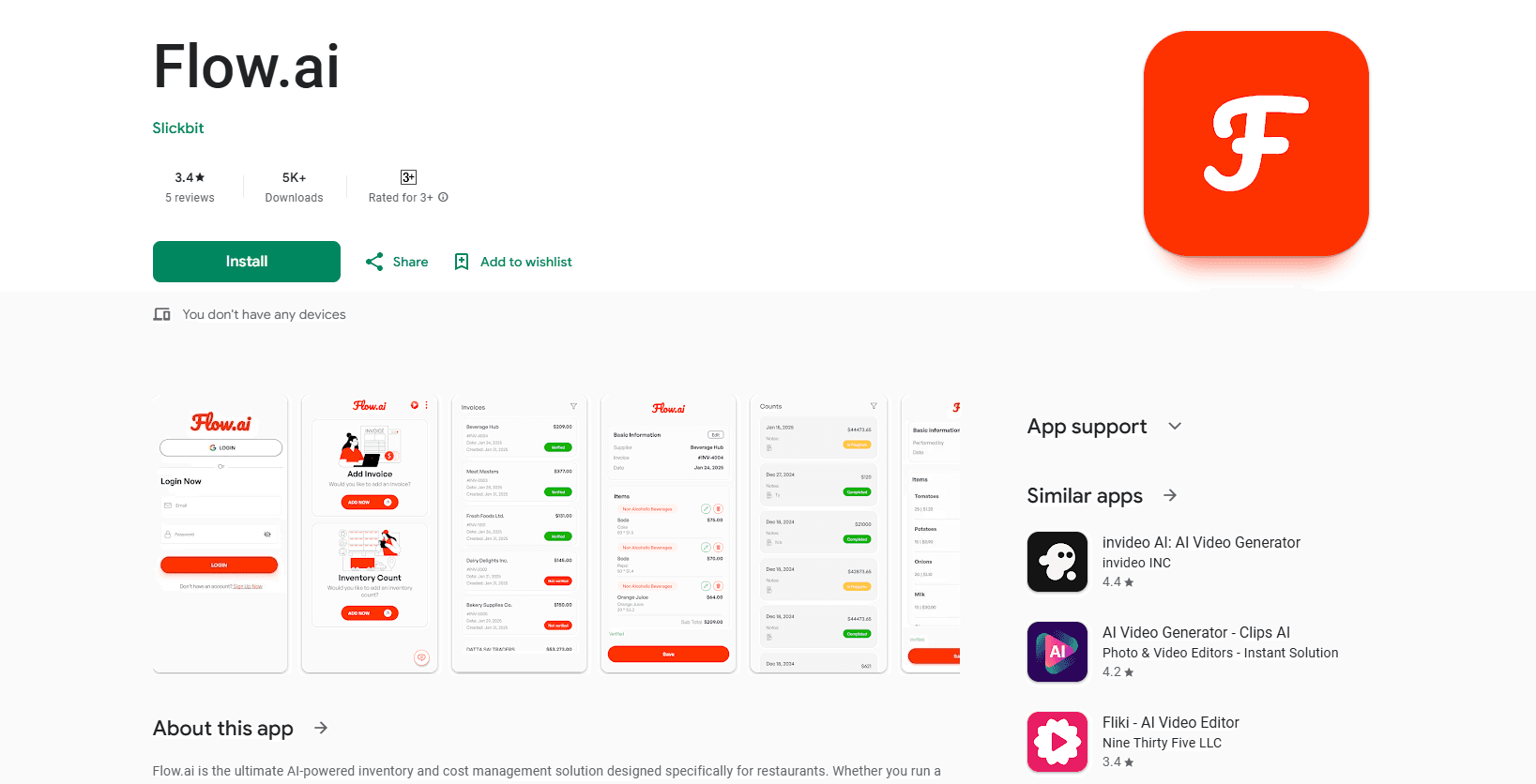
About Flow.ai
What Is Flow.ai
Flow.ai takes a different path than most AI products. Rather than doing one thing extremely well, it groups several AI-powered modules into a single platform. Video generation, inventory tracking, fitness coaching, and transcription all live under the same account, so a retail shop and a video editor can each pull the parts they need. In most stacks those parts demand separate logins, separate billing, and separate onboarding before anyone gets useful work done, which is exactly the headache this platform is built to remove.
One login. Five tools. That's the whole idea.
The pitch is convenience. You sign up once, learn one interface, and get access to tools that would otherwise mean separate logins, separate bills, and separate learning curves. For a small team without a dedicated IT person, that consolidation is the main draw.
That's the trade you're making.
The trade-off is depth. A single platform covering this many areas won't match a dedicated specialist in every category, and that gap shows up first in transcription accuracy. If transcription is your entire business, a focused tool will likely win. Flow.ai makes sense when you need solid coverage across several areas and value having them in one place, especially if you'd otherwise be paying for four subscriptions you barely open.
Getting Started
- Create an account through the Flow.ai website and confirm your email.
- Pick the module you need first, such as video creation or inventory management, from the main dashboard.
- Connect any relevant data, like your product list or fitness goals, so the AI has something to work with.
- Run your first task, review the output, and adjust the settings until it matches what you expected.
- Add more modules as you go, since the platform is built to be used piece by piece.
Product Information
A quick look at Flow.ai's pricing, supported platforms, and performance.
Best for
The users, tasks, and scenarios where this tool fits best.
Users
- Small business owners
- Freelancers wearing many hats
- Retail and e-commerce staff
Tasks
- Generating short marketing videos
- Tracking stock levels
- Building a workout routine
- Transcribing recordings
Scenarios
- A one-person shop running sales, content, and stock
- A side project that needs quick turnaround
- Getting a fitness habit started
Key features
Video Creation Module
The video tool turns basic inputs, like product details or a short brief, into finished clips for social posts and listings. You don't need editing experience to get a usable result. It's the module most users reach for first when they need content fast. That's because the alternative means opening an editing suite, learning its timeline, and losing an hour before the first clip is even done. It handles the routine promo edits that would otherwise eat an afternoon. Anyone chasing frame-level control will want a real editor, and that's fair.
Inventory Management
This module handles stock tracking, so you can log items and watch counts without a separate spreadsheet. It fits small catalogs and gives a running view of what's low, without the setup a full stock system demands. Larger operations may find the built-in reporting lighter than a dedicated inventory system, since there's no deep forecasting or multi-warehouse logic here. Know that before you commit.
AI Fitness Coaching
The fitness side builds workout plans around your goals and adjusts them over time. It's aimed at people who want structure without hiring a trainer. Results depend on how honest you're with the inputs, since the AI only knows what you tell it, and a plan built on vague answers about your schedule and ability will fall apart fast. Not a trainer. Still useful.
Transcription
The transcription tool converts audio and voice notes into text, handy for meeting minutes or interview notes. It saves the manual typing that eats up an afternoon, and for short clips with clean audio the output is usable without much cleanup at all. Accuracy varies with audio quality and background noise, as with most transcription services, so a scratchy phone recording may need real editing before you trust it.
Consolidated Dashboard
Every module lives behind one login, which is the whole point of the platform. You move between video, inventory, and fitness without changing apps or re-entering credentials. For teams without technical staff, that simplicity is worth more than any single feature. Fewer tabs. Fewer passwords.
Multi-Industry Templates
Flow.ai frames each module around a specific industry need rather than one generic tool. That means the defaults and prompts are tuned to retail, content, or wellness work instead of being blank canvases, which cuts the blank-page problem that stalls most people before they start. It shortens the setup time when your use case matches a built-in template. Match the template and you're moving in minutes.
Pros and cons
Pros
- Bundles video, inventory, fitness, and transcription tools into one account, cutting the number of subscriptions to manage.
- The shared dashboard keeps switching costs low between modules.
- Industry-tuned templates shorten setup for common small-business tasks.
- A free plan lets you test the platform before committing.
- Available on the web and Android, so you can work from a phone or a laptop.
- One bill, one login. Simple.
Cons
- A multi-purpose platform rarely matches a dedicated specialist in any single category, so heavy users may outgrow a module.
- The inventory tools suit small catalogs; bigger operations will miss advanced reporting.
- Transcription accuracy drops with noisy or low-quality audio, so check results before relying on them.
Frequently asked questions
It's a multi-solution AI platform that groups several tools together: video creation, inventory management, fitness coaching, and transcription. You pick the modules you need and use them from one account rather than paying for separate services. No surprise here.
Related content
Explore related tools, skills, and articles for Flow.ai.
Flow.ai Alternatives

ngram 2.0
ngram · Video · Marketingngram 2.0 is an AI video generator for teams. It turns a prompt, a screen recording, or a product URL into a narrated explainer, product demo, or AI avatar video, and every scene stays editable.

OpenScreen 2
OpenScreen (open-source project) · Video · ProductivityOpenScreen 2 is a free, open-source screen recorder and demo video editor for Windows, macOS, and Linux, with automatic zooms, styled frames, local captions, and agent edits.

Skreno
Skreno · Video · ProductivitySkreno is a browser screen recorder that captures a tab, a window or your whole display, then attaches AI transcripts, summaries and console logs to one share link.