

Flux AI Art
Flux AI Art (fluxaiart.com) · Image
Flux AI Art is a browser-based Flux AI image generator built on the Flux.1 family. Type a prompt, choose a model and size, and get finished images without a local GPU or any install.
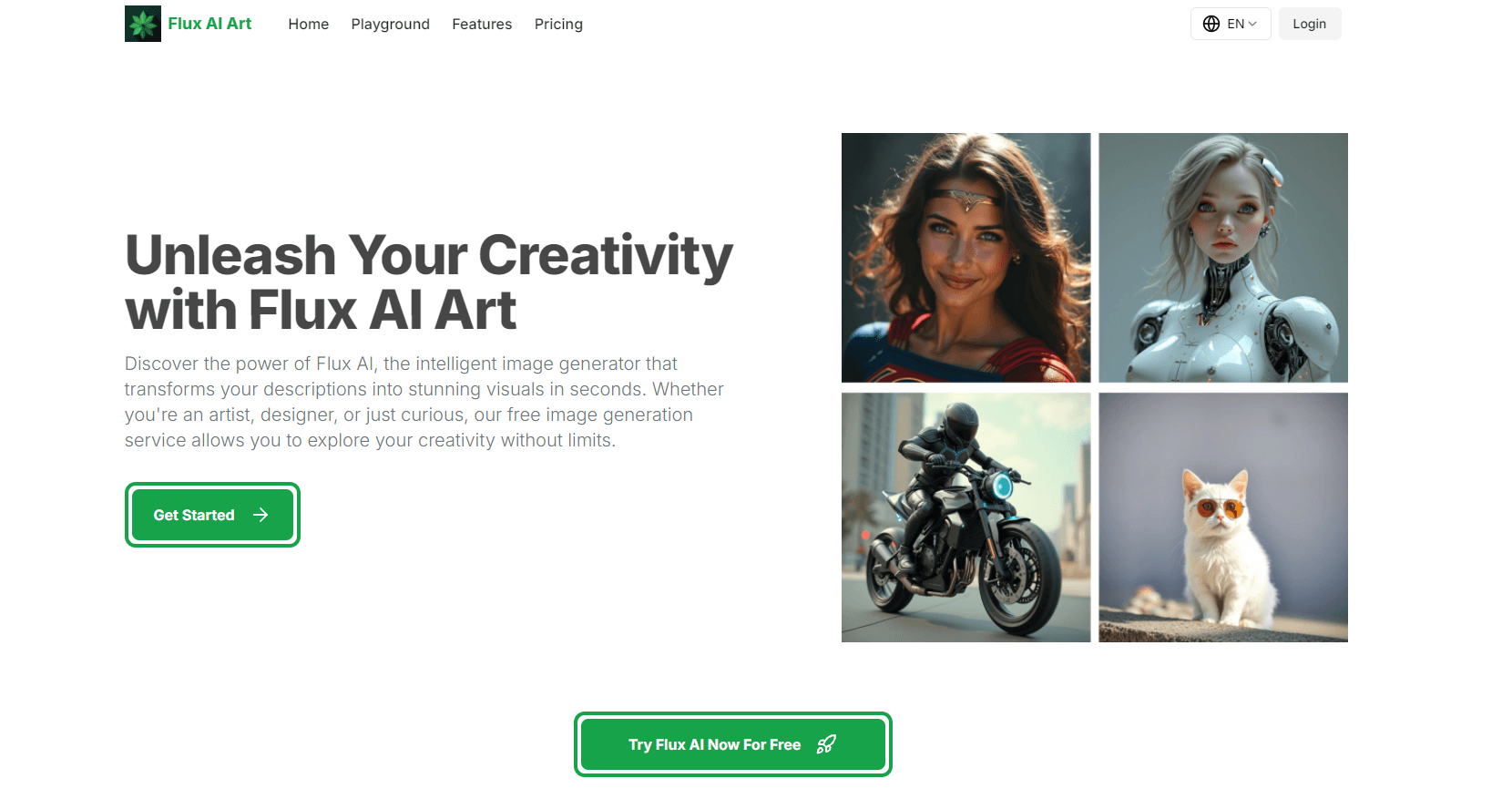
About Flux AI Art
What Is Flux AI Art
Flux AI Art is a web-based AI art generator that wraps the Flux.1 image models from Black Forest Labs in a simple generation screen. Under the hood it's a text to image generator with three model variants, LoRA styles and batch controls. It gives you the three standard variants, FLUX.1 [pro], FLUX.1 [dev] and FLUX.1 [schnell], plus LoRA styles, so one account covers everything from a quick draft to a polished commercial visual.
The product targets people who want Flux output without a GPU or a ComfyUI setup. You log in, describe the image, set the size and press generate. The free AI image generator tier covers the first runs, credits do the rest, and paid plans add private generation and more headroom.
The limits matter as much as the features. There's no public API, no desktop or mobile app, and no team workspace. Everything runs in the browser, and the cheapest tiers make your images public by default.
Getting Started
- Open fluxaiart.com and create an account with an email address. The free tier unlocks after you log in.
- Pick a model in the generator: [schnell] for fast drafts, [dev] for balanced results, [pro] for final renders.
- Write your prompt, then choose an image size, an optional LoRA style and how many images to produce in the batch.
- Choose public or private output if your plan supports it, then press generate and download from your gallery.
Product Information
A quick look at Flux AI Art's pricing, supported platforms, and performance.
Best for
The users, tasks, and scenarios where this tool fits best.
Users
- Beginners who want Flux images without a local GPU
- Designers testing a concept before a full render
- Small studios that need commercial rights
Tasks
- Turning a written brief into mood boards
- Portrait and character studies
- Product and scenery mockups
Scenarios
- A blog post that needs a header image today
- A campaign where images can't leak early
- Weekend art practice
Key features
Three Flux.1 Models in One Place
This Flux.1 image generator puts FLUX.1 [pro], [dev] and [schnell] behind a single model menu. Schnell is the speed option, Dev sits in the middle, and Pro is the one to reach for when a prompt has to land exactly. Switching costs nothing but credits, so you can draft cheap and finish expensive.
LoRA Style Presets
Flux Lora builds on the open FLUX.1-dev weights and adds trained style layers for portraits, landscapes, product shots and concept art. Pick one from the list and the same prompt comes back with a different look. It's the closest thing here to a style library, and it saves you from writing long descriptive prompts.
Control Over Size, Privacy and Batch Count
Every run lets you set the image dimensions, public or private visibility and the number of images in the batch. Free and Basic accounts default to public output, while Pro and Premium let you keep generations private. That single toggle decides whether your work can show up in the site's gallery.
Credit System With Yearly and One-Time Options
Credits are the currency for every generation, and each model burns a different amount. A Pro image costs more than a Schnell one, which is why the plans quote separate generation counts for each. You can subscribe yearly or buy a one-time pack that stays valid for one to two months.
Built-In Image Storage
Paid plans include free image storage while the plan stays active. You don't have to download everything immediately or keep a separate drive for drafts. Storage ends with the subscription, so anything worth keeping should be pulled down before you cancel.
Public Gallery for Discovery
The site surfaces selected public images, which works as a free source of prompt ideas. Free and Basic users feed that pool by default, and the company says it handpicks the ones shown. If you'd rather stay out of it, private mode is the answer.
Pros and cons
Pros
- No install and no GPU: everything runs in the browser, including the heavy [pro] model.
- Model choice per image, so a draft can cost a fraction of a final render.
- LoRA presets cut prompt writing for portraits, products and concept art.
- One-time credit packs let occasional users avoid a subscription.
- Commercial use is spelled out for [pro] and [dev] output.
Cons
- No API, so developers can't wire Flux AI Art into their own apps.
- Free and Basic images are public by default, which rules out confidential client work on those tiers.
- Credits expire with the plan, and unused balance doesn't roll over.
- The site lists no mobile app, so phone users are stuck with a mobile browser.
Frequently asked questions
Yes. The free tier opens after you log in and covers a limited number of generations. Heavy use needs credits, either through a monthly plan from $4.9 or a one-time pack.
Related content
Explore related tools, skills, and articles for Flux AI Art.
Flux AI Art Alternatives

Tractionwave
TractionWave · Image · MarketingTractionWave is an AI attention heatmap tool for static ads. Upload a PNG or JPG and it returns predicted attention, ranked hotspots, and fixes before you spend budget.

Imejis.io
Imejis.io · Image · MarketingImejis.io is an AI design studio for agents and marketing teams. Describe an image in plain words, and it writes the copy, builds the layout, reflows it to every size, then exports a finished file.

Layoutr
Van Dijk Ontwikkeling · Image · China AILayoutr is a browser floor plan tool that scales your own plan, places furniture at true size, shows the room in 3D and renders it with AI.