

FluxAI Pro
DETOOLS LTD · Image
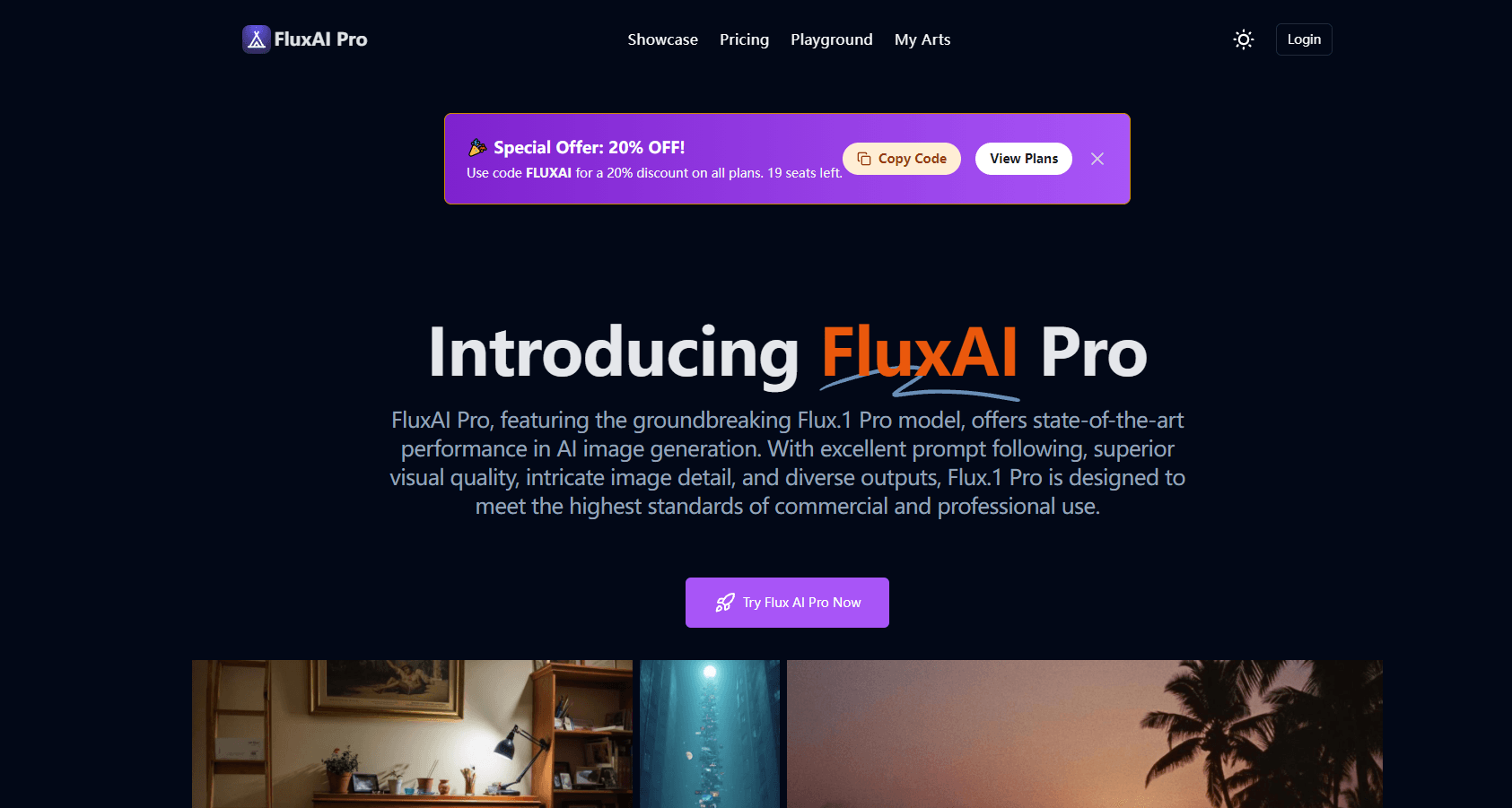
FluxAI Pro is a browser-based AI image generator built on Black Forest Labs FLUX models. It covers text to image, editing, upscaling and short AI video, sold in credit packs.
About FluxAI Pro
What Is FluxAI Pro
FluxAI Pro is a web app from DETOOLS LTD that puts several FLUX image models behind one prompt box. You type a description, pick a model, and get an image back in seconds. The same workspace also holds editing tools and a video tab, so a project rarely needs a second tab open.
The pitch is simple. FLUX models are good at following long prompts and at drawing readable text, two things older generators still struggle with. FluxAI Pro wraps that engine in a credit system: cheap models cost little, expensive ones cost more, and you top up when you run out. There's no monthly seat to cancel.
The catch is that credits expire. Packs last three, six or twelve months depending on size, and the free tier resets monthly instead of stacking. Heavy users who generate in bursts will feel that more than people who shoot a few images a week.
Getting Started
- Create an account on fluxai.pro with an email address or a social login.
- Open the image generator, write a prompt and choose a model. Schnell is the fast, cheap option, while Flux 2 Max and FLUX.1 Pro cost more credits per image.
- Set the aspect ratio and generation count, then run the prompt. Square, portrait and widescreen presets are all available.
- Refine with the editing tools if needed, then download the file or share it from the community gallery.
Product Information
A quick look at FluxAI Pro's pricing, supported platforms, and performance.
Best for
The users, tasks, and scenarios where this tool fits best.
Users
- Social media designers
- Small online sellers
- Hobbyist illustrators
Tasks
- Ad creative that needs legible text
- Upscaling and extending older assets
- Turning a reference photo into a prompt
- Quick concept boards
Scenarios
- Planning a month of social content
- Client work with several review rounds
- Testing an idea before a paid shoot
Key features
Flux 2 and FLUX.1 model lineup
The generator ships with Flux 2 Max, Pro and Flex alongside FLUX.1 Ultra, Pro, Dev and Schnell. Each model trades cost against detail, so you can draft on Schnell at one credit and finish on a premium model. The spread matters because it lets you keep a consistent look while controlling spend per image.
4MP photorealistic output
Images go up to four megapixels, which is enough for web use and light print work. Any aspect ratio is supported, from square posts to wide banners, so you don't have to crop after the fact. Skin texture, hands and fabric folds hold up better than earlier open models. Extreme close ups still show softness.
Text rendering inside images
FLUX handles short strings well, and FluxAI Pro exposes that strength directly. Headlines, product labels and simple signage usually come out readable on the first or second try. Long paragraphs of text still break down, so treat it as a tool for short copy rather than full layouts.
Editing toolkit in the same workspace
The platform bundles an image upscaler, inpainting, an image extender, a background remover and an image to prompt tool. You can fix a hand or stretch a canvas without exporting to Photoshop. None of these tools are best in class on their own, but having them next to the generator saves real time.
AI video generator
A separate tab turns stills or text prompts into short clips using models such as Kling, Veo, Wan and Hailuo. It's a useful add-on for animating a hero image or testing a motion idea. Video eats credits faster than images, so budget accordingly.
Credit based pricing with a commercial license
Every paid pack includes a commercial license, private generation and prompt optimization. Credits are priced per model, with Schnell at one credit and FLUX.1 Pro at twenty. You buy a pack once instead of subscribing, and the largest pack never expires.
Pros and cons
Pros
- Wide model selection under one login, including Flux 2 Max and FLUX.1 Pro, so you can match cost to the job.
- One-time credit packs instead of a recurring subscription, which suits freelance and seasonal work.
- Commercial license included even on the free plan, which removes a common legal worry.
- Editing, upscaling and video tools sit beside the generator, so you switch apps less.
- The Schnell model returns images in seconds, which makes prompt iteration cheap.
Cons
- Credits expire after three, six or twelve months, so light users can lose paid balance before they use it.
- The pricing page notes card payments are paused and packs are bought with crypto for now, which blocks some buyers.
- There's no public developer API, so teams can't wire the models into their own product.
- Per-model credit costs vary by a factor of twenty, and the interface doesn't always make the tradeoff obvious before you hit generate.
Frequently asked questions
It's a web app that generates images and short videos using Black Forest Labs FLUX models. You write a prompt, pick a model, and pay with credits instead of a monthly subscription.
Related content
Explore related tools, skills, and articles for FluxAI Pro.
FluxAI Pro Alternatives

Tractionwave
TractionWave · Image · MarketingTractionWave is an AI attention heatmap tool for static ads. Upload a PNG or JPG and it returns predicted attention, ranked hotspots, and fixes before you spend budget.

Imejis.io
Imejis.io · Image · MarketingImejis.io is an AI design studio for agents and marketing teams. Describe an image in plain words, and it writes the copy, builds the layout, reflows it to every size, then exports a finished file.

Layoutr
Van Dijk Ontwikkeling · Image · China AILayoutr is a browser floor plan tool that scales your own plan, places furniture at true size, shows the room in 3D and renders it with AI.