

Fluxy AI
Fluxy AI · Coding · Leaning
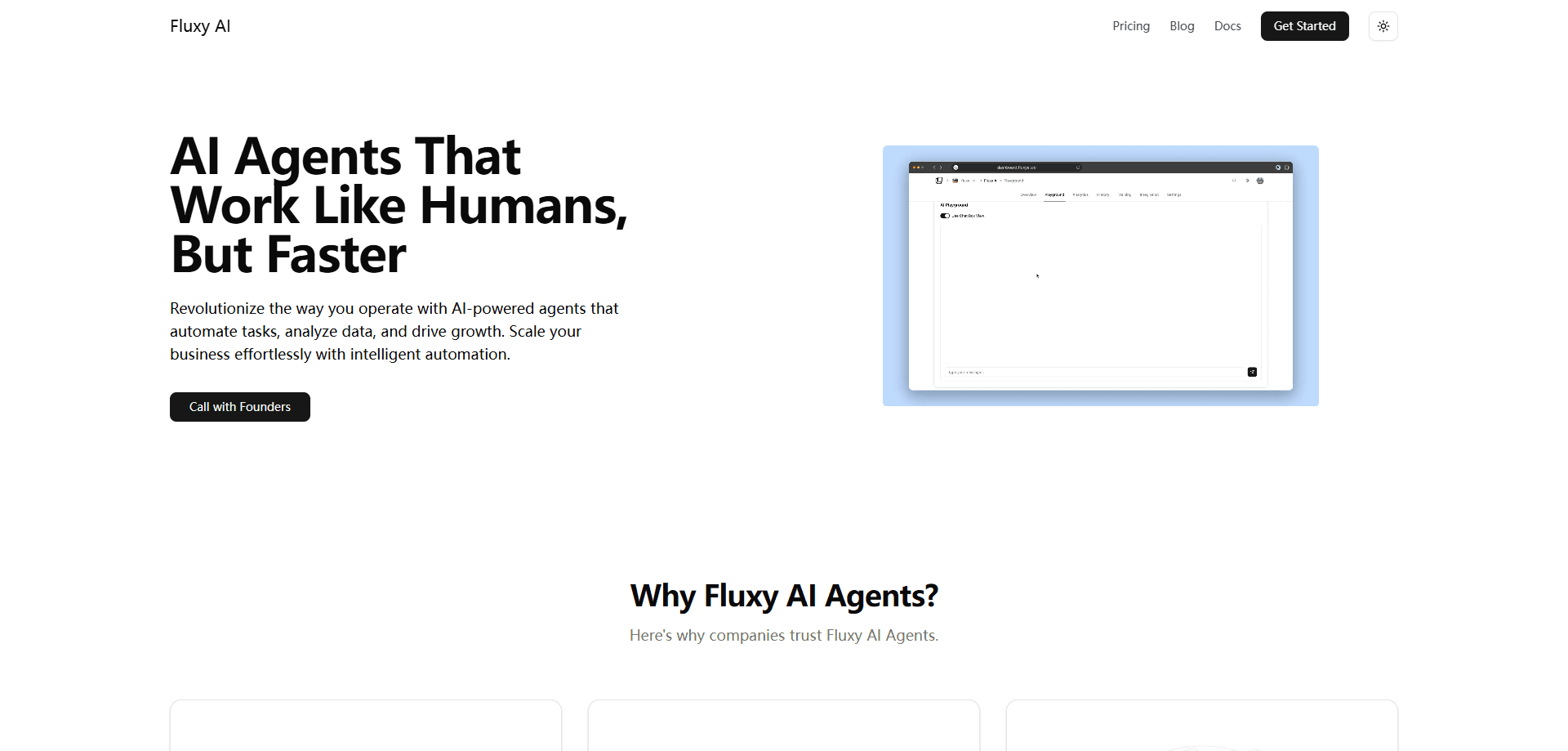
Fluxy AI is a free web platform that bundles four AI apps in one place: a document chat, an AI content writer, a guided journal and a screen recorder.
About Fluxy AI
What Is Fluxy AI
Fluxy AI is a browser-based suite of AI productivity apps, and the content writer works as a plain-spoken AI writing tool. It comes from a small team founded by GKV in 2023. Instead of selling one narrow tool, it puts several everyday jobs behind a single login, and the whole thing runs free with ads covering the cost.
The pitch is simple. Most people bounce between a chatbot tab, a notes app and a screen recorder just to get through a day's work or study. Fluxy AI gathers those into one dashboard, so the time you'd spend switching tools and re-typing context drops away. You sign in with Google and the apps open straight up.
What holds it back is depth. Each app covers the common case well, but none of them chase the power-user features a paid specialist would carry. The document chat is a clean way to ask questions of a PDF or a blog post, not a research workbench with agents and citations.
Getting Started
- Go to fluxyai.com and sign in with your Google account, which also skips a separate password
- Pick an app from the dashboard: Chats, Content Creation, Journal or Screen Recorder
- Upload a document to Chats, or type a topic into Content Creation, then let the AI generate a draft
- Copy the output, or start a journal entry and record a screen clip, all from the same tab
Product Information
A quick look at Fluxy AI's pricing, supported platforms, and performance.
Best for
The users, tasks, and scenarios where this tool fits best.
Users
- Students
- Writers and bloggers
- Journal keepers
- Anyone recording their screen
Tasks
- Chatting with long documents
- Drafting content from a topic
- Daily journaling
- Screen capture
- Cross-language writing
Scenarios
- Exam season
- A blogger short on time
- Five quiet minutes before bed
- Explaining a bug to a teammate
- Studying in a second language
Key features
Chat With Any Document
The Chats app lets you upload a document or point it at a blog and then ask questions about the contents. It runs on a large language model and answers from the file you gave it, so you can pull a figure out of a long report or get a plain-language summary of a dense paper. For students and researchers, it turns passive reading into something closer to a conversation.
AI Content Creation
Content Creation is built to remove the blank-page problem and the prompt-writing that comes before it. You describe what you want in plain terms and the app produces a draft article, newsletter or post. It's aimed at people who know their subject but don't want to spend an hour tuning a chatbot prompt just to get started.
Guided Daily Journal
The Journal app is a guided journal rather than an empty page. It serves prompts that spark ideas, add structure and keep you consistent, which matters most for people who've tried journaling and stalled. It takes about five minutes a day, and the prompts are designed to surface reflection, creativity and accountability without the pressure of a blank screen.
Free Screen Recorder
Fluxy AI's screen recorder works on Mac, Windows and Chrome, records in HD up to 4K, and captures your own audio or the system's. There's no time limit, so you can record long sessions, and it stays free. It's a practical add-on for anyone who already uses the other apps and would otherwise install a separate tool.
Multilingual Output
Fluxy AI states that its services run in multiple languages, and the platform reports content generated in 8+ languages from users in 10+ countries. That makes it usable for people studying or writing outside English, who can draft in their own language and ask the document chat to explain material in it too.
Google Sign-In and Single Dashboard
One Google sign-in unlocks every app, and the dashboard puts all four in one place. There's no separate account per tool and no app to install, since everything runs in the browser and works on mobile. The trade-off is the same login you'd use to share data with Google, which is the cost of skipping a fresh password.
Pros and cons
Pros
- Four apps under one login, so a document chat, writer, journal and recorder stop living in separate tabs
- Completely free, with ads covering the cost rather than a subscription
- Easy start through Google sign-in, with nothing to install and a mobile-friendly layout
- The screen recorder has no time limit and pushes up to 4K, which most free recorders cap
- Multilingual support across 8+ languages suits students and writers outside English
Cons
- No API, so developers can't wire the tools into their own apps or workflows
- No pricing page or paid tier, which means no added power or priority support if you need it
- No published release history, so it's hard to tell how actively the platform is maintained
- Free and ad-supported means less room for the deep features a paid specialist tool would offer
Frequently asked questions
Fluxy AI is a free web platform that bundles several AI apps in one place. It includes a document chat, an AI content writer, a guided journal and a free screen recorder, all behind a single Google login.
Related content
Explore related tools, skills, and articles for Fluxy AI.
Fluxy AI Alternatives
Forefront
Forefront · CodingForefront is a web platform for building with open-source AI. It lets you fine-tune leading open-source language models on your own data, evaluate how they perform, and run them through an API or export them to host yourself. Developers who want the convenience of a closed-source platform but insist on owning their models and data are the target audience here.

Startkit
StartKit.AI · CodingStartkit is a boilerplate for building AI SaaS and AI wrapper products. Think of it as an AI startup boilerplate with the boring parts already wired up: authentication, Stripe and Lemon Squeezy payments, usage limits, transactional email, and an AI API starter that talks to OpenAI, Anthropic, Groq, or Llama. You clone the repo, set your price, and start on the part of your product that people actually pay for. It's Next.js under React and Tailwind, so most of the boilerplate code already feels familiar.
Testim
Tricentis · CodingTestim is an AI-powered test automation platform for building and running end-to-end tests across web, mobile, and Salesforce applications. It leans on machine learning to keep tests stable when an interface changes, so teams spend less time fixing broken selectors. Not bad for an automated testing tool you can start using today. You create tests by recording actions in a browser, then optionally add JavaScript when you need more control. It's a solid pick for busy QA teams.