

Framer Workshop
Framer B.V. · Image · Coding
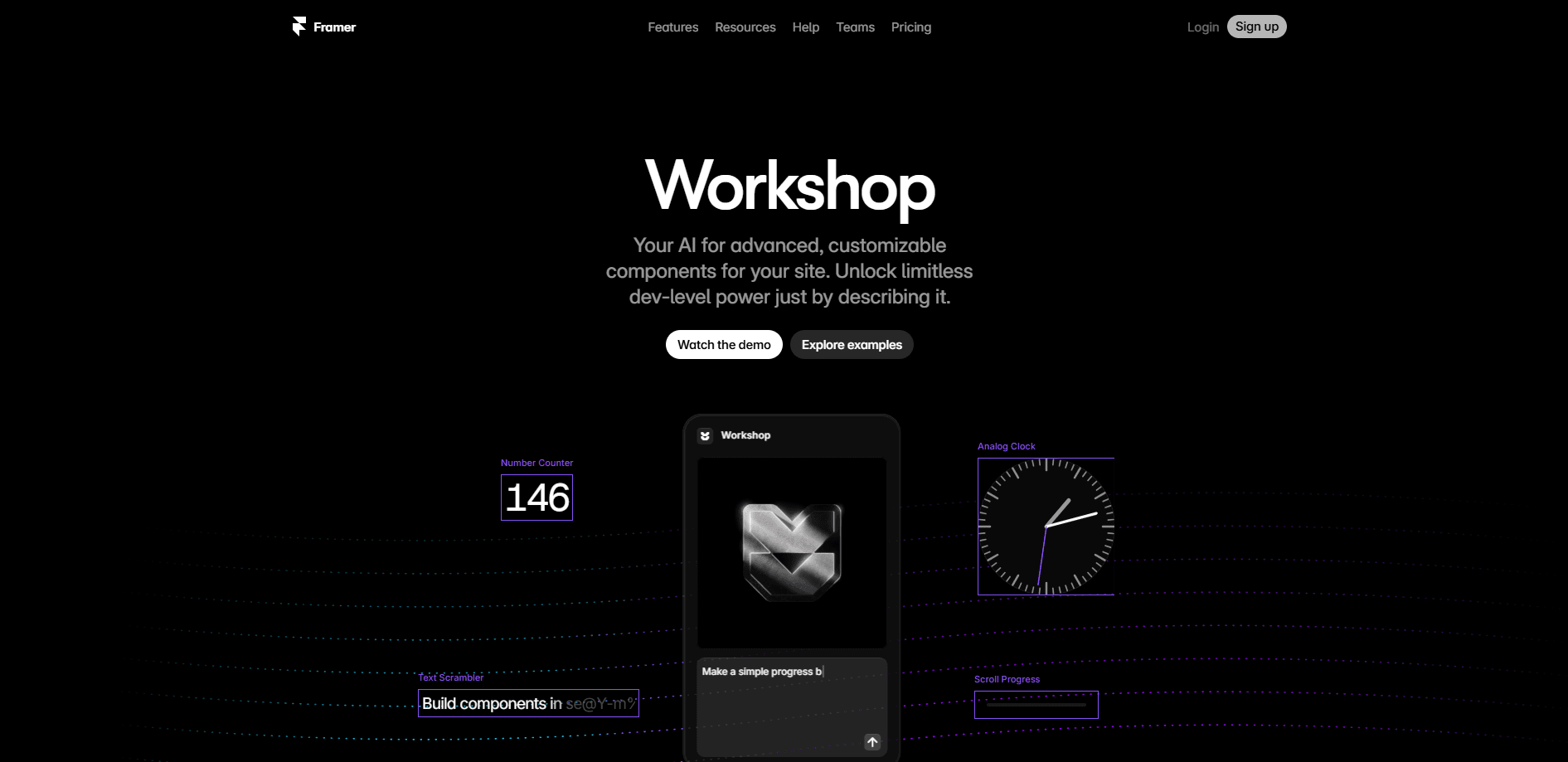
Framer Workshop is the AI agent inside Framer that builds custom code components for your website from a plain description. It turns ideas like animated carousels, forms, or interactive cards into editable components you can drop onto the canvas.
About Framer Workshop
What Is Framer Workshop
Framer Workshop is the part of Framer's AI system that handles custom code. Instead of dragging prebuilt blocks, you describe the interaction or feature you want, and the agent writes a component that fits your site. It lives inside the same project as your pages, so anything it builds stays connected to your design system and stays editable.
Framer itself is an AI website builder for designers and teams. It pairs a visual canvas with AI agents that handle layout, copy, styling, content, and code. As a website building AI tool, it keeps the design and the build in one place, and the Framer AI agent inside it handles the code side.
The main thing to know: Workshop is built for people who want custom behavior without hand-writing React. If your site needs something a template cannot deliver, this is the tool you reach for. It still expects you to review what it makes, because AI-generated code can miss edge cases.
Getting Started
- Sign up at framer.com and open or create a project.
- Start a new chat with the Framer agent and describe the component you need, in plain language.
- Pick a model if you want, then let the agent generate the component and review the result.
- Refine it in the conversation or take over on the canvas, then insert it into your page.
- Publish your site when the component behaves the way you want.
Product Information
A quick look at Framer Workshop's pricing, supported platforms, and performance.
Best for
The users, tasks, and scenarios where this tool fits best.
Users
- Designers who need custom interactions without writing React by hand
- Small marketing and product teams shipping landing pages
- Founders validating an idea fast
Tasks
- Building animated elements like carousels and cursor trails
- Creating practical no-code components such as calculators and multi-step forms
- Adding dynamic content that reacts to scroll or clicks
Scenarios
- Reworking a template page so it does not look like everyone else's
- Prototyping a feature before committing engineering time
- Adding a small feature to an existing Framer project
Key features
Prompt To Custom Component
You describe the interaction or live feature you need, and the agent builds a code component for your site. It covers everything from a simple accordion to a cursor trail with easing. The result plugs into your project rather than living in a separate file. Think of the agent as a code component builder that works from a sentence.
Uses Your Design System
Components the agent builds connect to your styles, spacing, and fonts. That matters when a site has rules to follow, because a new component should not look like it came from somewhere else. You can adjust it later without breaking the rest of the page.
Editable On The Canvas
Everything Workshop produces stays editable. You can reformat, restyle, or rebuild parts of it by hand once the agent is done. Nothing gets locked into a fixed template you cannot touch.
Model Choice
Framer lets you pick between several models depending on the task, so you can favor speed or depth as needed. The agent runs in a chat you can keep focused on one job at a time.
Branching And Review
Edits made by the agent can move to a branch, so you can compare changes before they go live. Teams can review a component and merge it once it looks right.
Works With Framer Skills
You can save your own instructions as reusable skills, so the agent follows your project's conventions every time. That keeps code consistent across a site, even when different people build parts of it.
Pros and cons
Pros
- Removes the need to hand-write React for custom interactions, which lowers the bar for non-developers.
- Components stay connected to your design system and remain editable after generation.
- Branches and review workflows let teams check AI output before publishing.
- Built into Framer, so there is no separate tool to install or export to.
- Model choice lets you trade speed against depth depending on the job.
Cons
- You still need to review generated code. AI can miss edge cases, and a broken component can hold up a publish.
- Off-the-shelf behavior is covered well, but highly unusual logic may take several rounds to get right.
- It only works inside Framer. If your site lives elsewhere, Workshop does not help you there.
Frequently asked questions
It is the AI agent in Framer that writes custom code components. You describe an interaction or feature, and it builds something editable you can add to your site.
Related content
Explore related tools, skills, and articles for Framer Workshop.
Framer Workshop Alternatives

X Ray Interpreter
X-ray Interpreter · ImageX Ray Interpreter is a web-based AI radiology tool that turns X-rays, CT scans, MRI, ultrasound, and PET images into plain-language reports. You upload a scan, get a preliminary X-ray interpretation in moments, then ask follow-up questions if something needs explaining. It works as a second opinion and a learning aid, not as a medical diagnosis.

Aieasypic
AIEasyPic · ImageAIEasyPic is an AI image generator that turns plain text prompts into finished artwork in seconds. You can also train custom models on your own photos, swap faces in existing images, and create short video clips from text, all from a browser. It suits casual creators who want quick visuals and hobbyists who want to build a personal model without touching any code.

Chargen
Chargen · ImageChargen is an AI character generator and worldbuilding toolkit built for Dungeons & Dragons and other tabletop RPGs. It turns a one-line idea into a painted character portrait, spins up NPCs, monsters, maps and encounters from the same session, and keeps every creature's details close at hand. The tabletop RPG art side runs on a credit system called Gold, while the text generators stay free for everyone.