

Franz Messenger
Franz · Productivity
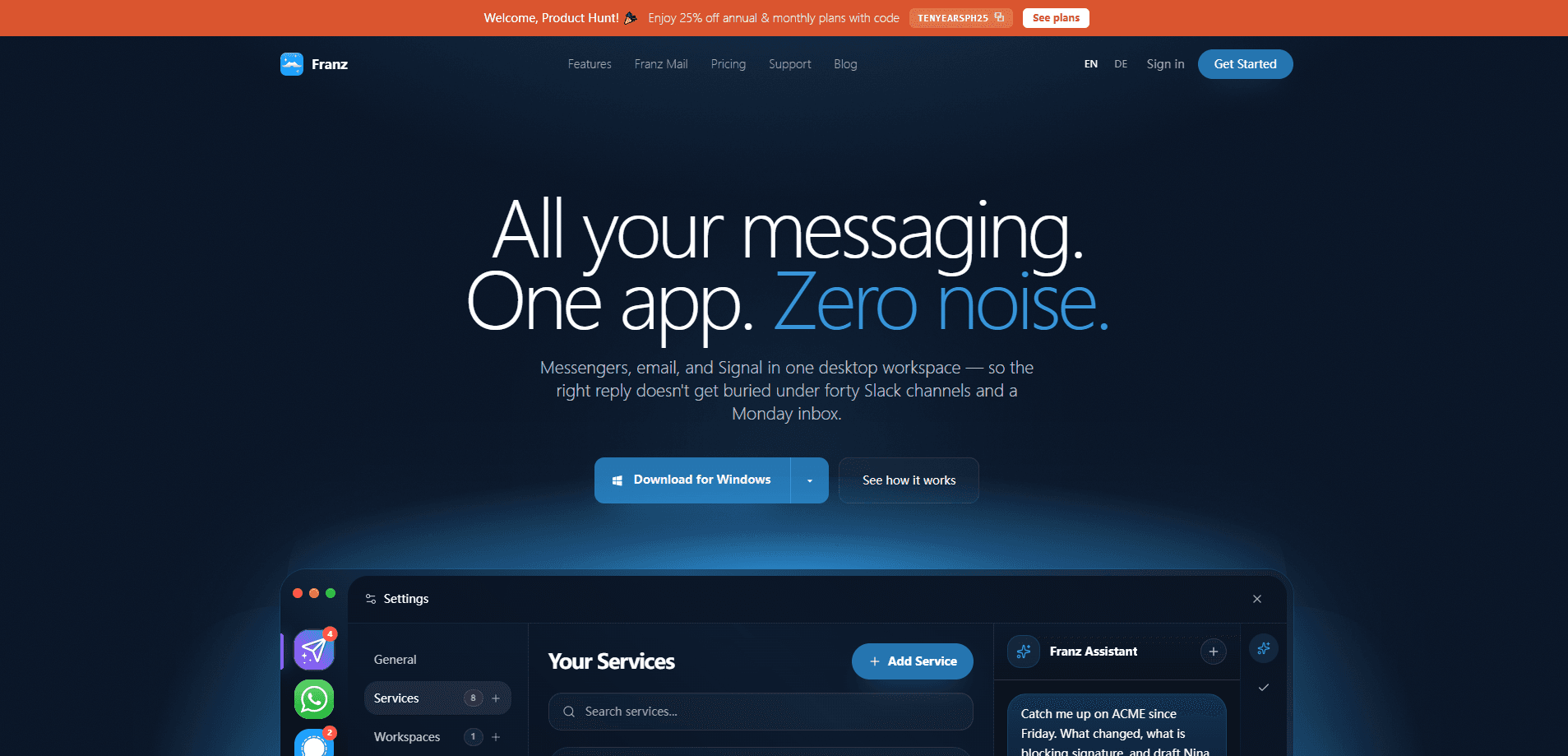
Franz Messenger is an all-in-one messaging app that runs more than 75 chat and email services inside one desktop window. WhatsApp, Slack, Gmail, Telegram, Discord, and native Signal each live in their own isolated container, so client chat, team chat, and your inbox stop fighting for screen space. Unified notifications, unread badges, workspaces, and an optional AI layer sit on top. That makes this cross-channel messaging app a fit for recruiters, consultants, founders, and anyone who spends the day jumping between conversations. It runs on Mac, Windows, and Linux.
About Franz Messenger
What Is Franz Messenger
Franz Messenger is a unified messaging app for the desktop. Think of it as a multi-service chat client: instead of keeping a dozen browser tabs open, you add each service once and Franz keeps them running side by side, sorted into workspaces by project or client.
The core problem it tackles is context switching. When WhatsApp, Slack, and email all demand attention at once, the reply that actually matters gets buried. Franz puts every channel in one operating view and adds a Magic Bar shortcut for finding a message, jumping to a service, or asking for help. The free Starter tier caps you at 3 services and 1 workspace. Pro lifts those limits and adds snippets you reuse, Privacy Shield, and app lock. Max adds AI that drafts replies from the open conversation.
The biggest limitation is where the AI lives. On Pro, the intelligence runs through a model you configure yourself, and your provider bills you directly. Max bundles Franz Cloud AI with 5M tokens and 50 research runs a month. Native Signal, voice dictation, and 1Password autofill depend on your platform. Dictation needs macOS 26 or later on an Apple Silicon Mac. Older hardware is out.
Getting Started
- Download the desktop app from meetfranz.com for macOS, Windows, or Linux, then open it.
- Add a service from the built-in catalog, such as WhatsApp, Slack, or Gmail, and sign in through the service's own window.
- Group related services into a workspace, like one for clients and one for your team.
- Set your notification and unread-badge preferences so only the services you care about interrupt you.
- If you want AI drafting, connect a model provider on Pro or subscribe to Max for Franz Cloud AI.
Product Information
A quick look at Franz Messenger's pricing, supported platforms, and performance.
Best for
The users, tasks, and scenarios where this tool fits best.
Users
- Recruiters
- Consultants
- Founders and operators
Tasks
- Triaging a high-volume inbox
- Keeping client and team chat separate
- Drafting repetitive replies
Scenarios
- A workday that hops between client chat, team chat, and formal follow-ups
- Privacy-sensitive threads
Key features
Cross-Channel Workspace
Every service you add runs in its own isolated container inside Franz, which keeps sessions from bleeding into each other. You see client chat, internal chat, and email in one operating view. That's the whole point of an all-in-one messaging app: no more six-tab shuffle. Adding any website as a custom service means even tools without a built-in integration can join the workspace.
Magic Bar
One keyboard shortcut opens a command bar for finding a message, jumping to a service, composing an email, or asking Franz for help. It's the fastest way to get from "where was that thread" to the actual reply without hunting through tabs.
Franz Mail
Gmail, Outlook, and IMAP accounts get a priority inbox with sender intelligence and local search. Low-signal mail drops into the background while formal handoffs and approvals stay visible. Why does this matter? Classification and draft suggestions can run on your own machine when privacy comes first.
Native Signal
Signal runs natively inside Franz rather than a bolted-on web wrapper. You can transcribe voice notes, summarize threads, and keep sensitive conversations in the same workflow as everything else. No second app. No copy-paste between windows.
On-Device Voice Dictation
Hold one key. Talk. Let go. The words land in whatever you were writing. Recognition runs on your Mac, so nothing gets sent away. It needs macOS 26 or later on an Apple Silicon Mac and comes with Franz Pro.
AI Snippets and Cloud AI
Plain snippets paste exactly what you saved. Smart snippets, available on Max, take the same reply and fill in the person, topic, and date from the open conversation, then show a preview. Max adds Franz Cloud AI with 5M tokens and 50 research runs a month. You can still bring your own model.
Unified Calendar
Google, Microsoft, and Apple calendars sit beside your messages and mail in one view, so the meeting you're about to miss never hides in a tab you forgot to open. You can go from a message straight to the meeting it's about without losing your place, and the schedule stays private by default, which matters when your calendar is full of client names.
Pros and cons
Pros
- 75+ supported services in one desktop window, including WhatsApp, Slack, Gmail, Telegram, and Discord.
- Each service runs in an isolated container, which limits cross-service interference.
- A real free tier (3 services, 1 workspace) lets you test the flow before paying.
- AI on Pro runs through a model you control, so your data goes to your provider, not to Franz.
- Native Signal plus on-device dictation keep privacy-sensitive work in the same workspace.
Cons
- The free tier's 3-service, 1-workspace cap is tight for real work, so most professionals end up on Pro. No free lunch here.
- It's desktop only, so there's no mobile app to carry the workspace with you.
- Voice dictation and 1Password autofill are OS-gated, and dictation needs macOS 26 on Apple Silicon, so Windows and older Macs miss out.
Frequently asked questions
It's a desktop workspace that runs many messaging and email services in one window. You use it to keep client chat, team chat, and your inbox together so replies don't get buried across a pile of tabs.
Related content
Explore related tools, skills, and articles for Franz Messenger.
Franz Messenger Alternatives

Swms
Swms AI · Writing · Productivity · BusinessSwms is an AI safety compliance tool that turns a plain description of a job into ready-to-use safety documents. Describe your project, trade, and known hazards, and it writes a safe work method statement, job hazard analysis, safe work procedure, RAMS, or safety data sheet in seconds. It also ships with Oscar, a chat assistant that answers workplace safety questions in any language. Teams in construction, mining, transport, and warehousing use it to cut the paperwork that usually eats into a workday.

Wordly AI Translation
Wordly · Voice & Language · ProductivityWordly AI Translation is a real-time AI translation and captioning platform built for meetings, conferences, and events. It delivers live translation, captions, transcripts, and summaries in more than 60 languages, and attendees join by scanning a QR code or opening a link instead of using dedicated headsets. The platform works with Zoom, Microsoft Teams, Google Meet, and Webex, and it's designed for organizations that want multilingual access without hiring human interpreters for every session. Simple as that.

Rows
Rows (Superhuman) · Productivity · BusinessRows is an AI spreadsheet and data analysis tool that imports live data from more than 50 sources, then lets you work with it using plain language instead of SQL queries or nested formulas. You can pull numbers out of PDFs, connect ad platforms, databases, and bank accounts, and ask the AI to build reports, merge datasets, or set up models that recalculate themselves. It runs in the browser, works like a spreadsheet, and now sits under the Superhuman umbrella.