

Fred
Fred · Productivity
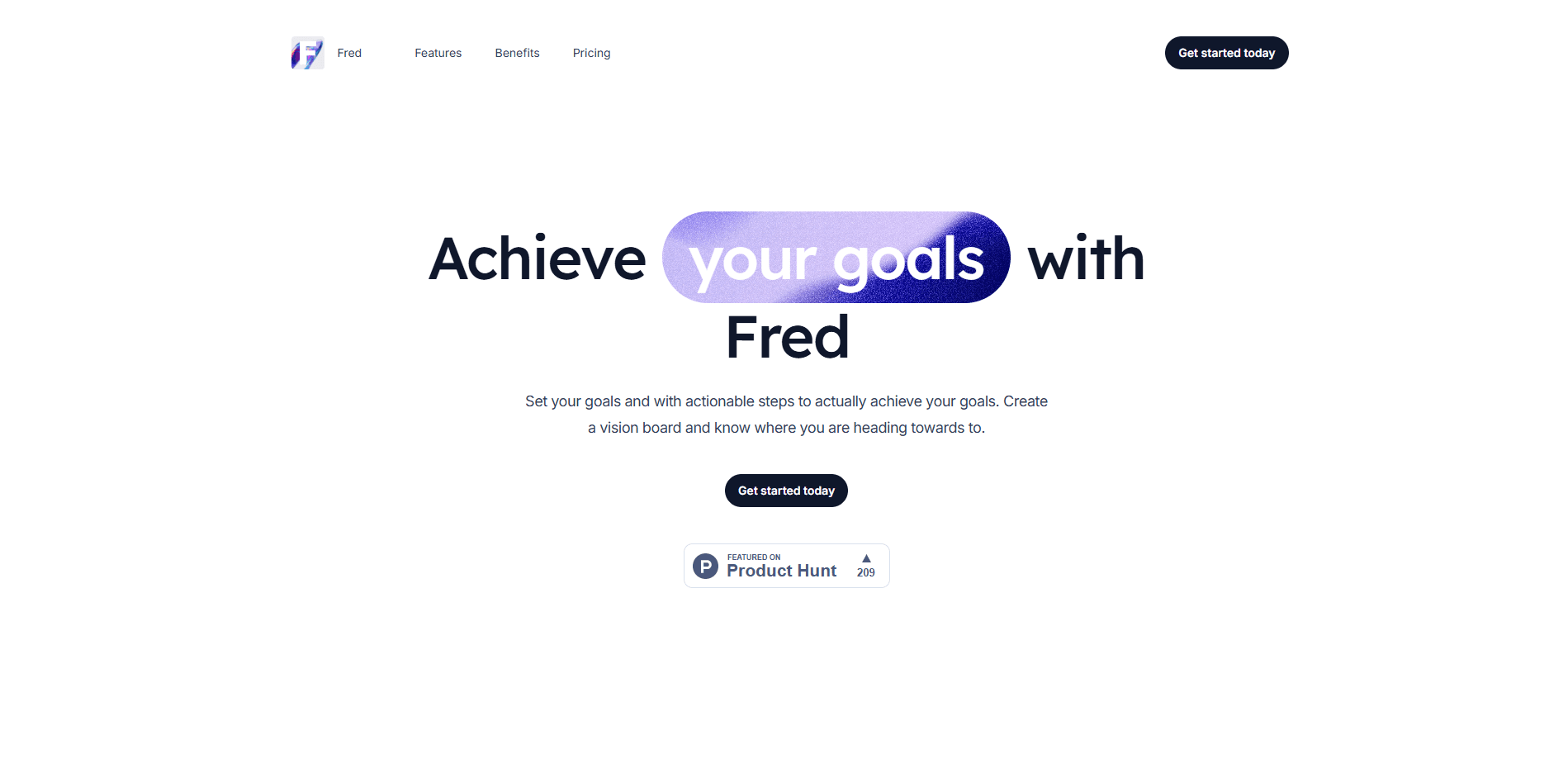
Fred is an AI goal setting app that helps you turn vague ambitions into concrete, workable steps. You set yearly and monthly goals, generate an action plan with AI, and keep the big picture visible through a digital vision board. It works as both a goal tracker and a vision board app. It runs in the browser and as an iOS app, and the free plan covers the basics for anyone who wants to organize their goals without paying.
About Fred
What Is Fred
Fred is a goal tracker built around one idea: a goal you can't break into steps is a goal you'll abandon. Why does that happen so often? Because most people set the destination but never plan the route. Instead of another blank checklist, Fred asks what you want to achieve and then uses AI to generate the smaller actions that move you toward it. Everything lives in one place, organized by month and year so you can see both the destination and the next move.
The product leans on two habits that tend to help people follow through. The first is a goal library with more than 200 proven goals you can pull into your own plan when you don't know where to start. The second is a vision board, where you collect quotes, images, and text snippets so the reason behind the goal stays in front of you rather than fading after a week.
The main limit is scope. Fred is a personal goal planner, not a team project manager, so there's no shared workspace, task assignment, or collaboration layer. If you're coordinating several people on the same objective, you'll outgrow it fast. For a solo goal planner, that focus is the point.
Getting Started
- Create a free account at app.fredgoals.com or download the iOS app.
- Add a goal for the year or a specific month, or browse the goal library and pick one that fits.
- Tap to generate AI steps for that goal, then adjust or remove any action that doesn't suit you.
- Build a vision board by adding quotes, images, and text to keep yourself motivated.
- Check the analytics view to track progress and revisit your action steps as the month moves along.
Product Information
A quick look at Fred's pricing, supported platforms, and performance.
Best for
The users, tasks, and scenarios where this tool fits best.
Users
- Solo goal setters who want a clear action plan instead of a bare to-do list, and don't need team features.
- People who respond to visual motivation
- Anyone who stalls at "where do I even start" and wants a goal library to borrow proven goals from.
Tasks
- Breaking a big yearly goal into monthly, doable steps
- Tracking progress on several goals at once
- Building a vision board
Scenarios
- A New Year reset, when you want to turn resolutions into steps you'll actually take.
- A career or fitness goal you've restarted before, where seeing past progress helps you push through the dip.
- A quiet Sunday planning session, mapping the month ahead in one sitting.
Key features
AI-generated action steps
This is the core of Fred. Give it a goal, and it produces a set of smaller steps you can act on right away. You still own the plan, so you can edit, cut, or reorder anything the AI suggests. Not a black box. The free plan generates steps for four goals total, while Fred Pro unlocks unlimited generations.
Goal library with 200+ proven goals
When a blank page is the problem, the goal gallery holds more than 200 best-practice goals you can browse and add to your plan. It's a practical starting point rather than inspiration to scroll past, since each one drops into your month or year view ready to work with. No staring at an empty screen.
Digital vision board
The vision board lets you add quotes, images, and text snippets so the "why" behind a goal stays visible. It's the piece that separates Fred from a plain goal tracker. The numbers live in analytics. The motivation lives here.
Monthly and yearly organization
Fred splits your goals across month and year views, so a long-term target and this month's actions don't blur together. You'll see where you're heading and what's due now without switching tools.
Progress analytics
The analytics view tracks how far along each goal is, giving steering feedback rather than a static count. For goals you've restarted before, that visible past progress is often what keeps you going through the middle stretch. That middle stretch is where most plans die.
Web and iOS access
Fred runs in the browser at app.fredgoals.com and ships as an iOS app, so you can plan on a laptop and check in from your phone. There's no Android version at the time of writing, which matters if your phone isn't an iPhone. Worth checking before you commit.
Pros and cons
Pros
- AI steps beat a blank page: you get a usable action plan in seconds, then refine it.
- The free plan is genuinely usable, with AI generation for up to four goals and no time limit.
- The goal library with 200+ proven goals solves the "what should I even work on" problem, which is the exact question that stops most people before they start.
- Vision board and analytics cover both motivation and measurement in one product.
- Flat, low pricing: Fred Pro is €4/month or €40/year.
Cons
- No Android app or native mobile support outside iOS, so Android users are limited to the web app.
- It's built for individuals. There's no shared workspace or team collaboration, so group goals aren't supported.
- Vision board media handling is lightweight, which is fine for motivation but not for heavy design work.
Frequently asked questions
Fred is an AI goal setting app for planning and tracking personal goals. You set goals by month and year, generate action steps with AI, and follow progress through a vision board and analytics view.
Related content
Explore related tools, skills, and articles for Fred.
Fred Alternatives

Swms
Swms AI · Writing · Productivity · BusinessSwms is an AI safety compliance tool that turns a plain description of a job into ready-to-use safety documents. Describe your project, trade, and known hazards, and it writes a safe work method statement, job hazard analysis, safe work procedure, RAMS, or safety data sheet in seconds. It also ships with Oscar, a chat assistant that answers workplace safety questions in any language. Teams in construction, mining, transport, and warehousing use it to cut the paperwork that usually eats into a workday.

Wordly AI Translation
Wordly · Voice & Language · ProductivityWordly AI Translation is a real-time AI translation and captioning platform built for meetings, conferences, and events. It delivers live translation, captions, transcripts, and summaries in more than 60 languages, and attendees join by scanning a QR code or opening a link instead of using dedicated headsets. The platform works with Zoom, Microsoft Teams, Google Meet, and Webex, and it's designed for organizations that want multilingual access without hiring human interpreters for every session. Simple as that.

Rows
Rows (Superhuman) · Productivity · BusinessRows is an AI spreadsheet and data analysis tool that imports live data from more than 50 sources, then lets you work with it using plain language instead of SQL queries or nested formulas. You can pull numbers out of PDFs, connect ad platforms, databases, and bank accounts, and ask the AI to build reports, merge datasets, or set up models that recalculate themselves. It runs in the browser, works like a spreadsheet, and now sits under the Superhuman umbrella.