
Free AI Kissing Video Generator
aikissingvideogenerator.online · Video
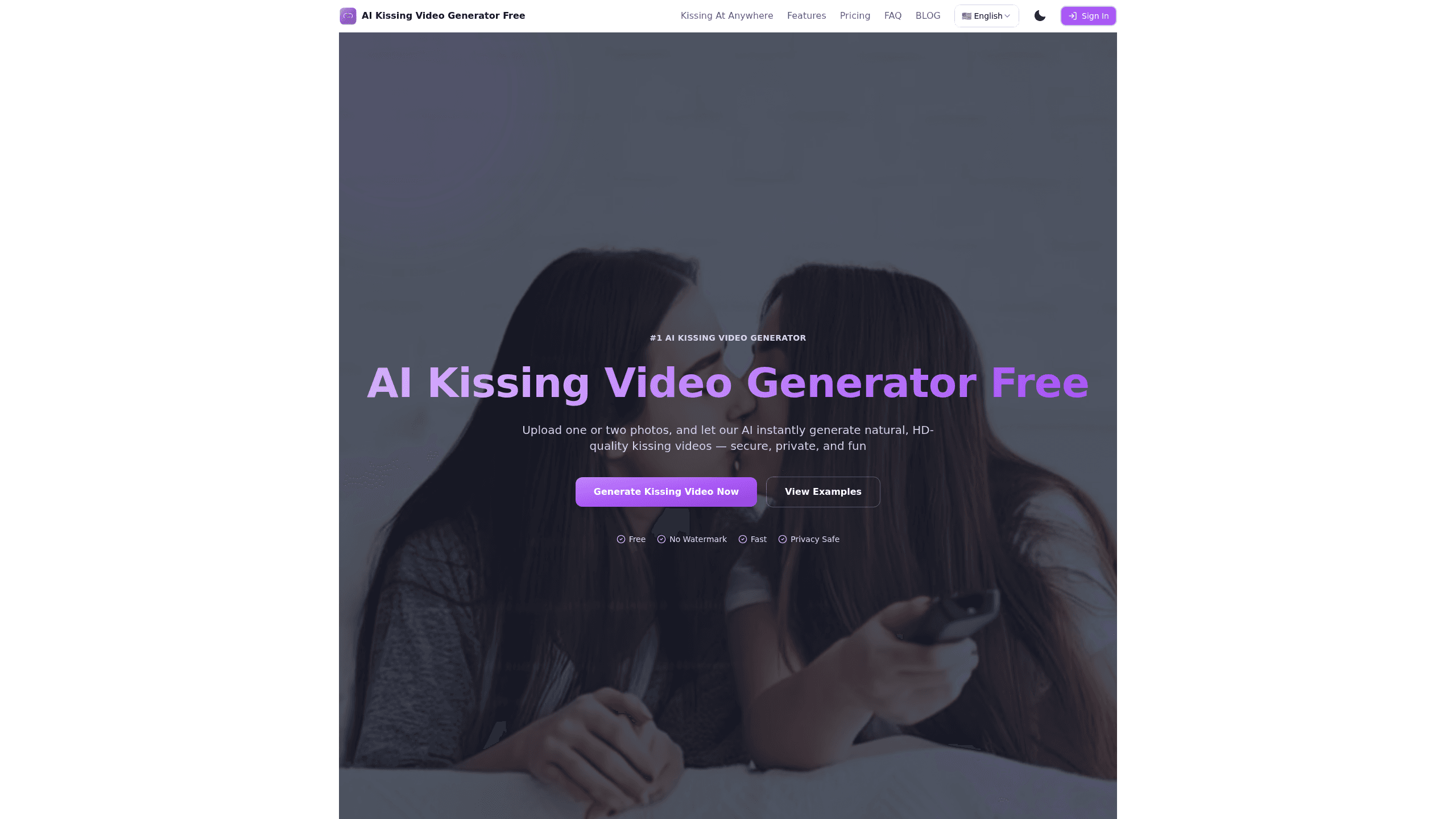
Free AI Kissing Video Generator is a web tool that turns one or two face photos into a short kissing video. You upload pictures, the AI maps facial landmarks and animates lip and head motion, then you download the clip in HD or share it straight to TikTok and Instagram. It runs entirely in a browser, needs no editing skills, and hands first-time users a free 3-second video they can use to judge the output before they spend a single cent on a paid credit plan.
About Free AI Kissing Video Generator
What Is Free AI Kissing Video Generator
Free AI Kissing Video Generator is an online service that builds romantic couple videos from static photos. The site calls itself the #1 AI kissing video generator, and its pitch is simple: two faces go in, a natural-looking kiss comes out. The tool relies on face animation and deep learning models to detect facial landmarks, apply motion mapping, and generate the lip and head movement you'd expect from a real kiss.
The product targets people who want fun couple content rather than professional editing. Its About section points to surprise gifts for partners, TikTok and Instagram clips, and creative storytelling, so the audience is social-first rather than studio-first. Everything happens in the browser, which means there's no app install to sit through and no learning curve standing between a photo and a finished, postable video.
The clearest limits sit in the free tier. Free users get 3-second 480p clips with a watermark and spend 3 credits per generation. Want longer videos or 1080p output? You'll need a paid plan. The site also says uploads are encrypted and auto-deleted after processing, but it never names the specific encryption standard it uses, so treat that claim as a general privacy promise rather than a certified, independently audited guarantee.
Getting Started
- Open the site in your browser and pick two clear face photos with good lighting (one photo works in some modes).
- Upload the images to the generator.
- Choose a video length and quality tier; on the free plan you're limited to 3 seconds at 480p.
- Hit generate and wait for the AI to animate the frames, which the site says takes under 150 seconds.
- Download the HD video or share it directly to TikTok, Instagram, or send it to your partner.
Product Information
A quick look at Free AI Kissing Video Generator's pricing, supported platforms, and performance.
Best for
The users, tasks, and scenarios where this tool fits best.
Users
- Couples who want a playful keepsake
- Social media creators
- People buying a surprise gift
Tasks
- Turning two portraits into a kissing video
- Going from photo to kissing video for a gift
- Making couple content for social feeds
- Testing an idea before committing
Scenarios
- Anniversary or Valentine's content
- Trying an AI trend without setup
- Storytelling or mood boards
Key features
Two-Photo Kissing Video Generation
This AI couple video generator takes one or two face photos and animates them into a kissing scene. It detects facial landmarks first. Then it applies motion mapping to drive the lip and head movement. That's why the output reads as a natural kiss rather than a slideshow transition. Feeding it two clear, front-facing, well-lit portraits gives the model the clean facial detail it needs to sell the effect.
Fast Turnaround
Speed is the point here. The site says a clip is ready in under 150 seconds, which keeps the tool usable for casual, on-the-fly creation. You don't queue a render and come back later. The browser flow means no export settings to fiddle with, either. For social-first users, that speed matters more than cinematic control.
Multiple Length and Resolution Tiers
Free users get 3-second 480p videos. Paid plans open up 6-second and 12-second clips in 480p, 720p, and 1080p. So you can match output to the platform you're posting on. Credit costs scale with both length and resolution. That gives you a reason to think about quality before you generate.
Credit-Based Pricing
Basic runs $14.9/month for 100 credits, and Premium is $39/month for 500 credits. A 12-second 1080p video costs 30 credits on Basic, so the plan you pick determines how many high-end renders you actually get each month. It's a usage model, not an unlimited one, so heavy creators should do the math before upgrading.
Privacy-First Handling
Uploads are encrypted and automatically deleted after processing, according to the site. That matters for a tool built around personal photos of real people, and it keeps intimate images out of long-term storage, which is exactly the reassurance most couples need before they hand over pictures of themselves. The site doesn't publish the encryption standard, so the promise is broad rather than audited.
Watermark-Free Output on Paid Plans
Free videos carry a watermark, and paid plans remove it. If you're posting publicly, a clean frame looks more professional; if you're just testing, the free tier still tells you whether the animation quality suits you. This split is the main practical reason to upgrade.
Browser-Only Access
There's no mobile app or desktop install. You use the tool through a web browser on whatever device you have, which lowers the barrier for beginners. The tradeoff is that heavier 1080p jobs are bound to your connection and the site's processing queue.
Pros and cons
Pros
- Browser-based with no install, so beginners can generate a kissing video without editing experience.
- Free 3-second tier lets you check output quality before paying anything.
- Up to 1080p and 12-second clips on paid plans, enough for vertical social formats.
- Uploads are auto-deleted after processing, which suits sensitive personal photos.
- Paid plans remove the watermark for clean public posts.
Cons
- Free videos are capped at 3 seconds, 480p, and carry a watermark, so serious output needs a paid plan.
- Credit costs climb fast at higher resolutions (30 credits for a 12s 1080p clip), which limits heavy use on Basic.
- No stated API and no mobile app, so you can't integrate it into an automated workflow.
- The developer and encryption details aren't named publicly, which makes the privacy claim harder to verify.
Frequently asked questions
Yes. The free tier creates 3-second 480p clips with 3 credits per generation and no credit card required. A watermark stays on free output.
Related content
Explore related tools, skills, and articles for Free AI Kissing Video Generator.
Free AI Kissing Video Generator Alternatives

Vadu AI
Vadu AI · Image · VideoVadu AI is a web-based AI video generator that turns written prompts or still images into short clips, and it can also generate images on its own. You type what you want, pick a model and style, and the platform renders the result in minutes. A free plan covers light testing, while paid tiers run from $9 to $77.40 per month based on how many credits you burn.

Mykaraoke Video
MyKaraoke Video · VideoMykaraoke Video is an online karaoke video maker and lyric video maker that turns any song into a finished, lyrics-synced video right in your browser. It handles the slow part for you. The AI pulls vocals out of the mix and locks the lyrics to the beat, then lets you customize background, fonts, and colors before exporting in 1080p MP4. If you make lyric videos for social media, party nights, or music promotion, it skips the software installs and manual timing work entirely. Want a karaoke video generator that doesn't eat your whole evening? That's the pitch here.

Finalframe
Finalframe · VideoFinalframe is a set of free, browser-based tools for grabbing exact frames out of a video clip. Its best-known feature, the Final Frame Extractor, lets you extract the last frame of any video so you can use it as the starting image for AI video tools like Luma Dream Machine, Runway, or Kling. Want to keep a clip going? That last frame is your starting point. The tool runs locally in your browser, needs no sign-up, and costs nothing. A separate paid AI video-generation app from the same team is currently offline while it's rebuilt.