
Png AI
Png AI · Image
Png AI is a free online AI PNG generator that turns text prompts into transparent PNG images in seconds, built for designers, artists, and creators.
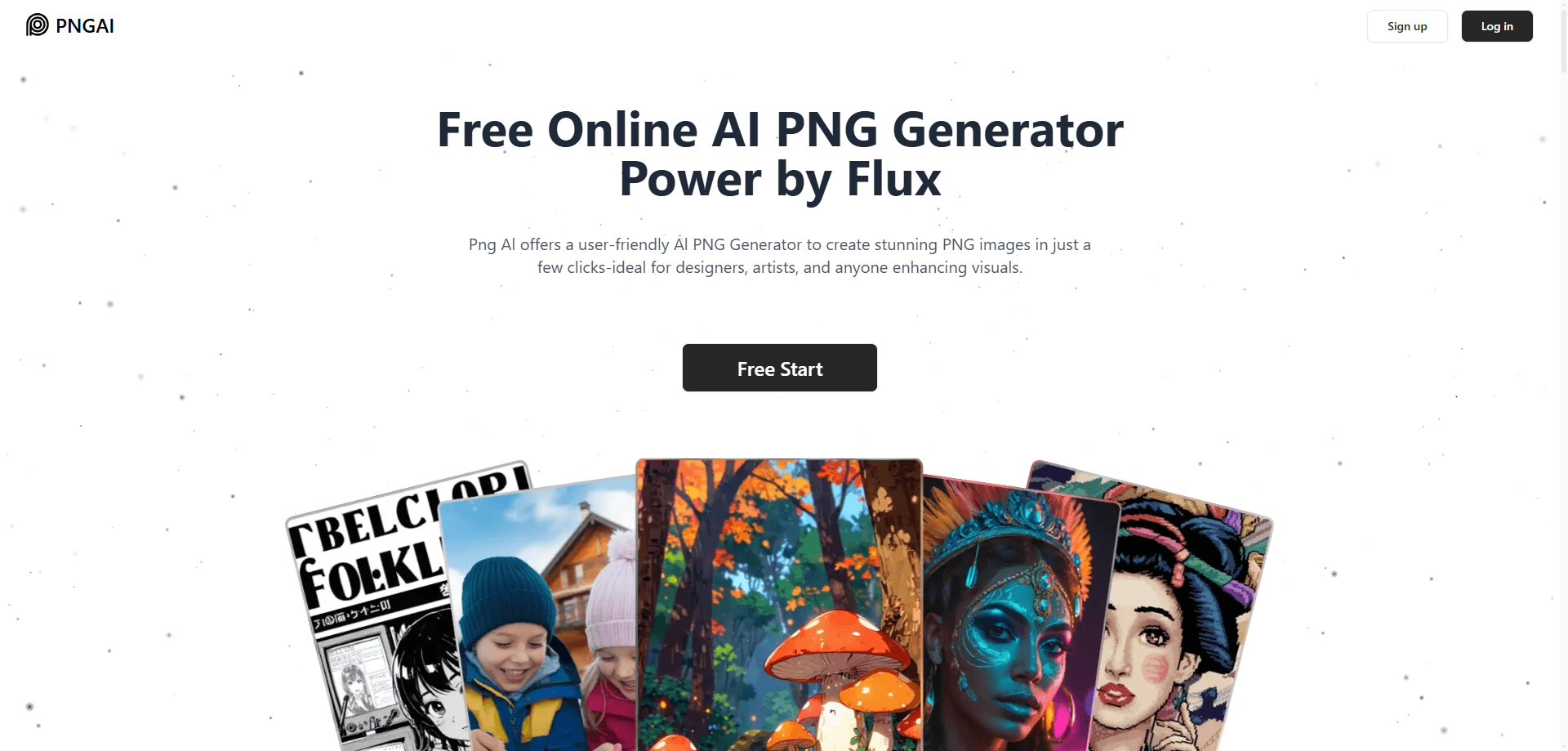
About Png AI
What Is Png AI
Png AI is a browser-based image tool that creates PNG graphics from written descriptions. You type what you want to see, and the service returns a finished image without any drawing or photo editing skills. It runs on Flux, a widely used image model known for sharp output and strong prompt handling. Think of it as a PNG maker that runs entirely in your browser.
The tool targets people who need quick visuals but don't want to open Photoshop or pay for a seat in a design suite. Designers use it for concept art and icons, marketers for social graphics, and hobbyists for personal projects. So who is it really for? Anyone who needs a transparent PNG fast and doesn't want to touch a layer panel. The output is transparent PNG, so the images drop straight into slides, web pages, or app mockups without a background removal step.
The catch is scope. Png AI focuses on still images, so there's no video, no animation, and no advanced layer editing. The free tier also pushes compressed JPGs rather than original-quality PNGs, and that difference matters a lot once you try to print a design or scale it up for a large screen where compression artifacts start to show. Want a clean file for print? You'll need to pay.
Getting Started
- Open png.ai in your browser. You can start generating without creating an account.
- Type a detailed description of the image you want into the prompt field.
- Submit the prompt and wait a few seconds while the model builds the image.
- Review the result. If it misses the mark, rewrite the description and run it again.
- Sign up for a paid plan when you need original-quality PNG downloads, upscaling, or private generation.
Product Information
A quick look at Png AI's pricing, supported platforms, and performance.
Best for
The users, tasks, and scenarios where this tool fits best.
Users
- Graphic designers
- Social media managers
- Indie developers
Tasks
- Turning a text prompt into a logo or icon concept
- Extracting a prompt from an existing image
- Remixing uploaded images
Scenarios
- Early project mockups
- Content calendar crunch
- Personal creative projects
Key features
Text to PNG Generator
You describe an image in plain language and the tool returns a finished PNG in seconds. This is the core of Png AI and the fastest path from an idea to a usable file. Prompt quality drives output quality here, so specific descriptions beat vague ones. Vague prompts waste credits.
Image Remix
Upload an image or pull one from the community gallery, then remix it into something new. It's useful when you have a reference you like but want a different style or composition. The tool builds on what's already there instead of starting from a blank prompt, which saves you from typing a long description just to land near the look you already have in hand.
Image to Describe
The Describe button reads an existing image and turns its key details into a text prompt. That prompt can then drive new generations, which helps when you want to match a look you can see but can't quite put into words. It's a shortcut around trial and error.
Flux-Powered Image Model
Png AI runs on Flux as its lead image model, alongside other options. Flux handles detailed prompts well and produces clean results, which is why png.ai leans on it for most generations. If you've used other Flux-based tools, the output style will feel familiar.
No-Registration Generation
You can generate PNG images instantly. No signup required. That lowers the barrier for anyone just testing the tool or handling a one-off task. Free output arrives as compressed JPG, so registration and a paid plan start to matter the moment you need full-resolution PNG files that hold up outside a screen.
Plans for Higher Volume
The Basic plan at $10 a month gives 400 priority credits, up to 200 images, original-quality PNG downloads, and upscaling. The Plus plan at $20 adds 800 credits, up to 400 images, image upload, private generation, and image deletion. Credits are the currency that controls how much you can create each month, and they reset monthly.
Pros and cons
Pros
- Works in the browser with no install and no signup for basic use.
- Flux backing gives solid prompt adherence for a free-tier tool.
- Transparent PNG output saves a background-removal step in most workflows.
- Commercial use of generated images is allowed under the terms of service.
- Clear, straightforward pricing at $10 and $20 per month.
Cons
- Free downloads come as compressed JPG, not the original-quality PNG, so free output isn't print-ready.
- Monthly image caps apply on paid plans, which limits heavy batch work.
- No API is documented, so teams can't wire it into their own products.
- The tool stops at still images, with no video or animation support.
Frequently asked questions
It generates PNG images from text prompts using AI models, with Flux as the lead model. You describe what you want, and it returns a transparent-background image.
Related content
Explore related tools, skills, and articles for Png AI.
Png AI Alternatives

X Ray Interpreter
X-ray Interpreter · ImageX Ray Interpreter is a web-based AI radiology tool that turns X-rays, CT scans, MRI, ultrasound, and PET images into plain-language reports. You upload a scan, get a preliminary X-ray interpretation in moments, then ask follow-up questions if something needs explaining. It works as a second opinion and a learning aid, not as a medical diagnosis.

Aieasypic
AIEasyPic · ImageAIEasyPic is an AI image generator that turns plain text prompts into finished artwork in seconds. You can also train custom models on your own photos, swap faces in existing images, and create short video clips from text, all from a browser. It suits casual creators who want quick visuals and hobbyists who want to build a personal model without touching any code.

Chargen
Chargen · ImageChargen is an AI character generator and worldbuilding toolkit built for Dungeons & Dragons and other tabletop RPGs. It turns a one-line idea into a painted character portrait, spins up NPCs, monsters, maps and encounters from the same session, and keeps every creature's details close at hand. The tabletop RPG art side runs on a credit system called Gold, while the text generators stay free for everyone.