

Flux AI Studio
Flux AI Studio · Image
Flux AI Studio is a browser-based flux ai image generator that runs the FLUX model family from Black Forest Labs, with a free daily credit allowance and paid plans from $7.99 a month.
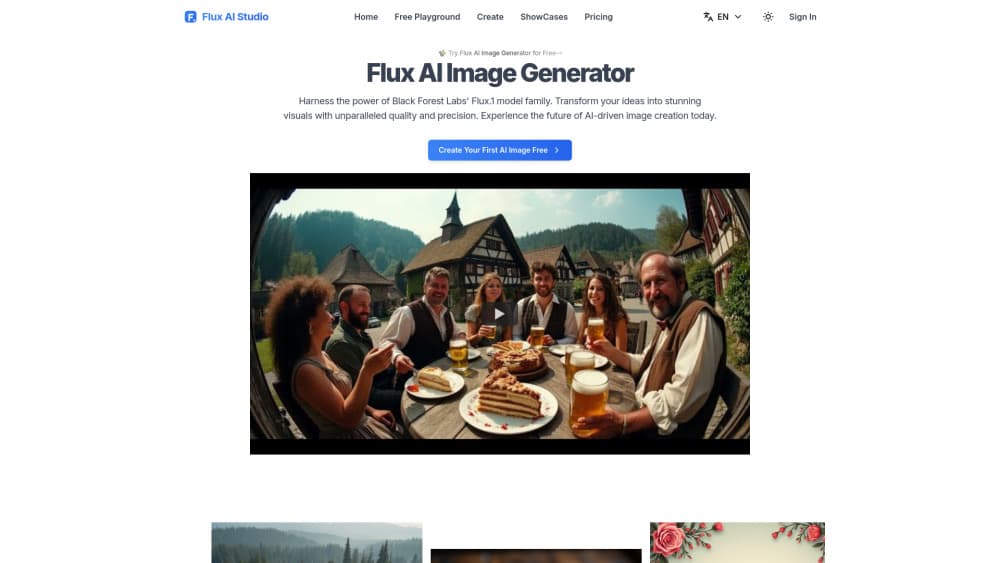
About Flux AI Studio
What Is Flux AI Studio
Flux AI Studio is a web app that puts four FLUX models behind one prompt box. You pick FLUX1.1 Pro for the best output, FLUX.1 Kontext when you want to edit an existing picture with words, FLUX.1 Dev for open-weight quality, or FLUX.1 Schnell when speed matters more than polish.
The pitch is simple: FLUX models normally need a strong graphics card and some setup patience. Here you open a tab, type a description, and get a picture back in seconds. As a text to image generator it asks for nothing except English words. No install, no driver hunt, no model files.
The trade-offs show up fast. Free accounts get 5 credits a day, and the good models eat credits quickly: Schnell costs 1 per image, Dev costs 10, Pro costs 20. Free images are also public by default, and history is trimmed to 7 days.
Getting Started
- Sign in with an email address or a Google account. Skip this and your downloads carry a watermark.
- Pick a model from the dropdown and check its credit cost before you commit.
- Type your prompt, then adjust aspect ratio, seed and output format in the advanced panel if you need control.
- Hit generate. A Schnell image lands in a couple of seconds, while Pro takes a bit longer.
- Download the file, or send it into the editor and describe the change you want.
Product Information
A quick look at Flux AI Studio's pricing, supported platforms, and performance.
Best for
The users, tasks, and scenarios where this tool fits best.
Users
- Hobbyists who want to try FLUX before buying a GPU
- Social media managers on a tight budget
- Indie game developers blocking out scenes
- Small studios that need commercial rights
Tasks
- Turning a paragraph of product copy into a hero image
- Fixing one detail in a finished picture
- Building mood boards from a style reference
- Filling a blog with consistent illustrations
Scenarios
- A rushed morning when a client needs three variants before lunch
- Testing an art direction before commissioning an illustrator
- Running a small print-on-demand shop
Key features
Four FLUX models in one workspace
Most free AI art generator sites lock you to a single checkpoint. This one keeps FLUX1.1 Pro, Kontext, Dev and Schnell in the same dropdown, so you can draft cheap on Schnell and finish on Pro. The credit cost is printed next to each model, which makes the trade-off visible before you spend.
Prompt-based editing with FLUX.1 Kontext
Kontext lets you describe a change instead of repainting by hand. Swap a sky, drop a logo onto a mug, or shift a jacket from red to green while the subject stays put. For product shots and character work, that saves a full re-generation.
A free tier that resets daily
Free accounts get 5 credits every day at midnight UTC. That's enough for five Schnell images or half a Dev image. It's a real trial, not a one-shot demo, and it doesn't ask for a card.
Speed controls for drafting
Schnell was built for few-step generation, and the studio keeps that advantage. You can iterate a composition in seconds, then rerun the winner on a heavier model. Batch generation and a live preview keep the loop tight.
Character and style consistency
The platform advertises consistency across multiple creations, which matters for comics, mascots and product lines. Feed a reference image, lock the subject, and vary the scene around it. Results still drift on extreme angles, so check each frame.
Private generations and a commercial license
Paid plans hide your images from the public gallery and grant commercial usage rights. On the free plan, images are public by default and licensed for personal use only. If you sell the output, the subscription pays for itself fast.
Pros and cons
Pros
- Four FLUX checkpoints in one tab, from draft-grade Schnell to top-end Pro.
- Working Kontext editing, which most free flux ai image generator sites skip.
- Daily free credits with no card required, so testing costs nothing.
- Commercial license and private images on every paid plan.
- Entry plan at $7.99 a month, cheap next to full design suites.
Cons
- Credit math punishes Pro users: 20 credits per image means the 800-credit Basic plan covers only 40 Pro renders.
- Free images are public by default, which rules out client or personal work.
- The shared queue can stretch wait times at peak hours on free accounts.
- No published API documentation, so teams that need automation should check elsewhere.
Frequently asked questions
It generates and edits images from text in a browser. You can draft a concept on FLUX.1 Schnell, refine it on FLUX1.1 Pro, then use FLUX.1 Kontext to change specific parts without starting over.
Related content
Explore related tools, skills, and articles for Flux AI Studio.
Flux AI Studio Alternatives

Tractionwave
TractionWave · Image · MarketingTractionWave is an AI attention heatmap tool for static ads. Upload a PNG or JPG and it returns predicted attention, ranked hotspots, and fixes before you spend budget.

Imejis.io
Imejis.io · Image · MarketingImejis.io is an AI design studio for agents and marketing teams. Describe an image in plain words, and it writes the copy, builds the layout, reflows it to every size, then exports a finished file.

Layoutr
Van Dijk Ontwikkeling · Image · China AILayoutr is a browser floor plan tool that scales your own plan, places furniture at true size, shows the room in 3D and renders it with AI.