
Free Image Background Remover No Ads No Sign Up
EzRemove · Image
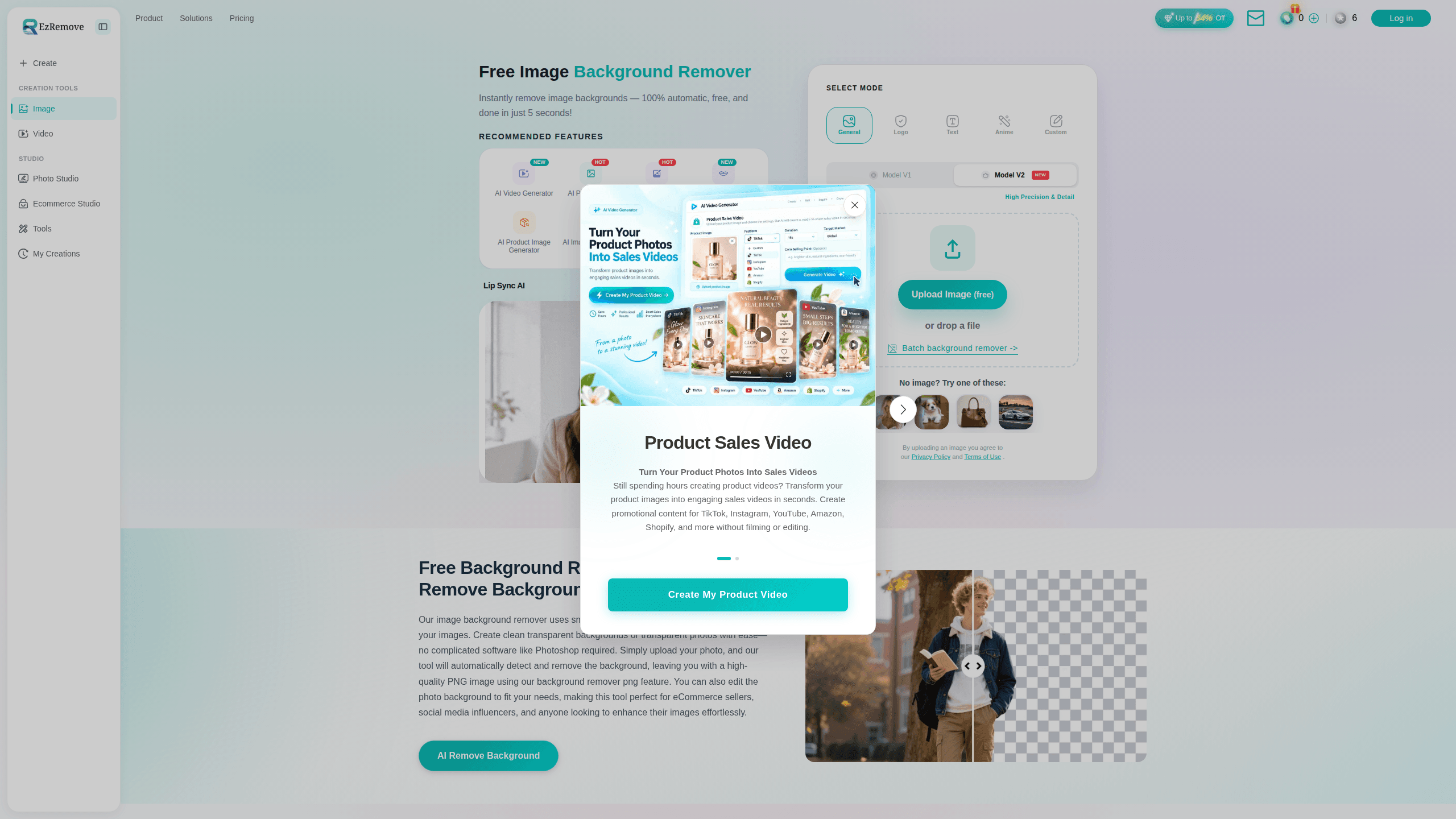
Free Image Background Remover No Ads No Sign Up is a browser-based AI bg remover that pulls the subject out of any photo and hands back a clean transparent background in seconds. It runs entirely online as a free background remover online, so you can make a background PNG on a phone, tablet, or laptop without installing anything or opening an account. Designers, online sellers, and photographers use it to prep product shots, profile pictures, and social media images fast.
About Free Image Background Remover No Ads No Sign Up
What Is Free Image Background Remover No Ads No Sign Up
Free Image Background Remover No Ads No Sign Up is a web tool from EzRemove that deletes the background from a picture and leaves the subject on a transparent layer. You drag in a file, and the AI cuts around hair, fur, and semi-transparent edges without you drawing a single selection line. The whole thing lives at ezremove.ai and opens in a normal browser tab.
The pitch is simplicity. There's no sign-up wall, no ad break, and no watermark slapped across your download. That matters if you process a lot of images and don't want a subscription nagging you after three free cuts. You get the transparent PNG, then you can swap in a solid color, a custom photo, or leave it empty for a design program.
The catch is scope. This is a focused background remover, not a full photo editor, so you won't find layer tools, retouching brushes, or color grading here. Need to swap a sky, smooth skin, or fix a stray hair by hand? You'll want a proper editor for that. It's also browser-only, so there's no offline mode. And because it's free with no account, features can change without notice.
Getting Started
- Go to ezremove.ai in any modern browser. No install and no login required.
- Upload a JPG, PNG, or WEBP file by clicking the upload box or dragging the image in.
- Let the AI process it. Most images finish in a few seconds, with the subject separated automatically.
- Pick what happens next: keep the transparent background, drop in a solid color, or upload your own background image.
- Download the finished file as a transparent PNG and save it wherever you need it.
Product Information
A quick look at Free Image Background Remover No Ads No Sign Up's pricing, supported platforms, and performance.
Best for
The users, tasks, and scenarios where this tool fits best.
Users
- Online sellers
- Designers
- Photographers
- Social media creators
Tasks
- Remove background from image
- Create a transparent background
- Replace a background
- Batch cleanup
Scenarios
- Prepping a marketplace listing the night before a sale, with a dozen product shots to clean.
- Making a quick profile picture or thumbnail while away from your main computer.
- Building a simple collage where each element needs a clean edge and no leftover border.
- Cutting out a product photo for an ad when you don't want to open heavyweight design software.
Key features
AI Background Removal
The core job is splitting subject from background automatically. The model handles the awkward parts, like flyaway hair and see-through edges, that trip up older tools. You upload, you wait a few seconds, and you get a clean cut-out. Says the team behind it, the AI was tuned on large image sets to keep edges crisp at the pixel level.
Transparent PNG Export
Once the background is gone, you can save the result as a transparent PNG. That's the format you want when the image will sit on top of slides, packaging designs, or a web page with its own colors. Transparency keeps you flexible, because the cut-out isn't locked to any one backdrop.
Background Replacement
Removing the background is only half the story. You can also put something back: a flat solid color, or a custom image you upload yourself. That makes it useful for ID-style photos where the color has to be consistent, or for product shots that need a branded scene behind them.
Batch Processing
You can upload and clear the background from multiple images at once, which is the difference between a tool you use once and a tool you actually keep around. Upload twenty shots, walk away, come back to twenty clean cut-outs. Anyone refreshing a whole catalog, say an e-commerce seller with new stock, gets through the queue without repeating the same steps twenty times.
Multi-Format Support
The tool accepts JPG, PNG, WEBP, and other common image formats, so you don't have to convert files first. That saves a step when your source images come from a phone camera, a screenshot, or a downloaded asset in a format you didn't pick.
Runs in the Browser
Everything happens online. Nothing to install, no storage to manage, no app store account needed. You open a tab, work, and close it. The same link works on a laptop, tablet, or phone, which is handy when you're not at your desk and still need to cut out an image before a deadline hits.
Pros and cons
Pros
- Free to use with no sign-up, no ads shown during the flow, and no watermark on downloads.
- Fast turnaround, since most images are processed in a few seconds with no queue.
- Handles tricky edges like hair and semi-transparent objects better than basic cut-out tools.
- Works across devices through a browser, so there's no install or app account to maintain.
- Supports batch uploads and common formats, cutting repeat work on multi-image jobs.
Cons
- It's browser-only, so you can't cut backgrounds offline or on a plane without a connection.
- It's a focused background remover, not a full editor, so retouching and layer work still need another tool.
- With no account system, there's no saved project history, so you re-upload if you want to tweak the same image later.
- Free tools can shift their limits over time, which is a risk if you build a workflow that depends on it.
Frequently asked questions
Yes. You can remove background from image without paying and without creating an account. There's no sign-up wall and no watermark added to the file you download.
Related content
Explore related tools, skills, and articles for Free Image Background Remover No Ads No Sign Up.
Free Image Background Remover No Ads No Sign Up Alternatives

X Ray Interpreter
X-ray Interpreter · ImageX Ray Interpreter is a web-based AI radiology tool that turns X-rays, CT scans, MRI, ultrasound, and PET images into plain-language reports. You upload a scan, get a preliminary X-ray interpretation in moments, then ask follow-up questions if something needs explaining. It works as a second opinion and a learning aid, not as a medical diagnosis.

Aieasypic
AIEasyPic · ImageAIEasyPic is an AI image generator that turns plain text prompts into finished artwork in seconds. You can also train custom models on your own photos, swap faces in existing images, and create short video clips from text, all from a browser. It suits casual creators who want quick visuals and hobbyists who want to build a personal model without touching any code.

Chargen
Chargen · ImageChargen is an AI character generator and worldbuilding toolkit built for Dungeons & Dragons and other tabletop RPGs. It turns a one-line idea into a painted character portrait, spins up NPCs, monsters, maps and encounters from the same session, and keeps every creature's details close at hand. The tabletop RPG art side runs on a credit system called Gold, while the text generators stay free for everyone.