

FreeScan.app
FreeScan.app (Jacob Counsell) · Productivity · Marketing
FreeScan.app is a website audit and monitoring tool that reviews a public page across SEO, AEO, GEO, security, accessibility, and design. It runs 40 checks, scores each category, and turns the results into a prioritized fix list you can hand straight to your coding agent. The free scan needs no signup. A $19 per month Pro plan adds site-wide audits, uptime monitoring, and AI visibility tracking. Simple.
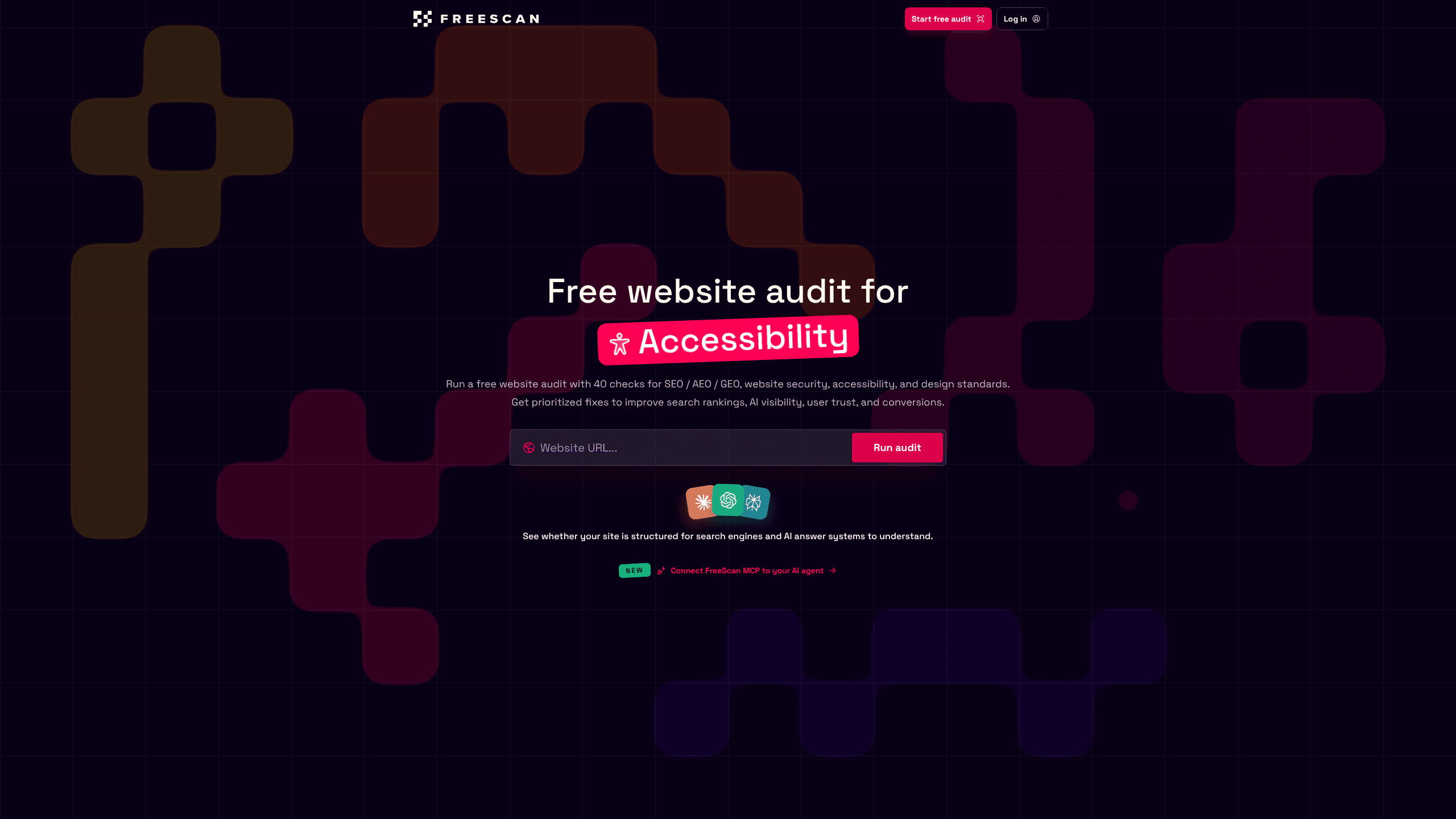
About FreeScan.app
What Is FreeScan.app
FreeScan.app is a browser-based website audit tool built by Jacob Counsell. You paste a public URL and it checks that page against 40 signals split into four categories: SEO with AEO and GEO, security, accessibility, and design. Instead of a single number, you get evidence per check, a severity, and the actual fix.
Its focus is the overlap most tools ignore. Traditional scanners split SEO, accessibility, and security into separate products, so you end up stitching screenshots together. FreeScan.app covers them in one pass and speaks to the AI answer engines that now decide whether your page gets cited. If you run a small site or a SaaS landing page, that framing saves a lot of guesswork. Why does that matter? Answer engines rarely look at one signal alone.
The tool is a focused public-page audit, not a full replacement for expert SEO strategy, penetration testing, or WCAG certification. It reads what a public page exposes, so anything behind a login stays out of scope.
Getting Started
- Open freescan.app in any browser and paste the public URL you want to check.
- Start the free audit and wait for the scan to finish; the page reports progress as it runs.
- Read the four category scores, then open the Fixes view to see what is costing points and why.
- Copy the generated prompt into your coding agent, or work through the list yourself.
- Sign up only if you want Pro to schedule weekly audits, track uptime, and monitor AI visibility.
Product Information
A quick look at FreeScan.app's pricing, supported platforms, and performance.
Best for
The users, tasks, and scenarios where this tool fits best.
Users
- Solo founders and indie builders
- SEO and growth teams
- Front-end developers
Tasks
- Pre-launch website audit
- Accessibility cleanup
- Answer-engine readiness
Scenarios
- Reviewing a landing page after a redesign to see which fixes moved the needle.
- Monitoring a handful of client sites weekly with email reports on a Pro plan.
- Handing audit findings to Claude Code or another agent through the MCP connection.
Key features
Four-category scoring
Every scan returns separate scores for SEO/AEO/GEO, security, accessibility, and design, so you can see which area is dragging the whole page down. The categories sit side by side rather than behind paywalls, which makes the free scan genuinely useful on its own. No compromises there.
Fixes, opportunities, and insights views
FreeScan.app splits results into three readouts. Fixes shows what is costing points and what to change first, opportunities flags the biggest wins beyond failed checks, and insights explains what the page already does well. The ordering is by impact, not by category, so you start where it counts most.
Agent handoffs and MCP
The tool generates prompts you can paste into a coding agent to apply fixes, and a Pro MCP connection lets that agent read your private findings and request rescans. This is the part most audits skip, and it changes the whole workflow: you get a to-do list an agent can actually execute, not just a static PDF sitting in a folder.
AI visibility monitoring
Pro tracks whether your pages are structured for AI answer systems. It looks for crawler blocks, content gaps, and citation-readiness issues across scanned pages, which is the difference between ranking in search and getting quoted by an assistant.
Weekly audits and uptime
On Pro, FreeScan.app re-audits your key pages every week, emails the report, and compares progress over time. Uptime monitoring and an optional public status page run alongside, so you learn about downtime and drift without paying for a separate service. Good. That covers most of what a small team actually needs.
Site-wide fix board
Pro groups findings across your whole site into a prioritized board. Each item shows affected pages and tracks whether the fix shipped, which keeps a multi-page cleanup from turning into a spreadsheet.
Pros and cons
Pros
- The free audit requires no signup, so you can judge the output before paying, which matters when you're weighing a tool against the three others already in your stack.
- Covers SEO, security, accessibility, and design in one scan instead of four tools.
- Every failed check ships with evidence and a concrete fix, not a vague score. Big difference.
- The generated prompts connect audit findings to real agent workflows.
- Pro is a single $19 per month tier with uptime, weekly audits, and MCP included.
Cons
- Only covers public pages, so anything behind a login is invisible to the scan.
- Not for the free scan. The free scan is a one-off snapshot, which means no progress tracking without paying.
- It isn't a penetration test or a WCAG certification, and the site says so.
- Accessibility checks lean on rendered signals, which can miss deeper assistive-tech issues.
Frequently asked questions
It audits a public web page and scores it across SEO/AEO/GEO, security, accessibility, and design, then hands you a prioritized list of fixes. You use it to find what is blocking search ranking, AI citation, and conversion before you spend effort guessing.
Related content
Explore related tools, skills, and articles for FreeScan.app.
FreeScan.app Alternatives

Swms
Swms AI · Writing · Productivity · BusinessSwms is an AI safety compliance tool that turns a plain description of a job into ready-to-use safety documents. Describe your project, trade, and known hazards, and it writes a safe work method statement, job hazard analysis, safe work procedure, RAMS, or safety data sheet in seconds. It also ships with Oscar, a chat assistant that answers workplace safety questions in any language. Teams in construction, mining, transport, and warehousing use it to cut the paperwork that usually eats into a workday.

Wordly AI Translation
Wordly · Voice & Language · ProductivityWordly AI Translation is a real-time AI translation and captioning platform built for meetings, conferences, and events. It delivers live translation, captions, transcripts, and summaries in more than 60 languages, and attendees join by scanning a QR code or opening a link instead of using dedicated headsets. The platform works with Zoom, Microsoft Teams, Google Meet, and Webex, and it's designed for organizations that want multilingual access without hiring human interpreters for every session. Simple as that.

Rows
Rows (Superhuman) · Productivity · BusinessRows is an AI spreadsheet and data analysis tool that imports live data from more than 50 sources, then lets you work with it using plain language instead of SQL queries or nested formulas. You can pull numbers out of PDFs, connect ad platforms, databases, and bank accounts, and ask the AI to build reports, merge datasets, or set up models that recalculate themselves. It runs in the browser, works like a spreadsheet, and now sits under the Superhuman umbrella.