

Gadget
Gadget · Coding
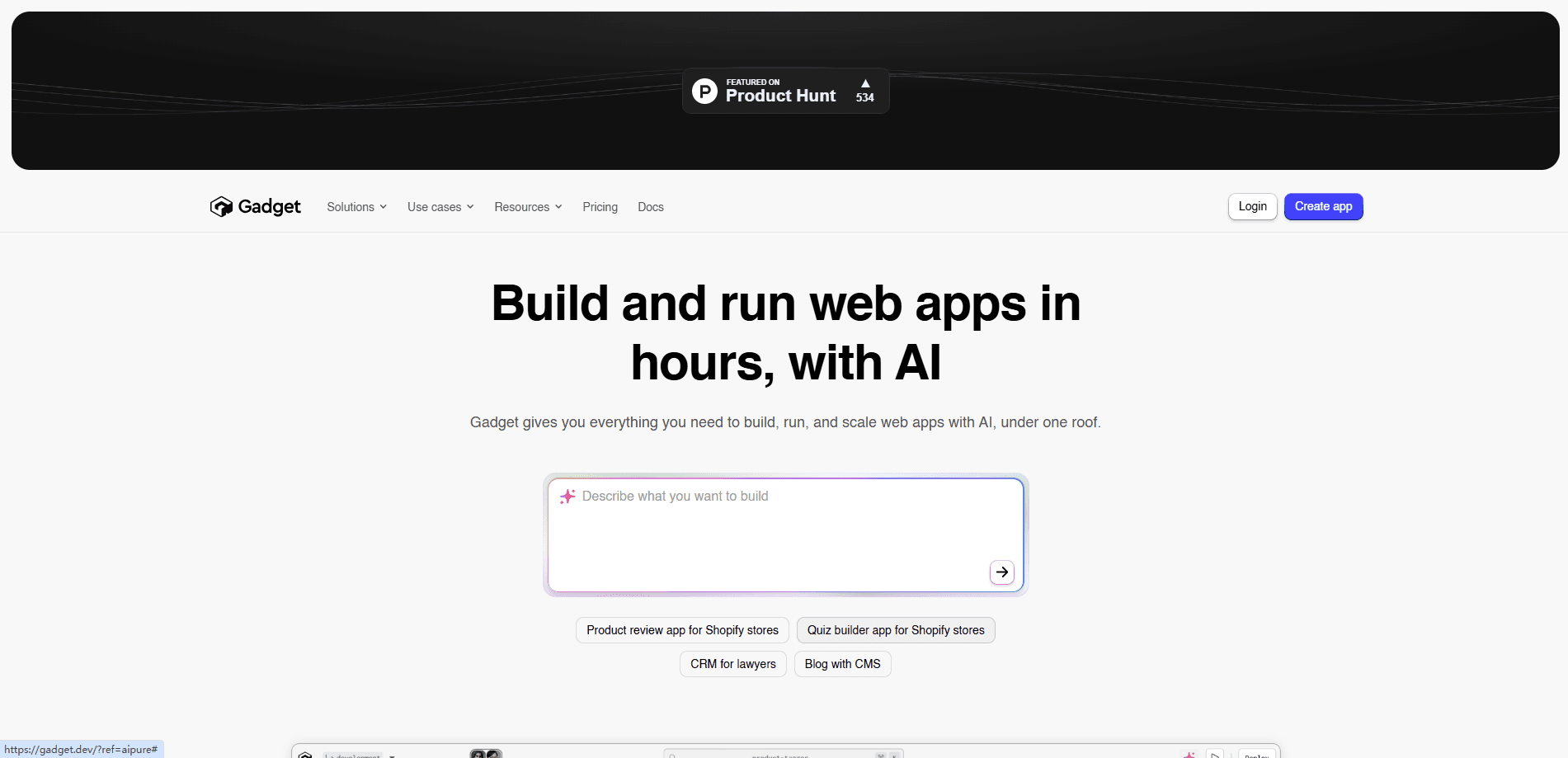
Gadget is a full-stack development platform that gives you a hosted database, backend, auto-generated API, and React frontend, plus an AI assistant, so you can build and ship web apps faster.
About Gadget
What Is Gadget
Gadget is an integrated development platform built for people who want to ship full-stack web apps without wiring up a database, backend, API, and hosting by hand. It works like a backend as a service fused with a frontend toolchain: everything a project needs comes stitched together from the start, including a database, serverless backend actions, auto-generated APIs and client libraries, a React frontend, and hosting. The company positions it as a way to cut the setup that usually eats the first weeks of a project.
The product grew out of Shopify app development, where the same backend concerns repeat across thousands of projects. Gadget is a full stack app development platform that leans into that pattern. Gadget automates those parts: it registers webhooks, handles OAuth, syncs large datasets, and generates type-safe API routes for every database table. That focus makes it a strong fit for commerce apps, and it also supports general web apps and MCP-based connections for services like ChatGPT.
The main limit is that Gadget is opinionated. You work inside its conventions and its hosted stack rather than bringing your own infrastructure, and its pricing scales with seats, CPU time, storage, and credits. Developers who want full control over every layer may find that structure restrictive.
Getting Started
- Create an account at gadget.dev and start a new app in the hosted editor.
- Model your data by adding tables and fields, with no SQL or schema migrations to write.
- Define backend actions in a real Node.js environment or generate them from the AI assistant.
- Connect services like Shopify, BigCommerce, or OpenAI, and let Gadget handle webhooks and OAuth.
- Build the frontend with auto-generated React components, then deploy and scale with one command.
Product Information
A quick look at Gadget's pricing, supported platforms, and performance.
Best for
The users, tasks, and scenarios where this tool fits best.
Users
- Shopify and BigCommerce app developers
- Solo developers and small teams
- Product builders testing an idea
Tasks
- Building a Shopify app backend
- Connecting third-party APIs
- Generating a typed API
Scenarios
- Launching a commerce app
- Prototyping a web product
- Adding AI features
Key features
AI Assistant
The AI assistant is built into the editor and carries the context, capabilities, and conventions of the platform. It can apply changes to your app, generate backend and frontend code, and answer questions about how everything fits together. Questions and answers are unlimited, while applying changes consumes AI credits, so you can explore freely and spend credits when you want the assistant to do the work.
Hosted Full-Stack Environments
Gadget gives every project a complete hosted stack: server, database, and frontend, connected and running within seconds. You do not provision or patch infrastructure yourself. Development and production environments are separate, so you can experiment safely and deploy user-facing changes with confidence.
Database
You build tables in seconds, with no SQL or schema migrations required. Rich field types include vector and computed fields, and you manage records through a spreadsheet-style UI. The database powers reads, writes, and search across your app, and reads and writes run in two zones for high availability.
Backend Actions
Backend actions are serverless API operations you define in a real Node.js environment. You can run them on a schedule, trigger them as background jobs, and add behavior with very little code. They connect directly to your data model, so the logic you write stays close to the records it acts on.
Auto-Generated APIs
Every backend and database table gets instant, type-safe API routes and client libraries. Documentation is generated and customized for each project, with code samples tailored to your endpoints. That removes the manual step of hand-writing an API layer and keeping it in sync with the schema.
Frontend and React Components
The frontend uses extensible, auto-generated components that are pre-wired to your API. You can build custom interfaces with the full power of React and see changes in real time through built-in previews. When you are ready, you deploy with one command and let Gadget host and scale the result.
Shopify and BigCommerce Connections
Gadget handles the commerce-specific work that usually slows app development. It auto-registers webhooks, manages OAuth, and syncs data for Shopify and BigCommerce, including connecting to Shopify's app surfaces. This is where the platform's conventions save the most time, since the same setup repeats across every app.
API Connections and MCP Support
You can connect to third-party APIs without writing code and react to realtime events with built-in webhook handlers. Large dataset syncs happen with a single API call. A ChatGPT app connection exposes an MCP server, so your Gadget apps can be built and run through supported AI tools.
Pros and cons
Pros
- Combines database, backend, API, frontend, and hosting in one platform, cutting the setup work before you write features.
- Auto-generates type-safe APIs and client libraries for every table, so the API layer stays in sync with your schema.
- Handles Shopify and BigCommerce webhooks, OAuth, and data sync out of the box, which is a big time saver for commerce apps.
- Free Hobby plan with 100 AI credits on signup, so you can build and test before paying.
- AI assistant works inside the editor with full platform context and unlimited questions.
Cons
- The platform is opinionated, so developers who want to bring their own infrastructure or stack may find it restrictive.
- Pricing scales on seats, CPU time, storage, and credits, which takes some attention to forecast as an app grows.
- The free Hobby plan caps seats at 2 and includes 10 hrs CPU time, so it fits prototypes rather than production traffic.
- Full value depends on working inside Gadget's conventions and connections, so highly custom architectures gain less.
Frequently asked questions
Gadget is a full-stack development platform that provides a hosted database, serverless backend, auto-generated API, React frontend, and hosting in one place. You model data, define actions, and build a UI, then deploy and scale from the same environment.
Related content
Explore related tools, skills, and articles for Gadget.
Gadget Alternatives
Forefront
Forefront · CodingForefront is a web platform for building with open-source AI. It lets you fine-tune leading open-source language models on your own data, evaluate how they perform, and run them through an API or export them to host yourself. Developers who want the convenience of a closed-source platform but insist on owning their models and data are the target audience here.

Startkit
StartKit.AI · CodingStartkit is a boilerplate for building AI SaaS and AI wrapper products. Think of it as an AI startup boilerplate with the boring parts already wired up: authentication, Stripe and Lemon Squeezy payments, usage limits, transactional email, and an AI API starter that talks to OpenAI, Anthropic, Groq, or Llama. You clone the repo, set your price, and start on the part of your product that people actually pay for. It's Next.js under React and Tailwind, so most of the boilerplate code already feels familiar.
Testim
Tricentis · CodingTestim is an AI-powered test automation platform for building and running end-to-end tests across web, mobile, and Salesforce applications. It leans on machine learning to keep tests stable when an interface changes, so teams spend less time fixing broken selectors. Not bad for an automated testing tool you can start using today. You create tests by recording actions in a browser, then optionally add JavaScript when you need more control. It's a solid pick for busy QA teams.