

GameCutAI
GameCut AI · Video
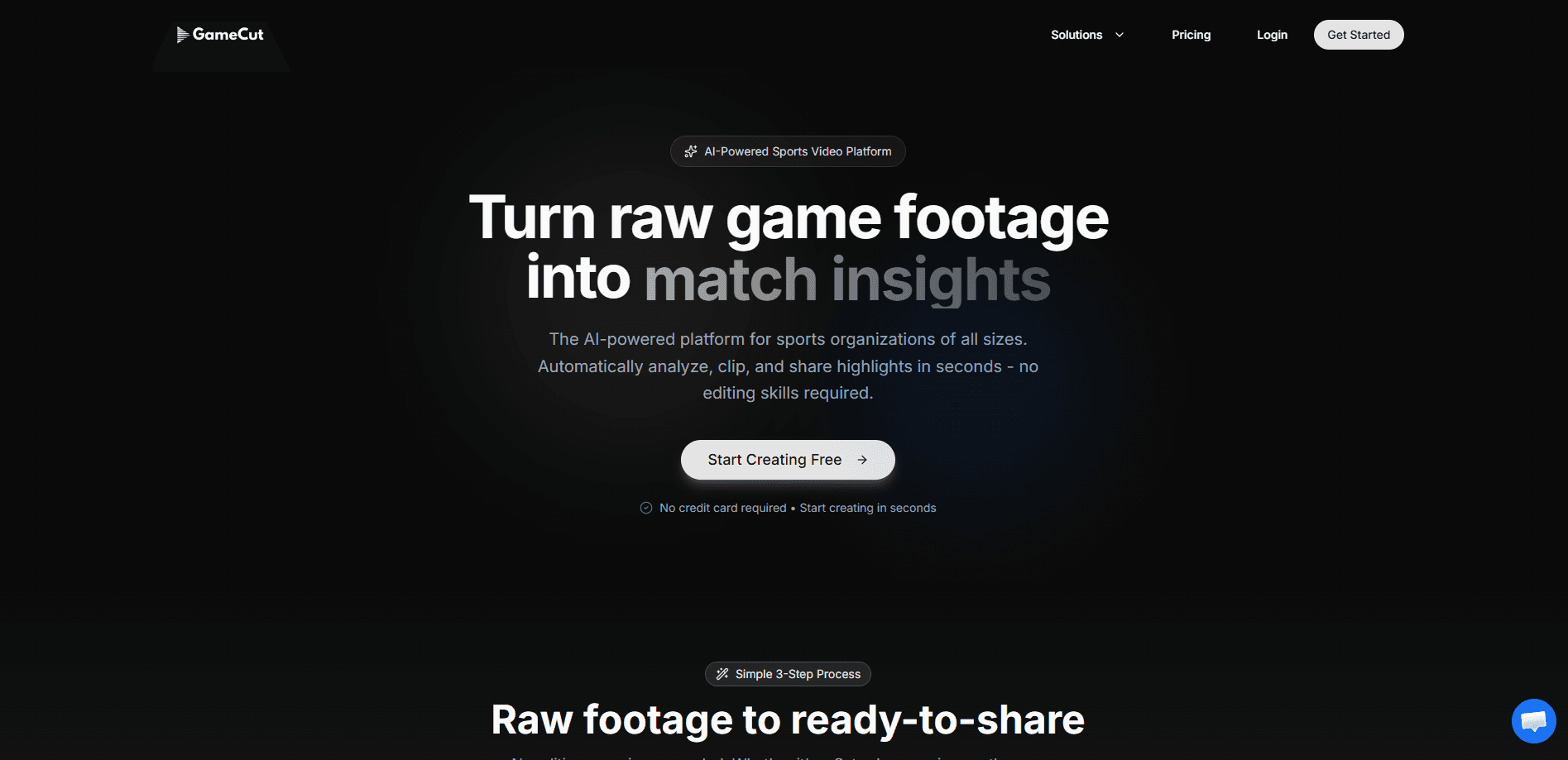
GameCutAI is an AI sports video editor that turns raw game footage into ready-to-share highlight clips in seconds. No editing skills needed. Coaches, parents, and league admins upload a full game, describe what they want in plain language, and get a polished reel tailored for TikTok, Instagram Reels, or YouTube Shorts. Think of it as an automated highlight reel builder that targets everyone from a Saturday morning youth league to a professional organization.
About GameCutAI
What Is GameCutAI
GameCutAI is a web-based video editing service built for sports. Instead of scrubbing through hours of footage, you hand the entire game to the platform and let its AI find the interesting parts. The pitch is simple: search your footage like you'd ask a friend, then export and share. That's it.
The tool solves a specific problem. Editing game film has always meant time, software, and a skill set most volunteers and parents don't have. Traditional editing of a single youth game can eat an evening. GameCutAI automates that pipeline, from analysis to branded export, so the person doing it doesn't need to know a timeline from a render queue. Big difference.
The main limitation is scope. This is a sports and game-footage tool, not a general-purpose video editor, so you won't use it to cut a vlog or a wedding video. It's also a paid platform, and the free entry point is limited. Keep that in mind before you sign up.
Getting Started
- Create an account at gamecut.ai and log in to the app.
- Upload your game footage by dragging and dropping a file, or paste a video URL. MP4, MOV, and other major formats are supported.
- Search your footage in natural language, like "find the best goals," or let the AI build a reel from a prompt such as "30 second reel of the most exciting plays."
- Add team branding if you want it: logo, sponsor graphics, and custom intros or outros.
- Export and share. Get a link you can send to parents, drop in a team chat, or post to any platform.
Product Information
A quick look at GameCutAI's pricing, supported platforms, and performance.
Best for
The users, tasks, and scenarios where this tool fits best.
Users
- Volunteer coaches
- Parents filming youth games
- League admins and clubs
Tasks
- Building a highlight reel
- Finding a specific moment
- Branding shared content
Scenarios
- Post-game parent updates
- Tournament coverage
- Social media output
Key features
Natural language video search
You describe what you're looking for in everyday words, and GameCutAI finds it. Ask for "all the goals scored by #10 in the second half" or "all corner kicks," and the platform returns those moments. This is the feature that makes the rest usable, because you never have to memorize timestamps or scrub through a full game manually. It's the closest thing to a search box for sports footage.
Automatic highlight generation
Give the AI a single prompt, like "30 second reel of the most exciting plays," and it builds a polished highlight video from your footage. The value here is speed. What used to be an editing session becomes a one-line request that returns something postable in seconds. For a game highlight generator, that's the whole point. Big time saver.
Season-wide footage search
GameCutAI searches across every game you've uploaded, not just the current one. That means you can compile a player's best moments from an entire season into one reel, which is handy for recruiting clips, end-of-season wrap-ups, or celebrating a standout player. Imagine pulling a full season of youth sports video into a single clip. One search does it.
Branding and custom intros
You can upload your team logo, sponsor graphics, and custom intros or outros. Every highlight then goes out looking like it came from the organization rather than a generic tool, which matters for clubs that want a consistent identity across social channels. As a sports highlight maker, it lets the brand travel with the clip.
One-click sharing
Highlights generate a shareable link instantly, with no download needed on the viewer's side. Send it to parents, post it in a team chat, or hand it to a sponsor. Why email a giant file when a link will do? The friction of exporting a file and uploading it somewhere else mostly disappears. Simple as that.
Batch processing
Upload multiple games at once and let the platform work through a whole tournament's footage. For leagues and busy clubs, this turns a backlog of raw video into searchable, clip-ready material without a person babysitting each upload. Upload once. Walk away.
Pros and cons
Pros
- Removes the editing learning curve entirely, so non-editors can still produce clean highlights.
- Natural language search is fast and specific, and it works across a full season, not one game.
- Automatic reel generation turns a single prompt into a shareable clip in seconds.
- Branding tools keep shared highlights consistent with the team's identity.
- Batch processing scales to tournaments and multi-game workloads.
Cons
- It's sports-specific, so it won't replace a general video editor for other kinds of content.
- Pricing starts at $99/mo, which is steep for a casual user who only edits occasionally.
- There's no permanent free plan, so you can't run it indefinitely without paying.
Frequently asked questions
It analyzes your sports footage, finds the moments you want, and turns them into shareable highlight clips. You upload a game, search or prompt for the plays you need, and export a reel without any manual editing.
Related content
Explore related tools, skills, and articles for GameCutAI.
GameCutAI Alternatives

ngram 2.0
ngram · Video · Marketingngram 2.0 is an AI video generator for teams. It turns a prompt, a screen recording, or a product URL into a narrated explainer, product demo, or AI avatar video, and every scene stays editable.

OpenScreen 2
OpenScreen (open-source project) · Video · ProductivityOpenScreen 2 is a free, open-source screen recorder and demo video editor for Windows, macOS, and Linux, with automatic zooms, styled frames, local captions, and agent edits.

Skreno
Skreno · Video · ProductivitySkreno is a browser screen recorder that captures a tab, a window or your whole display, then attaches AI transcripts, summaries and console logs to one share link.