

Gamelabs Studio
Gamelabs Studio · Image
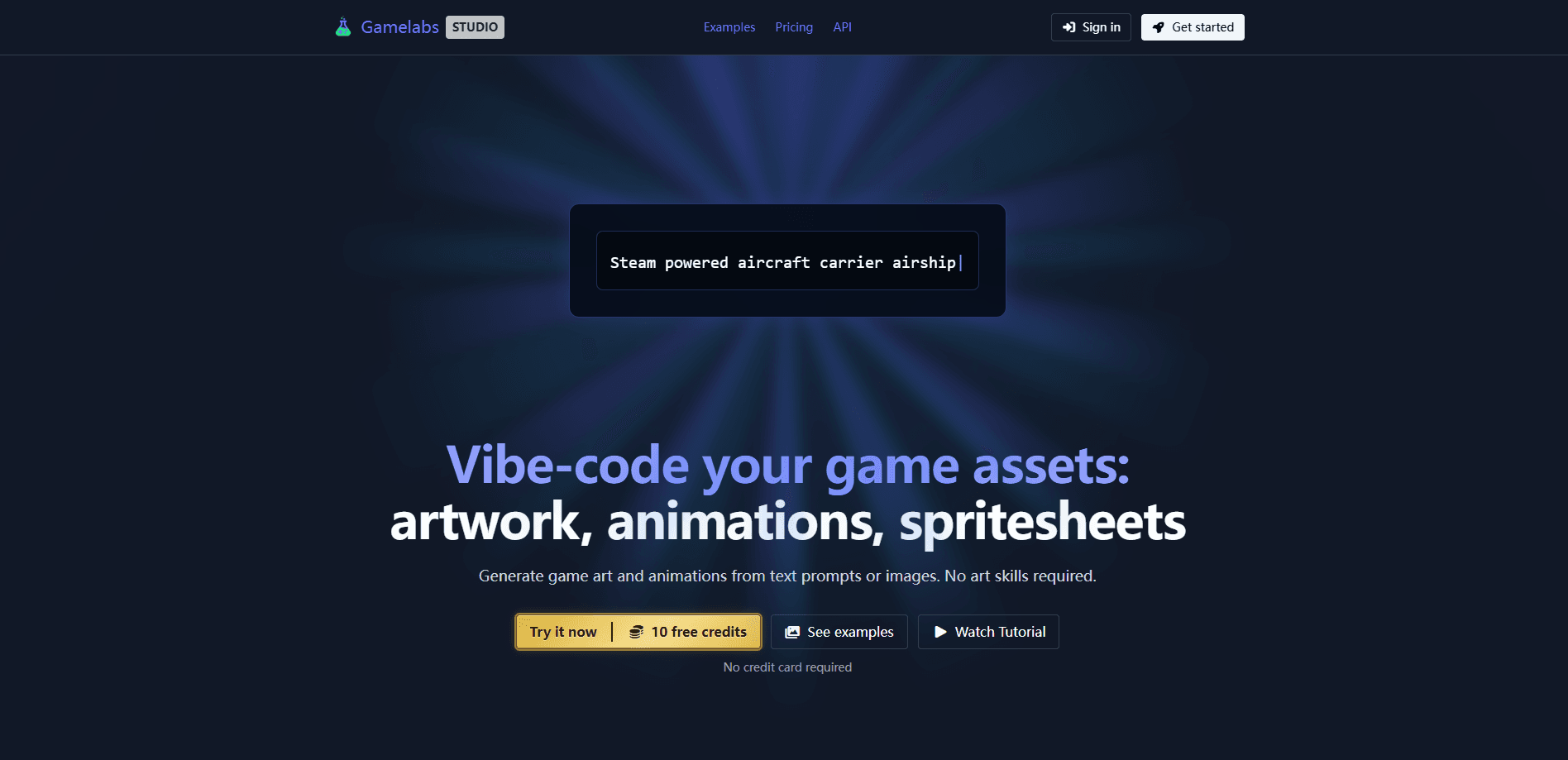
Gamelabs Studio is a text-to-asset platform that turns a single image into game-ready artwork, looping animations, and full sprite sheets. Game developers use it to skip the art pipeline. You start with a character view, generate new angles from a reference, animate an action, then export a PNG with clean transparency for Unity, Godot, or any engine. The workflow is built around pixel-perfect output and multi-angle consistency, which is exactly where most generic AI image tools fall short.
About Gamelabs Studio
What Is Gamelabs Studio
Gamelabs Studio is an AI game asset generator aimed at developers who need sprites, animations, and textures without hiring a full art team. It takes a base image and generates artwork on a solid chroma key background, then carries that background through animation so the final export keeps true alpha transparency.
The main problem it solves is consistency. Standard image models struggle to keep a character looking like the same character from a new angle, and video models rarely handle alpha at all. Gamelabs handles both. It uses reference-based generation and a chroma key stage that runs end to end.
The biggest limitation is scope. It's a sprite sheet and animation generator, not a full illustration suite. Need detailed key art or hand-painted backgrounds? You'll still want a human artist or a different tool.
Getting Started
- Sign up for a free account. The free trial includes all features and 20 free credits, and you don't need a credit card.
- Choose your workflow: a character sprite, an animation, or a static asset like a map tile or tileable texture.
- Generate your first view from a text prompt or a base image, then set a new camera angle and use the first view as a reference to keep the character coherent.
- Pick an action such as idle, walk, run, or attack, and let the tool generate a loopable animation.
- Export the result as a sprite sheet PNG, adjusting FPS, grid layout, and padding before you drop it into your engine.
Product Information
A quick look at Gamelabs Studio's pricing, supported platforms, and performance.
Best for
The users, tasks, and scenarios where this tool fits best.
Users
- Indie game developers
- Solo developers on a tight budget
- Small studios shipping prototypes
Tasks
- Generating a character sprite with front, back, side, and top views that look like the same person.
- Animating a walk, run, or attack cycle from a single still image instead of buying a canned animation pack.
- Exporting clean transparent spritesheets ready to import into Unity or Godot.
- Making tileable textures that repeat across a surface, plus map tiles for level backgrounds.
Scenarios
- Prototyping a game jam entry the weekend before the deadline.
- Testing a new art direction before commissioning a full sprite set from an artist.
- Filling placeholder assets during early development so the build looks playable.
Key features
Multi-Angle Consistency
Gamelabs generates front, back, side, and top views of the same subject using a reference-based workflow. You generate a first view, set a new angle, then feed the first view back in as a reference. Camera view positions the camera around your subject, while subject angle sets which way it faces. That gives you precise control over every angle instead of hoping the model keeps the character recognizable.
Pixel-Perfect Native Output
Most AI image generators output "pixel art" at high resolution with subpixel noise, and downscaling makes the edges blurrier. Gamelabs outputs every pixel deliberately, so you get a crisp grid with no cleanup work. That saves the tedious manual step of fixing stray pixels after generation. No guesswork.
End-to-End Transparency
AI image and video models don't reliably support alpha channels. Gamelabs carries a chroma key through artwork, animation, and export, so soft translucent pixels survive instead of getting flattened. The final sprite sheet is a PNG with full alpha. It drops into Unity, Godot, or any engine.
Loopable Animation From a Still Image
You use your base image as a starting point to generate loopable animations for any action, not just canned ones. Idle, walk, run, and attack are presets, but you're not locked to them. That matters when your character's move set doesn't match a stock pack.
Sprite Sheet Export Controls
When you export, you control the FPS, grid layout, and padding, plus the true transparent background. That level of control means the sheet fits your engine's import settings without a second pass through an image editor. No extra tweaking.
Tileable Textures and Map Tiles
Not every asset needs transparency. Gamelabs also generates map tiles and tileable textures that repeat across a surface, which is where generic AI tools usually produce visible seams. For background art, this fills a gap the transparency-focused workflow leaves open. Useful for level design.
Studio, MCP, and API Access
Every paid plan includes studio access, MCP, and API access. MCP lets AI coding assistants like Cursor and Claude generate game assets directly in your dev environment. The API lets you plug Gamelabs into your own pipeline.
Commercial Rights With No Attribution
Assets you generate are yours to use commercially, including in projects you sell, with no attribution required. Credits also never expire. A bundle you buy today still works months later.
Pros and cons
Pros
- Multi-angle generation keeps a character coherent across front, back, side, and top views.
- True native pixel art avoids the blurry downscaling you get from generic image models.
- End-to-end chroma key export produces clean transparent PNG sprite sheets.
- Credits never expire, and you get full commercial rights with no attribution.
- Free trial bundles all features with 20 credits and no credit card.
Cons
- Exact monthly prices weren't visible on the pricing page during testing, so you'll need to check the site for current rates before committing.
- It's focused on sprites, animations, and tiles, so it won't replace a full illustration suite for key art.
- Chroma key backgrounds can cause edge artifacts on very fine, wispy details, so you may still touch up a few pixels.
Frequently asked questions
It's an AI sprite sheet generator and a text-to-asset platform. Gamelabs Studio makes game art, sprite sheets, and loopable animations from text prompts or a base image. Developers use it as a sprite animation tool, a pixel art generator, and a tileable texture generator to build character sprites and animation cycles without a dedicated art team.
Related content
Explore related tools, skills, and articles for Gamelabs Studio.
Gamelabs Studio Alternatives

X Ray Interpreter
X-ray Interpreter · ImageX Ray Interpreter is a web-based AI radiology tool that turns X-rays, CT scans, MRI, ultrasound, and PET images into plain-language reports. You upload a scan, get a preliminary X-ray interpretation in moments, then ask follow-up questions if something needs explaining. It works as a second opinion and a learning aid, not as a medical diagnosis.

Aieasypic
AIEasyPic · ImageAIEasyPic is an AI image generator that turns plain text prompts into finished artwork in seconds. You can also train custom models on your own photos, swap faces in existing images, and create short video clips from text, all from a browser. It suits casual creators who want quick visuals and hobbyists who want to build a personal model without touching any code.

Chargen
Chargen · ImageChargen is an AI character generator and worldbuilding toolkit built for Dungeons & Dragons and other tabletop RPGs. It turns a one-line idea into a painted character portrait, spins up NPCs, monsters, maps and encounters from the same session, and keeps every creature's details close at hand. The tabletop RPG art side runs on a credit system called Gold, while the text generators stay free for everyone.