

Ganttpilot
GanttPilot · Productivity · Business
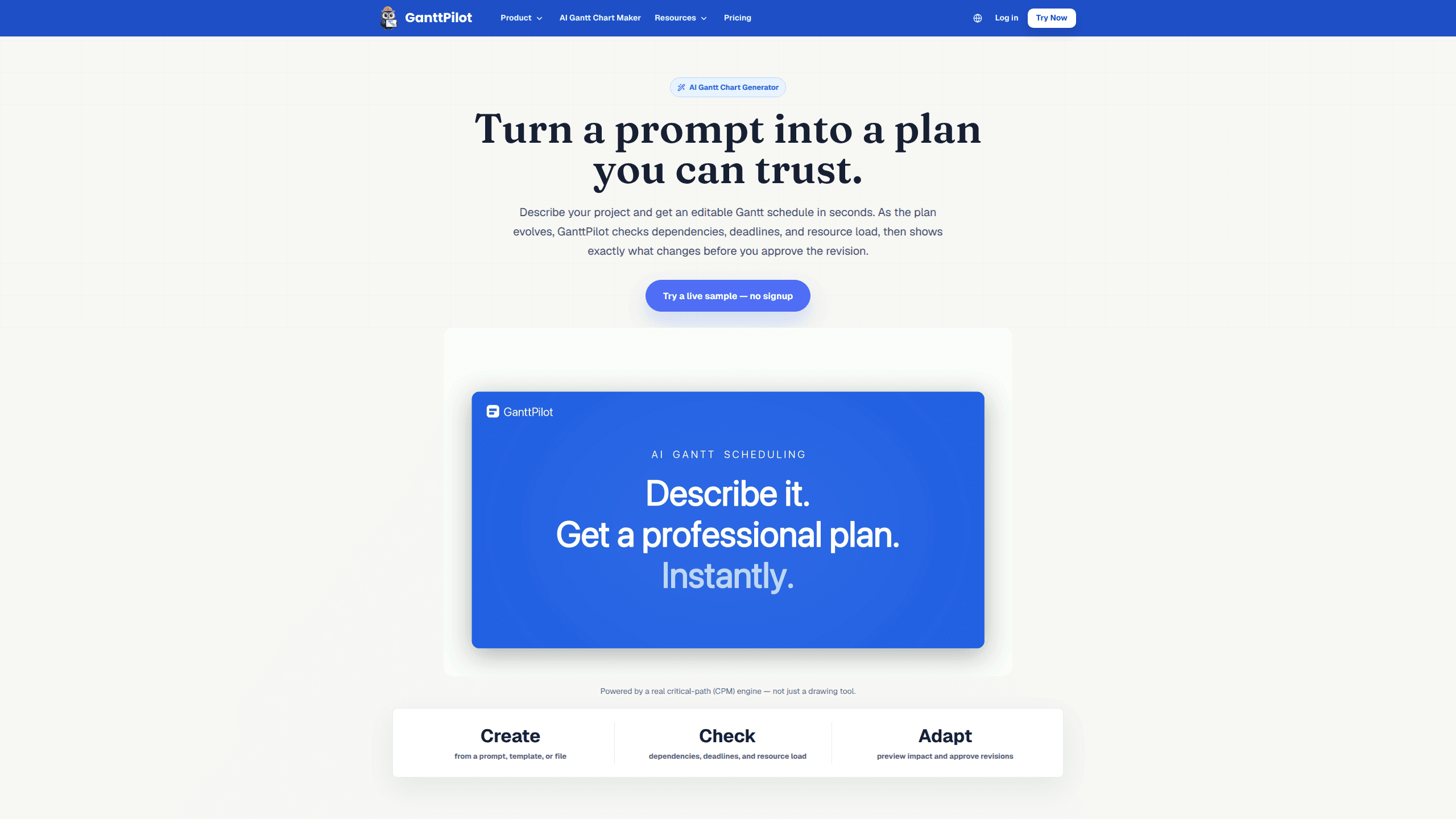
GanttPilot is an AI project scheduling workspace that turns a prompt, template, or file into an editable Gantt chart in seconds. It doubles as an AI Gantt chart generator. It runs a real critical-path (CPM) engine underneath, so the output is a schedule you can check rather than a picture you drew by hand. Every revision gets a preview. You approve what actually lands in the plan.
About Ganttpilot
What Is GanttPilot
GanttPilot is a web-based AI scheduling tool built around one idea: a Gantt chart is easy to draw, but a schedule you can trust is harder. Instead of asking you to type every task, duration, and link from scratch, it builds a first pass from what you already have, then runs the logic checks most spreadsheet plans skip.
The engine matters here. GanttPilot uses a critical-path (CPM) calculation, so when dates shift it can tell you which tasks actually drive the final deadline. The project dependency check catches missing links and tight deadlines. Resource load planning flags people carrying too much work. All of it surfaces before the plan breaks. Not after a client notices.
Where it earns its keep is change. A moved approval, a new task, or a resource clash rarely affects just one date. You describe the change, GanttPilot shows a before-and-after preview of the affected tasks, and nothing updates until you approve it. That approval step is the whole point. Most scheduling tools skip it.
The limits are worth knowing up front. It's a scheduling and review tool, not a full task board or chat-heavy team hub. Pricing runs per plan, and AI credits meter how much generation and analysis you run. Does that trade make sense? For most deadline-driven planners, yes. If you want a lightweight planner that respects deadlines and explains its logic, it's a fair deal.
Getting Started
- Sign up on ganttpilot.com and start your 14-day trial, which includes 200 AI credits.
- Create a project from a prompt, pick a template, or import a file your team already uses.
- Review the generated Gantt schedule: check the dependency links, milestone dates, and resource allocation the AI set up.
- Run the schedule logic check to spot missing dependencies, risky deadlines, and resource pressure.
- Describe any change, preview the impacted tasks, then approve the revision you want applied.
Product Information
A quick look at Ganttpilot's pricing, supported platforms, and performance.
Best for
The users, tasks, and scenarios where this tool fits best.
Users
- Project managers juggling client deadlines
- Solo planners and small teams
- Teams burned by manual Gantt charts
Tasks
- Building a first schedule from a rough brief
- Importing an existing plan
- Reviewing schedule risk
- Adapting to change
Scenarios
- Product launches
- Client delivery and handover work
- Marketing campaigns
- Events and operations
Key features
Prompt-to-Schedule Generation
Type a description of your project and GanttPilot drafts an editable Gantt schedule with tasks, durations, and dependencies. It's built for the moment you know the goal but not every task. It kills the blank-page problem most planning tools start with.
Import from Files Your Team Already Uses
You don't have to start from scratch. GanttPilot reads Excel sheets, Project XML, and MPP files, so an existing plan can become a live Gantt schedule you can check and revise. That's useful when the plan already lives in a spreadsheet someone maintains by hand.
Critical-Path (CPM) Logic Engine
The scheduling runs on a real critical-path engine, not a drawing layer. GanttPilot can identify which tasks drive the final deadline and how a change propagates. That's the difference between a chart and a plan you can defend.
Dependency, Deadline, and Resource Checks
A project dependency check scans for missing links and deadlines with no room to move. Resource load planning then flags anyone carrying too much work. Catching these before the plan breaks is cheaper than finding them after a deadline passes.
Revision Preview with Approval
When something changes, GanttPilot shows a before-and-after view of the affected tasks with the day impact on each. Nothing gets applied until you approve it. The AI suggests the update. You stay in control of the plan.
Project XML Export
Plans can be exported as Project XML. That keeps your schedule portable if you also work in tools that read the format. Small feature. It stops the plan from being locked inside one app.
Template Library for Common Project Types
Templates cover recurring project shapes like handover schedules, construction timelines, and shutdown or turnaround work. Starting from a template means the structure and typical dependencies are already in place.
Pros and cons
Pros
- Builds a first schedule from a prompt, template, or file, so you're not typing every task by hand.
- The CPM engine explains why the final date moves, instead of just redrawing bars.
- Revision previews show the day impact per task before any change is applied.
- Imports Excel, Project XML, and MPP, which fits teams with plans already in spreadsheets.
- The 14-day trial with 200 AI credits lets you test real scheduling before paying.
Cons
- AI credits meter generation and analysis, so heavy use can push you past the plan's monthly allowance, which means watching usage on bigger projects.
- It's a scheduling and review tool rather than a full task board, so teams that want chat, files, and issue tracking in one place will need other apps alongside it.
- The base plan caps you at two teammates, so larger teams bump into the limit quickly.
- Public details on an API are thin, so anyone planning to automate scheduling should confirm availability before committing.
Frequently asked questions
It turns a prompt, template, or file into an editable Gantt schedule, then checks the plan for dependency, deadline, and resource problems. It also previews how a change affects dates before you approve it.
Related content
Explore related tools, skills, and articles for Ganttpilot.
Ganttpilot Alternatives

Swms
Swms AI · Writing · Productivity · BusinessSwms is an AI safety compliance tool that turns a plain description of a job into ready-to-use safety documents. Describe your project, trade, and known hazards, and it writes a safe work method statement, job hazard analysis, safe work procedure, RAMS, or safety data sheet in seconds. It also ships with Oscar, a chat assistant that answers workplace safety questions in any language. Teams in construction, mining, transport, and warehousing use it to cut the paperwork that usually eats into a workday.

Wordly AI Translation
Wordly · Voice & Language · ProductivityWordly AI Translation is a real-time AI translation and captioning platform built for meetings, conferences, and events. It delivers live translation, captions, transcripts, and summaries in more than 60 languages, and attendees join by scanning a QR code or opening a link instead of using dedicated headsets. The platform works with Zoom, Microsoft Teams, Google Meet, and Webex, and it's designed for organizations that want multilingual access without hiring human interpreters for every session. Simple as that.

Rows
Rows (Superhuman) · Productivity · BusinessRows is an AI spreadsheet and data analysis tool that imports live data from more than 50 sources, then lets you work with it using plain language instead of SQL queries or nested formulas. You can pull numbers out of PDFs, connect ad platforms, databases, and bank accounts, and ask the AI to build reports, merge datasets, or set up models that recalculate themselves. It runs in the browser, works like a spreadsheet, and now sits under the Superhuman umbrella.