

Gemini Omni Flash
Google · Video
Gemini Omni Flash is Google's fast video generation model, and it's the first release in the Gemini Omni family. It takes text, images and short video references as input and outputs clips up to about 10 seconds long, with audio generated alongside the picture. You edit results by chatting with it, and every clip carries a SynthID watermark. It sits inside the Gemini app, Google Flow and YouTube tools rather than running as a standalone product.
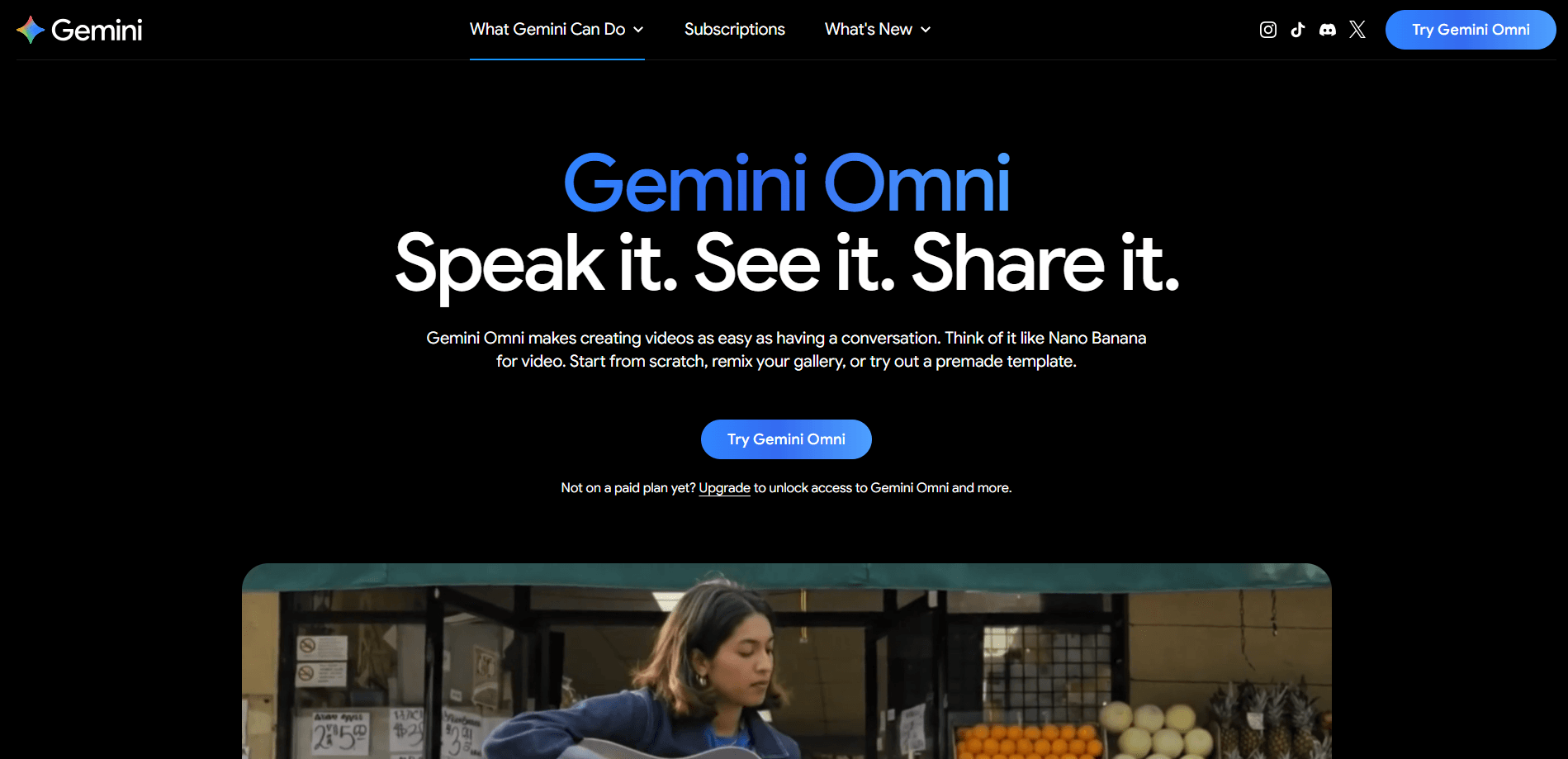
About Gemini Omni Flash
What Is Gemini Omni Flash
This is a multimodal model, not a single-purpose tool. You can feed it a prompt, an image, or a short reference video, and it returns a finished clip with matching audio. Google showed it generating an effects-heavy clip from a hand-drawn circle and one sentence of text. That demo tells you how low the input bar sits.
The practical draw is conversational editing. Instead of regenerating from scratch, you tell it what to change, like swapping a glass building for a soap bubble, and it keeps the rest of the frame intact. That makes iterating on a shot far less painful than the usual prompt-and-pray loop.
The catch is scope. Right now it outputs short clips only, roughly 10 seconds per generation. If your project needs a minute of continuous footage, you'll be stitching several outputs together and hoping the characters stay consistent.
Getting Started
- Sign in with a Google account that carries an AI Plus, Pro or Ultra subscription.
- Open the Gemini app, Google Flow, or the YouTube Shorts and YouTube Create tools where it's enabled.
- Write a prompt, or upload an image or a short reference video to guide the look.
- Generate the clip, then edit it by describing the change you want in plain language.
- Export the result and check the SynthID mark if you need to verify it's AI-generated.
Product Information
A quick look at Gemini Omni Flash's pricing, supported platforms, and performance.
Best for
The users, tasks, and scenarios where this tool fits best.
Users
- Content creators
- Marketers
- Hobbyists
Tasks
- Animating still images
- Making short ad concepts
- Creating loopable social clips
Scenarios
- Drafting a YouTube Short and refining it with picky, element-by-element notes.
- Brainstorming a campaign look when you have a reference image but no shot list.
- Quick demos where speed matters more than runtime, like roughing out a scene before a meeting.
Key features
Multimodal Input
You can start from text, an image, audio, or a short video reference, and combine them. Google calls this multimodal video model generating from any input. It matters most when you already have a visual you want to preserve. Feeding in a picture keeps the model closer to your intent than describing it in words ever would.
Conversational Editing
Rather than rebuilding a clip each time you want a tweak, you describe the change and the model applies it while holding the rest of the scene steady. This conversational video editing turns a swap, a camera shift, or a mood change into a sentence instead of a new prompt. It's the feature most likely to save you time on a real project.
Native Audio Generation
Clips come out with sound attached, so you're not layering audio in a separate step for every draft. For short social pieces, that removes a chunk of post-production. Quality varies by prompt. You'll still want to review the result before publishing. Need a talking presenter without filming one? The model can build optional AI avatars you can drop into a scene. No casting call required.
Short-Form Clip Length
Generations run up to around 10 seconds. That's a deliberate fit for Shorts, ads and teasers. It keeps output fast. Longer storytelling means generating multiple segments and joining them. That's where character consistency starts to wobble. Fast. Not always clean.
SynthID Watermarking
Every clip carries a SynthID digital watermark that you can check through the Gemini app, Chrome, or Google Search. It's a practical way to prove a video is AI-made. Call it a quiet nudge toward transparency when you're posting to platforms that care.
Integration Across Google Tools
The model shows up in the Gemini app, Google Flow, and the YouTube Shorts and YouTube Create tools. That spread means you can reach it from where you already work. It also means you won't find it as a separate download you can install anywhere.
Pros and cons
Pros
- Handles text, images and video references in one model, so you're not juggling separate tools for each input type.
- Conversational editing keeps the rest of a scene intact when you change one detail, which cuts down on wasted generations.
- Audio comes bundled with the video, saving a step on short-form content.
- SynthID watermarking makes it easy to label AI video for platforms and audiences.
- Free access exists through the YouTube tools for people who don't want a subscription.
Cons
- Clips cap out around 10 seconds, so anything longer needs manual stitching and risks characters drifting between segments.
- No standalone app means you can't just install it and use it anywhere; you need a Google account and the right product access.
- Audio support was limited at launch, so some input types you'd expect may not work yet.
- Full API access for developers wasn't broadly available at release, which blocks automated workflows.
Frequently asked questions
It generates short video clips from text, images, audio or video input, and lets you refine them by chatting. Think of it as a fast video maker you talk to, not a traditional editor you click through.
Related content
Explore related tools, skills, and articles for Gemini Omni Flash.
Gemini Omni Flash Alternatives

ngram 2.0
ngram · Video · Marketingngram 2.0 is an AI video generator for teams. It turns a prompt, a screen recording, or a product URL into a narrated explainer, product demo, or AI avatar video, and every scene stays editable.

OpenScreen 2
OpenScreen (open-source project) · Video · ProductivityOpenScreen 2 is a free, open-source screen recorder and demo video editor for Windows, macOS, and Linux, with automatic zooms, styled frames, local captions, and agent edits.

Skreno
Skreno · Video · ProductivitySkreno is a browser screen recorder that captures a tab, a window or your whole display, then attaches AI transcripts, summaries and console logs to one share link.