

Genmo Mochi 1
Genmo · Video
Genmo Mochi 1 is an open source text to video model from Genmo that turns written prompts into short 480p clips with strong motion and prompt adherence. You can download the weights for free.
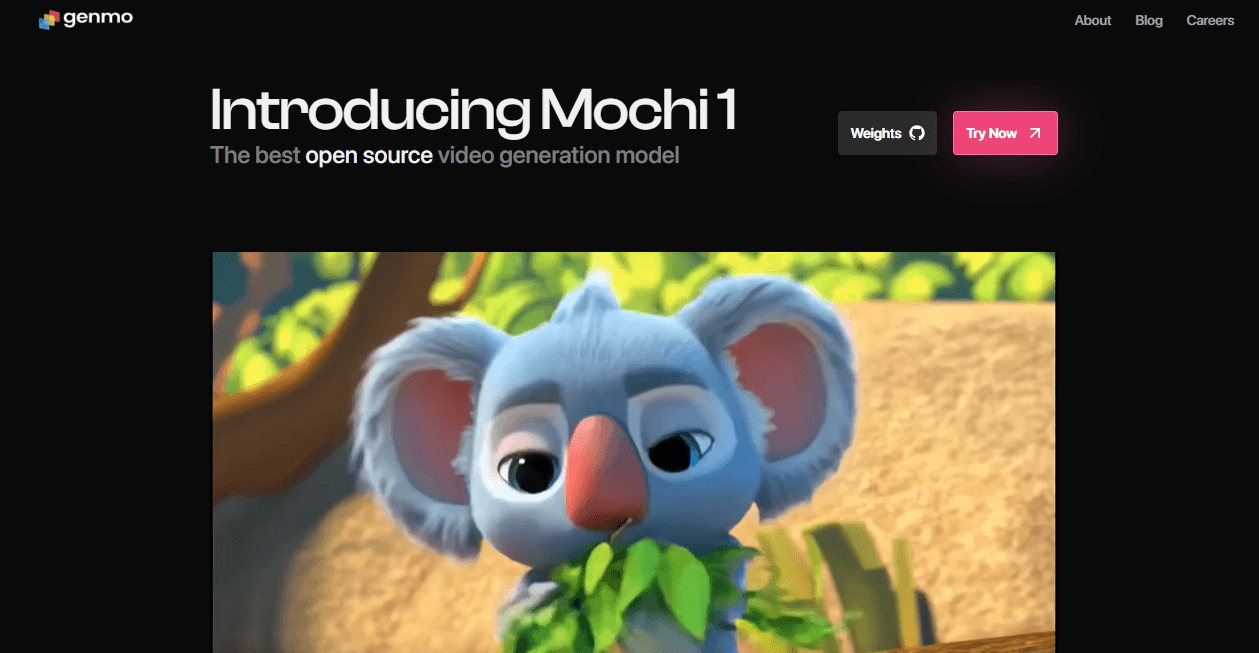
About Genmo Mochi 1
What Is Genmo Mochi 1
Genmo Mochi 1 is an AI video generator from Genmo, a San Francisco studio building video models. You describe a scene in plain text, and the model renders a short clip with convincing movement. The striking part is how it ships: Genmo released the weights under the Apache 2.0 license, so anyone can download, run, and modify the model for personal or commercial work.
The tool goes after a familiar frustration. Most strong video generators sit behind a paid, closed service, and you never get to look inside or bend them to your own project. Mochi 1 hands over the actual model, a 10 billion parameter diffusion system built on an architecture Genmo calls AsymmDiT. That makes it a building block, not just a website.
The limits are honest and worth knowing up front. The preview model tops out at 480p, and clips run about 5.4 seconds at 30fps. Running it yourself needs serious hardware unless you lean on community setups. It favors photoreal footage over animation, and complex motion can wobble.
Getting Started
- Head to the Genmo playground and sign in if you just want to try prompts without installing anything.
- Clone the model repository from GitHub, or pull the weights from Hugging Face if you plan to run Mochi 1 locally.
- Set up the Python environment and install FFMPEG so the output can be assembled into a video file.
- Write a prompt and generate a clip through the built in interface or the Python API, choosing a resolution and frame count.
- Export the result and open it in your editor for cutting, upscaling, or combining into a longer piece.
Product Information
A quick look at Genmo Mochi 1's pricing, supported platforms, and performance.
Best for
The users, tasks, and scenarios where this tool fits best.
Users
- AI researchers and developers
- Independent video creators
- Hobbyists with a strong GPU
Tasks
- Turning a written idea into a moving shot
- Prototyping ad and concept visuals
- Learning how video diffusion works
Scenarios
- Testing an idea before a shoot
- Building a research pipeline
- Getting a first taste of AI video generation for free
Key features
Open Weights Under Apache 2.0
The model weights and source code are public under the Apache 2.0 license, so no subscription and no usage fee stand between you and the tool. You can run it offline, inspect the code, and ship commercial work built on top of it. That openness is the single biggest reason Mochi 1 stands out from closed video generators.
AsymmDiT Architecture
Mochi 1 runs on AsymmDiT, a diffusion transformer Genmo built for video. It handles text and video tokens together through multimodal attention but gives the visual side far more capacity than the text side, which is where the detail lives. The asymmetric design keeps memory use in check, which is what lets the model fit on hardware that a flat architecture would blow past.
High Fidelity Motion
Mochi 1 was tuned for movement rather than static beauty. It renders people walking, hair and fabric shifting, and fluid and fur effects with a coherence that earlier open models struggled to reach. According to Genmo, its motion quality was benchmarked against leading closed rivals, and the model was built to push past the uncanny valley in human motion.
Strong Prompt Adherence
The model follows detailed prompts closely, which hands you fine control over characters, settings, and actions. If you describe a camera angle and a specific action, the output tends to respect both. That precision matters when a clip has to match a script or a storyboard rather than just look pretty.
Compressed Video VAE
Genmo also open sourced the video VAE that sits under the model. It compresses footage by a factor of 128, folding spatial and temporal detail into a compact latent space. Lower memory and compute needs make the model realistic to run outside a data center, which is a practical difference for anyone without a cluster.
Runs on Consumer Hardware
While Genmo notes that the preview needs multiple high end GPUs to run at full speed, community integrations let the model run on a single consumer card with enough video memory. Tools built around ComfyUI add streamlined workflows and attention backends so home users can generate clips without renting cloud machines.
Pros and cons
Pros
- The weights are free under Apache 2.0, so you can run and modify the model without paying a subscription or usage fee.
- Motion quality and prompt adherence were strong enough at launch to challenge leading closed video generators.
- 10 billion parameters and open source code make it a serious base for research and for building your own video features.
- A video VAE that compresses footage 128 times lowers the hardware bar enough for consumer GPUs.
Cons
- Output caps at 480p, so the clips are not ready for large screens or broadcast without upscaling.
- Clips run about 5.4 seconds, which is short for anything beyond b-roll, transitions, or concept shots.
- Complex or fast motion can warp, and animation and stylized content come out weaker than photoreal footage.
- Self hosting needs real hardware and comfort with a command line, which shuts out non technical users.
Frequently asked questions
It is an open source AI video generator from Genmo that turns a text prompt into a short clip. It runs on a 10 billion parameter diffusion model and its weights are released under the Apache 2.0 license for anyone to download and use.
Related content
Explore related tools, skills, and articles for Genmo Mochi 1.
Genmo Mochi 1 Alternatives

Vadu AI
Vadu AI · Image · VideoVadu AI is a web-based AI video generator that turns written prompts or still images into short clips, and it can also generate images on its own. You type what you want, pick a model and style, and the platform renders the result in minutes. A free plan covers light testing, while paid tiers run from $9 to $77.40 per month based on how many credits you burn.

Mykaraoke Video
MyKaraoke Video · VideoMykaraoke Video is an online karaoke video maker and lyric video maker that turns any song into a finished, lyrics-synced video right in your browser. It handles the slow part for you. The AI pulls vocals out of the mix and locks the lyrics to the beat, then lets you customize background, fonts, and colors before exporting in 1080p MP4. If you make lyric videos for social media, party nights, or music promotion, it skips the software installs and manual timing work entirely. Want a karaoke video generator that doesn't eat your whole evening? That's the pitch here.

Finalframe
Finalframe · VideoFinalframe is a set of free, browser-based tools for grabbing exact frames out of a video clip. Its best-known feature, the Final Frame Extractor, lets you extract the last frame of any video so you can use it as the starting image for AI video tools like Luma Dream Machine, Runway, or Kling. Want to keep a clip going? That last frame is your starting point. The tool runs locally in your browser, needs no sign-up, and costs nothing. A separate paid AI video-generation app from the same team is currently offline while it's rebuilt.