

GetEstimate.ai
GetEstimate.ai · Productivity
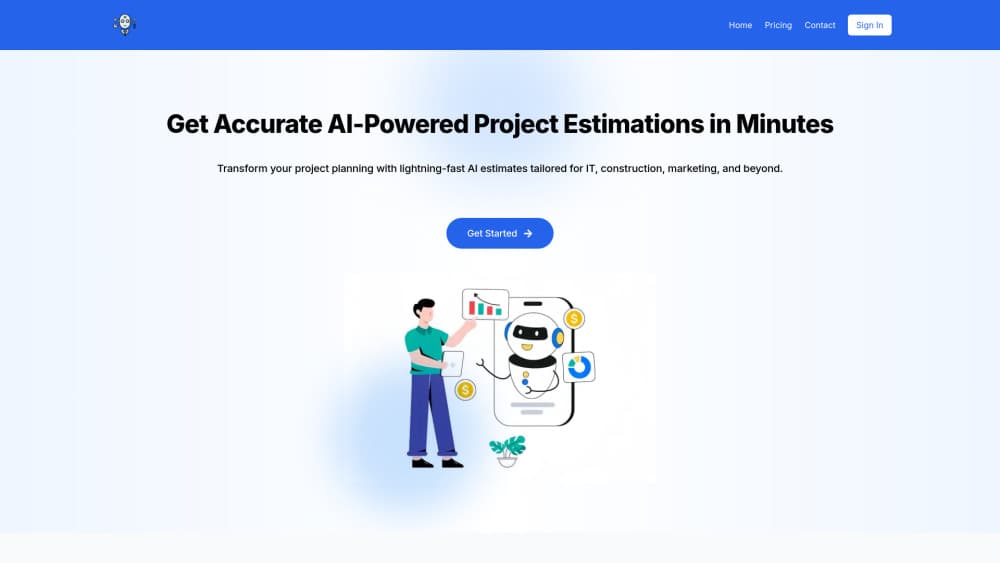
GetEstimate.ai is an AI cost estimation agent that turns a project brief into a detailed estimate for contractors, builders and freelancers.
About GetEstimate.ai
What Is GetEstimate.ai
GetEstimate.ai is an AI agent built to answer one question fast: what will this project cost? You describe the job in plain language, the agent asks a few follow-up questions, and it returns a cost breakdown covering materials, labor and timeline. It leans on a construction cost database and past project pricing to calibrate the numbers. The product targets the awkward middle of the market, where small contractors and freelancers can't justify traditional construction estimating software because that software is priced for firms twice their size. GetEstimate.ai charges by credits instead, so a one-off kitchen remodel and a hundred bids a month both stay affordable.
The honest limits: the output is a starting draft, not a stamped bid. Verify local labor rates and material quotes yourself before sending anything to a client. Software projects are on the menu too, but the cost database is deepest for construction.
Getting Started
- Create an account and pick a template, such as a kitchen remodel, a house build or a software project, or describe the job from scratch.
- Watch the agent show a preliminary cost range as soon as it reads your scope.
- Answer the 3-5 follow-up questions it asks about materials, timeline and scope; each answer tightens the estimate in real time.
- Generate the full breakdown of materials, labor, timeline and risk in one click.
- Export the result as a PDF or send a shareable link to a client.
Product Information
A quick look at GetEstimate.ai's pricing, supported platforms, and performance.
Best for
The users, tasks, and scenarios where this tool fits best.
Users
- General contractors
- Remodelers and specialty trades
- Freelancers and software consultants
- Agencies and small teams
Tasks
- Bidding on a renovation
- Estimating a house build
- Material takeoffs
- Client proposals
Scenarios
- A homeowner asks for a ballpark kitchen cost during the first call.
- You're juggling several bids and need consistent formatting across all of them.
- A client wants a shareable estimate they can revisit as the scope shifts.
Key features
Conversational AI Estimator
You don't fill out a long form. You describe the project, and the agent reads scope, location and finish level. Then it asks the questions that actually move the number. No spreadsheets. No six-tab forms. Think of it as a construction cost estimator you can talk to, not a calculator you have to feed by hand.
Smart Follow-up Questions
The agent asks 3-5 targeted questions about materials, timeline and scope, then revises the estimate after each answer. That loop separates it from a static cost calculator. A calculator gives you one number. This one narrows the range as you talk, which is exactly what an AI estimator for contractors should do when you only have a rough scope and a nervous client waiting for a figure.
Construction Cost Database
Behind the estimate sits a database of construction pricing and similar past projects, used to calibrate local rates. It's the reason a house build estimate can start around $100-$400 per square foot and then narrow as you add details. That beats guessing at a renovation cost estimate from scratch.
Professional PDF Export
One click turns the breakdown into a PDF you can hand to a client. It arrives formatted as a proposal. You don't have to rebuild the estimate in a document editor before sending it out, and you don't lose an evening rebuilding tables that the tool already knows how to assemble.
Client Management and Shareable Links
Estimates live in a small CRM, so you can track versions and share a live link instead of a frozen PDF. When scope changes, the client sees the update rather than a stale file.
Version History
Every revision is saved. If a client pushes back on a number two weeks later, you can open the earlier version and show what changed and why.
Pros and cons
Pros
- Credit-based pricing means no subscription, and credits don't expire.
- Estimates come back with materials, labor, timeline and risk in one pass, not just a lump sum.
- Templates for common jobs (kitchen, bathroom, house build) cut the blank-page problem.
- PDF export and shareable links make client handoff painless.
- Cheapest pack is $3, so you can test it on a single real bid.
Cons
- Estimates are a first draft. You'll still verify local labor rates and supplier quotes yourself.
- It's web-only. There's no mobile app for pricing a job on site.
- The cost database is far stronger for construction than for software or other project types.
Frequently asked questions
It's pay-as-you-go, with no monthly subscription. Starter is $3 for 2 estimates, Basic is $12 for 10, Pro is $29 for 30, and Agency is $79 for 100 credits. One credit equals one detailed estimate, and credits never expire.
Related content
Explore related tools, skills, and articles for GetEstimate.ai.
GetEstimate.ai Alternatives

Swms
Swms AI · Writing · Productivity · BusinessSwms is an AI safety compliance tool that turns a plain description of a job into ready-to-use safety documents. Describe your project, trade, and known hazards, and it writes a safe work method statement, job hazard analysis, safe work procedure, RAMS, or safety data sheet in seconds. It also ships with Oscar, a chat assistant that answers workplace safety questions in any language. Teams in construction, mining, transport, and warehousing use it to cut the paperwork that usually eats into a workday.

Wordly AI Translation
Wordly · Voice & Language · ProductivityWordly AI Translation is a real-time AI translation and captioning platform built for meetings, conferences, and events. It delivers live translation, captions, transcripts, and summaries in more than 60 languages, and attendees join by scanning a QR code or opening a link instead of using dedicated headsets. The platform works with Zoom, Microsoft Teams, Google Meet, and Webex, and it's designed for organizations that want multilingual access without hiring human interpreters for every session. Simple as that.

Rows
Rows (Superhuman) · Productivity · BusinessRows is an AI spreadsheet and data analysis tool that imports live data from more than 50 sources, then lets you work with it using plain language instead of SQL queries or nested formulas. You can pull numbers out of PDFs, connect ad platforms, databases, and bank accounts, and ask the AI to build reports, merge datasets, or set up models that recalculate themselves. It runs in the browser, works like a spreadsheet, and now sits under the Superhuman umbrella.