

Github Copilot
GitHub · Coding
GitHub Copilot is an AI coding assistant that completes code as you type, answers questions in chat, and runs coding agents inside your editor, terminal, and GitHub.
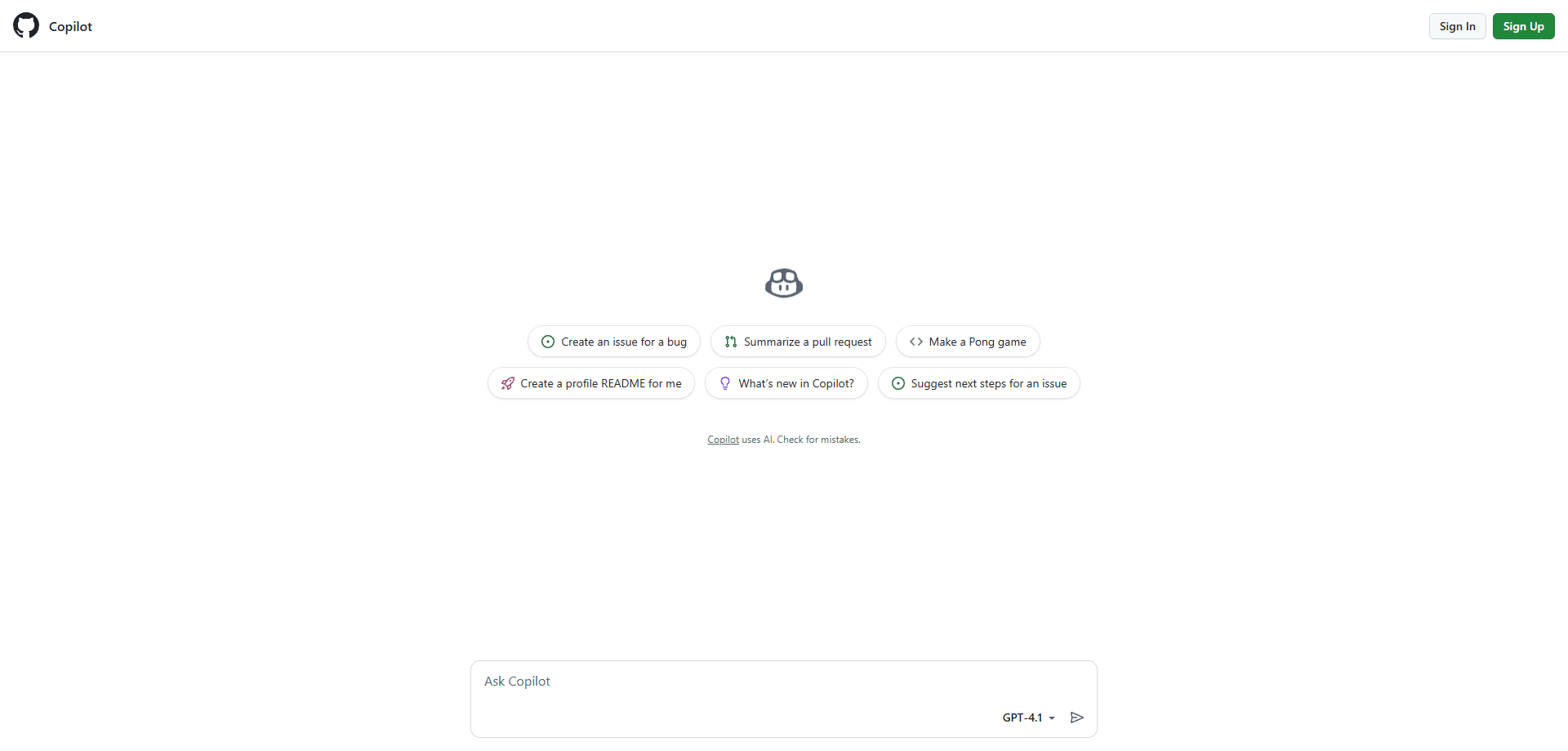
About Github Copilot
What Is GitHub Copilot
GitHub Copilot is an AI coding assistant built by GitHub and powered by models from OpenAI, Anthropic, Google, and xAI. It started as a tool that finishes the line you're typing, and it's grown into something wider: chat that explains and rewrites code, an agent that opens pull requests on its own, and a command line helper. As an AI pair programmer, it aims at the boring half of the job, the boilerplate and the lookups, so you spend your time on the part that needs a human.
The reach is the pitch. Copilot works as an extension in Visual Studio Code, Visual Studio, JetBrains IDEs, Vim, Neovim, and Xcode, with chat in most of them and a native home on GitHub.com for Enterprise users. GitHub says millions of people and tens of thousands of businesses use it, and that's the reason it's the one AI coding tool most teams have already heard of.
The catch is what you get on the free plan. Copilot Free caps code completions at 2,000 per month and gives you only a small allowance of AI credits, and it limits you to automatic model selection rather than a model you pick. Chat, agents, and Copilot CLI all draw on those credits, so a heavy session can burn through them quickly. The product is genuinely capable, but the interesting features are gated behind paid plans.
Getting Started
- Sign in to GitHub and turn on Copilot, either the free plan or a paid one, from your account settings.
- Install the Copilot extension in your editor, such as VS Code, Visual Studio, or a JetBrains IDE.
- Start typing and accept suggestions with Tab, or open the chat panel to ask about code you've selected.
- For bigger jobs, switch to agent mode and describe the change across several files.
- For repo-level work, assign an issue to the Copilot coding agent and review the pull request it opens.
Product Information
A quick look at Github Copilot's pricing, supported platforms, and performance.
Best for
The users, tasks, and scenarios where this tool fits best.
Users
- Working developers
- Students learning to code
- Teams at a company
- Solo builders and indie hackers
Tasks
- Writing boilerplate
- Explaining unfamiliar code
- Refactoring across files
Scenarios
- Learning a new language or framework
- Turning an issue into a pull request
- Reviewing pull requests
Key features
Code completion that keeps up with you
Copilot suggests the rest of a line or a whole function as you type, using the code around your cursor and the other files you have open as context. It reads what you're building and offers the next move before you ask. Completions stay unlimited on every paid plan and don't consume AI credits, which is why many developers treat them as the everyday baseline.
Copilot Chat in the editor
Chat answers questions about your code, explains a selection, or rewrites it on request. It's available in VS Code, Visual Studio, and JetBrains IDEs, and it works on the open file rather than a blank prompt box. Ask it to explain a regex, write a test, or find the bug, and it replies in place.
Agent mode for multi-file edits
Agent mode goes past suggestions. You describe a goal, and Copilot plans the change, edits several files, runs commands, and checks its own work as it goes. It's the part of the product that shifted Copilot from an autocomplete tool into something closer to a junior developer you direct.
The Copilot coding agent on GitHub
You can assign a GitHub issue to Copilot and let a cloud agent work on it. It reads the repo, opens a pull request, and waits for your review. This runs on GitHub's servers rather than your machine, so it keeps going while your laptop is closed, and it fits teams that want issues handled without a local setup.
Copilot CLI and the command line
The Copilot CLI brings the assistant into the terminal, where you can ask it to explain a command, write a shell script, or work through a task in natural language. All plans include Copilot CLI, and on paid plans its usage draws on your AI credits just like chat.
Model choice and AI credits
Paid plans let you pick from a selection of models, and Pro+ and above add access to premium models. Instead of flat limits, Copilot meters chat, agents, and CLI by GitHub AI credits, with lighter models costing a fraction of a credit and long agent sessions on frontier models costing more.
Code review and pull request help
Copilot reviews pull requests, flags likely problems, and suggests fixes in the PR itself. Organizations can enable it for every pull request, including those from people without a Copilot license, which spreads the review coverage across a team without buying a seat for everyone.
Pros and cons
Pros
- Completions are unlimited on paid plans and don't touch your AI credits, so the core feature never runs dry.
- It lives in the editors people already use, including VS Code, Visual Studio, JetBrains, Vim, Neovim, and Xcode.
- The coding agent turns a GitHub issue into a pull request, which few rivals match as smoothly inside GitHub.
- Business and Enterprise plans add policy controls, audit logs, and IP indemnity for company rollouts.
- Free and Student tiers make it easy to try without a card, and Pro starts at $10 per month.
Cons
- The free plan caps completions at 2,000 per month and locks you to automatic model selection, so it's a trial rather than a daily driver.
- Agent and chat usage burns AI credits, and a long session on a premium model can eat a chunk of your monthly allowance.
- Chat isn't available in every editor, so Vim, Neovim, and Xcode users get completions without the conversation features.
- Some features reach VS Code first, so users on other IDEs wait longer for the newest capabilities.
Frequently asked questions
As a code completion tool, it finishes lines and functions as you type and answers questions in chat about the file you're editing. It also runs an agent that can edit several files and a cloud agent that can turn a GitHub issue into a pull request.
Related content
Explore related tools, skills, and articles for Github Copilot.
Github Copilot Alternatives
Forefront
Forefront · CodingForefront is a web platform for building with open-source AI. It lets you fine-tune leading open-source language models on your own data, evaluate how they perform, and run them through an API or export them to host yourself. Developers who want the convenience of a closed-source platform but insist on owning their models and data are the target audience here.

Startkit
StartKit.AI · CodingStartkit is a boilerplate for building AI SaaS and AI wrapper products. Think of it as an AI startup boilerplate with the boring parts already wired up: authentication, Stripe and Lemon Squeezy payments, usage limits, transactional email, and an AI API starter that talks to OpenAI, Anthropic, Groq, or Llama. You clone the repo, set your price, and start on the part of your product that people actually pay for. It's Next.js under React and Tailwind, so most of the boilerplate code already feels familiar.
Testim
Tricentis · CodingTestim is an AI-powered test automation platform for building and running end-to-end tests across web, mobile, and Salesforce applications. It leans on machine learning to keep tests stable when an interface changes, so teams spend less time fixing broken selectors. Not bad for an automated testing tool you can start using today. You create tests by recording actions in a browser, then optionally add JavaScript when you need more control. It's a solid pick for busy QA teams.