

GitLaw
GitLaw · Productivity · AI Assistant
GitLaw is an AI contract agent that helps startups, freelancers and small teams draft, review and sign legal agreements. No lawyer required for the simple ones.
About GitLaw
What Is GitLaw
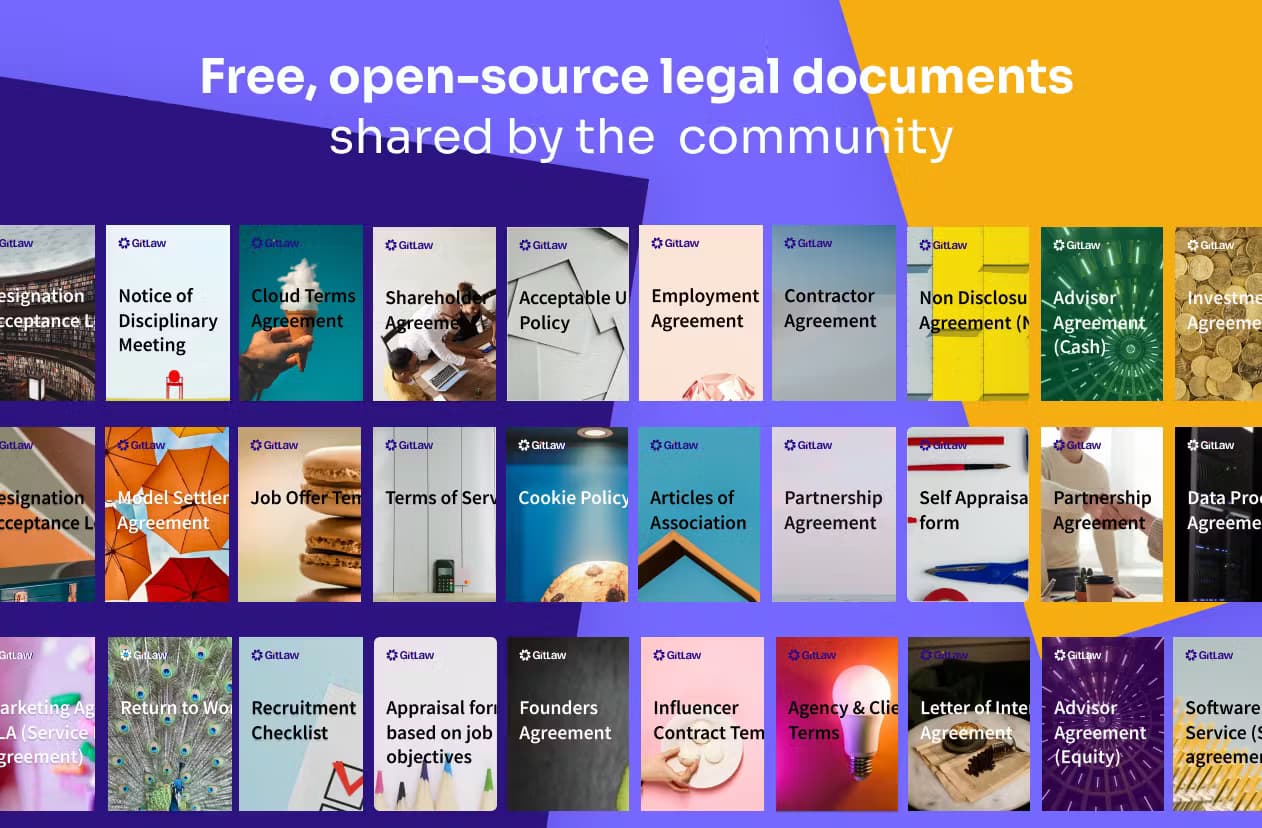
GitLaw is a web app for drafting and reviewing legal documents. You describe the deal in plain English and its AI agent writes the agreement, or you upload an existing one and get a clause-by-clause risk report. It was built with a committee of practicing lawyers, and it leans on a library of thousands of lawyer-reviewed contract templates instead of generating text from scratch, which keeps the output closer to what a professional would actually write.
That last point matters. A general chatbot will invent a plausible sounding clause, and that's a problem when the document you're signing has real money attached to it. GitLaw drafts from vetted templates and your own past contracts, so far fewer clauses get hallucinated or quietly dropped. Is it perfect? No.
It isn't a law firm. Nothing here replaces proper legal advice for a complex or high-stakes deal, and the AI can still misread an unusual clause. For routine contracts, like an NDA template, service agreements or contractor deals, it covers what most small businesses actually need. That's the whole point.
Getting Started
- Sign up for a free account with your email, no credit card needed.
- Pick a starting point: describe the contract you want, open a contract template from the library, or upload an existing one to review.
- Chat with the agent to shape the draft. Adjust terms. Paste your own standard positions.
- Accept or reject its proposed edits as tracked changes, then export to Word.
- Send the finished document for signature and store it in your contract dashboard.
Product Information
A quick look at GitLaw's pricing, supported platforms, and performance.
Best for
The users, tasks, and scenarios where this tool fits best.
Users
- Startup founders
- Freelancers and agencies
- Small business owners
- In-house teams
Tasks
- Drafting a mutual NDA for partnership talks
- Reviewing a supplier agreement
- Redlining a contract you received
- Converting a US contract to contractor-safe wording
Scenarios
- Late Sunday night before a Monday signing
- A client wants terms in writing before work starts
- A renewal is coming up and nobody remembered
- Onboarding a new hire
Key features
Plain-English Contract Drafting
Describe your deal in a sentence and GitLaw writes the agreement. For quick AI contract drafting, it searches your existing contracts and its template library together. Then it builds from the closest match and tells you which one it used. If you already have a good version of a document, it starts there instead of inventing a new one.
Clause-by-Clause Contract Review
Upload any contract, including ones you didn't write. The agent explains it and flags risk. Contract review runs clause by clause, so it works out rules it thinks are non-standard and highlights the parts worth a closer look. Users consistently mention it catches inconsistencies that would take much longer to spot by hand.
Track Changes That Round-Trip to Word
Unlike a chat window, GitLaw edits inside the document. It redline contracts by proposing edits as tracked changes you accept or reject one at a time. Comments stay anchored to the exact clause. Both survive a round trip to Word, so you can hand the file to a lawyer or counterparty and keep working.
Memory and Playbooks
GitLaw learns your standard positions: liability caps, preferred clauses, governing law. It applies them to every new draft. You set the rules once, and each review or negotiation starts from your terms instead of a blank page, which means the tenth contract you draft remembers everything the first one taught it.
Free eSign
You can sign documents inside GitLaw at no cost, with unlimited signatures on the free plan. That closes the loop on the whole workflow: draft, review, then sign, without hopping to a separate tool. Big difference.
Contract Dashboard and Reminders
A single contract management dashboard shows your contracts at a glance. It stores them in searchable form and reminds you before renewals. It also spots missing documents you probably should have and can draft them for you.
Version History and Audit Trail
Every draft keeps its version history, and the agent's edits become restorable versions with a complete audit trail. If someone asks why a clause changed, there's a record. No more guessing which draft is current.
GitLaw API
The agent can run from your email or CRM through the GitLaw API, so it can act on contracts inside tools you already use. You authenticate with an API key and can access chat, file processing and status endpoints.
Pros and cons
Pros
- Free to start, with a genuinely useful free plan rather than a locked demo.
- Drafts from lawyer-reviewed templates, which cuts down on invented clauses, and the agent tells you which template it started from so you can check the source.
- Tracked changes and comments carry over to Word, so it fits an existing workflow.
- Free unlimited eSign avoids paying for a separate signing tool.
- API access means you can wire contract actions into your own systems.
Cons
- Not a substitute for a lawyer on complex or high-stakes agreements.
- The free plan caps you at $5 of AI credits per month, so heavier drafting pushes you to the $25 per seat paid tier.
- The AI can still misread an unusual or badly scanned document, so you need to check flagged items yourself.
Frequently asked questions
It drafts and reviews legal contracts in plain English. Common uses are NDAs, service agreements, contractor deals, employment contracts and supplier agreements, plus reviewing any contract you've been sent before you sign it.
Related content
Explore related tools, skills, and articles for GitLaw.
GitLaw Alternatives

Swms
Swms AI · Writing · Productivity · BusinessSwms is an AI safety compliance tool that turns a plain description of a job into ready-to-use safety documents. Describe your project, trade, and known hazards, and it writes a safe work method statement, job hazard analysis, safe work procedure, RAMS, or safety data sheet in seconds. It also ships with Oscar, a chat assistant that answers workplace safety questions in any language. Teams in construction, mining, transport, and warehousing use it to cut the paperwork that usually eats into a workday.

Wordly AI Translation
Wordly · Voice & Language · ProductivityWordly AI Translation is a real-time AI translation and captioning platform built for meetings, conferences, and events. It delivers live translation, captions, transcripts, and summaries in more than 60 languages, and attendees join by scanning a QR code or opening a link instead of using dedicated headsets. The platform works with Zoom, Microsoft Teams, Google Meet, and Webex, and it's designed for organizations that want multilingual access without hiring human interpreters for every session. Simple as that.

Rows
Rows (Superhuman) · Productivity · BusinessRows is an AI spreadsheet and data analysis tool that imports live data from more than 50 sources, then lets you work with it using plain language instead of SQL queries or nested formulas. You can pull numbers out of PDFs, connect ad platforms, databases, and bank accounts, and ask the AI to build reports, merge datasets, or set up models that recalculate themselves. It runs in the browser, works like a spreadsheet, and now sits under the Superhuman umbrella.