

Glazed
Glazed Analytics · Productivity · Marketing
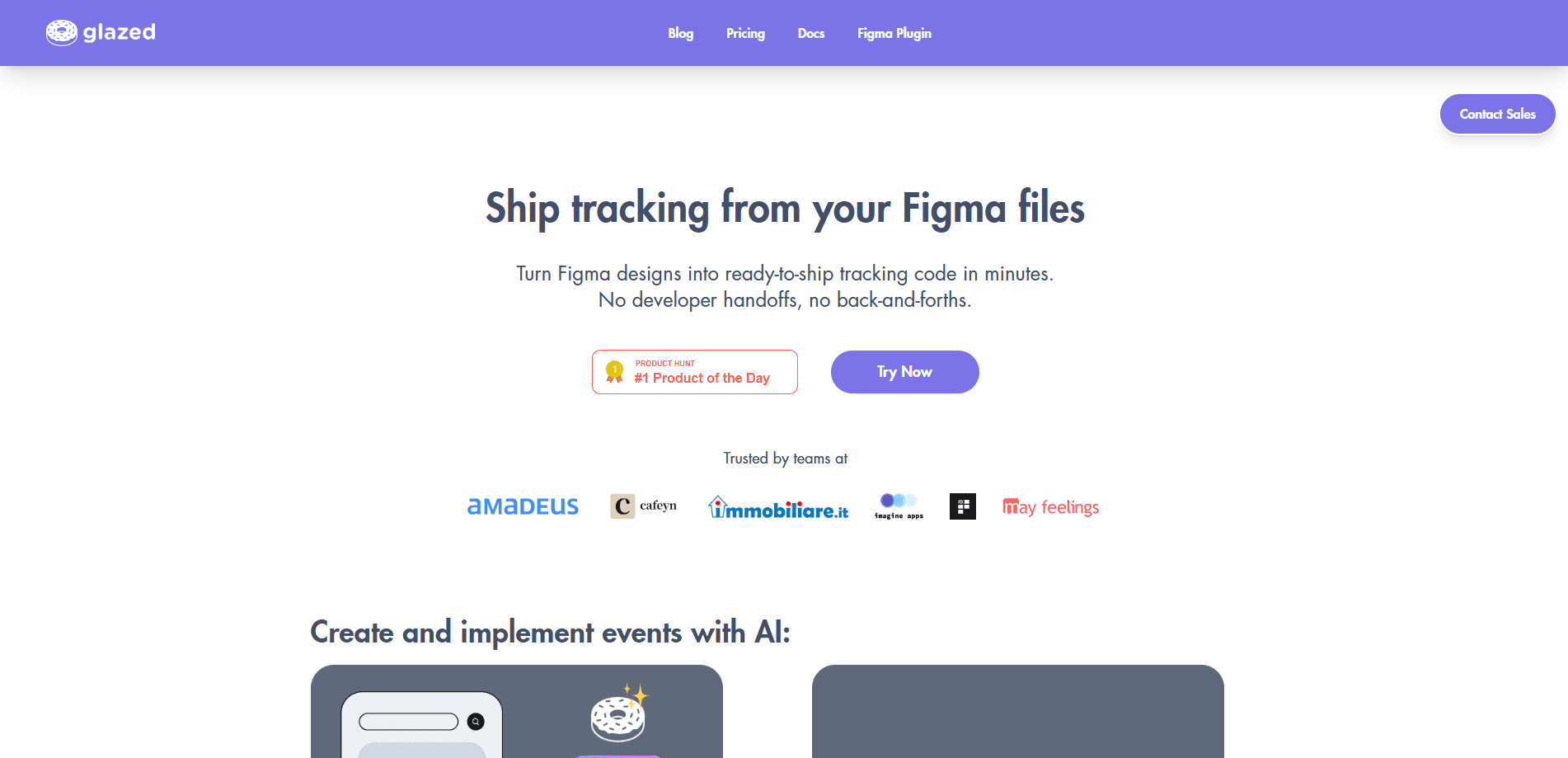
Glazed is an AI-powered product analytics tool that turns Figma designs into implementation-ready tracking plans. It scans your design files, learns your existing events, and suggests the right events, properties, and taxonomy so product, design, data, and engineering teams all work from one visual spec. Instead of juggling spreadsheets and Slack threads, teams use Glazed to define analytics events at the component level and hand them off to developers with far fewer coordination meetings.
About Glazed
What Is Glazed
Glazed is a tracking plan tool built around Figma. It reads your design files, understands the components and flows already there, and proposes the analytics events you'll want to track. The promise is simple. Cut the back-and-forth between the people who design features and the people who instrument them.
The product targets teams who keep losing hours to tracking spreadsheets, docs, and "which value should I send?" questions. By attaching event specs directly to design components, Glazed gives everyone one source of truth they can actually read. iOS, Android, web, product, and data teams reference the same events instead of rebuilding the plan in five different places. That saves hours.
The catch is that Glazed leans on Figma. If your team designs elsewhere, or if your tracking lives entirely in code without a design step, the value drops fast. It's also a young product, so the deepest workflows still assume a modern, Figma-first process. So who is it really for? Teams that already treat Figma as the center of their product process.
Getting Started
- Sign up for a Glazed account and connect your workspace to the Figma file you want to instrument.
- Install the Glazed Figma plugin so your team can view and edit event specs inside the design.
- Import your Figma file and let Glazed AI scan the frames and components for suggested events.
- Review the recommended event names, triggers, and property values, then adjust them at the component level.
- Copy the implementation prompts into your AI coding assistant, or hand the specs to your engineering team to build.
Product Information
A quick look at Glazed's pricing, supported platforms, and performance.
Best for
The users, tasks, and scenarios where this tool fits best.
Users
- Product managers who own the tracking plan and want to stop chasing engineers for every event change
- Product analysts and data teams who need consistent event taxonomy across platforms
- Designers working in Figma who'd rather define tracking next to the mockup than in a separate doc
- Small startups where one person covers product and analytics and has no dedicated tracking specialist
Tasks
- Building a tracking plan from a Figma file
- Reviewing event naming
- Generating implementation prompts
- Aligning iOS, Android, and web teams
Scenarios
- A redesign sprint where new screens need analytics before launch and nobody wants a tracking meeting
- Onboarding a new engineer who needs to know exactly which elements fire which events
- Auditing an existing product for tracking gaps discovered midway through a quarter
Key features
AI Event Recommendations
Glazed scans your Figma designs and proposes the events worth tracking, complete with names and property values. It learns from your existing events to keep the taxonomy consistent, so new suggestions fit the plan you already have rather than inventing a parallel one. For teams starting from zero, this turns a blank tracking doc into a reviewable draft in minutes. No spreadsheet needed.
Component-Level Tracking Specs
You define exact property values and custom variables right on the design components. That removes the "which value goes here?" question from the handoff, because the spec lives where the designer and developer already look. It also makes changes visible. Edit the component, and the tracking spec updates with it.
Developer Handoff in Figma
The Figma plugin shows developers the UI trigger, the event name, and the expected property values in one place. Teams don't have to translate a spreadsheet into a screenshot to understand what fires when. Glazed says teams using this workflow report fewer alignment meetings, since most questions get answered by the spec itself. That's the goal.
Cross-Platform Consistency
One tracking plan covers iOS, Android, and web. Instead of three teams maintaining three spreadsheets, everyone references the same events and properties. This is the feature that matters most for companies shipping the same product across platforms, where drift between implementations is common.
Implementation Prompts
Once a plan is approved, Glazed generates implementation prompts that work with popular AI coding assistants. You copy, paste, and ship the tracked feature without waiting on a developer to interpret the spec. It's a self-service path for teams whose engineers are stretched thin. Simple as that.
Tracking Quality Guardrails
Glazed picks up naming errors, duplicates, and incomplete fields before events reach production. Catching these early is cheaper than cleaning up messy data in your warehouse later. It won't replace a data engineer's judgment, but it does shrink the pile of problems that reach them.
Pros and cons
Pros
- Turns Figma designs directly into analytics event specs, cutting a manual translation step
- Keeps iOS, Android, and web teams on one shared tracking plan
- Component-level property values reduce ambiguity at handoff
- Generates implementation prompts that plug into common AI coding assistants
- Free options exist for viewers, so reviewers can check specs without a seat
Cons
- Deeply tied to Figma, so teams designing elsewhere get little value
- Best suited to modern product teams with an established design-to-build flow
- No clear public API, which limits custom automation for data teams
- Newer product, so the longest-running enterprise workflows aren't proven yet
Frequently asked questions
Glazed converts Figma designs into tracking plans. It reads your design files, suggests analytics events with the right names and properties, and hands the specs to developers so they can instrument features with less back-and-forth.
Related content
Explore related tools, skills, and articles for Glazed.
Glazed Alternatives

Swms
Swms AI · Writing · Productivity · BusinessSwms is an AI safety compliance tool that turns a plain description of a job into ready-to-use safety documents. Describe your project, trade, and known hazards, and it writes a safe work method statement, job hazard analysis, safe work procedure, RAMS, or safety data sheet in seconds. It also ships with Oscar, a chat assistant that answers workplace safety questions in any language. Teams in construction, mining, transport, and warehousing use it to cut the paperwork that usually eats into a workday.

Wordly AI Translation
Wordly · Voice & Language · ProductivityWordly AI Translation is a real-time AI translation and captioning platform built for meetings, conferences, and events. It delivers live translation, captions, transcripts, and summaries in more than 60 languages, and attendees join by scanning a QR code or opening a link instead of using dedicated headsets. The platform works with Zoom, Microsoft Teams, Google Meet, and Webex, and it's designed for organizations that want multilingual access without hiring human interpreters for every session. Simple as that.

Rows
Rows (Superhuman) · Productivity · BusinessRows is an AI spreadsheet and data analysis tool that imports live data from more than 50 sources, then lets you work with it using plain language instead of SQL queries or nested formulas. You can pull numbers out of PDFs, connect ad platforms, databases, and bank accounts, and ask the AI to build reports, merge datasets, or set up models that recalculate themselves. It runs in the browser, works like a spreadsheet, and now sits under the Superhuman umbrella.