

GMI Cloud
GMI Cloud · Coding
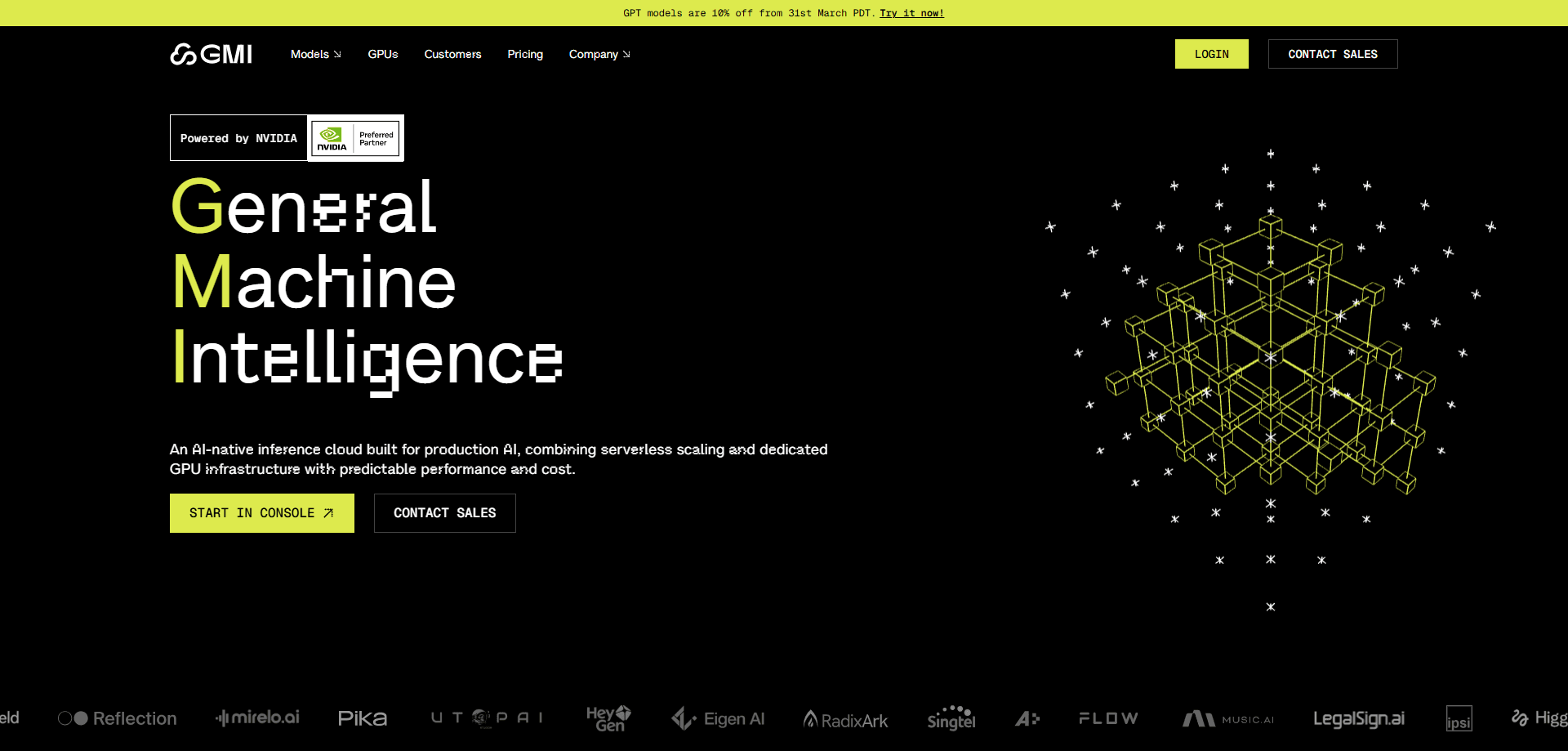
GMI Cloud is an AI-native cloud platform that pairs serverless inference with dedicated NVIDIA GPU infrastructure on one system. Teams can start with an API call, then move to bare-metal GPU clusters as their workloads grow, without rebuilding their stack. It's built for developers and companies running training, fine-tuning, and production inference at scale. Not for casual chat users.
About GMI Cloud
What Is GMI Cloud
GMI Cloud is a cloud platform for AI workloads that runs on NVIDIA hardware. It splits the job into two layers: serverless inference for models that need to run right away, and dedicated GPU clusters for teams that need raw compute they control. Both live on the same account, so scaling up doesn't mean migrating. That's the core pitch.
Most GPU clouds make you pick a side. Rent API access and you hit a ceiling. Rent bare metal and you handle the orchestration, networking, and cost math yourself, which is fine until a traffic spike lands on your desk at 2 a.m. GMI Cloud tries to close that gap by letting workloads move between the two modes as demand changes. Does that actually save you work? It can, if your usage swings enough to justify switching layers.
The company was founded in 2023 and is headquartered in Silicon Valley, with data centers across North America, Europe, and Asia. It holds Reference Platform NVIDIA Cloud Partner status, one of a small group of providers with that designation. That matters for supply, since scarce GPU allocation tends to go first to partners the hardware vendor knows well, and the most current chips are rarely sitting in stock for anyone who asks.
The main limitation is audience. GMI Cloud is an infrastructure product, not a consumer app. There's no friendly dashboard for casual users, and pricing is built around GPU-hours rather than flat monthly plans. If you just want to chat with a model, this isn't the tool. If you're deploying one, it's aimed at you.
Getting Started
- Create an account at console.gmicloud.ai and pick serverless inference or GPU infrastructure.
- Generate an API key from the console for inference, or reserve a dedicated GPU instance for training and fine-tuning.
- Choose a model from the catalog for API-based work, or configure your own stack on a bare-metal GPU.
- Run a test request or job and check latency, throughput, and spend in the console.
- Scale up by adding clusters or moving to committed capacity once usage patterns stabilize.
Product Information
A quick look at GMI Cloud's pricing, supported platforms, and performance.
Best for
The users, tasks, and scenarios where this tool fits best.
Users
- AI developers
- ML engineers
- Startups
- Enterprise AI teams
Tasks
- Running model inference in production
- Training and fine-tuning large models
- Calling many models through one API
- Scaling for traffic spikes
Scenarios
- Launching an AI feature on a small budget
- Moving a prototype to production
- Serving a global user base
- Researching on high-end GPUs
Key features
Serverless Inference by Default
Inference runs serverless unless you say otherwise. Scaling, traffic handling, and cost-aware scheduling happen without manual setup, including scaling to zero when nothing's running, so you're not paying to keep idle capacity warm between requests. No autoscaling rules to babysit. For teams that want the low-effort entry point, this is it.
Dedicated NVIDIA GPU Clusters
When serverless isn't enough, you move to bare-metal GPUs with predictable performance. The hardware spans H100, H200, B200, and Blackwell-generation platforms. Each instance is dedicated. You're not sharing a node with other tenants, so performance stays steady instead of drifting with whatever a neighbor happens to be running.
Cluster Engine
Cluster Engine is GMI Cloud's own orchestration layer for multi-node clusters. It handles scheduling and resource allocation across nodes, and supports reserved and on-demand capacity side by side. Root access and custom stacks are available when the workload needs them, which matters if your model won't run on a stock image.
Inference Engine
Inference Engine is the model-serving platform behind the API. It gives you access to a broad catalog of models, including LLMs, speech, and video generation, through a single endpoint. According to GMI Cloud, its chip-level tuning and load scheduling aim for higher throughput and lower latency than a stock setup.
Transparent GPU-Hour Pricing
Pricing is listed per GPU-hour with no hidden fees, from $2.00 for H100 up to $8.00 for GB200. On-demand and committed options let you trade flexibility for lower unit cost as usage stabilizes. Enterprises get unified billing and region-aware pricing across geographies, which keeps finance teams from reconciling a dozen invoices in different currencies.
Global Data Center Footprint
GMI Cloud operates its own data centers across North America, Europe, and Asia rather than reselling someone else's capacity. For teams serving global users, that means placement options and more consistent performance across regions instead of routing every request back to a single origin in one country.
Flexible Scaling Path
The whole point is avoiding a rebuild. Start with API-based inference and grow into full GPU clusters without re-architecting your stack. Scaling up is a configuration change, not a migration project.
Pros and cons
Pros
- One platform spans serverless inference and dedicated GPU clusters, so you can grow from an API call to a full cluster without replatforming or rewriting how your app talks to the model.
- Transparent per-GPU-hour pricing makes cost planning straightforward for compute-heavy workloads.
- Reference Platform NVIDIA Cloud Partner status helps with access to scarce, current-generation GPUs.
- Regional data centers support latency and data-placement needs for global products.
- API access to a broad model catalog, including LLMs, speech, and video models, from one endpoint.
Cons
- No free plan, so testing still costs money before you know if it fits.
- Not built for beginners: GPU-hour billing and bare-metal options assume you know your compute needs.
- Serve-yourself tooling leans on the console and docs, so support depth varies by plan and you may end up reading more than expected.
Frequently asked questions
GMI Cloud runs AI workloads, mainly model inference, training, and fine-tuning. You can call models through its API or reserve dedicated NVIDIA GPUs for heavier jobs. It's infrastructure for builders, not a chat app for end users, so expect to write code or configure deployments rather than click through a friendly wizard.
Related content
Explore related tools, skills, and articles for GMI Cloud.
GMI Cloud Alternatives
Forefront
Forefront · CodingForefront is a web platform for building with open-source AI. It lets you fine-tune leading open-source language models on your own data, evaluate how they perform, and run them through an API or export them to host yourself. Developers who want the convenience of a closed-source platform but insist on owning their models and data are the target audience here.

Startkit
StartKit.AI · CodingStartkit is a boilerplate for building AI SaaS and AI wrapper products. Think of it as an AI startup boilerplate with the boring parts already wired up: authentication, Stripe and Lemon Squeezy payments, usage limits, transactional email, and an AI API starter that talks to OpenAI, Anthropic, Groq, or Llama. You clone the repo, set your price, and start on the part of your product that people actually pay for. It's Next.js under React and Tailwind, so most of the boilerplate code already feels familiar.
Testim
Tricentis · CodingTestim is an AI-powered test automation platform for building and running end-to-end tests across web, mobile, and Salesforce applications. It leans on machine learning to keep tests stable when an interface changes, so teams spend less time fixing broken selectors. Not bad for an automated testing tool you can start using today. You create tests by recording actions in a browser, then optionally add JavaScript when you need more control. It's a solid pick for busy QA teams.