

Google Flow
Google Labs (Google LLC) · Video
Google Flow is an AI filmmaking tool from Google Labs, powered by Veo 3.1, that turns text prompts, reference images and frames into short clips complete with generated audio.
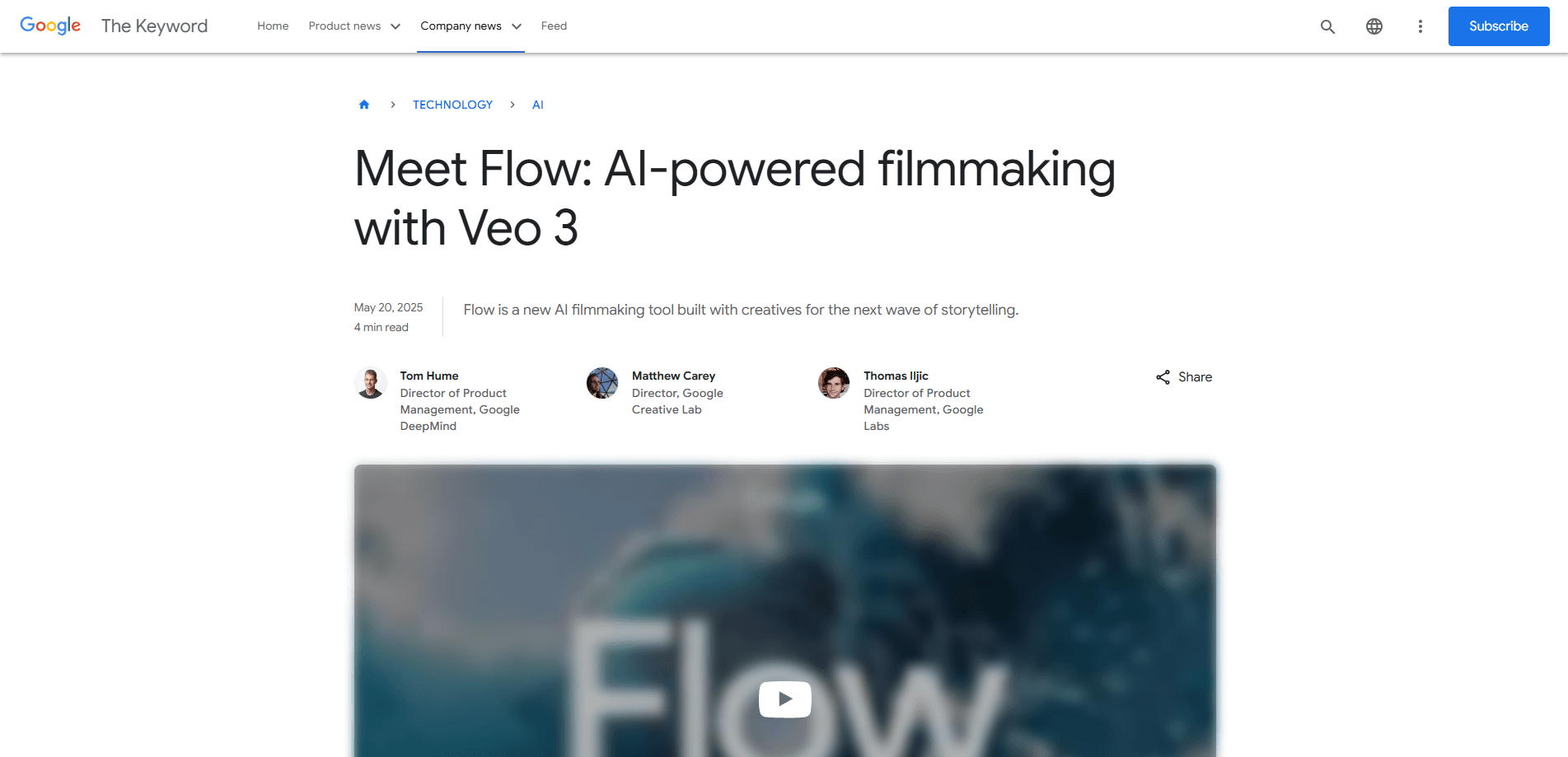
About Google Flow
What Is Google Flow
Google Flow is Google's AI filmmaking tool, and a capable AI video generator in one workspace, built by Google Labs and powered by the Veo video model. You describe a shot in words, feed it reference images or a pair of frames, and it renders a short clip that arrives with dialogue, ambient noise and sound effects already attached. The point is to collapse a storyboard into a workspace where you generate, cut and revise without leaving the page.
It lives in a browser and runs on the Veo 3.1 model, which added richer audio and steadier prompt adherence in its October 2025 update. You reach it through a Google account, and how much you can make depends on the Google AI plan behind that account, since Flow draws on the credits those plans include. Developers who want the model directly can call Veo 3.1 through the Gemini API and Vertex AI instead.
The trade-offs are worth knowing before you plan a project. Clips are short by default, so anything longer than a minute is built by chaining extensions. Native audio and fine control work best on tightly described shots, and custom voice selection isn't there yet, which means a single branded voice across many clips still needs a post step. The editing tools have also landed unevenly, with some features reaching Flow later than the API.
Getting Started
- Sign in at flow.google with a Google account that has an AI plan, then start a new project
- Build your ingredients first: describe a character, prop or style and generate it, or upload a reference image to keep it consistent
- Write a prompt for the shot, pick a model and format, then generate a clip at 4, 6 or 8 seconds
- Extend the clip or set a first and last frame to bridge two shots into a longer sequence
- Rearrange the clips on the timeline, refine what drifted with Insert or Remove, then download the scene
Product Information
A quick look at Google Flow's pricing, supported platforms, and performance.
Best for
The users, tasks, and scenarios where this tool fits best.
Users
- Social media marketers
- Indie filmmakers and animators
- Ad agencies and brand teams
- Content creators and YouTubers
- App developers and studios
Tasks
- Turning a written scene into a moving shot
- Locking a character across clips
- Extending a clip into a sequence
- Bridging two shots
- Editing a take in place
Scenarios
- A brand tests ad concepts before a real shoot
- A solo creator posts daily
- A studio previsualizes a scene
- A marketer needs one version for every screen
Key features
Ingredients to Video
Ingredients to Video is the core of how Flow keeps a project consistent. You build a character, an object or a style once, either by generating it from a prompt or by uploading a reference image, then feed several ingredients into a single generation. The model uses them to shape the final scene so the result looks the way you pictured it, with audio added in the Veo 3.1 update. That reuse is what makes a multi-shot story hang together.
Frames to Video
Frames to Video gives you control over the beginning and the end of a shot. Supply a starting image and an ending image and Flow generates a clip that bridges the two, which is useful for artful transitions or for matching one shot to the next. Because you set both anchors, the model has less room to drift, so the motion lands closer to what you intended.
Extend
Extend turns a single clip into a longer one. Each new segment is generated from the final second of the previous clip, so the action and the environment carry forward instead of resetting. You can build shots lasting a minute or more this way, and it works best for holding a long establishing view rather than chaining fast cuts.
Insert and Remove
Flow's editing tools let you change a scene after it is generated. Insert adds a new element, from a small detail to a creature, and the model handles shadows and scene lighting so the addition sits naturally in frame. Remove does the reverse by taking an object or character out and reconstructing the background around it. Both save a full regeneration when only one thing is wrong.
Scenebuilder Timeline
Scenebuilder is the workspace where your shots become a sequence. You edit and extend existing clips, rearrange them on the timeline, and save frames you want to reuse, which makes it easy to continue a scene from a specific moment. The tools sit beside asset management for your ingredients and prompts, so the whole project stays in one browser tab.
Veo 3.1 Model and Audio
Flow runs on Veo 3.1, the model Google calls state-of-the-art for its class. The update brought richer audio, stronger prompt adherence and improved realism, and it added sound to Ingredients to Video, Frames to Video and Extend, which previously produced silent output. Clips carry dialogue, ambient noise and effects without a separate audio pass. Custom voice selection is still missing.
Pros and cons
Pros
- Clips arrive with generated dialogue, ambient noise and sound effects, so many short shots skip a separate audio step
- Reference-based ingredients keep characters, objects and styles consistent across shots, which is the hard part of AI video
- Frames to Video and Extend let you control a shot end to end and build sequences longer than a single generation
- Insert and Remove fix a scene in place instead of forcing a full regeneration when one detail is off
- Veo 3.1 is also reachable through the Gemini API and Vertex AI for teams that need video inside a product
Cons
- Clips are short by default, so anything past a minute means chaining extensions and stitching the result
- Access runs through a Google AI plan, and the credit allowance on the cheaper tiers caps how much you can generate each month
- Custom voice selection isn't available, so one branded voice across many clips still needs an editing pass
- Native audio and fine control work best on tightly described shots, and vague prompts drift
- Some editing features reach Flow later than the API, so the two surfaces don't always match
Frequently asked questions
Google Flow is an AI filmmaking tool from Google Labs that generates and edits video. It is powered by the Veo model and turns text prompts, reference images and frame pairs into short clips with generated audio. You work in a browser, build reusable ingredients for consistency, then assemble the shots on a timeline. A Google account with an AI plan is all you need to start.
Related content
Explore related tools, skills, and articles for Google Flow.
Google Flow Alternatives

ngram 2.0
ngram · Video · Marketingngram 2.0 is an AI video generator for teams. It turns a prompt, a screen recording, or a product URL into a narrated explainer, product demo, or AI avatar video, and every scene stays editable.

OpenScreen 2
OpenScreen (open-source project) · Video · ProductivityOpenScreen 2 is a free, open-source screen recorder and demo video editor for Windows, macOS, and Linux, with automatic zooms, styled frames, local captions, and agent edits.

Skreno
Skreno · Video · ProductivitySkreno is a browser screen recorder that captures a tab, a window or your whole display, then attaches AI transcripts, summaries and console logs to one share link.