

Google Nano Banana Pro
Google DeepMind · Image
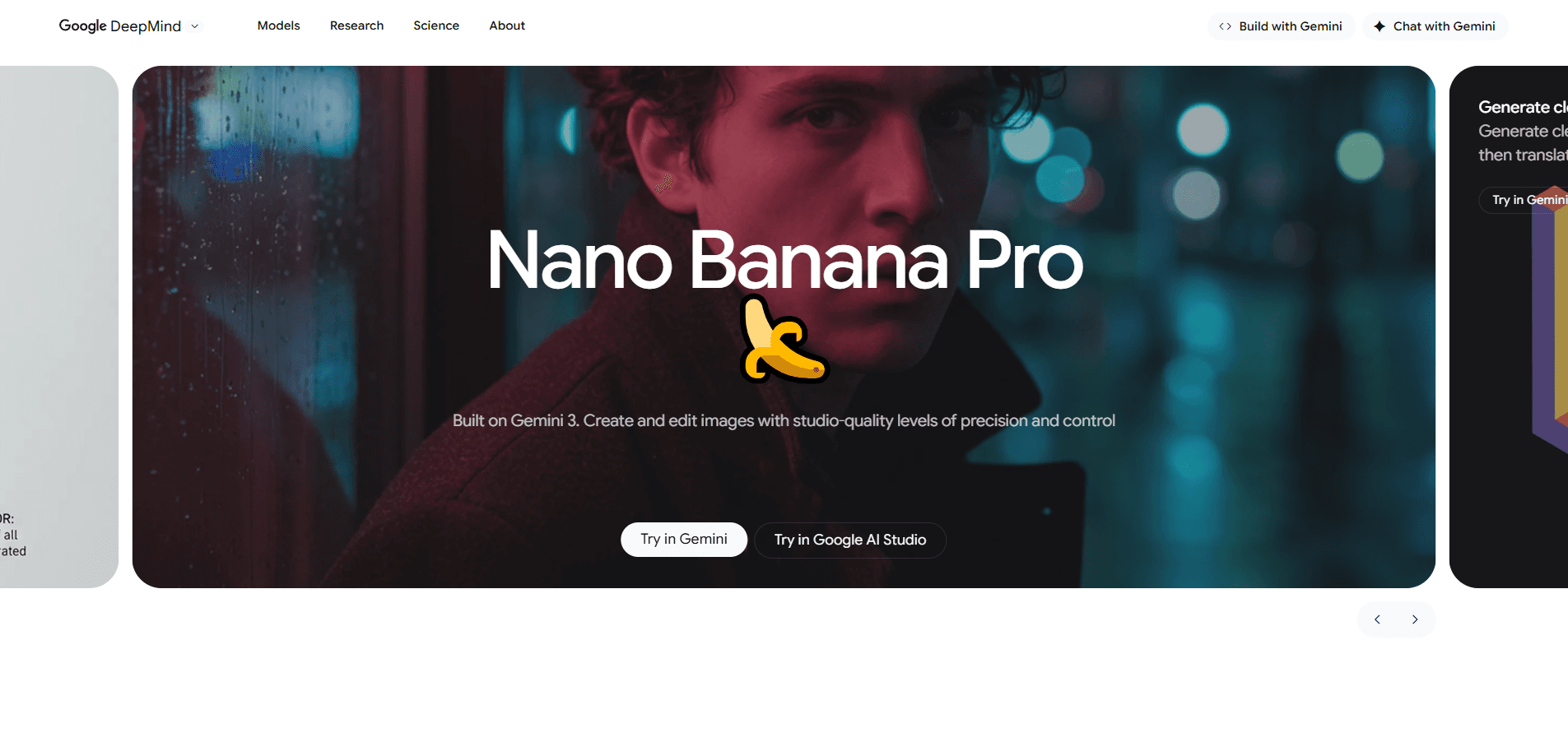
Google Nano Banana Pro is DeepMind's advanced AI image generator and photo editor, built on the Gemini 3 Pro model and also known as Gemini 3 Pro Image. It handles 4K image generation and editing from natural-language prompts, renders readable text inside pictures, and pulls in real-world facts through Google Search. Want studio-grade visuals without a design background? This is the model to look at first.
About Google Nano Banana Pro
What Is Google Nano Banana Pro
Google Nano Banana Pro is the flagship AI image generation and editing model from Google DeepMind, launched on November 20, 2025. Its official name is Gemini 3 Pro Image, and it sits on top of the Gemini 3 Pro reasoning model. The nickname comes from an earlier internal project label. The community kept it because it's easier to say than the technical name.
What separates it from earlier image tools is that it reasons before it draws. That's the real shift. Instead of matching keywords to pixels, it works through spatial relationships, counts, and physical logic in a prompt, then builds the image. That matters if you've ever asked a generator for "three people in a queue, the middle one holding a red umbrella" and gotten four people and a blue umbrella.
The main limits are worth knowing upfront. Text can still come out misspelled on complex layouts. Small details like faces and tiny objects sometimes land wrong. Heavy edits, such as merging many images or shifting light, remain harder than fresh generation. Every output also carries a SynthID and C2PA watermark, so you can't pass it off as an untouched photo.
Getting Started
- Open the Gemini app or Gemini web at gemini.google.com, or sign in to Google AI Studio if you're a developer.
- Select the image generation tool, then switch the model to the Thinking option, which maps to Nano Banana Pro.
- Type a detailed prompt describing the subject, setting, lighting, and any text you want inside the image.
- Add up to 14 reference images if you need a specific product, logo, or character to stay consistent.
- Download the result, or refine it with a follow-up prompt to adjust camera angle, focus, or color.
Product Information
A quick look at Google Nano Banana Pro's pricing, supported platforms, and performance.
Best for
The users, tasks, and scenarios where this tool fits best.
Users
- Designers and marketers
- Small e-commerce sellers
- Students and teachers
- Developers
Tasks
- Text-heavy graphics
- Character consistency
- Language localization
- Photo editing
Scenarios
- Launching a campaign
- Refreshing old photos
- Rapid prototyping
- Classroom material
Key features
High-Resolution Output Up to 4K
The model generates at 1K, 2K, and 4K. That's the jump that makes it useful for print as well as screens. Higher pixel counts force the model to stay consistent in fine detail and framing. The results hold up when you enlarge them. Google says the output can go straight to social platforms or printed material. For most marketing use, that holds.
Accurate Text Rendering
Putting readable words inside an image used to be the weak spot of AI art. No longer. Nano Banana Pro renders short slogans and longer passages, in multiple languages, and can match a specific style for logos, signage, or packaging. You can also ask it to translate text already in a picture while keeping the layout and lighting. One caveat: proofread anything with heavy typography. Long strings can still slip.
Multi-Image Blending With Character Consistency
You can feed up to 14 reference images into a single prompt, including several object shots and several portraits, and the model keeps the subjects looking like themselves across the new scene. This is the job photo compositing used to require manual masking for. Merge product photos, a logo, and a background into one ad. The pieces still read as the same products. If you run an online store and need one clean shot with your product, your logo, and a lifestyle setting all in frame, this is where the model earns its keep.
Real-World Knowledge and Google Search Grounding
Nano Banana Pro ties into Google Search, so it can pull live information into what it draws. Big difference. Ask for an infographic about a plant's care, current weather, or a sports result. The labels reflect real data rather than invented facts. For anyone making educational visuals, that's the difference between a pretty picture and a correct one.
Studio-Level Creative Controls
The model lets you direct a shot the way a photographer would. Set the camera angle, depth of field, focus point, and color grading, or swap a scene between day and night lighting. Because it reasons about the scene first, these changes tend to hold together instead of breaking shadows and reflections. Drastic lighting shifts can still look off.
Broad Aspect Ratio Support
You can specify ratios from square 1:1 up to wide cinematic frames and tall vertical formats, so a single prompt covers Instagram, print, and widescreen placements. Earlier models often ignored ratio requests in conversation. This one follows them.
Integrations With Creative Tools
Nano Banana Pro plugs into Canva, Figma, and Adobe Firefly and Photoshop, so you don't have to leave the tool you already use. That matters for teams with an existing workflow. The model joins the process rather than replacing it. Developers get the same access through the Gemini API, Google AI Studio, and Vertex AI.
Pros and cons
Pros
- Renders legible, styled text inside images, a task older generators handled poorly.
- Outputs up to 4K, enough for print and large-format marketing assets.
- Blends up to 14 reference images while keeping characters consistent.
- Grounds content in Google Search for accurate, current information visuals.
- Free to try in the Gemini app, with higher quotas on paid Google AI plans.
Cons
- Free tier caps usage, so heavy users hit limits and fall back to an older model.
- Long text strings and dense typography can still come out misspelled or warped.
- Faces and small objects sometimes show flaws, and complex edits are the hardest cases.
- Every image carries a SynthID and C2PA watermark, which limits undetectable use.
Frequently asked questions
Yes, at least to start. The Gemini app and web let free users generate images with the model under a usage cap, after which it switches back to the older model. Paid Google AI plans raise those limits.
Related content
Explore related tools, skills, and articles for Google Nano Banana Pro.
Google Nano Banana Pro Alternatives

X Ray Interpreter
X-ray Interpreter · ImageX Ray Interpreter is a web-based AI radiology tool that turns X-rays, CT scans, MRI, ultrasound, and PET images into plain-language reports. You upload a scan, get a preliminary X-ray interpretation in moments, then ask follow-up questions if something needs explaining. It works as a second opinion and a learning aid, not as a medical diagnosis.

Aieasypic
AIEasyPic · ImageAIEasyPic is an AI image generator that turns plain text prompts into finished artwork in seconds. You can also train custom models on your own photos, swap faces in existing images, and create short video clips from text, all from a browser. It suits casual creators who want quick visuals and hobbyists who want to build a personal model without touching any code.

Chargen
Chargen · ImageChargen is an AI character generator and worldbuilding toolkit built for Dungeons & Dragons and other tabletop RPGs. It turns a one-line idea into a painted character portrait, spins up NPCs, monsters, maps and encounters from the same session, and keeps every creature's details close at hand. The tabletop RPG art side runs on a credit system called Gold, while the text generators stay free for everyone.