

Google Veo 3.1
Google DeepMind · Video
Google Veo 3.1 is a video generation model that turns prompts and images into short clips with native sound, out through the Gemini API, Vertex AI, Flow and the Gemini app.
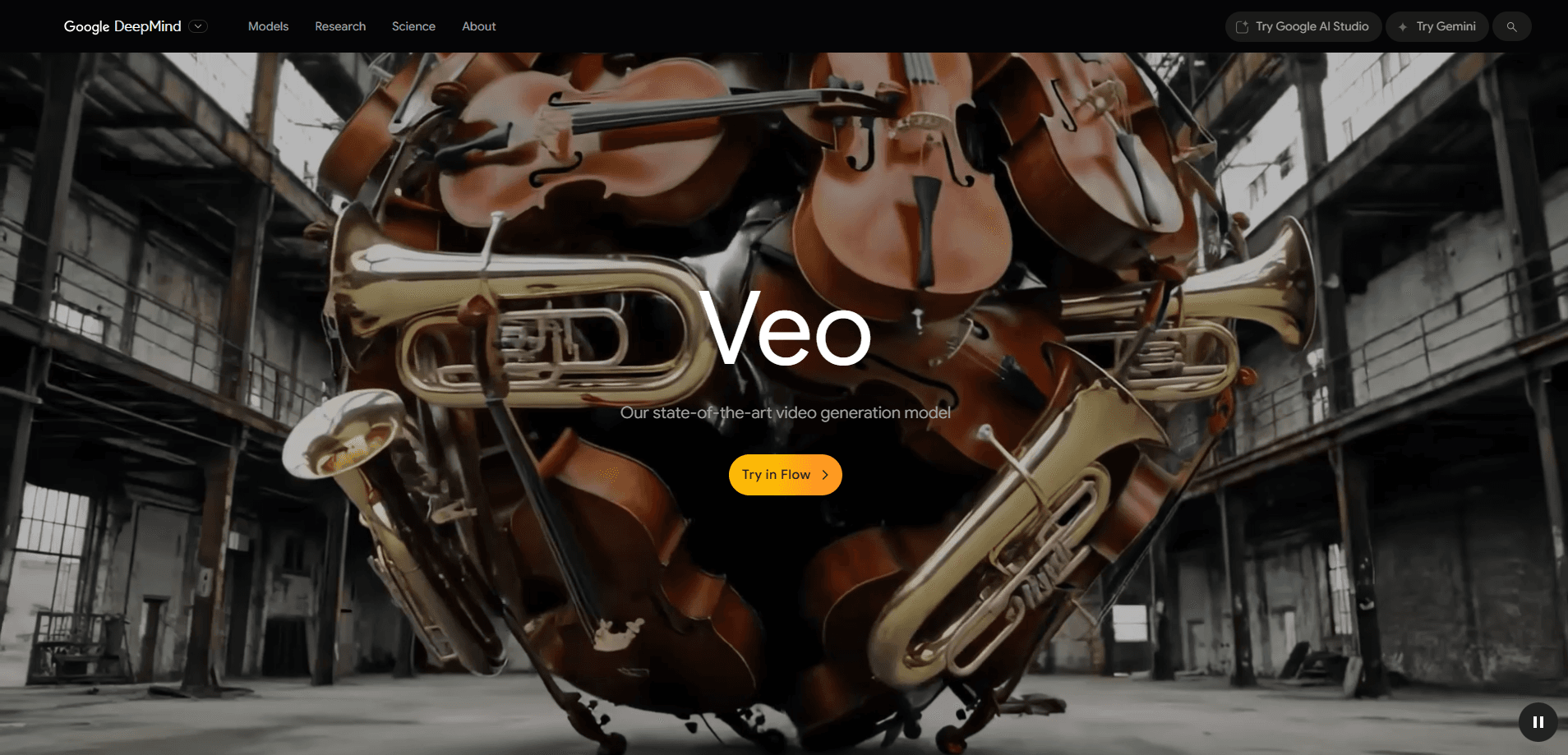
About Google Veo 3.1
What Is Google Veo 3.1
Google Veo 3.1 is DeepMind's video generation model, built to turn a text prompt or a reference image into a short clip that comes with sound attached. It generates dialogue, ambient noise and sound effects on its own, so a clip arrives closer to finished than a stack of silent frames you'd score later.
The model ships through several doors. Developers reach it on the Gemini API and Vertex AI, while creators use it inside Google Flow, the filmmaking tool, and the Gemini app. Veo 3.1 comes in Standard, Fast and Lite versions, so you trade a bit of quality or control for a lower cost per second.
The limits matter as much as the features. A single generation tops out at 8 seconds at 24 frames per second, and native audio plus frame-specific control work best on short, tightly described shots. Custom voice selection isn't there yet, so projects that need one branded voice across many clips still need a post step. And the deeper editing tools have rolled out unevenly across the surfaces, with some features arriving later in Flow than in the API.
Getting Started
- Pick your surface: the Gemini app or Flow for hands-on creation, or the Gemini API and Vertex AI for programmatic use.
- Write a prompt that describes the shot, the subject and the sound you want, then add reference images if you need a character or product to stay consistent.
- Choose a model tier and a format, then generate a clip at 4, 6 or 8 seconds.
- Extend the clip with scene extension, or set first and last frames to bridge two shots.
- Review the take, adjust the prompt, and regenerate the parts that drifted before you edit them into a timeline.
Product Information
A quick look at Google Veo 3.1's pricing, supported platforms, and performance.
Best for
The users, tasks, and scenarios where this tool fits best.
Users
- Social media marketers
- Indie filmmakers and animators
- Ad agencies and brand teams
- App developers
- Educators and course creators
Tasks
- Turning a written scene into a moving shot
- Generating a talking character
- Extending a clip into a sequence
- Bridging two shots
- Cutting paid post
Scenarios
- A brand tests ad concepts before a real shoot
- A solo creator posts daily
- A studio previsualizes a scene
Key features
Native audio in one pass
Veo 3.1 generates video and sound together, so dialogue, ambient noise and effects land in the same take as the picture. A rain-soaked street scene arrives with the thunder timed to the lightning instead of a silent plate you dub later. For anyone used to adding audio in post, that removes a whole pass. The catch is that you can't pick a specific voice, so a brand that needs one consistent narrator still records it separately.
Scene extension for longer sequences
A single Veo 3.1 generation lasts 8 seconds, and scene extension carries the action forward from the last moment of the previous clip, which is the closest this AI video generator gets to a running shot. Each pass adds about 7 seconds, and you can stack the passes to build a clip that runs for minutes. It keeps the environment sound going as it extends, so the audio doesn't cut when the visual continues. The trade-off is that long extensions can drift, which means the more passes you chain, the more you'll want to check continuity.
First and last frame control
You can hand Veo 3.1 a starting image and an ending image and let it fill the motion between them. This turns a jump between two shots into a single flowing move, which is handy when you want a transition that reads as one camera gesture. It also gives animators a way to land on an exact pose. The output is only as good as the two frames you provide, so a weak endpoint shows up in the middle.
Image-based direction with up to three references
Veo 3.1 can take up to three reference images to steer a shot, covering things like a character, an outfit and a setting. This differs from image-to-video, which uses one image as the opening frame. Here the images inform the look and the content while the model keeps the subject consistent across a set. The constraint is the format: reference-led generation is tuned for 8 second 16:9 clips, so it won't fit every aspect ratio.
Object insert and remove
Two editing tools let you change a scene after the fact. Insert adds an element, whether a believable detail or a creature that shouldn't be there, and the model adjusts lighting and shadows so the addition sits in the shot. Remove erases an object or a person and rebuilds the background behind it. Both cut the need to reshoot for small changes, but the availability of each tool depends on the surface and the rollout stage.
Three model tiers
Veo 3.1 ships as Standard, Fast and Lite, which lets you match cost to the job. Veo 3.1 pricing splits by the job you're doing. Standard gives the best quality at $0.40 per second for 720p and 1080p and $0.60 for 4K. Fast trades some fidelity for $0.10 to $0.30 per second, and Lite targets high volume at $0.05 to $0.08 per second without 4K. Pick Standard for a hero shot, Lite for a feed of test runs, and Fast when you want a middle ground.
Pros and cons
Pros
- Video and audio generate together, which drops a post step for many short clips.
- Scene extension and frame control let you build a sequence beyond a single 8 second take.
- Reference images keep a character or product consistent across shots.
- Three tiers let you spend more on a hero shot and less on tests.
- The model runs through the Gemini API and Vertex AI, so it fits a real product pipeline.
Cons
- The 8 second cap and per pass extension mean long videos take many generations and manual stitching.
- You can't choose or clone a specific voice, so consistent narration still needs outside work.
- Editing tools like Remove have arrived on different surfaces at different times, so what you get depends on where you use Veo.
- The per second price adds up fast at volume, which pushes cost planning onto the developer.
Frequently asked questions
Veo 3.1 is Google DeepMind's video generation model. It turns text prompts and reference images into short clips with native sound, and it runs in Google Flow, the Gemini app, the Gemini API and Vertex AI.
Related content
Explore related tools, skills, and articles for Google Veo 3.1.
Google Veo 3.1 Alternatives

Vadu AI
Vadu AI · Image · VideoVadu AI is a web-based AI video generator that turns written prompts or still images into short clips, and it can also generate images on its own. You type what you want, pick a model and style, and the platform renders the result in minutes. A free plan covers light testing, while paid tiers run from $9 to $77.40 per month based on how many credits you burn.

Mykaraoke Video
MyKaraoke Video · VideoMykaraoke Video is an online karaoke video maker and lyric video maker that turns any song into a finished, lyrics-synced video right in your browser. It handles the slow part for you. The AI pulls vocals out of the mix and locks the lyrics to the beat, then lets you customize background, fonts, and colors before exporting in 1080p MP4. If you make lyric videos for social media, party nights, or music promotion, it skips the software installs and manual timing work entirely. Want a karaoke video generator that doesn't eat your whole evening? That's the pitch here.

Finalframe
Finalframe · VideoFinalframe is a set of free, browser-based tools for grabbing exact frames out of a video clip. Its best-known feature, the Final Frame Extractor, lets you extract the last frame of any video so you can use it as the starting image for AI video tools like Luma Dream Machine, Runway, or Kling. Want to keep a clip going? That last frame is your starting point. The tool runs locally in your browser, needs no sign-up, and costs nothing. A separate paid AI video-generation app from the same team is currently offline while it's rebuilt.