
GPT Island
GPT Island · Chatbot
GPT Island is a Chrome extension that puts a ChatGPT and DeepSeek chat window on any webpage, so you can ask about what's on your screen without opening a new tab.
About GPT Island
What Is GPT Island
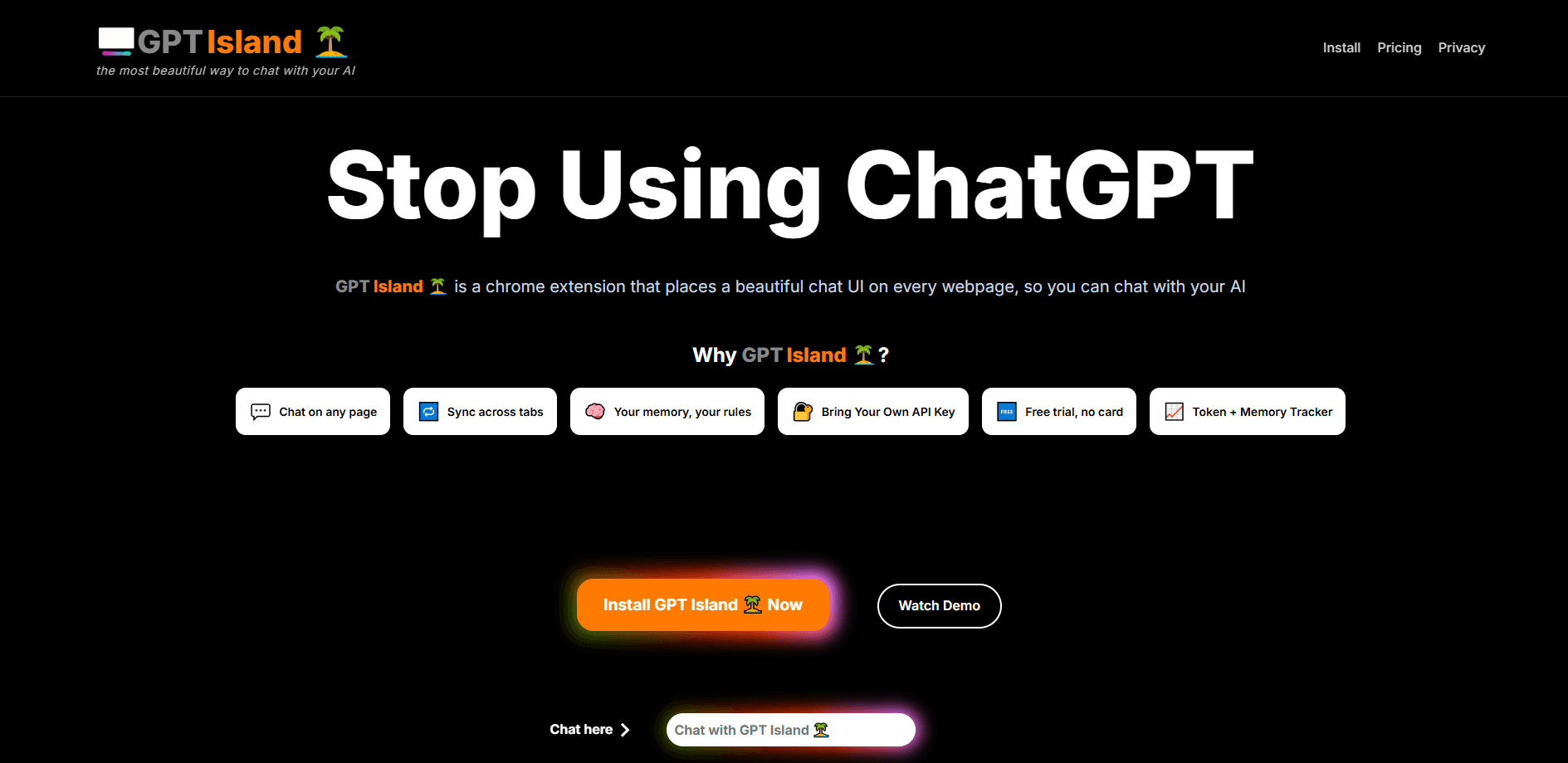
GPT Island is a Chrome extension that adds an AI chat panel to every page you open. It runs ChatGPT and DeepSeek side by side, so you can ask a question, sum up an article or draft a reply while the page stays in view. As a browser AI assistant, it removes the copy-paste round trip between your work and a separate chat tab.
The gap it fills is small but constant. You read something, you want a quick answer, and you lose your place the moment you switch tabs. GPT Island lives on the page instead. You bring your own OpenAI API key or pick a subscription, and the panel sits in the corner until you need it.
Two things matter before you commit. Your chat history stays on your device rather than on a server, which is good for privacy but means no sync across computers. And the extension leans on models you already pay for or a token plan, so heavy users should watch their monthly allowance. The developer lists it at version 1.1.9, last updated August 30, 2025.
Getting Started
- Install the GPT Island extension from the Chrome Web Store
- Click the extension icon and sign in with your Google account
- Enter your own OpenAI API key, or choose a subscription that starts at $5/month
- Open any webpage, then ask a question, summarize the content or generate a draft in the side panel
- Turn on memory mode when you want the assistant to carry context across a longer conversation
Product Information
A quick look at GPT Island's pricing, supported platforms, and performance.
Best for
The users, tasks, and scenarios where this tool fits best.
Users
- Researchers
- Writers
- Students
- Privacy-minded users
Tasks
- Summarizing a page
- Asking about what's on screen
- Drafting and rewriting
- Switching between models
Scenarios
- You're deep in a research session and each new tab costs you your place
- You write in one window and reference a source in another
- You're studying and hit a term you don't know
- You're on a shared or work machine and don't want chat logs on a server
Key features
ChatGPT and DeepSeek in One Panel
GPT Island runs two model families from a single sidebar. You can ask ChatGPT for one take and DeepSeek for another, then pick the answer that fits. Switching keeps you on the page, so you lose nothing but the alt-tab.
Works on Any Webpage
The chat window shows up on any site you open, from news articles to documentation to your own drafts. You don't install a separate app per site or copy text out. That reach is the point: the assistant follows you across the web rather than living in one tab.
Bring Your Own API Key
If you already pay for OpenAI, you can plug your API key straight in and use the extension on top of your existing access. For people who want control over usage and cost, that path skips a second subscription entirely. The tradeoff is that you're managing the key yourself.
Subscription With 5 Million Tokens
The paid plan starts at $5/month and includes 5 million tokens a month for chats. That covers a lot of everyday use, but it's still a metered allowance. If you chat heavily with long documents, keep an eye on how quickly it burns down.
Local Chat History
Your conversations are stored on your device rather than on a remote server. That keeps your questions and the pages you were reading off someone else's machine. The cost is that history doesn't travel with you when you switch computers.
Memory Mode
Memory mode lets the assistant carry context across a longer session. Instead of repeating yourself every few messages, you keep the thread alive and build on earlier answers. It's aimed at extended work like research or drafting a document in pieces.
Pros and cons
Pros
- Puts ChatGPT and DeepSeek chat on any webpage, so you stop switching tabs to ask a question
- Lets you use your own OpenAI API key instead of forcing a new subscription
- Chat history is stored locally on your device rather than on a vendor server
- Memory mode keeps context across a longer conversation so you repeat yourself less
- The $5/month plan includes 5 million tokens, which covers a lot of daily chatting
Cons
- There's no free plan, so you either bring an API key or pay from day one
- The subscription is metered by tokens, and heavy use with long documents can burn through 5 million fast
- History stays on one device, so you can't pick up a conversation on another computer
- The extension is small, with only 10 users listed at version 1.1.9, so community support and reviews are thin
Frequently asked questions
GPT Island adds a ChatGPT and DeepSeek chat window to any webpage in Chrome. You can ask about what you're reading, summarize a page or draft text without opening a new tab or copying content elsewhere.
Related content
Explore related tools, skills, and articles for GPT Island.
GPT Island Alternatives

Knocket
Knocket (Tencent RTC team) · Productivity · Business · ChatbotKnocket is a free live chat and contact page tool that lets visitors message you from your website, app, or a shareable link, with every reply handled from Telegram or one inbox.
Agibot
Agibot · Productivity · AI Assistant · ChatbotAgibot is a personal AI agent for Mac that keeps running after you close the window, runs routines on a schedule, and works from Telegram or Slack with your own API keys.

Melete
Melete · Productivity · AI Assistant · ChatbotMelete is an AI workspace for teams where agents research, draft, and act in Slack, Notion, Linear, and GitHub. Shared memory and approval gates keep people in control.