

Tavily
Assaf Elovic and the GPT Researcher contributors, with the project rooted in Tavily · Coding · Business
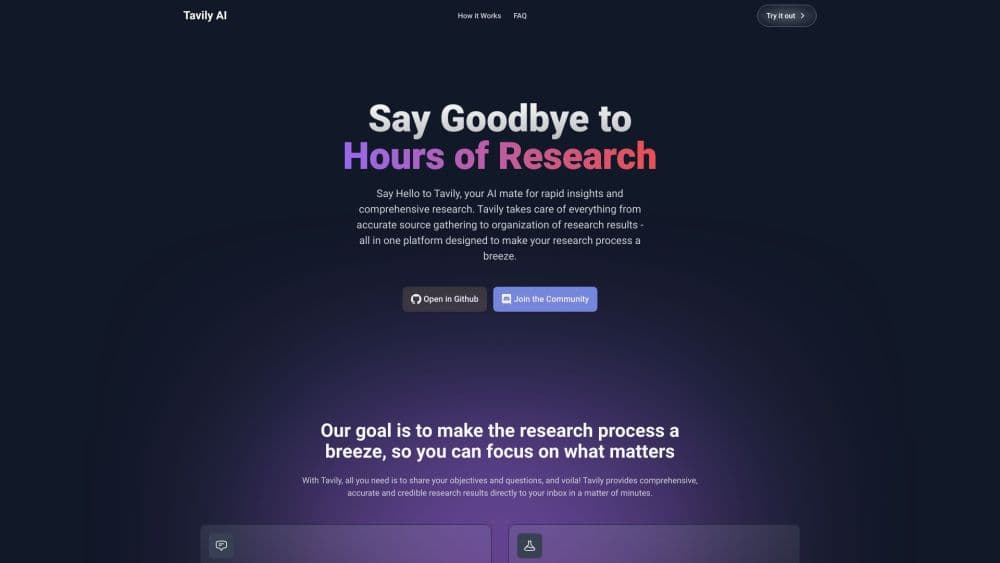
GPT Researcher is an open source deep research agent that turns one question into a cited report, using the LLM and search engine you pick.
About Tavily
What Is GPT Researcher
GPT Researcher is an autonomous research agent you install and run yourself. You hand it a question, and it splits that question into smaller research questions, sends a crawler out for each one, keeps track of where every passage came from, then writes a long report with citations. It came out of the Tavily team's work in 2023 and now lives as an Apache 2.0 project on GitHub with about 30,000 stars.
The product exists because a chat model on its own makes a poor researcher, and a search box isn't a research report generator either. Its training data goes stale, it can't read twenty pages at once, and it tends to answer with whatever sounds plausible. A plain search API has the opposite problem: it returns a list of links and leaves the reading to you. GPT Researcher sits between those two, doing the reading and the sorting so the answer you get back traces to real pages.
The catch is that it isn't a consumer app. There's no sign up page, no subscription, and no customer support line. You need Python 3.12 or newer, at least one LLM API key, and a search API key, unless you point it at a free retriever. Everything else, from setup to hosting, is on you.
Getting Started
- Install Python 3.12 or later, then clone the repository from GitHub or install the package with
pip install gpt-researcher. - Export your keys.
OPENAI_API_KEYandTAVILY_API_KEYcover the default setup, andOPENAI_BASE_URLlets you point at a local or third party model instead. - Pick a retriever and a model in the config, or leave the defaults and let the agent run with Tavily and an OpenAI model.
- Start the server with
python -m uvicorn main:app --reloadand open localhost:8000, or callGPTResearcherfrom your own Python script. - Read the report in the browser, then export it as Markdown, PDF, DOCX or JSON and check the source list that ships with every run.
Product Information
A quick look at Tavily's pricing, supported platforms, and performance.
Best for
The users, tasks, and scenarios where this tool fits best.
Users
- Analysts and consultants who write briefs for a living
- Developers building a research feature
- Graduate students and researchers mapping a new field
- Small teams without a research budget
Tasks
- Competitive research on a market or a company
- Turning a pile of PDFs into one summary
- Drafting a literature overview before a paper or a pitch
- Feeding grounded context to another agent
Scenarios
- A Monday morning briefing on a sector
- Sizing up a tool before a purchase decision
- Fact checking a claim you're about to publish
- Building an internal research bot
Key features
Planner and Parallel Researchers
The agent doesn't read pages one after another. A planner writes a set of research questions, then spawns a crawler for each one and runs them at the same time, which is why a typical report finishes in about three minutes instead of half an hour. Findings from one branch can seed new questions, so a deep research run explores a tree of subtopics rather than a single line. You control the spread with settings like MAX_ITERATIONS and the deep research depth.
Twenty Plus Retrievers, One Interface
Tavily is the default search API, but it isn't the only option. You can switch to Google, Bing, DuckDuckGo, SearXNG, Serper, You.com, Exa, arXiv or PubMed by changing one environment variable, which matters when a topic lives in academic papers rather than in general web pages. The retriever list also accepts MCP servers, so a GitHub repository or an internal database can sit next to the open web in the same run.
Context Filtering Before the Model Reads
Every run scrapes dozens of pages and most of the text is irrelevant. GPT Researcher scores each passage before it reaches the LLM. The default filter, Jev from TypeSafe, keeps 73 percent of passages that actually answer the question, against 46 percent for an embeddings based filter, according to the project's own 28 task benchmark. If you don't set a TypeSafe key, it falls back to BM25 keyword ranking that runs locally with no model at all.
Long Reports With Source Tracking
The write step pulls the filtered context into a report that regularly runs past 2,000 words, a length a single chat prompt can't produce reliably. Every claim carries an inline citation, and the agent keeps a source list you can pull separately through the Python API. Report types range from a standard research report to an outline, a resource list, or a subtopic breakdown.
Local Documents Alongside the Web
Set DOC_PATH to a folder and the agent reads PDF, Word, Excel, CSV, Markdown, PowerPoint and plain text files as part of its research. This turns the tool into a private knowledge assistant that answers from your own material and still cites web pages when it needs outside context. Nothing gets uploaded to a third party beyond what your chosen model provider sees.
MCP Server and Agent Framework Support
An official MCP server wraps the agent as a set of tools, including deep research, quick search, write report, and source retrieval. That means Claude Desktop, Cursor, or n8n can use it as an AI research tool mid workflow without you writing glue code. The project also ships a Python package, a FastAPI backend with WebSocket streaming, and frontends in plain HTML and Next.js.
Pros and cons
Pros
- Free and open source under Apache 2.0, with no seat limits and no billing account to open.
- Model and search provider are both swappable, so it works with OpenAI, Anthropic, Gemini, DeepSeek, or a local model through Ollama.
- Parallel crawlers keep a full report in the three to five minute range, which is fast enough to use during a work session.
- Citations and a separate source list make it easy to check what a claim rests on before you reuse cited research reports in your own work.
Cons
- Installation and configuration assume a developer. If you've never touched a terminal or an environment variable, the setup guide will be rough going.
- Report quality depends heavily on the model you plug in. A cheap model produces shallow sections, and a strong one raises your API bill quickly.
- The agent reads the open web, so paywalled articles and JavaScript heavy sites sometimes return thin or broken text.
- Multi agent and deep research modes multiply the number of model calls, and costs in the official docs run around $0.4 for a single deep research run.
Frequently asked questions
Yes. The software is open source under Apache 2.0 and the project doesn't sell subscriptions. Your real cost is the model and search API usage that each run generates, which typically lands in the cents to low dollars range depending on the model.
Related content
Explore related tools, skills, and articles for Tavily.
Tavily Alternatives
Forefront
Forefront · CodingForefront is a web platform for building with open-source AI. It lets you fine-tune leading open-source language models on your own data, evaluate how they perform, and run them through an API or export them to host yourself. Developers who want the convenience of a closed-source platform but insist on owning their models and data are the target audience here.

Startkit
StartKit.AI · CodingStartkit is a boilerplate for building AI SaaS and AI wrapper products. Think of it as an AI startup boilerplate with the boring parts already wired up: authentication, Stripe and Lemon Squeezy payments, usage limits, transactional email, and an AI API starter that talks to OpenAI, Anthropic, Groq, or Llama. You clone the repo, set your price, and start on the part of your product that people actually pay for. It's Next.js under React and Tailwind, so most of the boilerplate code already feels familiar.
Testim
Tricentis · CodingTestim is an AI-powered test automation platform for building and running end-to-end tests across web, mobile, and Salesforce applications. It leans on machine learning to keep tests stable when an interface changes, so teams spend less time fixing broken selectors. Not bad for an automated testing tool you can start using today. You create tests by recording actions in a browser, then optionally add JavaScript when you need more control. It's a solid pick for busy QA teams.