
Granola
Granola · Productivity
Granola is an AI notepad that turns your meeting notes into structured summaries using device audio, with no bot in a call. It runs on macOS, Windows, iOS, Android, and Apple Watch, with a free plan.
About Granola
What Is Granola
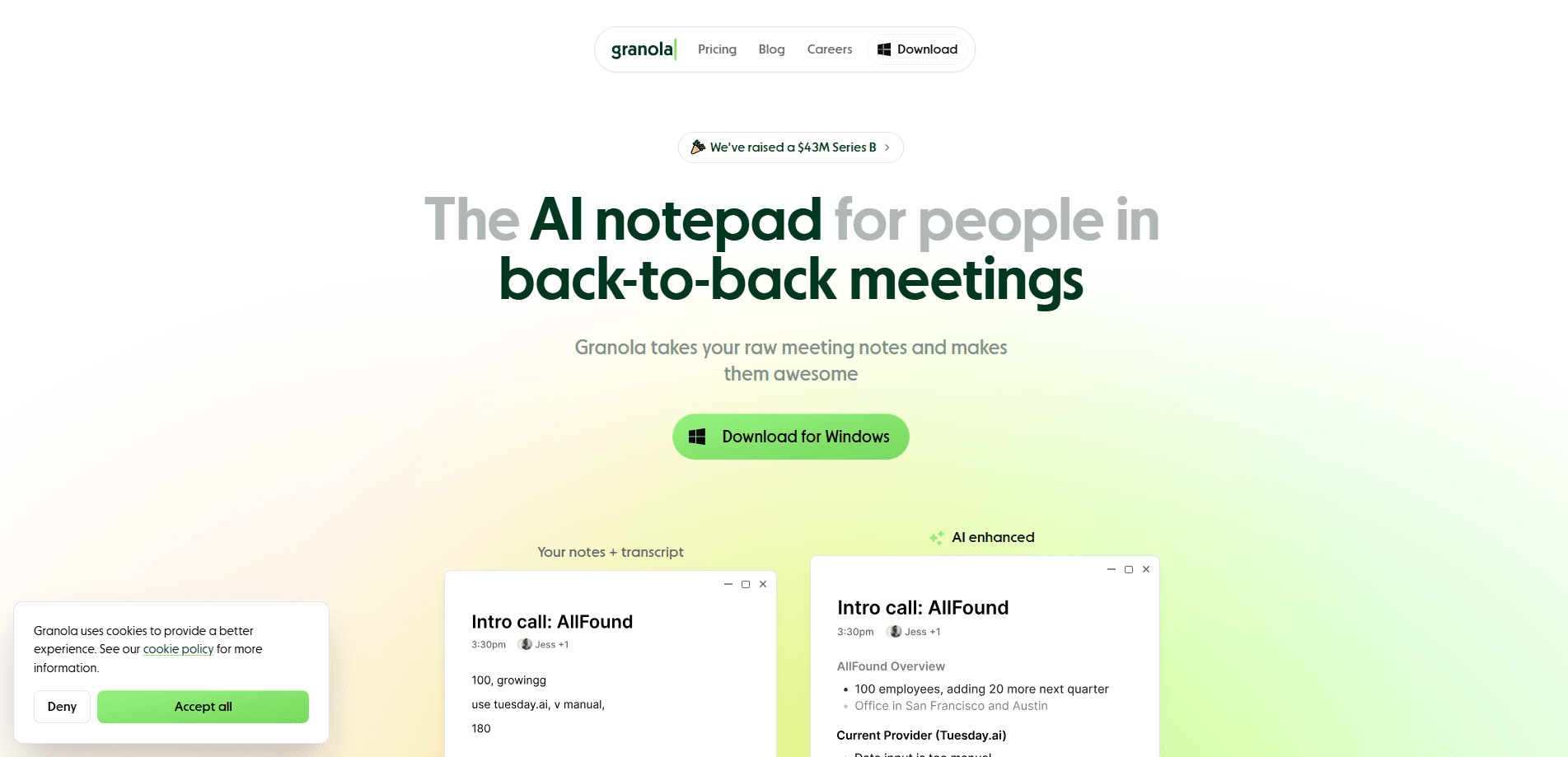
Granola is an AI meeting notes app built around a simple idea: you jot down the points that matter, and this note-taking app for meetings fills in the rest. Instead of dropping a bot into the call, the meeting transcription tool records your computer's or phone's audio directly, then merges that transcript with whatever you typed to produce a structured summary. The pitch is that your own words steer the output, so notes sound like your notes, not a machine's recap.
The tool sits on top of the meeting apps you already run. Zoom, Google Meet, Microsoft Teams, Slack huddles, and in-person conversations all flow into the same notebook. It syncs with your calendar, preps a brief before external meetings, and keeps a searchable history of past conversations. You can also ask questions across your meetings, and connect the notes to AI tools through MCP.
The main limits are practical ones. Everything runs through the cloud, so a connection is required, and free accounts only keep 30 days of meeting history. Transcription quality depends on clean audio, so a noisy room or a weak microphone will dull the results.
Getting Started
- Download Granola for Mac or Windows, or the iOS or Android app, and sign in.
- Grant microphone and system-audio permissions so it can capture your meeting audio.
- Connect your calendar so Granola can detect upcoming meetings and prep briefs.
- Start a note before the call, type rough bullets during it, and hit Generate Notes when you finish.
- Review the enhanced summary, tag action items, and share or sync it to your other tools.
Product Information
A quick look at Granola's pricing, supported platforms, and performance.
Best for
The users, tasks, and scenarios where this tool fits best.
Users
- Founders and executives
- Sales and customer success teams
- Product managers and consultants
- Students and researchers
Tasks
- Writing meeting summaries
- Capturing action items
- Prepping for repeat meetings
- Searching past conversations
Scenarios
- Back-to-back calls on Mac or Windows
- In-person meetings and walking 1
- Client-facing rooms where privacy matters
- Post-meeting follow-up
Key features
Bot-free audio capture
Granola doesn't join your calls. It records your computer's or phone's audio directly, so nobody sees an unfamiliar participant pop into the meeting. That's the feature that sells it to people in sensitive rooms, whether they're closing a deal or handling something confidential. It also means the tool works on any meeting platform, since it never depends on a specific app's bot.
Notes built around what you wrote
The core loop is your note plus the transcript. You type fragments during the call, and Generate Notes builds them into a structured summary, filling gaps from the transcript while keeping your framing. The result reads like a sharpened version of your own thinking rather than a wall of auto-generated text.
Calendar sync and pre-meeting briefs
Granola connects to your calendar and spots upcoming meetings on its own. Before an external call, it prepares a brief covering who's attending, what you discussed last time, and the open threads. For anyone juggling a packed day, that prep turns a five-minute scramble into a glance at the screen.
AI chat across your meetings
You can ask questions that span your whole meeting history. Something like "what did the Northwind team say about pricing" pulls an answer from the relevant calls instead of making you dig through transcripts. On paid plans, you also pick which model handles the query.
Customized templates and recipes
Granola ships with templates for common meeting types, such as customer discovery calls, user interviews, and 1:1s. Recipes and customizable templates shape how notes come out, so a sales call and a research interview don't follow the same format. Teams can also set a workspace-wide dictionary to keep product and people names consistent.
MCP connector for your AI tools
Through an MCP connection, Granola's meeting notes become context inside Claude, ChatGPT, and other compatible assistants. You skip the copy-pasting step and let the AI you already use reason over what was said. Personal notes from the last 30 days are available on the Basic tier, while Business and Enterprise widen that to workspace notes.
Pros and cons
Pros
- Bot-free meeting notes keep meetings private and works on Zoom, Meet, Teams, and in-person without asking the other side to accept a guest.
- Notes follow your own framing, so summaries sound like you rather than a generic auto-recap.
- Free plan covers unlimited notes, with only the 30-day history limit as a catch.
- Calendar sync and pre-meeting briefs save real prep time on a busy schedule.
- MCP and Slack, Notion, and Zapier integrations push notes into the tools teams already run.
Cons
- Everything runs in the cloud, so there's no offline mode and a connection is always needed.
- Free accounts lose access to notes older than 30 days, which is a hard wall for anyone building a long archive.
- Transcription accuracy drops in noisy rooms or with weak microphones, so audio setup matters more than the marketing suggests.
- Some features, like advanced integrations and admin controls, sit behind the higher Enterprise tier.
Frequently asked questions
Granola takes your rough meeting notes and turns them into clean, structured summaries. You type key points during a call, it transcribes the audio in the background, and the two are merged into one organized recap with action items you can search later.
Related content
Explore related tools, skills, and articles for Granola.
Granola Alternatives

Swms
Swms AI · Writing · Productivity · BusinessSwms is an AI safety compliance tool that turns a plain description of a job into ready-to-use safety documents. Describe your project, trade, and known hazards, and it writes a safe work method statement, job hazard analysis, safe work procedure, RAMS, or safety data sheet in seconds. It also ships with Oscar, a chat assistant that answers workplace safety questions in any language. Teams in construction, mining, transport, and warehousing use it to cut the paperwork that usually eats into a workday.

Wordly AI Translation
Wordly · Voice & Language · ProductivityWordly AI Translation is a real-time AI translation and captioning platform built for meetings, conferences, and events. It delivers live translation, captions, transcripts, and summaries in more than 60 languages, and attendees join by scanning a QR code or opening a link instead of using dedicated headsets. The platform works with Zoom, Microsoft Teams, Google Meet, and Webex, and it's designed for organizations that want multilingual access without hiring human interpreters for every session. Simple as that.

Rows
Rows (Superhuman) · Productivity · BusinessRows is an AI spreadsheet and data analysis tool that imports live data from more than 50 sources, then lets you work with it using plain language instead of SQL queries or nested formulas. You can pull numbers out of PDFs, connect ad platforms, databases, and bank accounts, and ask the AI to build reports, merge datasets, or set up models that recalculate themselves. It runs in the browser, works like a spreadsheet, and now sits under the Superhuman umbrella.