

Graphify
Graphify Labs · Image · Productivity
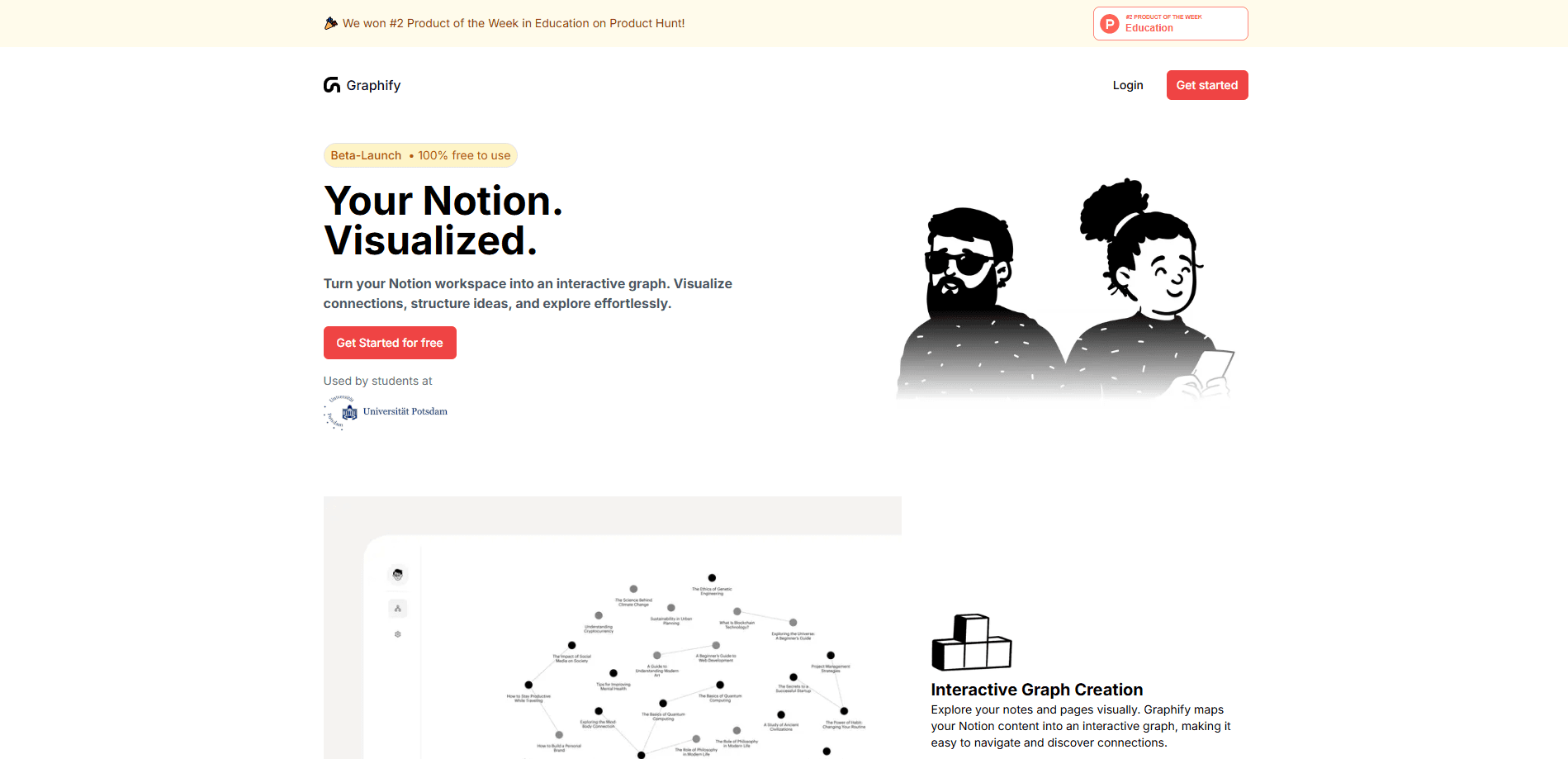
Graphify maps any codebase, docs and PDFs into a queryable knowledge graph that AI coding assistants load through a /graphify command instead of grepping files.
About Graphify
What Is Graphify
Graphify is a code knowledge graph built for AI coding assistants. You point it at a folder, and it parses the whole project into a graph of concepts and the links between them. The assistant then answers questions by tracing that graph, not by reading files one by one.
The problem it targets is familiar to anyone who has dropped a large repo into Claude Code or Cursor. Grep and file reads are slow, they burn context, and the model still misses dependencies. Graphify builds a map first, so the assistant works from structure. Code is parsed with tree-sitter for the abstract syntax tree, and the docs, PDFs, images and video get a separate semantic pass. Every edge is tagged EXTRACTED or INFERRED, which tells you what came straight from the source and what the tool resolved on its own.
Two things shape who should care. The open-source engine is local, Apache 2.0 and needs no account or API key for code, so privacy-conscious teams can run it on their own machines. The hosted platform at app.graphify.com is a newer, separate product that keeps the graph updating in the background, and it's the part you start paying for.
Getting Started
- Install the CLI with uv tool install graphifyy, or pipx install graphifyy if you prefer
- Register the skill with your assistant by running graphify install, and add a platform flag if you use Cursor, Codex or another editor
- Open your project and run /graphify . to scan the codebase and build the graph
- Work from graphify-out: open graph.html to explore, read GRAPH_REPORT.md for highlights, then run graphify query, graphify path or graphify explain as you go
Product Information
A quick look at Graphify's pricing, supported platforms, and performance.
Best for
The users, tasks, and scenarios where this tool fits best.
Users
- Developers joining a large or unfamiliar codebase
- Tech leads and architects
- Privacy-conscious teams
- Researchers and writers working across papers and notes
Tasks
- Understanding a new project
- Tracing a dependency
- Explaining one component
- Keeping a map current
- Sharing a graph across a team
Scenarios
- Picking up a legacy system
- Reviewing a pull request
- Onboarding a new hire
- Auditing an unfamiliar open-source library
- Tracking a decision
Key features
Local Code Parsing With No LLM
Graphify reads code through tree-sitter, the same parser family many editors use, and builds a deterministic abstract syntax tree. That pass needs no model, no API key and no network. Cross-file links for calls, imports, inherits and mixes_in are resolved across roughly 40 languages, so a polyglot repo lands in one graph. For teams with strict data rules, this is the feature that makes the tool usable at all.
Every Edge Tagged EXTRACTED or INFERRED
Each connection carries a confidence tag. EXTRACTED means the link was explicit in the source, and INFERRED means Graphify resolved it. You can tell what the code says from what the tool worked out, which is a real difference from a black-box index that returns answers with no basis. The explain output shows both, alongside a node's file and line number.
Query, Path and Explain Commands
Once the graph exists, you stop reading files. graphify query on a plain-language question returns a scoped subgraph, graphify path traces how two things connect, and graphify explain describes a single node with its source location and degree. The company reports that answering from the graph uses far fewer tokens than rereading raw files, and the results persist across sessions.
Multimodal Sources Beyond Code
It's not limited to source files. Markdown, PDFs, images, SQL schemas and even video or audio can land in the same graph, handled by your assistant's model or a configured API key during the semantic pass. A screenshot of a whiteboard or a chart inside a paper becomes part of the map, which is what separates it from a plain code index.
Communities, God Nodes and Reports
A climb through the output shows you where the weight sits. God nodes are the most-connected concepts, the points everything flows through, and communities split the graph into subsystems using the Leiden algorithm with labels that need no LLM. All of it lands in graph.html for clicking and filtering, GRAPH_REPORT.md for the highlights, and graph.json for queries and tooling.
MCP Server and Assistant Integrations
A Model Context Protocol server exposes the graph to any assistant that speaks MCP, over stdio on one machine or HTTP across a team, with an API key option when you publish it on a network. The skill itself installs into more than 20 assistants, from Claude Code and Cursor to Codex, Gemini CLI and GitHub Copilot, and a git hook keeps the graph fresh on commit.
Git Hooks and Incremental Updates
Graphs go stale the moment code changes, and Graphify handles that with an incremental path. graphify update re-extracts only the files that changed and merges them into the existing graph, skipping the LLM pass and the clustering. A post-commit hook can run it for you, so the map tracks the repo without a rebuild each time.
Pros and cons
Pros
- Code parsing runs fully local with no LLM and no account, which suits teams that can't send source off-site
- Every edge is labeled EXTRACTED or INFERRED, so you see the basis for an answer rather than trusting a black box
- No vector store or embeddings to run, since clustering works off graph topology with the Leiden algorithm
- One skill covers 20+ assistants, from Claude Code and Cursor to Codex and Gemini CLI
- The Apache 2.0 engine is free and needs no vendor commitment, so you can test it on a real repo first
Cons
- Code parsing is free, but the docs and media pass needs a configured model or API key, which adds setup
- It depends on Python 3.10 or newer and a working CLI environment, so non-technical users will need help installing it
- The always-on background graph and meeting integration live in the hosted platform, not the open-source engine, so that convenience is a paid path
- A very large repo can take minutes to map on the first run, and the value shows up on the second question, not the first
Frequently asked questions
Graphify is a tool that turns a codebase, along with its docs, SQL schemas and PDFs, into a queryable knowledge graph. You install it as a skill in an AI coding assistant and run /graphify on a folder. The assistant then answers questions by tracing the graph instead of reading files, and every edge is tagged so you know what was extracted from the source and what was inferred.
Related content
Explore related tools, skills, and articles for Graphify.
Graphify Alternatives

Tractionwave
TractionWave · Image · MarketingTractionWave is an AI attention heatmap tool for static ads. Upload a PNG or JPG and it returns predicted attention, ranked hotspots, and fixes before you spend budget.

Imejis.io
Imejis.io · Image · MarketingImejis.io is an AI design studio for agents and marketing teams. Describe an image in plain words, and it writes the copy, builds the layout, reflows it to every size, then exports a finished file.

Layoutr
Van Dijk Ontwikkeling · Image · China AILayoutr is a browser floor plan tool that scales your own plan, places furniture at true size, shows the room in 3D and renders it with AI.