

Growati
Timemap Software Pvt. Ltd. · Video · Marketing
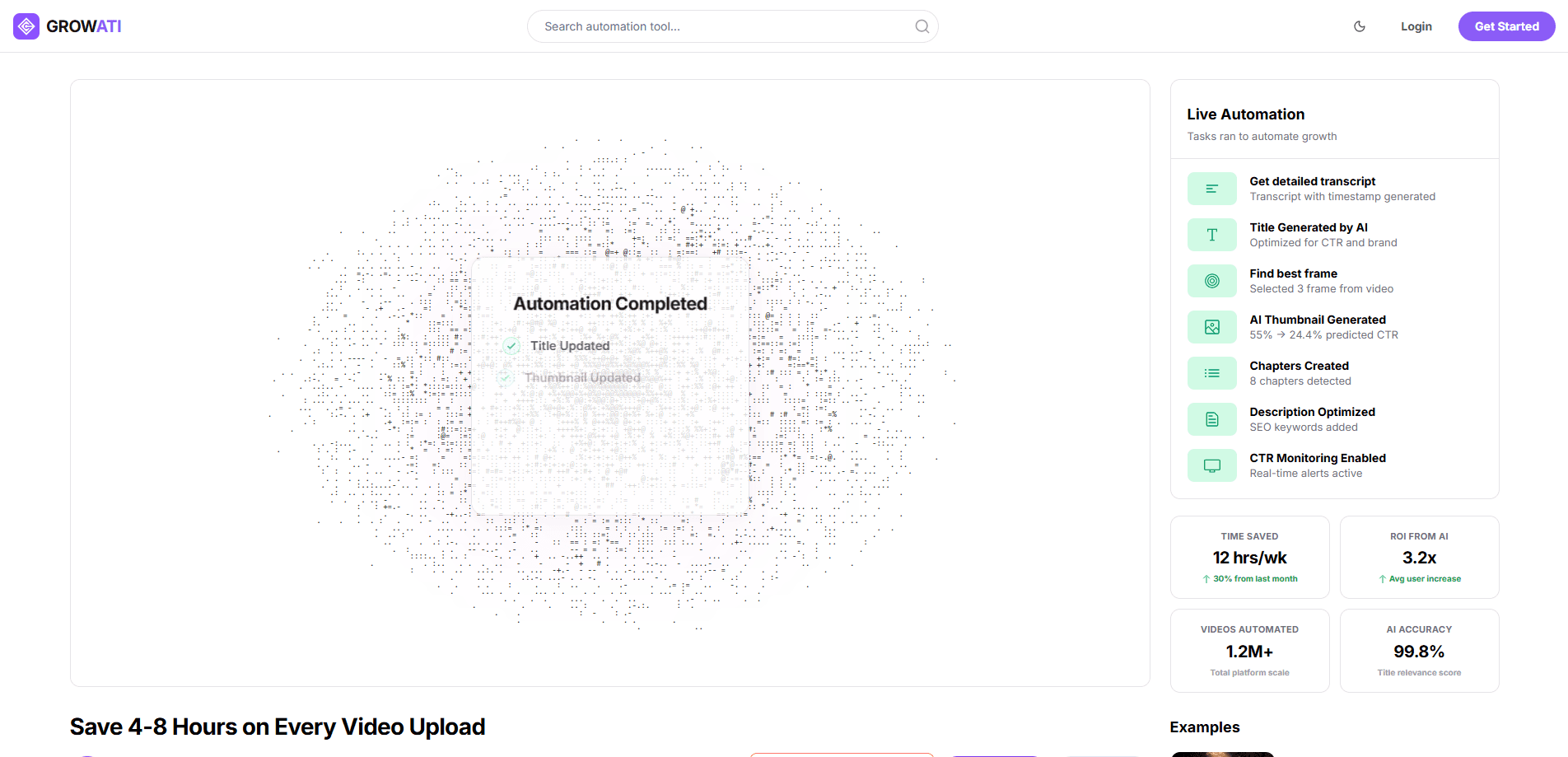
Growati is an AI YouTube automation tool that handles the post-production work most channels do by hand: it generates thumbnails, titles, descriptions, and chapters, then lets you review what gets published. It's aimed at creators and small teams who upload often and want the packaging step to take minutes instead of hours. You connect your channel through Google OAuth, pick a workflow, and the platform writes metadata straight onto your videos after your approval.
About Growati
What Is Growati
Growati is an automated content studio for YouTube creators, built by Timemap Software Pvt. Ltd. The idea is narrow and practical. Instead of giving you keyword suggestions to apply yourself, Growati produces the actual assets, so your video ships with a thumbnail, a title picked for click-through, a description with keywords, and chapters already cut.
Growati is a browser dashboard, not a Chrome extension. You log in, connect a channel, and run a workflow. The tool reads your upload through official YouTube APIs and never publishes anything you haven't approved, which matters if you've ever watched an AI tool push a bad title live at 2 a.m. What does Growati actually touch? Titles, thumbnails, descriptions, and chapters. That's the whole list.
The catch is what it doesn't do. Growati isn't a research tool, and it won't show you search demand, tag suggestions, or live A/B tests against real subscriber traffic. If your bottleneck is figuring out what to make, look elsewhere. If your bottleneck is the three hours after filming, this is the tool you want.
Getting Started
- Sign up at growati.com and connect your YouTube channel through Google OAuth.
- Upload your video to YouTube as unlisted, so nothing goes public while Growati works on it.
- Pick an automation workflow: metadata only, or the full post-production pass with thumbnails, titles, descriptions, and chapters.
- Review the generated assets in the dashboard and adjust anything before it applies.
- Publish, then monitor performance; you can roll back a change with one click if a title underperforms.
Product Information
A quick look at Growati's pricing, supported platforms, and performance.
Best for
The users, tasks, and scenarios where this tool fits best.
Users
- Solo creators who publish weekly and lose hours to titles, descriptions, and thumbnail design after every shoot.
- Small teams and studios running several channels that need one repeatable post-production pipeline instead of ad-hoc editing.
- Channels that already have footage and ideas but want the packaging step automated, not outsourced to a freelancer.
Tasks
- Generating a click-focused thumbnail from your own video frames rather than starting from a blank canvas.
- Writing a title, description, and chapter list in one pass instead of opening four separate tools.
- Running the same multi-step workflow across every upload so results stay consistent.
- Reviewing and rolling back metadata changes if a new title or thumbnail hurts performance.
Scenarios
- A weekly upload cadence where post-production, not filming, is the bottleneck.
- Multi-channel operations that need bulk generation and A/B testing support on higher tiers.
- Teams that want a record of generated assets and revisions so an editor or strategist can approve before anything goes live.
Key features
AI Thumbnail Generation
Growati builds thumbnail concepts tuned for click-through, and on the Creator plan and above it pulls the strongest stills from your footage before design starts. Think of it as a YouTube thumbnail generator that works from your own video rather than from a text prompt. Most AI thumbnail tools ask you to describe an image from scratch, while Growati starts from frames that already exist in your video. Thumbnail generation costs 10 credits per run.
Automatic Best Frame Extraction
The platform scans your upload and selects standout frames automatically. This is a smaller feature, but it removes a genuinely annoying step: scrubbing a 20-minute video to find the one moment worth putting on the thumbnail. No more rewatching the whole thing. It costs 5 credits and is included from the Creator tier up, not on Starter.
AI Titles, Descriptions, and Chapters
Growati works as a YouTube SEO tool as well as a generator: the same pass produces a YouTube title generator result, a YouTube description generator result, and chapter timestamps. One generation pass, in other words, gives you the title, the description with SEO keywords, and a chapter list. Titles are written for click-through and brand fit; chapters are detected from the content itself. The full metadata pack runs on 3 credits, which is why the Starter plan can cover roughly 66 of them a month on its 200-credit allowance.
Chained Automation Workflows
Growati's real differentiator is chaining steps, so frame selection, metadata generation, and publishing prep can be stacked into one repeatable flow that runs instantly or on autopilot and then repeats itself across every future upload without setup. A single full automation costs 20 credits. Starter doesn't include workflows at all; they start on Creator.
Safe Review and Rollback
Nothing publishes without your say-so. Every generated asset keeps a version history, so you can compare outputs, revert a change, and see what the channel looked like before. It's your call, every time. The platform uses official YouTube APIs and only asks for the permissions its features need. You can revoke access from your Google account at any time.
Multi-Channel and Team Support
Starter covers one channel. Creator allows up to three, Pro up to five, and Enterprise scales to custom or unlimited channels. Team members follow the same curve: one on Starter, five on Creator, ten on Pro. Pro adds bulk generation and A/B testing support, and Enterprise is the only tier with API access for internal tooling.
Pros and cons
Pros
- Generates finished assets instead of suggestions, so the work is done rather than queued up for you.
- Credit-based pricing ties cost to usage, and the 200-credit Starter tier covers roughly 10 full automations a month.
- The review-and-rollback layer means you can let it run on autopilot without losing control of the channel.
- Multi-step workflows chain post-production tasks that most tools handle one at a time.
Cons
- No free plan, and no browser extension inside YouTube Studio. It runs as a separate dashboard.
- No keyword or tag research, so you still need a research tool alongside it if that's part of your workflow.
- No live A/B testing against real subscriber traffic, which is a gap if you rely on impression-level testing.
- It's a newer product with a smaller user base, so the support community is thinner than established tools.
Frequently asked questions
Growati automates the post-production packaging of a YouTube video: it generates thumbnails, titles, descriptions, and chapters, then applies them after you approve. You still film and edit the video yourself. The automation covers the repetitive metadata and thumbnail work that sits between finishing an edit and hitting publish.
Related content
Explore related tools, skills, and articles for Growati.
Growati Alternatives

Skreno
Skreno · Video · ProductivitySkreno is a browser screen recorder that captures a tab, a window or your whole display, then attaches AI transcripts, summaries and console logs to one share link.

Onepin
Podonos · Voice & Language · VideoOnepin is an AI voice production agent that sends each line of a script to the best TTS model, scores every take, and repairs mispronunciations before export.

OpenVids
bazodev · VideoOpenVids is a free, open-source video editor for macOS and Windows where four AI agents cut the timeline, add motion and sound, and review the render, while you keep the final say on every change.