

OpenVids
bazodev · Video
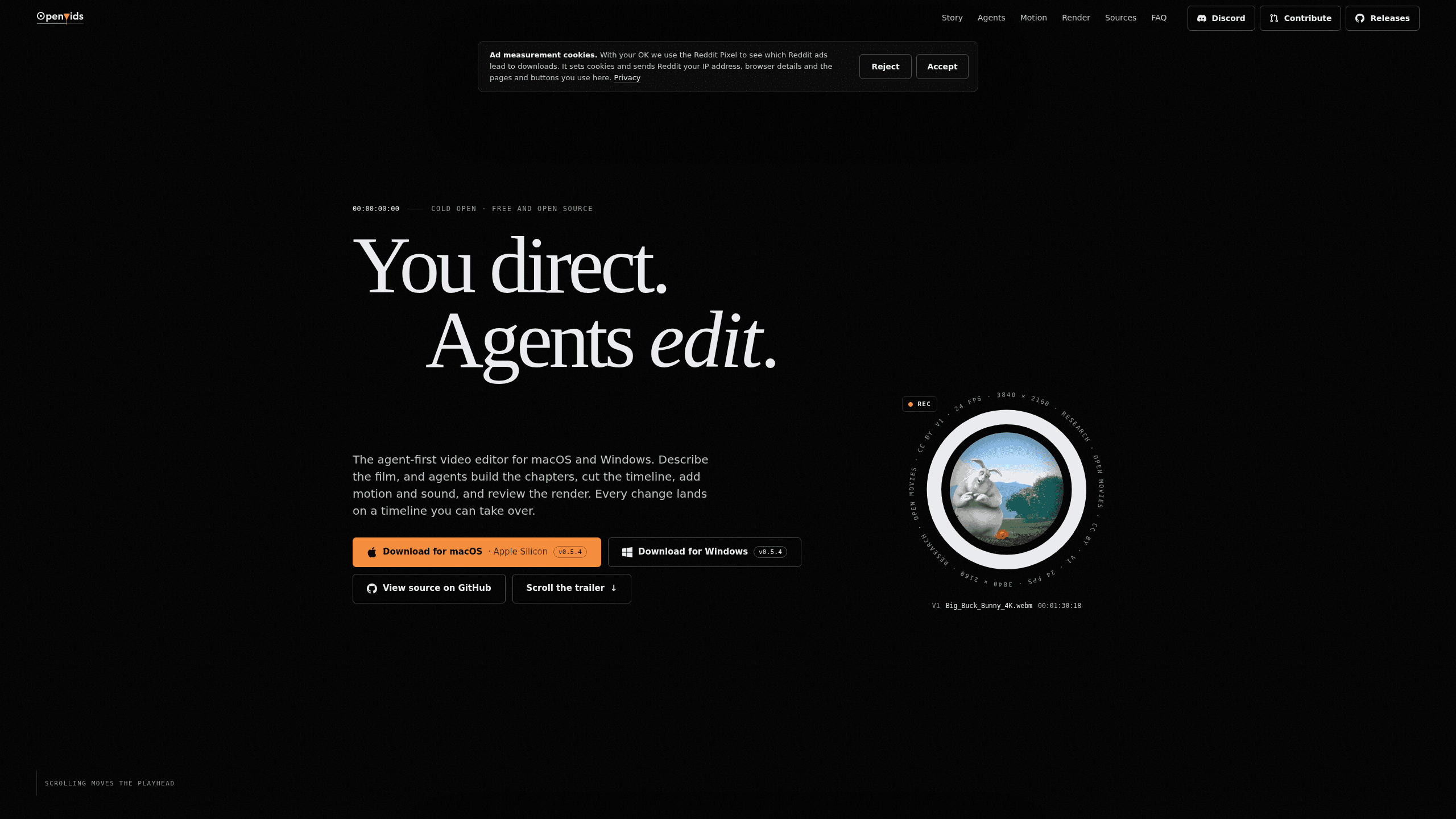
OpenVids is a free, open-source video editor for macOS and Windows where four AI agents cut the timeline, add motion and sound, and review the render, while you keep the final say on every change.
About OpenVids
What Is OpenVids
OpenVids is a desktop video editor built around a simple split of labor: you direct, agents edit. You describe what the film needs in plain language, and the agents do the hands-on work inside a real project. Cuts, titles, audio levels, and captions land on a timeline you can open, scrub, and take over at any point.
The app lays a film out as chapters in a Story Graph. Each chapter holds a story beat and the job it has to do, and agents attach shots, sound, and motion to it. Build then turns that outline into a finished cut. This keeps the story readable past the two hundred clip mark, where most timelines stop making sense. People in the field call the approach agentic video editing, and OpenVids is one of the few editors built that way instead of bolting a chat box onto an older tool.
OpenVids is free and open source under Apache 2.0, and your media stays on your own disk. The trade-off is maturity. Current builds sit at version 0.5.x, so menus and some behavior shift between releases. Editors comparing AI film editing software should weigh that against the zero price and the local workflow.
Getting Started
- Download the build for macOS or Windows from GitHub releases, or follow the download link on openvids.ai.
- Create a project folder and point OpenVids at your footage. Media is read from your disk and stays where it is.
- Write the chapters in the Story Graph, then open the chat and brief an agent in Ask, Plan, or Edit mode.
- Review each change on the timeline, revert a turn if it misses, and run Build once the outline reads right.
- Export the cut, then let the QA agent watch the render before you deliver.
Product Information
A quick look at OpenVids's pricing, supported platforms, and performance.
Best for
The users, tasks, and scenarios where this tool fits best.
Users
- Freelance editors
- Small content teams
- Editors learning agent workflows
Tasks
- Rough cuts from interviews
- Titles and lower thirds
- Dialogue cleanup and music beds
- License checks on found footage
Scenarios
- A documentary short on a fixed deadline
- A weekly video series
- A first pass on footage you did not shoot
Key features
Four agents with separate jobs
Main handles the cut, Motion Designer builds titles, lower thirds, logo stings, and caption styles, Audio works on dialogue and music, and Research finds footage along with its licenses and credits. All four work in the same project on the same timeline, so results from different jobs meet in one place. This is video editing with AI agents in the literal sense: each agent has a lane and a result you can inspect.
Ask, Plan, and Edit modes
The mode sets how far an agent goes with a prompt. Ask answers a question without touching the cut. Plan returns a proposal, such as a caption pass with 148 cues and speaker labels to check. Edit changes the timeline. You choose the mode per request, so the same sentence can stay a question or become an edit.
Story Graph and Build
Chapters hold the film's structure before a single cut exists. Each chapter states its job in plain words and collects media by role: A-roll, B-roll, music, voiceover, sound effects, and motion. Build lays the graph out in five passes, from A-roll to captions.
Motion templates from a sentence
Describe a title, a lower third, or a logo sting, and Motion Designer builds the template inside the project. The template stays live, so you can scrub it frame by frame, adjust timing, and reuse it in another chapter. A prompt like "logo sting that lands on the score's final hit" ties motion to the music instead of a frame count.
Research with license tracking
The Research agent looks for open-licensed footage and records where each clip came from. Disputed licenses get flagged, and credit lines stay ready to copy. That matters for videos headed to clients or platforms that run copyright checks.
Render QA
An agent watches each render the way a viewer would. It can catch a caption sitting on a lower third, a dissolve that starts mid-pan, or a short audio drop, and it fixes what it can. Pacing and shot choice stay marked "Your call."
Local, non-destructive projects
Projects are folders of plain files, and your media stays on your disk. Edits do not overwrite source clips, and you can undo a chat turn or take over the timeline by hand. No upload step sits between your footage and the edit.
Pros and cons
Pros
- Free and open source under Apache 2.0, with no subscription for the editor itself.
- Every agent action lands as a reviewable change on a normal timeline, with per-turn revert and undo.
- Four specialist agents cover cutting, motion, audio, and footage research in one project.
- Media stays on local disk and projects are plain files, which keeps archives portable.
- Ships for both macOS and Windows.
Cons
- Desktop only, with no browser or mobile version.
- Builds are at 0.5.x, so menus and behavior can change between releases.
- Vague prompts stall the agents; a usable brief has to name the material, the goal, and one limit.
- Help comes through Discord and GitHub rather than a support desk, which slows down teams that need an SLA.
Frequently asked questions
OpenVids is a free, open-source AI video editor for macOS and Windows. You describe the film in words, and four agents cut the timeline, add motion and sound, and check the render. You can take over the timeline at any time.
Related content
Explore related tools, skills, and articles for OpenVids.
OpenVids Alternatives

ngram 2.0
ngram · Video · Marketingngram 2.0 is an AI video generator for teams. It turns a prompt, a screen recording, or a product URL into a narrated explainer, product demo, or AI avatar video, and every scene stays editable.

OpenScreen 2
OpenScreen (open-source project) · Video · ProductivityOpenScreen 2 is a free, open-source screen recorder and demo video editor for Windows, macOS, and Linux, with automatic zooms, styled frames, local captions, and agent edits.

Skreno
Skreno · Video · ProductivitySkreno is a browser screen recorder that captures a tab, a window or your whole display, then attaches AI transcripts, summaries and console logs to one share link.