

GrowthBook
GrowthBook, Inc. · Coding · Productivity
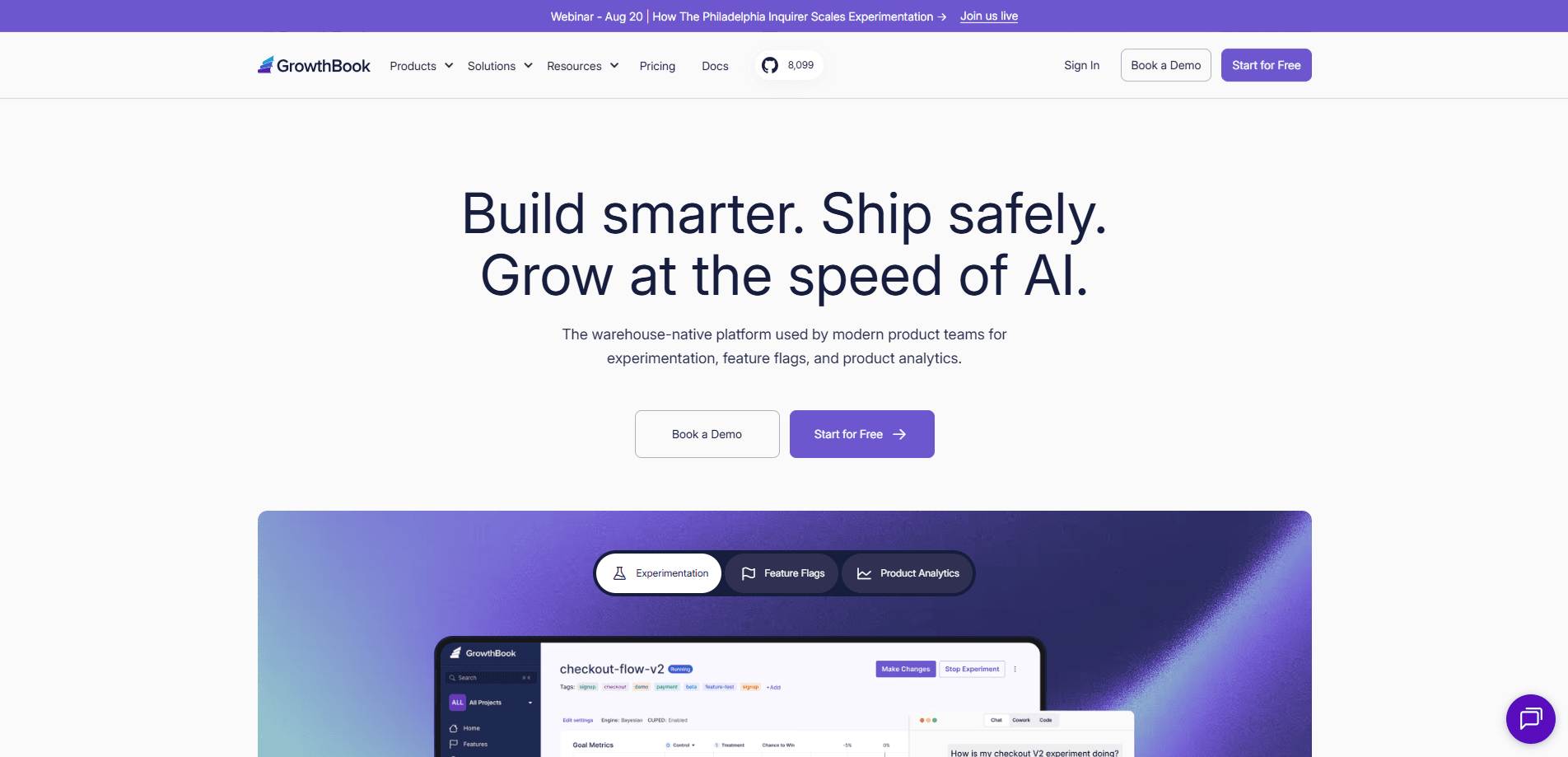
GrowthBook is an open-source platform for feature flag management, A/B testing, and product analytics that runs on top of your own data warehouse. Product teams use it to roll out features safely, run experiments with real statistical rigor, and read behavior data without moving it out of their infrastructure. It's built for data and engineering teams, not casual users. And it ships with SDKs for web, mobile, and backend services.
About GrowthBook
What Is GrowthBook
GrowthBook is a software platform that combines three jobs product teams usually buy separately: feature flags, experimentation, and analytics. The warehouse-native part is what sets it apart. GrowthBook connects to Snowflake, BigQuery, Databricks, Redshift, or Postgres and reads your metrics straight from tables you already own, instead of copying events into someone else's database. That matters for anyone with strict data-privacy or compliance rules, since your user data never leaves your cloud.
It's open-source under the MIT license, so you can self-host the whole thing or run it through GrowthBook Cloud. The company says more than 3,000 companies use it. Dropbox, the Wikimedia Foundation, and Khan Academy are all on the list.
The main trade-off is setup effort. Because it leans on your warehouse, someone on your team has to point GrowthBook at the right tables and define metrics in SQL. Is that a dealbreaker? Not for most engineering teams. But it isn't a plug-in-and-go tool for a single marketer. There's also the usual open-source calculus. The free self-hosted edition is genuinely capable, but you own the upgrades, scaling, and on-call work. That's real work.
Getting Started
- Create a free account at app.growthbook.io, or clone the open-source repo and run it on your own servers.
- Connect a data source (Snowflake, BigQuery, Databricks, Redshift, or Postgres) so GrowthBook can read your product data.
- Define experiment metrics and dimensions in SQL against your existing tables.
- Install a client SDK for your stack (JavaScript, React, Python, iOS, Android, and others) and wrap a feature in a flag.
- Roll the feature out to a percentage of users, then watch results on the experiment dashboard.
Product Information
A quick look at GrowthBook's pricing, supported platforms, and performance.
Best for
The users, tasks, and scenarios where this tool fits best.
Users
- Product managers
- Data scientists
- Growth and marketing teams
- Engineering teams
Tasks
- A/B testing
- Feature flag management
- Staged releases
- Product analytics
- Migration from legacy tools
Scenarios
- A fintech team that can't send customer data to a third-party SaaS finds that warehouse-native analytics keeps everything inside its own cloud.
- A mobile app team testing onboarding flows on iOS and Android at the same time, using the same flag config across both.
- A growth team that wants to check every experiment against a shared metric definition so results are comparable across quarters.
- The early project research phase, where a small team runs a free self-hosted instance to see whether the workflow fits before paying for seats.
Key features
Warehouse-Native Experimentation
GrowthBook reads your metrics from the data warehouse you already run, so it never copies user events into a separate store. You define an experiment once and it pulls results from tables like Snowflake or BigQuery. No data duplication. For teams with strict privacy rules, this is the whole reason to pick it over a closed SaaS tool.
Feature Flag Management
You wrap a piece of code in a flag and control who sees it from the dashboard, no redeploy needed. Flags support percentage rollouts, instant kill switches, and targeting rules based on user attributes. The kill switch is the part teams love. Shut a broken feature off in seconds instead of rolling back a release.
Advanced Statistics
The platform supports both Bayesian and frequentist methods, plus variance reduction with CUPED and sequential testing. That mix matters because sequential testing lets you check results continuously without inflating false positives, a common trap when teams peek at dashboards too early.
Multi-Arm and Contextual Bandits
Beyond simple A/B tests, GrowthBook runs multi-arm bandits that shift traffic toward winning variants automatically. Version 5.1 added contextual bandits, which adjust the split based on each user's context rather than fixed percentages. Handy when you have several variants. You stop wasting traffic on losers.
AI Visual Editor and AI Analyst
The AI Visual Editor lets you change copy or layout on a live page without a code change, and the AI Analyst answers questions about your data in plain language. Both are tied to the paid plans, and the AI usage limits scale up with the tier you're on.
24+ Framework SDKs
GrowthBook ships more than two dozen SDKs for JavaScript, React, Python, iOS, Android, Go, Ruby, and more. They're built to be smaller than rivals' and need zero network calls to evaluate a flag. That keeps them fast. It also avoids leaking data to a third party at runtime.
Self-Hosted or Cloud Deployment
You can run GrowthBook entirely inside your own cloud or on-prem, or use the managed cloud version for instant updates with less maintenance. Self-hosting gives full data control. The cloud version trades some control for not having to patch and scale the service yourself. That's the trade.
Pros and cons
Pros
- Warehouse-native design keeps your data in your own infrastructure, which matters for regulated industries.
- Open-source core under the MIT license means no vendor lock-in and a self-hosted option that stays free.
- Genuinely capable free tier: unlimited flags, experiments, and traffic for teams up to 3 users.
- Broad statistics support (Bayesian, frequentist, CUPED, sequential testing) in one tool.
- 24+ SDKs cover web, mobile, and server, so mixed stacks aren't a problem.
Cons
- Warehouse-native setup takes real work, since someone has to connect data sources and write metrics in SQL. Not a job for a non-technical user.
- Pricing is per seat, so costs climb as more teammates need access to experiments and dashboards.
- Some advanced pieces, like contextual bandits and the AI Analyst, sit behind the paid tiers rather than the free plan.
Frequently asked questions
Yes. The Starter plan is free with no credit card, covering up to 3 users, 1 project, and unlimited feature flags, experiments, and traffic, while the open-source version stays free to self-host on your own infrastructure.
Related content
Explore related tools, skills, and articles for GrowthBook.
GrowthBook Alternatives
Forefront
Forefront · CodingForefront is a web platform for building with open-source AI. It lets you fine-tune leading open-source language models on your own data, evaluate how they perform, and run them through an API or export them to host yourself. Developers who want the convenience of a closed-source platform but insist on owning their models and data are the target audience here.

Startkit
StartKit.AI · CodingStartkit is a boilerplate for building AI SaaS and AI wrapper products. Think of it as an AI startup boilerplate with the boring parts already wired up: authentication, Stripe and Lemon Squeezy payments, usage limits, transactional email, and an AI API starter that talks to OpenAI, Anthropic, Groq, or Llama. You clone the repo, set your price, and start on the part of your product that people actually pay for. It's Next.js under React and Tailwind, so most of the boilerplate code already feels familiar.
Testim
Tricentis · CodingTestim is an AI-powered test automation platform for building and running end-to-end tests across web, mobile, and Salesforce applications. It leans on machine learning to keep tests stable when an interface changes, so teams spend less time fixing broken selectors. Not bad for an automated testing tool you can start using today. You create tests by recording actions in a browser, then optionally add JavaScript when you need more control. It's a solid pick for busy QA teams.