

Guideless
Guideless · Video
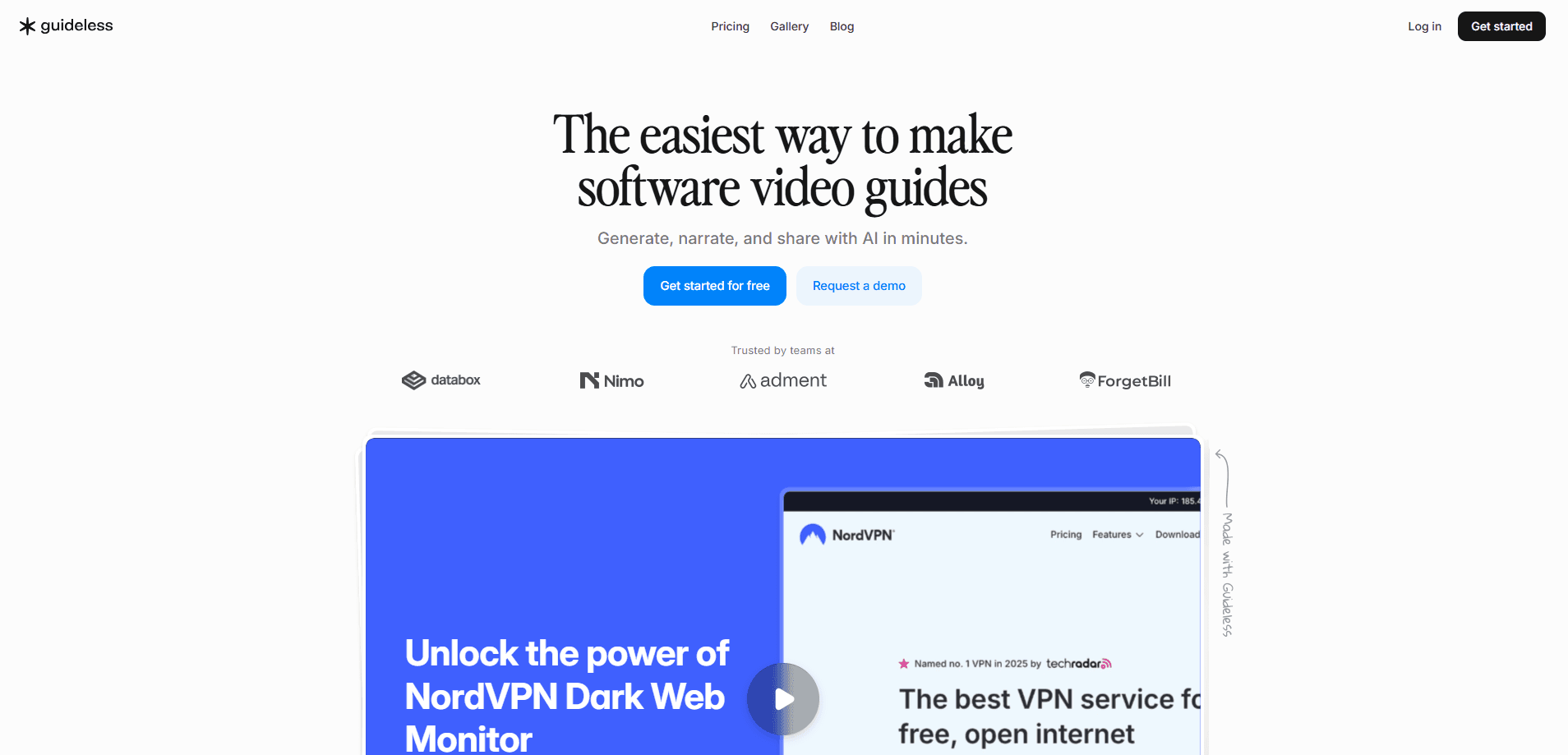
Guideless is an AI software guide generator that captures your browser workflow and turns it into narrated video guides and written step-by-step documentation. No manual recording. No editing. You start a capture session, walk through a task once, and the tool writes the instructions, voiceover, captions, and presentation effects on its own. It doubles as a video guide maker and a step-by-step documentation tool for teams that need onboarding guide software, SOPs, help center articles, and product walkthroughs at a pace a single editor can't match.
About Guideless
What Is Guideless
Guideless is a software documentation tool built around one idea: stop recording and explaining at the same time. Traditional video tools like Loom ask you to narrate while you work, then clean up the mess afterward. Guideless watches the workflow, then writes the guide for you.
The product targets the teams that feel documentation pain most. Support teams rewriting the same help article every sprint. HR groups building onboarding sequences for new hires. Product teams shipping walkthroughs faster than the docs can keep up. The pitch is speed and consistency, not raw creative control.
There's a catch worth naming. Guideless needs a browser workflow to capture. If your process lives inside a desktop app, a terminal, or a phone, the capture model doesn't map cleanly. And AI output still needs a human pass for tone and accuracy before you push it to customers.
Getting Started
- Create a free account at guideless.ai and confirm you're working inside the Free plan's three-guide ceiling.
- Install the browser extension, then hit record and walk through the workflow once at normal speed.
- Let the AI generate instructions, narration, and captions, then review each step in the editor.
- Rewrite anything that reads off, swap in your own voice or pick a different AI voice, and blur or crop anything sensitive.
- Publish with a shareable link or embed, or export the result as an MP4 for a knowledge base.
Product Information
A quick look at Guideless's pricing, supported platforms, and performance.
Best for
The users, tasks, and scenarios where this tool fits best.
Users
- Support and success teams
- Onboarding and L&D specialists
- Small product teams
Tasks
- Software walkthroughs
- Employee training and SOPs
- Customer onboarding
- Help center content
Scenarios
- A SaaS team shipping weekly releases and drowning in stale help articles
- A manager documenting a repetitive internal process once
- A solo founder with no video budget
Key features
Automatic Workflow Capture
You record your screen while you work through a task, and Guideless handles the rest. It detects the steps, writes out the instructions, and builds a structured guide from the sequence. No timeline editing. No manual screenshot cropping. The point is to remove the part of guide-making that eats the most time, the tedious assembly that turns a simple process into an afternoon of busywork.
AI Narration and Voiceover
The tool generates a spoken voiceover for your guide and syncs captions to it, so a silent screen recording becomes something a viewer can follow hands-free. You can swap voices, regenerate the narration if a step changed, or record your own. It just works. For teams producing guides in volume, this is the feature that makes the whole workflow realistic, because it removes the recording booth, the voice talent, and the re-recording sessions that used to come with every small edit.
Editor With Selective Updates
The AI-powered editor lets you keep a guide current without rebuilding it from scratch. Change one step, and you regenerate the content and voiceover tied to that step rather than reshooting the whole thing. You can also annotate screenshots, blur sensitive info, and translate the guide inside the same editor. Selective updates are what separate a documentation set you can actually maintain over months from a pile of aging videos nobody wants to re-record.
Translation Across 40+ Languages
Guideless supports more than 40 languages with AI narration, so one captured workflow can serve global teams and customers across very different regions. You edit or regenerate the translated guide in the same place you built the original. That saves a lot of work. Teams that previously shot separate videos per region can collapse that effort into one capture plus a translation pass.
Sharing, Embeds, and MP4 Export
Published guides live behind a shareable link or an embeddable player, and viewers don't need a Guideless account to watch. You can drop a guide into a help center, a knowledge base, a documentation portal, or a website. When you need a portable file, MP4 export covers that case too, which matters for teams that archive training material or hand guides to partners who work outside your own tooling entirely.
Branding and Shared Workspaces
Paid workspaces let you apply themes, colors, layouts, and voices so every guide matches your company's look. Teams organize guides in shared workspaces, collaborate on the content, and publish from one central place. Consistency is the whole game. Branding matters most when five people produce guides instead of one.
Pros and cons
Pros
- Turns a single recorded session into a narrated video and a written guide at once, cutting the two-job problem of recording and documenting that normally splits the work across two different people and two different skill sets.
- Selective regeneration means a small product change updates a small part of the guide, not the entire video.
- Native AI narration, captions, translation, and smart zoom remove the need for a separate video editor or voice talent.
- Free plan is a real plan, not a trial: three guides, unlimited views, AI narration, and voiceover at no cost.
- Viewers don't need an account, which keeps sharing friction low for customers and external audiences.
Cons
- Capture is tied to browser workflows, so desktop apps, terminals, and mobile processes don't fit the model cleanly.
- AI-written instructions still need a human review pass for tone and accuracy before they reach customers.
- Pro runs $29 per user per month, and unlimited guides and MP4 exports sit behind that paywall, which adds up for larger teams.
- No public API is documented, so teams wanting to trigger guide generation from their own systems can't do it yet.
Frequently asked questions
It creates software guides, employee training, customer onboarding, SOPs, product walkthroughs, internal documentation, and help center content. The AI generates step-by-step instructions, voiceovers, captions, and presentation effects from your recorded workflow.
Related content
Explore related tools, skills, and articles for Guideless.
Guideless Alternatives

ngram 2.0
ngram · Video · Marketingngram 2.0 is an AI video generator for teams. It turns a prompt, a screen recording, or a product URL into a narrated explainer, product demo, or AI avatar video, and every scene stays editable.

OpenScreen 2
OpenScreen (open-source project) · Video · ProductivityOpenScreen 2 is a free, open-source screen recorder and demo video editor for Windows, macOS, and Linux, with automatic zooms, styled frames, local captions, and agent edits.

Skreno
Skreno · Video · ProductivitySkreno is a browser screen recorder that captures a tab, a window or your whole display, then attaches AI transcripts, summaries and console logs to one share link.