

Haimeta
Xiamen Liangwanli Culture Media Co., Ltd. · Image · Other
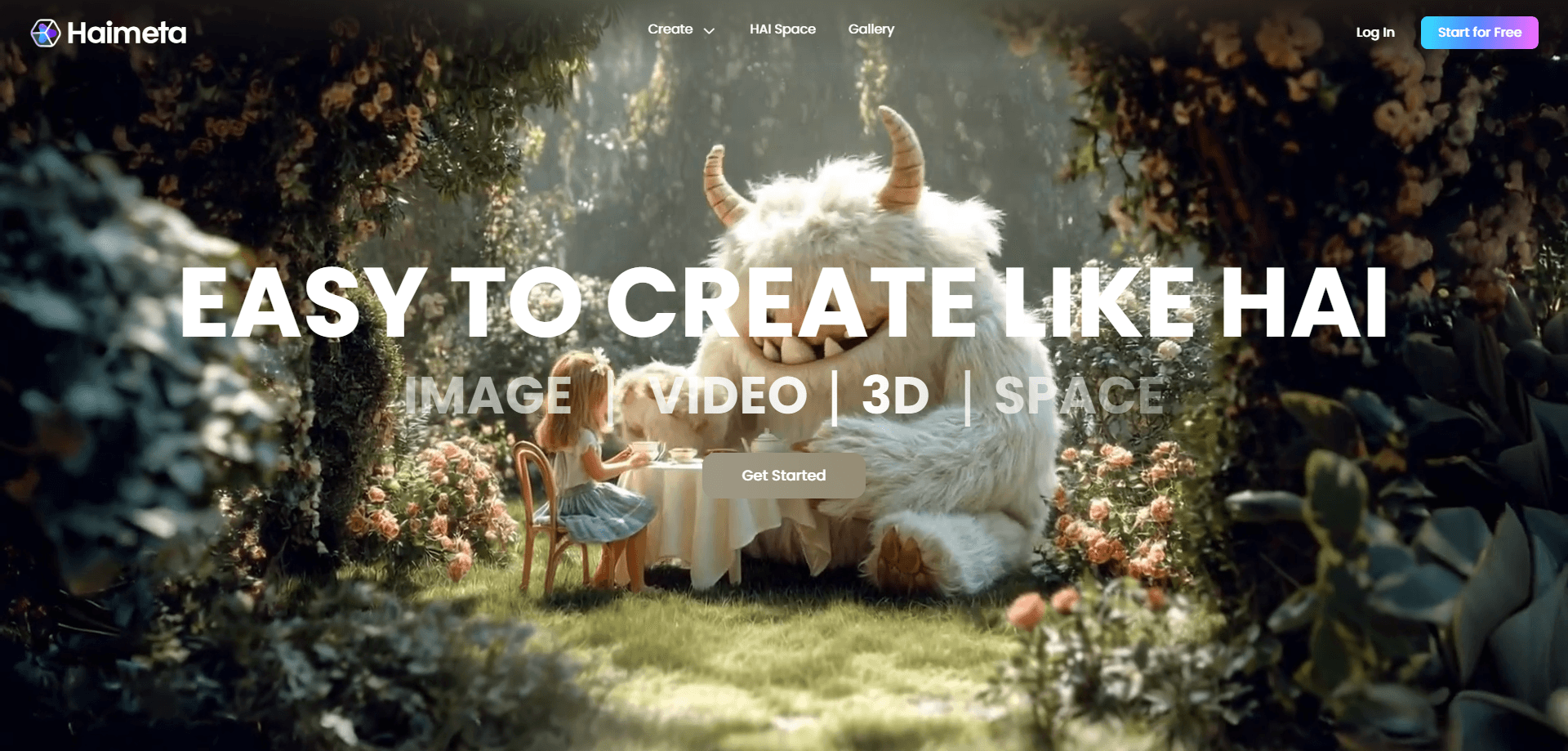
Haimeta is a web-based AI creative platform that turns text and images into pictures, videos and 3D models, adds viral effects and builds interactive 3D worlds from one place.
About Haimeta
What Is Haimeta
Haimeta is a creative platform that puts an AI image generator, video and 3D generation behind one login. You type a prompt or drop in a photo at haimeta.com, and the site returns finished visuals you can post, print or drop into a project. It runs in a browser, so there's nothing to install.
The product is aimed at people who make content for social media and small brands rather than at studios with a render farm. A pet owner turns a cat photo into a poster. A shop owner builds product shots without a photographer. A digital artist spins a character concept into a 3D object. Haimeta bundles the tools for all of those into a single account instead of five subscriptions.
Two limits are worth knowing before you start. It's a cloud service, so your work depends on the platform staying up and on you having an internet connection. And the heavier tools, like 3D and video, eat credits faster than a plain image, which matters on the free daily allowance.
Getting Started
- Create a free account and log in to claim your daily HAIBIT credits
- Pick a mode: text to image, image to image, text to video or image to 3D
- Write a prompt or upload a reference image, then adjust style, aspect ratio and other settings
- Generate the result, refine it with a follow-up prompt, and export or share it to a 3D space
Product Information
A quick look at Haimeta's pricing, supported platforms, and performance.
Best for
The users, tasks, and scenarios where this tool fits best.
Users
- Social media creators
- Small business and shop owners
- Digital artists and illustrators
- Content teams with a mixed workload
Tasks
- Turning a text prompt into a finished image
- Restyling an existing photo
- Making a short video clip
- Converting a picture into a 3D model
- Jumping on a viral trend
Scenarios
- A product launch next week
- A daily posting routine
- A character pitch
- A trend spike
- Building a personal gallery
Key features
Text to Image and Image to Image
The core of the platform is prompt-driven image generation. Type a description and Haimeta returns original art, photos or marketing visuals. The image to image mode takes your own upload and reworks it while keeping the subject, style and context intact. The company stresses visual coherence, so a set of images from one prompt reads like they belong together, which matters when you're building a campaign or a feed.
Text to Video
Text to video turns a written prompt into a moving clip while holding characters, objects and scenes consistent between frames. Haimeta markets it for social clips, ads and short storytelling, where a wobbling character or a drifting background breaks the illusion. You describe the scene and the platform handles the motion, so you don't need editing software or a timeline.
Image to 3D
Image to 3D takes a flat picture and builds an actual 3D model from it, keeping the shape, texture and style. Those models are meant for quick prototyping, product visualization and AR or VR content. This is the feature that separates Haimeta from a plain image generator, since most prompt tools stop at pixels and never hand you an object you can spin around.
Viral AI Effects Library
Haimeta ships a library of one-tap AI effects built for social feeds, the kind that make a photo or a clip spread. Examples on the site include Giant Me, Mini Me and Cartoon, plus seasonal packs. You feed in a photo or clip, pick an effect and get a shareable result in seconds. For creators chasing a trend, this is faster than building the same look by hand.
Interactive 3D Spaces
Beyond single assets, Haimeta lets you build an AI 3D space where you arrange images, videos and 3D objects, then share it and let people move through it. The site frames this as a personal creative universe you can exhibit in, not a flat portfolio page. You can also put an AI character into the space and let visitors interact with it, which pushes the output past a static gallery.
AI Agent and Model Hub
An agent layer sits on top of the individual tools. It connects models and runs a multi-step creative workflow for you, so a task like concept to image to video can be chained rather than done by hand. The platform pools 30 or more selected models under one roof and keeps them current. The idea is that you describe the goal and the platform picks and runs the models, which lowers the learning curve for someone who doesn't know model names.
Pros and cons
Pros
- Bundles image, video and 3D generation in one web account, so there's no stack of separate subscriptions
- Free daily credits let you test the tools before paying anything
- One-tap effects are built for social feeds and take seconds to produce
- Image to 3D gives you an actual model, which many prompt-only rivals don't
- The agent chains steps for you, which shortens the path from idea to finished asset
Cons
- There's no desktop or mobile app, so you can't work offline or from a native editor
- Heavy tools like 3D and video burn through credits quickly, so the free daily amount runs out fast
- Some sections, like extra chapters of the platform, are still marked coming soon and aren't live yet
- Published pricing for the paid membership levels isn't spelled out on the site, so you have to ask or check in-app
Frequently asked questions
Haimeta is a web platform that turns text and images into pictures, videos and 3D models. It also adds one-tap viral effects and lets you build interactive 3D spaces where you arrange and show your work, with an AI agent that can chain several steps into one job.
Related content
Explore related tools, skills, and articles for Haimeta.
Haimeta Alternatives

X Ray Interpreter
X-ray Interpreter · ImageX Ray Interpreter is a web-based AI radiology tool that turns X-rays, CT scans, MRI, ultrasound, and PET images into plain-language reports. You upload a scan, get a preliminary X-ray interpretation in moments, then ask follow-up questions if something needs explaining. It works as a second opinion and a learning aid, not as a medical diagnosis.

Aieasypic
AIEasyPic · ImageAIEasyPic is an AI image generator that turns plain text prompts into finished artwork in seconds. You can also train custom models on your own photos, swap faces in existing images, and create short video clips from text, all from a browser. It suits casual creators who want quick visuals and hobbyists who want to build a personal model without touching any code.

Chargen
Chargen · ImageChargen is an AI character generator and worldbuilding toolkit built for Dungeons & Dragons and other tabletop RPGs. It turns a one-line idea into a painted character portrait, spins up NPCs, monsters, maps and encounters from the same session, and keeps every creature's details close at hand. The tabletop RPG art side runs on a credit system called Gold, while the text generators stay free for everyone.