

Hand Wave
Hand Wave · Image · Voice & Language
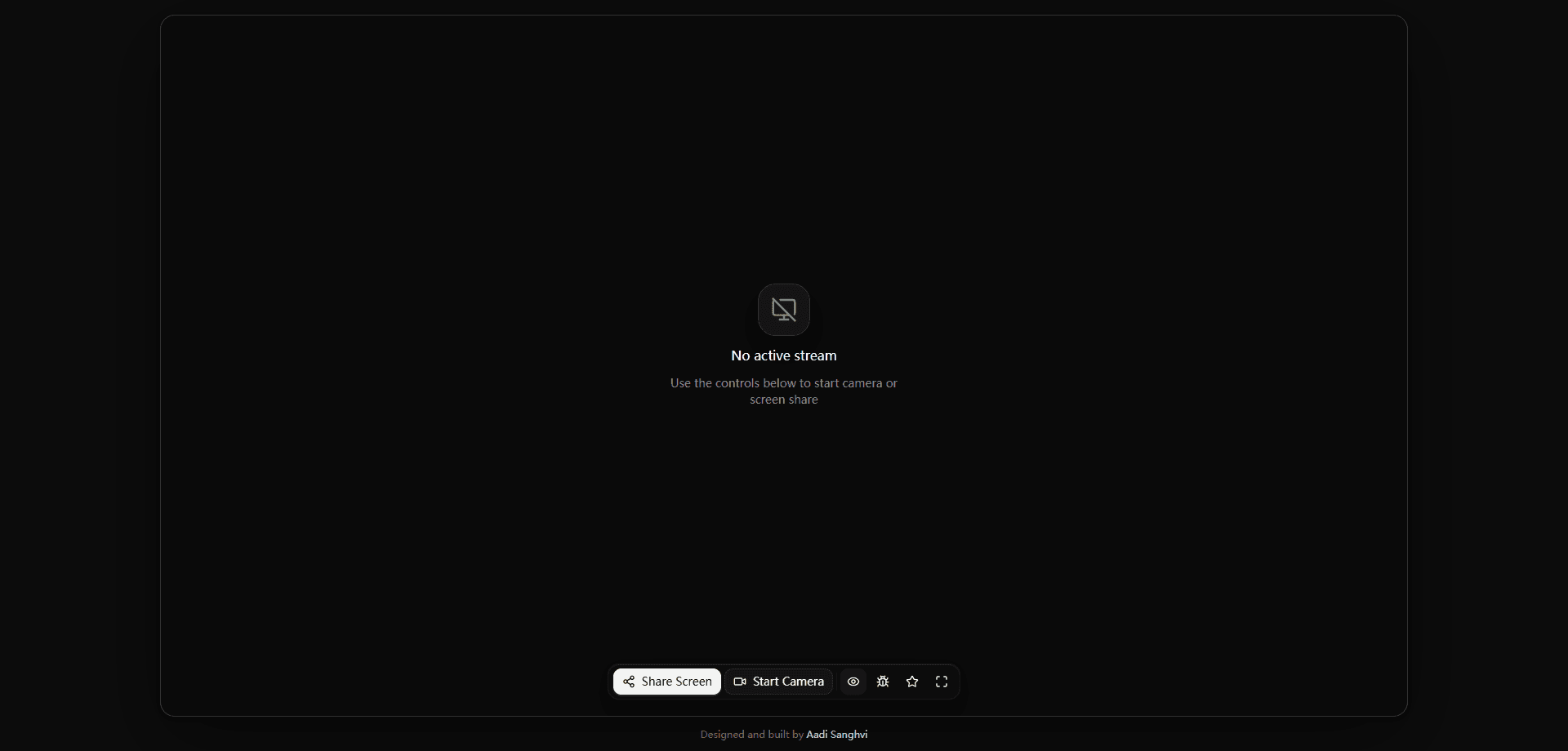
Hand Wave is a browser-based sign language recognition tool that watches a live camera feed or a shared screen and detects hand signs in real time. It runs entirely in the browser. Nothing to install. It streams hand landmarks to a remote inference service that returns recognized signs, and it suits anyone who wants a quick way to caption signed conversation without setting up dedicated hardware or desktop software.
About Hand Wave
What Is Hand Wave
Hand Wave is a web app for real-time sign language recognition. You point a webcam at yourself, or share a screen showing someone signing, and the tool reads hand shapes and positions frame by frame. Results appear live in the browser instead of being uploaded as a file and processed later.
The main problem it solves is access. Most sign language translation tools ask you to record a clip, wait, then read a transcript. Hand Wave works on the live moment, which matters when someone is signing to you right now and you can't pause the conversation to catch up on signs you missed along the way. It keeps the whole interaction in a browser tab, so there's nothing to install on a phone or laptop. Just open and sign.
The main limitation is scope. Recognition happens on a shared inference endpoint, so you need a stable internet connection, and the accuracy of any camera sign detection depends on lighting, camera angle, and how clearly hands are framed. So who is this really for? Fast or overlapping signs are harder to catch than slow, distinct gestures.
Getting Started
- Open handwave.sh in a modern desktop browser such as Chrome or Edge.
- Click Share Screen to capture a screen feed, or allow camera access for a webcam feed.
- Position your hands so both are visible and well lit inside the frame.
- Watch the recognition output update live as you sign.
- Use the stream controls to pause, reset, or switch between camera and screen input. Try short, deliberate signs first.
Product Information
A quick look at Hand Wave's pricing, supported platforms, and performance.
Best for
The users, tasks, and scenarios where this tool fits best.
Users
- Deaf and hard-of-hearing users who want on-screen recognition of signs during a live call.
- Hearing friends and family learning to read basic signs in conversation.
- Accessibility researchers who need a fast, no-install way to test gesture recognition.
Tasks
- Captioning a live signed conversation on a call or in a meeting.
- Reading signs from a shared screen, video, or stream instead of a webcam.
- Quick checks of how well a given sign is detected before committing to a longer session.
Scenarios
- A video meeting where one participant signs and others need on-screen text.
- Practice sessions at home with a webcam, working through signs at an easy pace.
- Reviewing a recorded signing video by sharing the screen and letting recognition run.
Key features
Live Camera Recognition
Hand Wave reads hand shapes straight from your webcam. It tracks landmarks on both hands and turns them into recognized signs as you move, so you see output the moment you finish a gesture. The hand gesture recognition here is frame by frame. No upload step, no waiting on a file.
Screen Share Mode
You can feed the tool a shared screen instead of a camera. That lets you point it at a video call, a stream, or a playback of a recording and still get recognition. Handy. It's the practical choice when the person signing isn't sitting in front of your own webcam.
Browser-First Design
Everything runs in a web page. There's no app store download, no desktop install, and no account wall before you start. Open the site, grant access to a camera or screen, and recognition begins on its own. It works on Windows, macOS, and Linux Chrome-based browsers, which makes it one of the more approachable accessibility tools for a quick session.
Real-Time Inference Pipeline
Frames stream over a WebSocket to a remote inference endpoint, which returns results frame by frame rather than in one big batch at the end. The app exposes its own timing readouts, including hand frames per second and round-trip latency, so you can tell when a slow connection, not the signing itself, is the reason a sign gets missed. Watch the numbers.
Dual-Hand Tracking
The tool tracks left and right hands separately, which matters since many signs depend on the relationship between both hands. When only one hand is in frame, recognition narrows to that hand. Add the second hand back and you get a fuller read.
Built-In Diagnostics
A trace view shows hand detection counts and per-stage timing. If recognition feels sluggish, you can check whether the delay lives in detection, inference, or the network round trip instead of guessing. It's a small feature. It saves a lot of guesswork when something looks off.
Pros and cons
Pros
- Runs free in the browser with no install or sign-up.
- Works from both a camera and a shared screen, so it fits calls and recordings.
- Shows live latency and frame metrics, making connection problems easy to spot.
- Tracks both hands, which helps with signs that rely on two-hand shapes.
Cons
- Needs an internet connection, since recognition runs on a remote endpoint rather than your device.
- Accuracy drops with poor lighting, odd camera angles, or fast, overlapping signs.
- No public API, so you can't wire recognition into your own app or workflow, and no way to save a session for later.
Frequently asked questions
Yes. The web app is free and there's no paid tier, so you can open it and start recognizing signs without paying. You only need a browser and either a camera or a screen to share.
Related content
Explore related tools, skills, and articles for Hand Wave.
Hand Wave Alternatives

X Ray Interpreter
X-ray Interpreter · ImageX Ray Interpreter is a web-based AI radiology tool that turns X-rays, CT scans, MRI, ultrasound, and PET images into plain-language reports. You upload a scan, get a preliminary X-ray interpretation in moments, then ask follow-up questions if something needs explaining. It works as a second opinion and a learning aid, not as a medical diagnosis.

Aieasypic
AIEasyPic · ImageAIEasyPic is an AI image generator that turns plain text prompts into finished artwork in seconds. You can also train custom models on your own photos, swap faces in existing images, and create short video clips from text, all from a browser. It suits casual creators who want quick visuals and hobbyists who want to build a personal model without touching any code.

Chargen
Chargen · ImageChargen is an AI character generator and worldbuilding toolkit built for Dungeons & Dragons and other tabletop RPGs. It turns a one-line idea into a painted character portrait, spins up NPCs, monsters, maps and encounters from the same session, and keeps every creature's details close at hand. The tabletop RPG art side runs on a credit system called Gold, while the text generators stay free for everyone.