

Hatch
Hatch · Marketing
Hatch is a browser-based AI assistant that keeps your chats, documents and files in one workspace, then reads them all so answers use your real context.
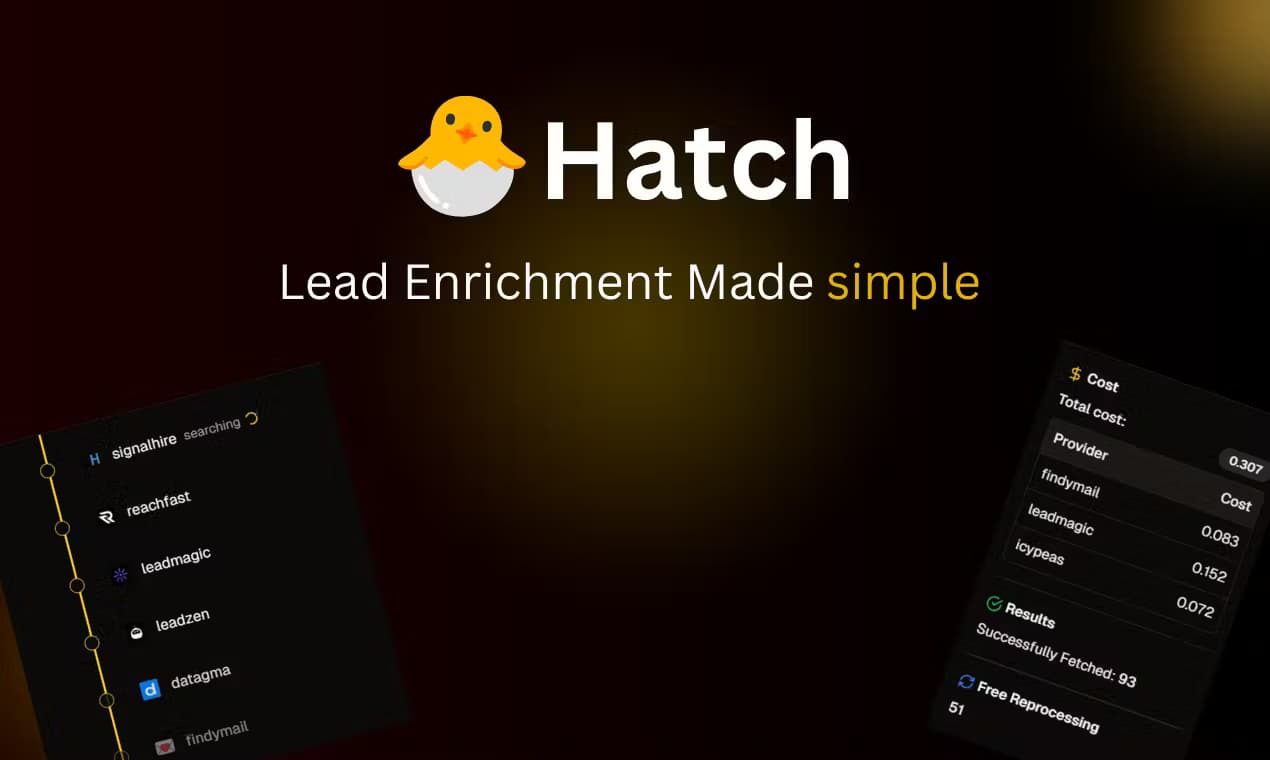
About Hatch
What Is Hatch
Hatch is an AI assistant built around a single workspace instead of a blank chat box. You write notes, draft documents and drop in files right beside the conversation, and the assistant can read everything in that space before it answers. The pitch is simple: stop bouncing between a chatbot and the apps that hold your work.
That focus on context is the whole product. Ask a question and the assistant can pull from your strategy notes, research, emails and calendar in one reply. Tell it what happened and it updates a document for you. The company calls it your operating system for work, and the design supports that framing, since chats, docs and files share one sidebar.
A few limits are worth knowing before you commit. Hatch runs entirely in the browser, so there's no desktop app to install and no offline mode. It also leans on paid AI usage: the base plan folds in a credit allowance for chats, and heavy use pushes you onto pay-as-you-go. Teams that never hit those limits get a clean, context-aware assistant. People who want a free, unlimited chatbot will feel the meter.
Getting Started
- Sign up at usehatch.com and open your first workspace in the browser, with no download step
- Create a document or import files, then drop in the notes or research the assistant should know about
- Start a chat and tag the items you want it to use, so a single prompt can pull from several documents at once
- Connect Gmail, Outlook, Calendar or Drive if you want the assistant to act on mail and events, then set up automations for anything you repeat
Product Information
A quick look at Hatch's pricing, supported platforms, and performance.
Best for
The users, tasks, and scenarios where this tool fits best.
Users
- Consultants and freelancers
- Founders and operators
- Writers and researchers
- Developers who use AI coding tools
Tasks
- Answering questions from your own material
- Keeping documents current
- Drafting and sending email
- Scheduling and calendar work
- Working across several docs at once
Scenarios
- A client project spans ten documents
- You finish a call and need notes filed
- Prep before a meeting
- Weekly planning
- Two windows side by side
Key features
One Workspace for Chats, Docs and Files
Hatch puts your conversations, documents and imported files in the same sidebar, so nothing lives in a separate tab you forget about. The assistant can search everything you have access to and read items in full, which is what makes context-aware answers possible. For people used to a chatbot that forgets last week, this is the main draw.
Ask Once, Pull from Everything
You can tag several items in a single prompt. That means a question can draw on your strategy, research, notes, emails and calendar at the same time and return one answer instead of five fragments. The assistant treats your workspace as its source, not the open web, so replies stay tied to your own material.
Choosing Between GPT, Claude and Gemini
Hatch isn't locked to one model. You can switch between OpenAI's GPT, Anthropic's Claude and Google's Gemini inside the same chat, which lets you match the model to the job. It also means the workspace, not the model, is the thing you commit to long term, so the multi-model AI assistant setup stays yours to change.
Connections to Gmail, Outlook, Calendar and Drive
You can link Gmail, Outlook, Google Calendar and Google Drive so the assistant acts on them during chats. It can read, compose and send email, manage calendar events and invitations, and search your Drive files and folders. Drive access is read-only, so it looks at your files without requesting write permission.
An MCP Server for Outside AI Tools
Hatch runs an MCP server that lets external tools such as Claude Code, Cursor and Codex read your Hatch documents. You generate a token, add the server to the tool's config and restart it. Instead of copying context into another app, your coding assistant pulls it straight from Hatch.
Brain for Persistent References
A feature called Brain lets you group documents, chats and other brains into a reusable reference set, and give it a description of when to use it. Instead of re-tagging the same sources every session, you point the assistant at one brain and it keeps that context on hand. It works as persistent memory you control, not a black box.
Automations and Page Actions
You can set up automations that run on a schedule and page actions the assistant takes on sites you connect. When a run hits a login wall, it pauses and asks you to sign in before continuing, which keeps you in control instead of letting a job fail silently.
Pros and cons
Pros
- Everything for a project sits in one workspace, so the assistant always has your context instead of you re-pasting it
- Model choice stays open, since you can switch between GPT, Claude and Gemini without leaving the chat
- The MCP server lets Claude Code, Cursor and Codex read your Hatch docs directly
- Gmail, Outlook, Calendar and Drive connections turn the assistant into something that acts on your mail and schedule, not just talks about them
- No install and no download, so you're working seconds after you sign up
Cons
- It's browser-only, so there's no native desktop or mobile app and you need a connection to use it
- Heavy chat use burns through the included credit and moves you to pay-as-you-go, which makes costs harder to predict than a flat fee
- There's no public developer API for building your own integrations, so outside tools connect through MCP only
- The value depends on putting your work inside Hatch, and the assistant is far less useful if your documents stay in other apps
Frequently asked questions
Hatch is an AI assistant and workspace for getting work done with your own context. You keep documents, notes and files in it, then ask the assistant to answer, draft or update things using that material.
Related content
Explore related tools, skills, and articles for Hatch.
Hatch Alternatives

Tractionwave
TractionWave · Image · MarketingTractionWave is an AI attention heatmap tool for static ads. Upload a PNG or JPG and it returns predicted attention, ranked hotspots, and fixes before you spend budget.

OpenSEO - AI Visibility
EveryApp · Coding · Marketing · BusinessOpenSEO is an open source SEO platform for keyword research, backlinks, rank tracking, site audits, and AI visibility, with usage-based pricing and MCP access for AI agents.

Plugins Radar
Plugins Radar · Marketing · BusinessPlugins Radar tracks where your ChatGPT plugin ranks in directory and in-chat search, which competitors outrank it and what changed, with hourly checks on 9,885 listings.