

HeimWall
HeimWall · Coding
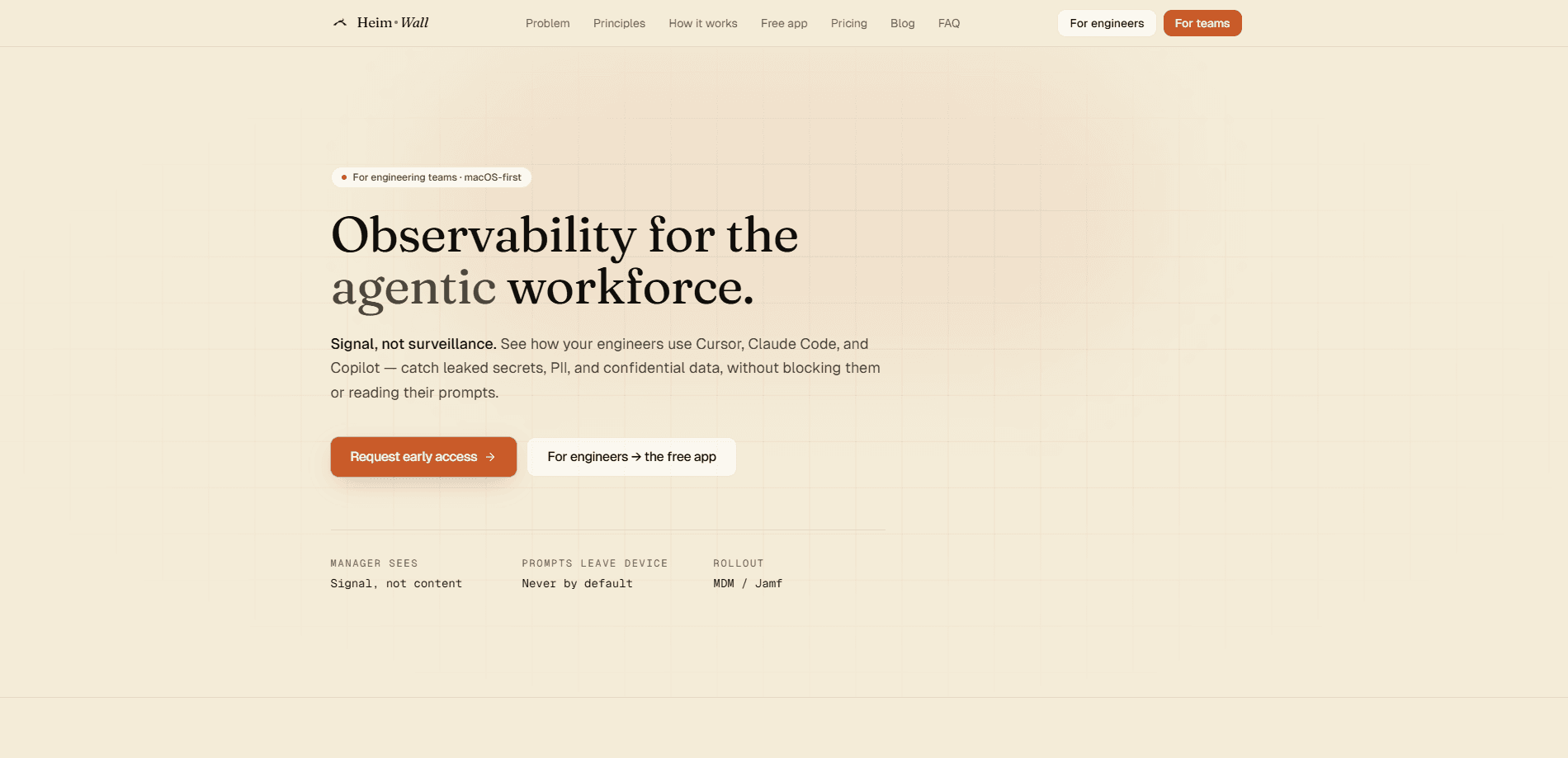
HeimWall is a macOS menu-bar agent that watches what engineers type into AI coding tools like Cursor, Claude Code, Copilot, ChatGPT Desktop and Windsurf. It detects secrets, PII and confidential data on the laptop, masks them on the record before anything is stored, and keeps a tamper-evident audit log your team can review. Think of it as AI prompt security without surveillance. Managers see categories and counts, never the raw text.
About HeimWall
What Is HeimWall
HeimWall is an on-device data loss prevention tool built for teams that let engineers use AI coding assistants. It acts as a macOS security agent that reads the composer window of each supported tool through the Accessibility API, then warns you the moment something risky is about to go out. Some teams treat it as a DLP alternative, because it detects and records instead of blocking.
The problem it targets is common. Engineers paste API keys, customer records and proprietary code into AI tools by accident, and the classic DLP response (hard block rules) slows people down until they get switched off. HeimWall takes a different angle: it never stops what you send, it just detects and records a masked version so there is a paper trail.
The biggest limitation is scope. HeimWall is macOS-only and runs on Apple Silicon, so Windows and Linux teams are out for now. It also supports a fixed list of AI tools rather than any app on your machine, and the team tiers (manager dashboard, audit chain, SSO) are still waitlist-only, so small orgs can't buy the full product today.
Getting Started
- Download the free macOS app from the official site. The build is signed and notarized, about 4.1 MB, and runs on Apple Silicon with macOS 13 or later.
- Grant the app the macOS Accessibility permission so it can read the prompt composer inside each supported tool.
- Open Cursor, Claude Code, Copilot, ChatGPT Desktop or Windsurf as usual and start typing. Detection happens as you go, with no account needed on the free tier.
- When a rule fires, you get a real-time warning and the matched value is stored as a hashed placeholder instead of the live secret.
- For team features, join the waitlist to enroll your org and turn on the manager dashboard and per-org audit log.
Product Information
A quick look at HeimWall's pricing, supported platforms, and performance.
Best for
The users, tasks, and scenarios where this tool fits best.
Users
- Engineering teams using AI coding assistants
- Security and compliance leads
- Individual developers who want a safety net
Tasks
- Catching accidental secret exposure
- Redacting PII in prompts
- Auditing AI tool usage across a team
Scenarios
- Rolling out Cursor or Copilot across an engineering org
- A security review after a coding-tool incident
- Daily coding where you'd rather not think about leakage
Key features
On-Device Secret and PII Detection
HeimWall runs detection locally using 47 hand-written rules with real validators. There's no network call and no model involved, so nothing about your prompt leaves the machine during detection. When a rule matches, the value is stored as a hashed placeholder rather than the live secret, which keeps credentials out of the vendor's database.
Cross-Tool Coverage From One Agent
Most native controls only watch their own tool, so nobody owns the cross-tool signal. HeimWall reads the composer window of Cursor, Claude Code, Copilot, ChatGPT Desktop and Windsurf from a single menu-bar agent. That's the main reason teams pick it: Cursor security and prompt observability for Claude Code and Copilot all land in one place, instead of five separate logs. What does that buy you? A single source of truth. That's it.
Read-Only Capture With Zero Latency
The agent observes what you type and watches the clipboard, but it never sits between you and the AI tool. Nothing is blocked. There's nothing to slow down, and nothing to bypass. This matters because block-based DLP tends to get turned off the moment it starts interrupting real work. Who wants a tool that fights them mid-sentence?
Tamper-Evident Audit Log
Each org gets its own hash chain on a table that rejects updates and deletes. Every flagged event appends an entry with time, engineer, tool, category, severity and a count of masked values. If someone needs to prove that prompts weren't leaking, that log is the evidence.
Category-Level Manager Dashboard
Managers see a category, never the text. A row shows the category, severity, tool and engineer, plus how many values were masked. The design keeps the signal useful for leadership while holding the raw prompt back, which is the "signal, not surveillance" idea the product is built around.
Investigation Mode With Step-Up Auth
The one path to a raw prompt is deliberately hard to walk. Investigation Mode requires a second factor, a written justification, notification to the engineer and a 24-hour expiry, and every step is appended to the hash chain. It's meant for genuine incidents, not casual browsing.
Contractual Guardrails on Use
The terms bar HeimWall-derived signals from performance review, promotion and compensation decisions. That's a policy promise rather than a technical control, but it's a meaningful one for teams worried that a security tool turns into a monitoring tool.
Pros and cons
Pros
- Detection and masking happen on the laptop, so live secrets never reach the vendor's records.
- One agent covers five major AI coding tools, filling the cross-tool gap that native controls leave open.
- Read-only capture adds no latency. It can't break your workflow, which makes it easier to keep running.
- The hash-chained audit log gives security teams something concrete to show during a review.
- There's a genuinely free macOS app with no account. Individuals can try it before any team purchase.
Cons
- macOS on Apple Silicon only, so Windows and Linux engineers can't use it at all right now.
- The team tiers (dashboard, audit log, SSO/SAML, MDM) are waitlist-only, so smaller orgs can't buy them today.
- Coverage is limited to a fixed list of AI tools. Anything outside Cursor, Claude Code, Copilot, ChatGPT Desktop and Windsurf isn't watched.
- No certifications yet, so teams in regulated industries may not be able to clear it through procurement.
- It's an observability tool, not a blocker. If your goal is to stop a prompt from being sent, HeimWall won't do that by design.
Frequently asked questions
It's a macOS menu-bar app that detects secrets, PII and confidential data in AI coding prompts on your laptop, masks the matched values on the record, and writes an audit log. It never touches or blocks what you send.
Related content
Explore related tools, skills, and articles for HeimWall.
HeimWall Alternatives
Forefront
Forefront · CodingForefront is a web platform for building with open-source AI. It lets you fine-tune leading open-source language models on your own data, evaluate how they perform, and run them through an API or export them to host yourself. Developers who want the convenience of a closed-source platform but insist on owning their models and data are the target audience here.

Startkit
StartKit.AI · CodingStartkit is a boilerplate for building AI SaaS and AI wrapper products. Think of it as an AI startup boilerplate with the boring parts already wired up: authentication, Stripe and Lemon Squeezy payments, usage limits, transactional email, and an AI API starter that talks to OpenAI, Anthropic, Groq, or Llama. You clone the repo, set your price, and start on the part of your product that people actually pay for. It's Next.js under React and Tailwind, so most of the boilerplate code already feels familiar.
Testim
Tricentis · CodingTestim is an AI-powered test automation platform for building and running end-to-end tests across web, mobile, and Salesforce applications. It leans on machine learning to keep tests stable when an interface changes, so teams spend less time fixing broken selectors. Not bad for an automated testing tool you can start using today. You create tests by recording actions in a browser, then optionally add JavaScript when you need more control. It's a solid pick for busy QA teams.