

Hello Aria
Realityrift Innovations · Productivity
Hello Aria is an AI productivity assistant that turns a chat window into a control center for your day. Instead of opening four separate apps, you text it one line like "remind me to call the bank at 3pm" and it files the task, sets the reminder, and syncs everything to a dashboard you can check later. It runs on WhatsApp, Telegram, web, and iOS, and it connects to Google Calendar, Gmail, Drive, and Microsoft accounts on the paid tiers. The pitch is simple: fewer menus, fewer taps, and one place where your tasks, notes, and calendar finally live together.
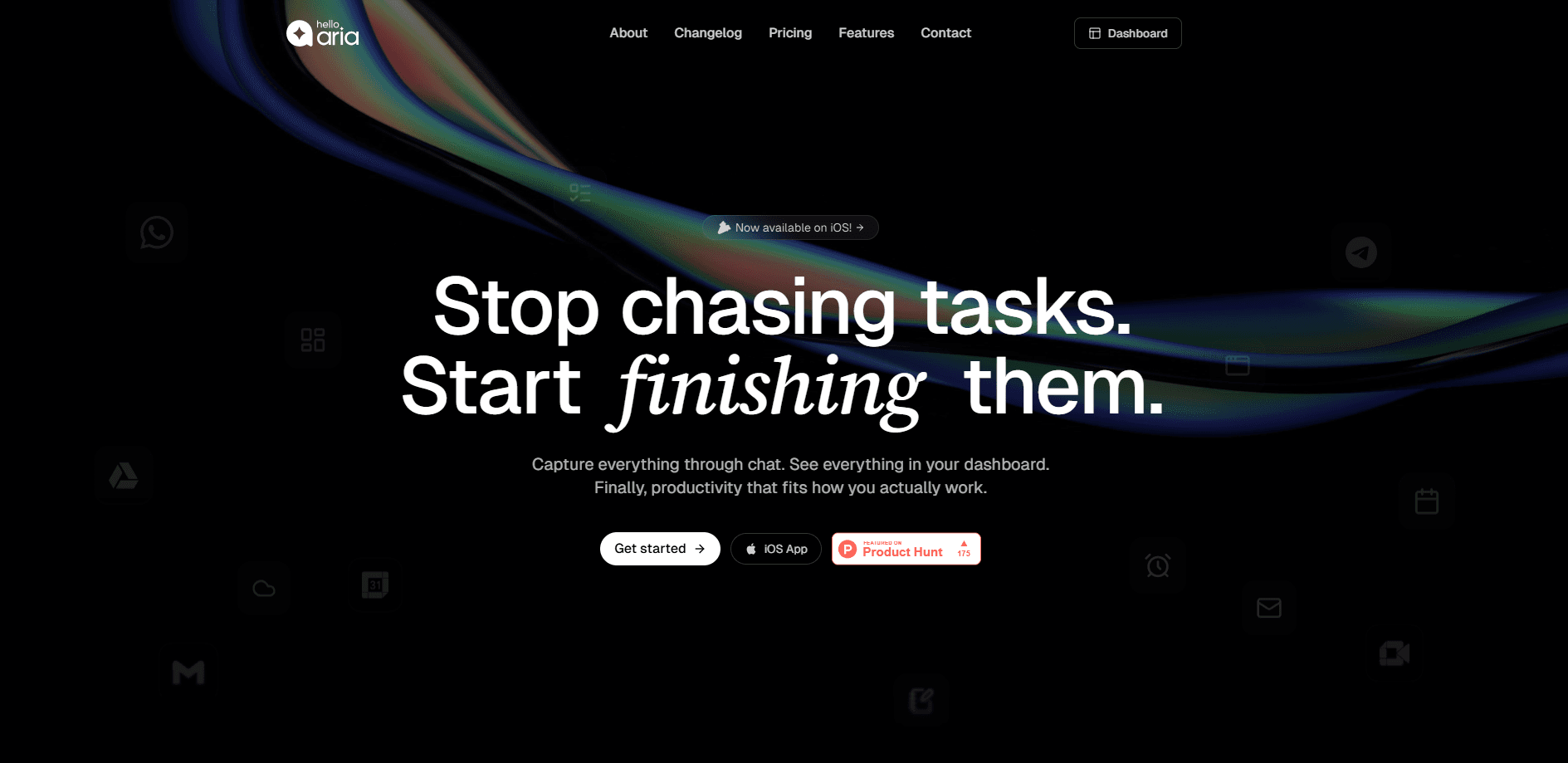
About Hello Aria
What Is Hello Aria
Hello Aria is a universal productivity assistant built by Realityrift Innovations. It does the work that usually gets split across a to-do app, a notes app, and a reminders app, but it delivers all of it through conversation. You don't learn a new interface. You type or speak in plain language, and the assistant parses intent, sets due dates, and organizes the result.
The reason it clicks for a lot of people is the channel. Most productivity apps ask you to remember to open them. This one doesn't. Hello Aria lives in WhatsApp and Telegram, the two apps already open on your phone, so capturing a task takes seconds instead of a home-screen detour. The companion iOS app and web dashboard add the visual layer for people who like to review their week in a list rather than a chat log.
The main limits are worth knowing up front. The richest features sit behind the Pro plan. That list includes Google and Microsoft integrations, repeat reminders, and AI memory. The free tier is closer to a capable reminder bot than a full assistant. Simple as that. The mobile app is iOS only right now, with no Android build available on Google Play. If you want a native Android experience, that's a real gap.
Getting Started
- Open WhatsApp or Telegram and message the Hello Aria number to start a free account. No separate signup form is required at this stage.
- Send your first command in plain language, such as "remind me tomorrow at 9am to send the invoice." The assistant confirms the task and creates it.
- Download the iOS app or open the web dashboard and sign in with the same account to see your tasks, notes, and reminders in one view.
- Connect Google Calendar, Gmail, Drive, or your Microsoft account from settings if you want reminders and events to sync both ways.
- Invite a contact into a circle to send and receive reminders with family or teammates, then let the daily summary keep you on track.
Product Information
A quick look at Hello Aria's pricing, supported platforms, and performance.
Best for
The users, tasks, and scenarios where this tool fits best.
Users
- Busy professionals who live in WhatsApp or Telegram all day. They want reminders without opening another app, and the free tier covers basic one-time reminders.
- Students juggling deadlines across chat groups and email. The free plan handles task capture, but calendar sync needs Pro.
- Families and small teams coordinating shared chores or meetings. The circles feature sends and receives reminders, but full two-way sending requires Pro.
Tasks
- Capturing a reminder mid-conversation
- Turning a voice note into a structured task
- Summarizing a meeting into minutes
- Managing a shared shopping or to-do list
Scenarios
- Running your day from the phone you already hold
- Planning around a packed calendar
- Following up after a call
Key features
Conversational Task Capture
You add work by talking to Aria the way you'd text a friend. Say "add milk to my shopping list and remind me to pick it up at 6" and it splits that into a list item and a timed reminder. No form to fill. No field to select. That's the whole point of an AI task manager built around chat.
WhatsApp and Telegram Native
Hello Aria doesn't bolt a bot onto a chat app as an afterthought. Its main interface is the chat itself. Setup is a single message rather than an app install. That lowers the barrier for people who've bounced off heavier productivity tools before. The same account spans both messaging platforms plus web and iOS.
Google and Microsoft Integrations
On the Pro plan, Aria connects to Drive, Calendar, Gmail, and Google Meet, along with Microsoft accounts. Events and email context flow into the assistant, so a reminder can reference a real meeting or a message thread. This is the feature that turns a reminder bot into something closer to a daily planner.
Voice Notes and Meeting Minutes
Send a voice note and Aria turns it into a task, a list, or a set of meeting minutes. The free tier allows five voice notes and five image analyses a month. Pro removes those caps. For anyone who thinks faster than they type, this is the fastest input path in the app.
Circles for Shared Reminders
Circles let you send and receive reminders with specific people. On the free plan you can receive reminders from a circle; Pro unlocks sending them too. It's a lightweight way to coordinate a household or a small team. No new app needed.
AI Memory and Internet Search
Pro adds AI memory, which lets the assistant recall details you've shared before, and a monthly allowance of internet searches. The memory keeps recurring context, like your usual meeting times or a project name, without you repeating yourself.
Pros and cons
Pros
- Works inside WhatsApp and Telegram, so there's nothing new to install or learn before your first reminder.
- Combines tasks, reminders, notes, and calendar in one assistant instead of four separate apps.
- Voice note input turns quick spoken thoughts into structured tasks and meeting minutes.
- Free tier is genuinely usable for basic one-time reminders and 100+ language support.
- Google and Microsoft integrations keep reminders and events in sync for Pro users.
Cons
- No Android app on Google Play; the mobile experience is iOS only, which rules it out for Android users who want the dashboard on their phone.
- The most useful features, including calendar sync, repeat reminders, and AI memory, sit behind the paid plan.
- Pricing is listed in Indian rupees on the official site, so other regions need to estimate the conversion before subscribing.
- Free-tier voice notes and image analyses are capped at five a month, which runs out fast for heavy users.
Frequently asked questions
It's an AI assistant that manages tasks, reminders, notes, lists, and calendar events through chat. You message it in plain language. It files, schedules, and organizes the result across WhatsApp, Telegram, web, and iOS.
Related content
Explore related tools, skills, and articles for Hello Aria.
Hello Aria Alternatives

Swms
Swms AI · Writing · Productivity · BusinessSwms is an AI safety compliance tool that turns a plain description of a job into ready-to-use safety documents. Describe your project, trade, and known hazards, and it writes a safe work method statement, job hazard analysis, safe work procedure, RAMS, or safety data sheet in seconds. It also ships with Oscar, a chat assistant that answers workplace safety questions in any language. Teams in construction, mining, transport, and warehousing use it to cut the paperwork that usually eats into a workday.

Wordly AI Translation
Wordly · Voice & Language · ProductivityWordly AI Translation is a real-time AI translation and captioning platform built for meetings, conferences, and events. It delivers live translation, captions, transcripts, and summaries in more than 60 languages, and attendees join by scanning a QR code or opening a link instead of using dedicated headsets. The platform works with Zoom, Microsoft Teams, Google Meet, and Webex, and it's designed for organizations that want multilingual access without hiring human interpreters for every session. Simple as that.

Rows
Rows (Superhuman) · Productivity · BusinessRows is an AI spreadsheet and data analysis tool that imports live data from more than 50 sources, then lets you work with it using plain language instead of SQL queries or nested formulas. You can pull numbers out of PDFs, connect ad platforms, databases, and bank accounts, and ask the AI to build reports, merge datasets, or set up models that recalculate themselves. It runs in the browser, works like a spreadsheet, and now sits under the Superhuman umbrella.